CRM Automation Software Compared: 7 Tools, Prices and Limits

- 1
 EngageBayBudget buyers who want marketing and sales automation in one cheap stackVisit
- 2
 KeapService companies that want proven campaign automations without building themVisit
- 3
 CloseOutbound sales teams that want calling, email and SMS automatic in one inboxVisit
- 4
 HubSpotTeams that want CRM, marketing and sales automation on one productVisit
- 5
 PipedriveSales teams that want automation without a ramp-up timeVisit
- Number one here is EngageBay, a fit for budget buyers who want marketing and sales automation in one cheap stack.
- Starting prices begin at $14/seat/month billed annually with Pipedrive.
- A free plan is available from 3 of the 7 tools: EngageBay, HubSpot, Salesforce.
- A fair warning about Close: no permanent free plan.
- Salesforce suits companies that require the deepest automation and room to scale.
Direct answer
EngageBay leads the list, best for budget buyers who want marketing and sales automation in one cheap stack. Keap is better for service companies that want proven campaign automations without building them, and Close is better for outbound sales teams that want calling, email and SMS automated in one inbox.
Quick comparison
| Product | Ideal for | Price from | Free version | |
|---|---|---|---|---|
| EngageBay | Budget buyers who want marketing and sales automation in one cheap stack | $0 (Free plan, 250 contacts) | Yes | Visit |
| Keap | Service companies that want proven campaign automations without building them | See website (contact-based pricing) | Free trial | Visit |
| Close | Outbound sales teams that want calling, email and SMS automatic in one inbox | $19/user/month ($9 billed yearly, Solo) | Free trial (14 days) | Visit |
| HubSpot | Teams that want CRM, marketing and sales automation on one product | $20/seat/month (Sales Hub Starter) | Yes | Visit |
| Pipedrive | Sales teams that want automation without a ramp-up time | $14/seat/month billed yearly (Lite) | Free trial (14 days) | Visit |
 GoHighLevel | Agencies and companies running multi-channel follow-up at volume | $97/month (Starter, 3 sub-accounts) | Free trial (14 days) | Visit |
 Salesforce | Firms that require the deepest automation and room to scale | $25/user/month (Starter Suite) | Yes | Visit |
Our 7 picks for CRM automation software
Short on time? The summary and table above give the quick view of 7 tools for CRM automation software, and the profiles that follow give the detail behind each entry.
EngageBay
Ideal for: Budget buyers who want marketing and sales automation in one cheap stack
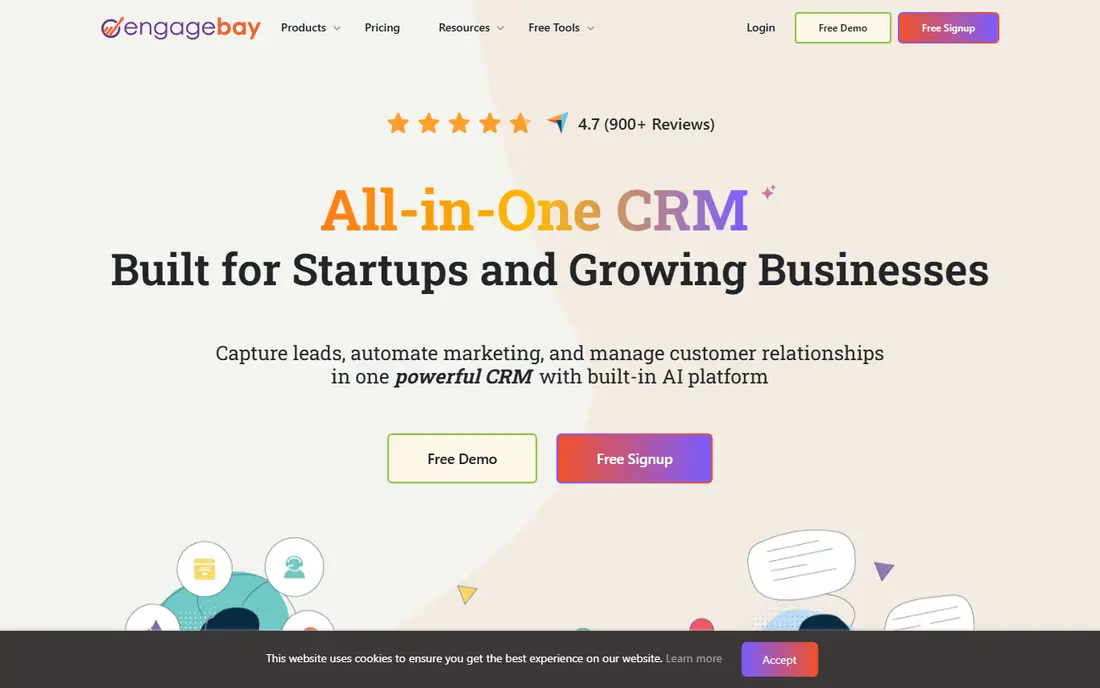
EngageBay was built for budget buyers who want marketing and sales automation in one cheap stack. Growth at $64.99 per user a month brings marketing automation, A/B testing, service automation and proposals.
As for the details, for a small business that wants email automation plus pipeline automation in one login without enterprise pricing, EngageBay is the most complete cheap choice here. Price to start with EngageBay: $0. Free access exists with EngageBay.
Trade-offs to know: Contact caps per level (250 free, 500 Basic, 5,000 Growth).
- All-in-one pricing well under HubSpot and ActiveCampaign
- Growth at $64.99/user/month layers on full marketing automation
- Fewer native integrations than the big systems
Keap
Ideal for: Service companies that want proven campaign automations without building them
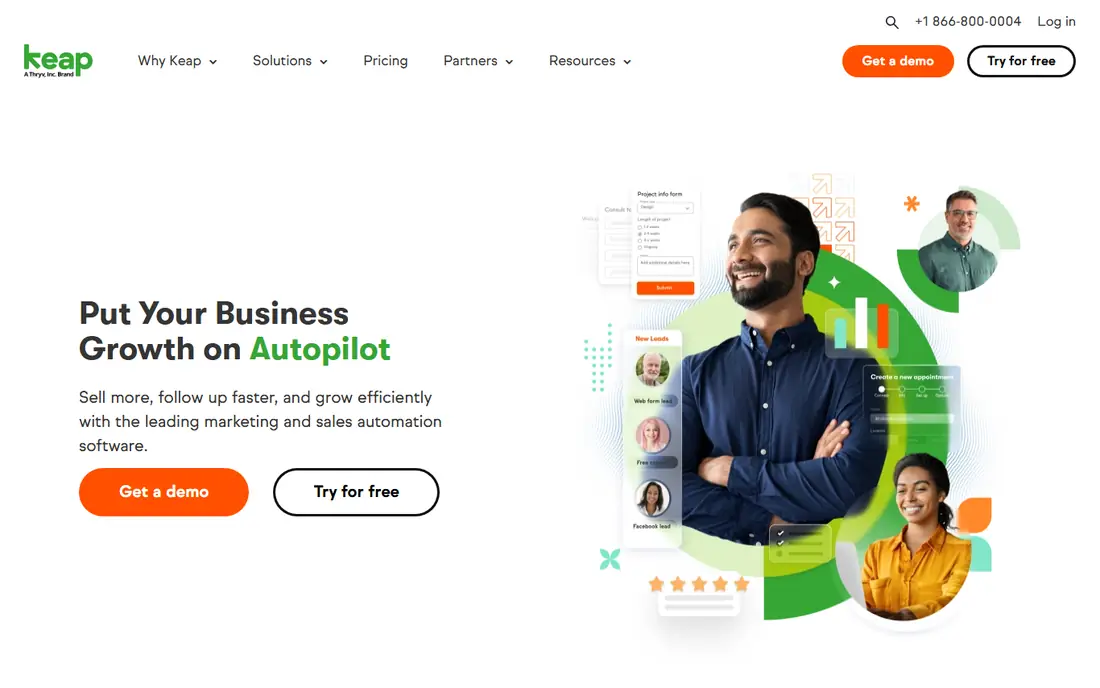
For service companies that want proven campaign automations without building them, Keap is a natural candidate. Text marketing, lead scoring and pipeline automation are all native.
Worth adding: the commercial reality is that Keap wants you to succeed through its implementation services, which are effectively required and priced separately from the subscription. No starting price is listed for Keap here; confirm pricing on the vendor site. Trial and free access: Free trial.
Best features of Keap: Dedicated success manager and 24/7 chat support.
Downsides: Pricing is contact-based and needs checking the live page.
- Campaign builder with a library of proven automation templates
- Built-in invoicing
- Implementation services are effectively required and add cost
Close
Ideal for: Outbound sales teams that want calling, email and SMS automatic in one inbox
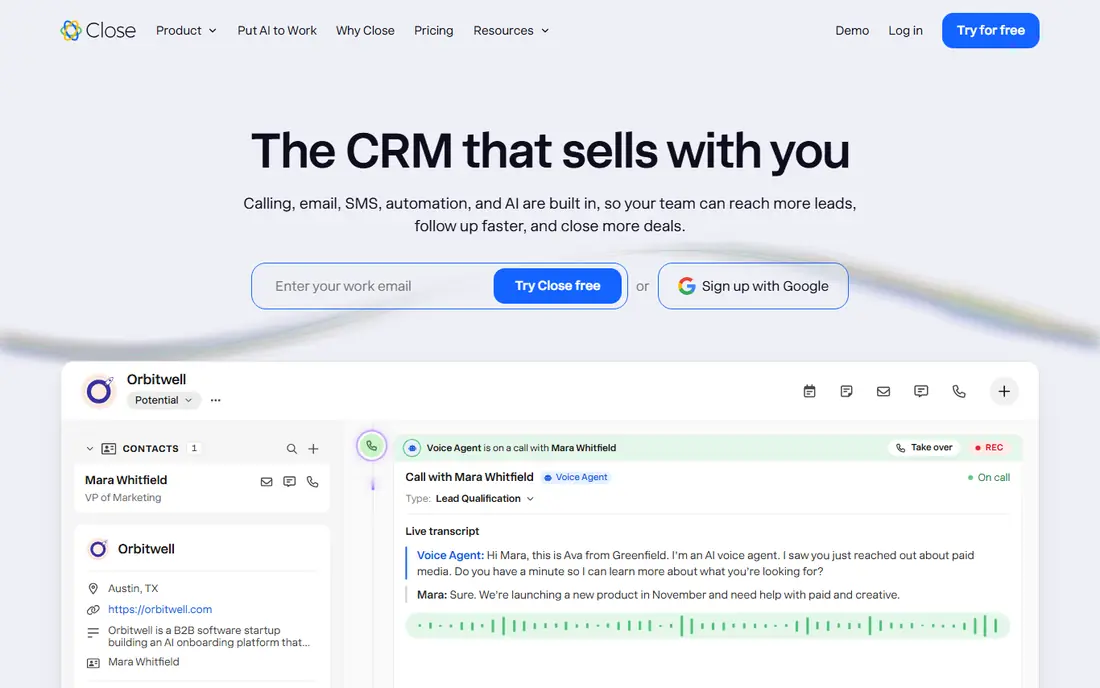
Choose Close for outbound sales teams that want calling, email and SMS automatic in one inbox. Price it honestly: Solo at $19 per user a month and Essentials at $49 exclude workflows entirely, so automation begins at Growth. Built-in importers pull your data from HubSpot, Pipedrive or HighLevel.
Points against: Workflows are excluded from Solo and Essentials.
More specifically, if it does not, a less expensive CRM with email automation wins. From a buyer's view, the Growth plan at $99 per user a month brings automatic workflows, the power dialer and bulk email, plus the Chloe AI agent that can call down lead lists and update records. On top of that, calling and SMS are usage-based at cost, roughly 2 cents a minute for calls, which is fair but layers on up on a dial-heavy team. Entry price for Close: $19/user/month. On free options: Free trial (14 days).
- SMS and email mean sequences run without integrations
- AI teammate Chloe works leads on every plan
- No permanent free plan
HubSpot
Ideal for: Teams that want CRM, marketing and sales automation on one product
HubSpot makes the most sense for teams that want CRM, marketing and sales automation on one system. The pricing cliff is the thing everyone underestimates.
As for the details, starter at $20 per seat a month hands you straightforward automation. But the custom workflows most buyers picture when they hear "CRM automation" need Professional at $90 per seat a month billed annually, plus a mandatory $1,500 onboarding fee. What you pay to start with HubSpot: $20/seat/month. Free access exists with HubSpot.
Where it is weaker: Starter plans present discounted prices that renew higher.
- Free CRM is genuinely usable with contact management and pipeline tracking
- Enormous integration library and template gallery
- Custom workflows start at Professional ($90/seat/month billed yearly) plus a $1,500 onboarding fee
Pipedrive
Ideal for: Sales teams that want automation without a ramp-up time
Pipedrive targets sales teams that want automation without a ramp-up time. Pipedrive is the right pick when the sales team will own the tool and you want automation live this week, not this quarter. The workflow builder on the Growth plan automates repetitive tasks, assigns activities when deals move stages, and runs email sequences that nurture deals without manual follow-up.
Drawbacks to consider: No permanent free plan.
the main limit is the Lite plan: at $14 per seat a month it includes pipelines, contacts and activities but zero automation. So the real starting price for automation is Growth at $39 per seat a month. What you pay to start with Pipedrive: $14/seat/month billed annually. Free access: Free trial (14 days).
- Sequences automate personalized email follow-up
- Workflow automations are visual and take minutes to set up
- Automations start at Growth ($39/seat/month), Lite has none
GoHighLevel
Ideal for: Agencies and companies running multi-channel follow-up at volume
GoHighLevel is aimed squarely at agencies and companies running multi-channel follow-up at volume. GoHighLevel's workflow builder is aimed at the follow-up grind: missed-call text-back, no-show sequences, review requests, reactivation campaigns and pipeline stage automation across SMS, email and voice. Two costs hide behind the headline price.
If you need straightforward CRM automation, it is more tool than you need. The snapshot library hands you pre-built setups for industries like real estate, dental and fitness. If you run follow-up across SMS and email at volume, notably as an agency, nothing else matches the value. The starting price for GoHighLevel: $97/month. Trial and free access: Free trial (14 days).
What GoHighLevel does well: White-labeling and SaaS mode for agencies. What to check first: SMS; calls and email carry usage fees on top of the subscription.
- Voice calls and Messenger in one builder
- Unlimited contacts and users on every plan
- Solo companies pay for sub-account structure they may not need
Salesforce
Ideal for: Firms that require the deepest automation and room to scale
Salesforce works best for companies that require the deepest automation and room to scale. Salesforce Flow lets you build automation that the other tools here cannot: multi-object updates, approval processes, scheduled batch flows and screen flows that guide users through data entry.
The main drawbacks: Setup complexity normally needs a consultant.
In daily use, the system assumes you will invest in setup, and plenty of small companies end up hiring a consultant to configure Flow properly. But if your automation needs will grow past "send a follow-up email," starting on Salesforce avoids a painful migration later. Starting cost for Salesforce: $25/user/month. Salesforce has a free plan.
- Flow is the most capable no-code automation builder in this list
- Free Suite handles leads
- Per-user pricing brings up quick on bigger teams
How we compared the tools
Ainotely looked at what each vendor publishes: pricing, plan limits, feature coverage for CRM automation software and stated drawbacks. No hands-on testing is claimed. Seat minimums, billing terms and add-ons can move the real cost, so the starting prices here are a guide and not a quote. Order on the page follows fit for the typical buyer first, then price transparency and free access. Your own requirements should decide the final pick.
Before you commit
- Confirm the entry price on the vendor page. For Keap that means a quote rather than a fixed price.
- Look at free plan limits closely: EngageBay, HubSpot and Salesforce have one, and the caps decide whether it is usable for real work.
- Run a trial of Keap, Close, Pipedrive and GoHighLevel with real work before paying for a year; your own workflow is the best test.
- Read the limits listed for EngageBay first: contact caps per tier (250 free, 500 Basic, 5,000 Growth).
- Look at which plan of Salesforce unlocks the features you need; entry tiers are often cut down.
- Test the integrations you rely on with EngageBay before committing; some connectors sit on upper tiers.
Frequently asked questions
What is the cheapest option for CRM automation software in this list?
On published monthly entry prices, Pipedrive is the lowest here at $14/seat/month billed annually. Entry price is only part of the cost, because seats, add-ons and billing terms can change the total.
Which CRM has the best workflow automation?
EngageBay is the pick this page puts first, mainly for budget buyers who want marketing and sales automation in one cheap stack. If your situation differs, Keap suits service firms that want proven campaign automations without building them, and Close suits outbound sales teams that want calling, email and SMS automatic in one inbox. Compare price and limits before you decide.
How are the tools for CRM automation software ordered?
EngageBay sits first and Salesforce last because the order follows typical fit for CRM automation software, then price clarity and free access. It is a judgement call, so read each profile for fit and limits.
Should a small business pick HubSpot or a simpler CRM?
Pick Pipedrive, EngageBay or Close when you need pipeline automation now without the system overhead. As for the details, the wrong choice is buying HubSpot Professional for a team that only needed automated follow-up emails.
Is EngageBay the right pick for everyone comparing CRM automation software?
No single tool suits every team. EngageBay comes first because it fits budget buyers who want marketing and sales automation in one cheap stack, while Keap suits service businesses that want proven campaign automations without building them and Close suits outbound sales teams that want calling, email and SMS automated in one inbox. Match the tool to your own size, budget and workflow before deciding.
Which options for CRM automation software have a free plan?
On this list, EngageBay, HubSpot and Salesforce include a free plan. Caps on seats, usage or features are common, so test the free plan against your real workload. Several others offer a trial instead.