If you need scalable, AI-powered enterprise service operations, Salesforce Service Cloud is the first tool to look at here. Listed starting prices: Zendesk from $19 agent/month premium yearly. If your case is different, HubSpot CRM suits small firms wanting CRM and service together and Freshdesk suits omnichannel ticketing with automatic workflows. Prices, free plans and limits for all 6 tools follow.
If you are comparing CRM for customer service integration, this page covers 6 tools in one place: what each is best for, what it costs to start, whether it has a free plan, and the main limit to know about.
Key takeaways
The list opens with Salesforce Service Cloud, aimed at scalable, AI-powered enterprise service operations.
For sales operations with connected customer context, Zoho CRM is worth a look.
Starting prices begin at $19 agent/month premium yearly with Zendesk.
None of the 6 tools, from Salesforce Service Cloud to Zoho CRM, has a free plan, so budget for a subscription or use a trial.
Best for: Scalable, AI-powered enterprise service operations
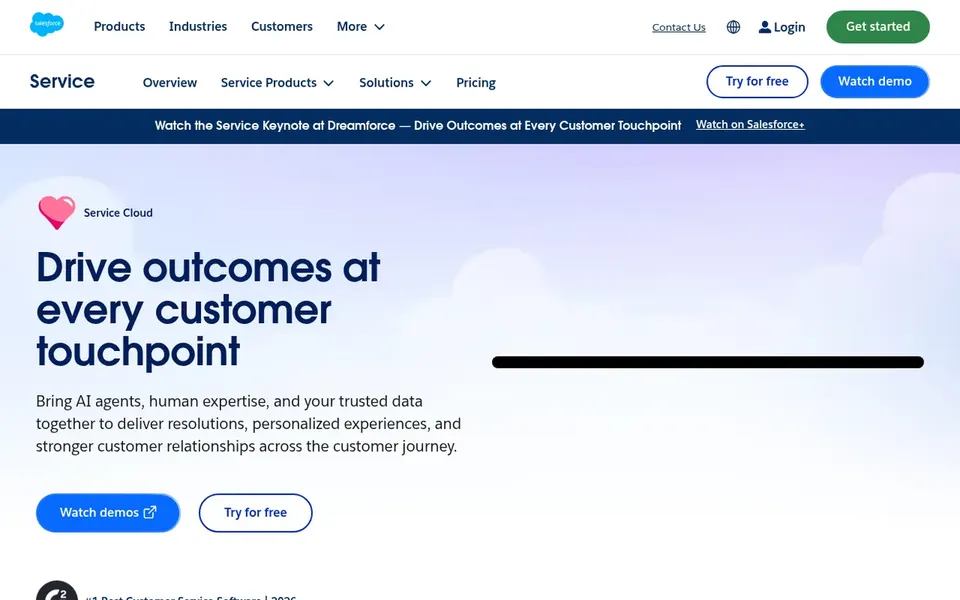
Salesforce Service Cloud makes the most sense for scalable, AI-powered enterprise service operations. Salesforce Service Cloud is customer service support software powered by AI, aimed at creating connected, efficient and scalable service that customers respond to well.
The emphasis on connection and scale makes it a natural consideration for established service organizations. Choose Salesforce Service Cloud when scalability and connected service processes matter more than quick, minimal configuration. Check the vendor site for Salesforce Service Cloud pricing; none is listed in this comparison. Free access: Free trial.
The main drawbacks: Wide system can feel heavy for small teams.
Best for: Small companies wanting CRM and service together
HubSpot CRM is a good fit for small companies wanting CRM and service together. Teams needing advanced ticketing, routing or service-level management should compare service-first tools. It remains a sensible choice when the goal is unified customer records instead of maximum support depth.
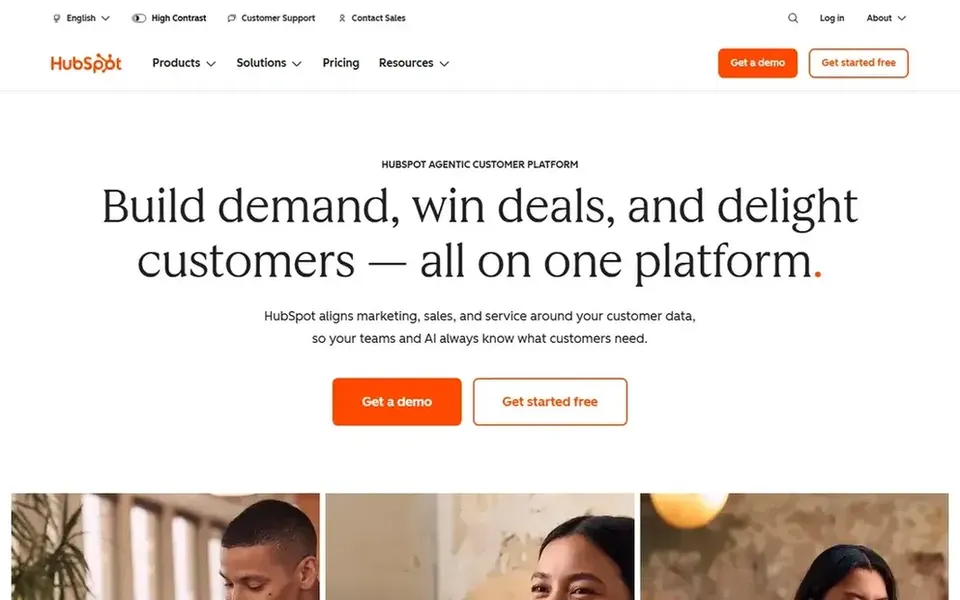
For firms that want customer context and service conversations in one connected place without standing up a separate service product, it supplies a coherent starting point. HubSpot CRM is positioned as CRM software for small companies, helping teams organize contacts, track deals and close more sales with built-in AI. No starting price is listed for HubSpot CRM here; confirm pricing on the vendor site. As for free access: Not stated.
Best for: Omnichannel ticketing with automatic workflows
For omnichannel ticketing with automatic workflows, Freshdesk is a natural candidate. Freshdesk is an AI-powered customer service option from Freshworks, built to boost agent productivity and deliver smooth customer experiences through omnichannel ticketing and automatic workflows. Support teams that deal with requests across multiple channels will appreciate the unified ticketing approach.
Watch-outs: Deeper sales CRM features are restricted.
The automation focus helps cut repetitive agent work. Freshdesk is oriented toward customer service instead of full sales pipeline management, so organizations needing a complete revenue CRM may pair it with another system. Check the vendor site for Freshdesk pricing; none is listed in this comparison. Free access: Not stated.
Best for: Connecting service across internal teams
ServiceNow Customer Service Management is aimed squarely at connecting service across internal teams. ServiceNow Customer Service Management is described as going beyond CRM, removing silos and connecting customer service with other teams to boost customer satisfaction. From a buyer's view, teams that see service as a cross-functional process instead of a single department's job will find the framing relevant.
Worth adding: consider simpler service systems if your integration needs are restricted to ticketing and contact records instead of cross-team workflows. Since it is positioned as broader than CRM, teams wanting a conventional sales CRM with service attached may find it a different kind of tool. Worth adding: configuration is oriented toward enterprise process design. Pricing for ServiceNow Customer Service Management is not stated here, so ask the vendor for current figures. On free options: Not stated.
What to check first: Positioned as broader than CRM.
Best for: AI-led issue resolution and service scale
Zendesk is a good fit for AI-led issue resolution and service scale. Teams that treat customer service as the core of the customer relationship, instead of an add-on to a sales pipeline, will find the emphasis familiar and relevant.
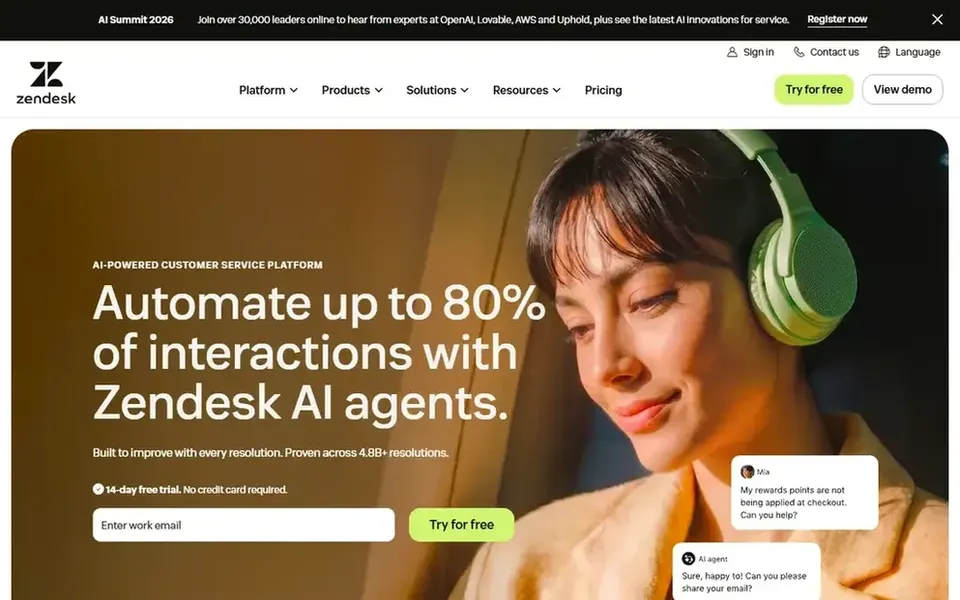
Also, Zendesk is an AI-powered customer service product built around moving beyond deflection toward full issue resolution. Zendesk cost at the entry level: $19 agent/month premium yearly. On free options: Free trial.
Best for: Sales operations with connected customer context
Zoho CRM makes the most sense for sales operations with connected customer context. Zoho CRM is described as an agentic CRM system that helps teams run sales operations and close more deals.
It may need more configuration to match dedicated service systems. Choose it when sales and customer records are the priority and service integration is one part of a wider CRM plan. Zoho CRM does not show a starting price in this comparison, so check the vendor site for current pricing. Free options: Not stated.
Points against: Service features are not the headline.
Ask Salesforce Service Cloud, HubSpot CRM, Freshdesk and others for a written quote, since no starting price is shown.
Run a trial of Salesforce Service Cloud and Zendesk with real work before paying for a year; your own workflow is the best test.
Read the limits listed for Salesforce Service Cloud first: implementation needs planning.
Confirm the exact ServiceNow Customer Service Management plan that includes your must-have features.
The entry price of Zendesk is only the starting point; model the full cost with seats and extras.
How we picked
Pricing pages, product documentation and feature lists were the main sources, and every entry carries at least one honest drawback. Figures are shown as the vendors publish them. Billing terms, seat minimums and add-ons can change the real cost. The sequence is a judgement call: typical use case first, then pricing transparency, then free access. Use the profiles to check fit.
Every price and plan detail on this page comes from the vendors’ own websites. We did not run hands-on tests unless the text says so, and we do not publish star ratings or review scores. See how we score and our disclosure.
Keep your shortlist in one place
Paste prices, trial dates and notes from this guide into Ainotely, our AI note app. It files them into a topic and pulls out tasks like “cancel trial by Friday”. Free 7-day trial, no card needed.
What is the cheapest option for CRM for customer service integration in this list?
On published monthly entry prices, Zendesk is the lowest here at $19 agent/month premium yearly. Entry price is only part of the cost, because seats, add-ons and billing terms can change the total. All 6 picks in this CRM for customer service integration comparison show their pricing, free plan details and main limits on the cards above.
Can I try these tools before paying?
Often, yes. Salesforce Service Cloud and Zendesk offer a free trial. Use your own data and a real task during the test, and check what the free tier or trial limits before you rely on it.
Is Salesforce Service Cloud the right pick for everyone comparing CRM for customer service integration?
No single tool suits every team. Salesforce Service Cloud comes first because it fits scalable, AI-powered enterprise service operations, while HubSpot CRM suits small businesses wanting CRM and service together and Freshdesk suits omnichannel ticketing with automated workflows. Match the tool to your own size, budget and workflow before deciding.
Does any tool for CRM for customer service integration here have a free plan?
No tool in this list, Salesforce Service Cloud and Zoho CRM included, has a permanent free plan. Salesforce Service Cloud, Zendesk offer a trial. Trials and quotes are the usual route, so plan a short evaluation period.
What should a CRM for customer service integration do well?
It should keep customer records and service conversations connected so agents see full context without switching tools. Look for native syncing between contact and account data and support tickets, plus channels that match how your customers reach you.