Best CRM for Home Service Business in 2026: 7 Tools Compared

- 1
 JobberBest overall home service CRMVisit
- 2
 Housecall ProField service plus marketingVisit
- 3
 ServiceTitanEnterprise home service platformVisit
- 4
 HubSpotGeneral CRM with service toolsVisit
- 5
 Zoho CRMAffordable flexible CRMVisit
- Scheduling and dispatch matter more than generic CRM features for home service teams.
- Technician mobile apps should work offline or in low signal areas where possible.
- Invoicing and payment collection should link to jobs, not live in a separate system.
- Customer history, including past jobs and equipment, helps technicians prepare before arrival.
Quick comparison
| Product | Ideal for | Price from | Free version | |
|---|---|---|---|---|
| Jobber | Best overall home service CRM | See website | No | Visit |
| Housecall Pro | Field service plus marketing | See website | No | Visit |
| ServiceTitan | Enterprise home service platform | See website | No | Visit |
| HubSpot | General CRM with service tools | See website | Yes | Visit |
| Zoho CRM | Affordable flexible CRM | See website | Yes | Visit |
 Freshsales | Sales CRM with service features | See website | Yes | Visit |
 Salesforce | Enterprise CRM customization | See website | No | Visit |
The best CRMs for home service businesses
A CRM for a home service business should handle leads, scheduling, dispatch, invoicing, and customer history in one place that office staff and field technicians can both use, and the best tools differ on field service depth versus general CRM flexibility.
We compared scheduling, dispatch, invoicing, customer history, and mobile apps across leading CRMs for home services, and our pick for most home service companies is a tool with strong scheduling and a mobile app technicians actually use.
In this guide, we walk through each option in turn, starting with who it suits best, then looking at what it does well and where it falls short, so you can compare like with like. We also cover pricing in plain terms, including where a price is quote based or where a free plan covers only part of the service, because the headline price rarely tells the full story. By the end, you should have a short list of two or three options worth a closer look, rather than a long list of names with no clear differences.
Jobber
Ideal for: Best overall home service CRM
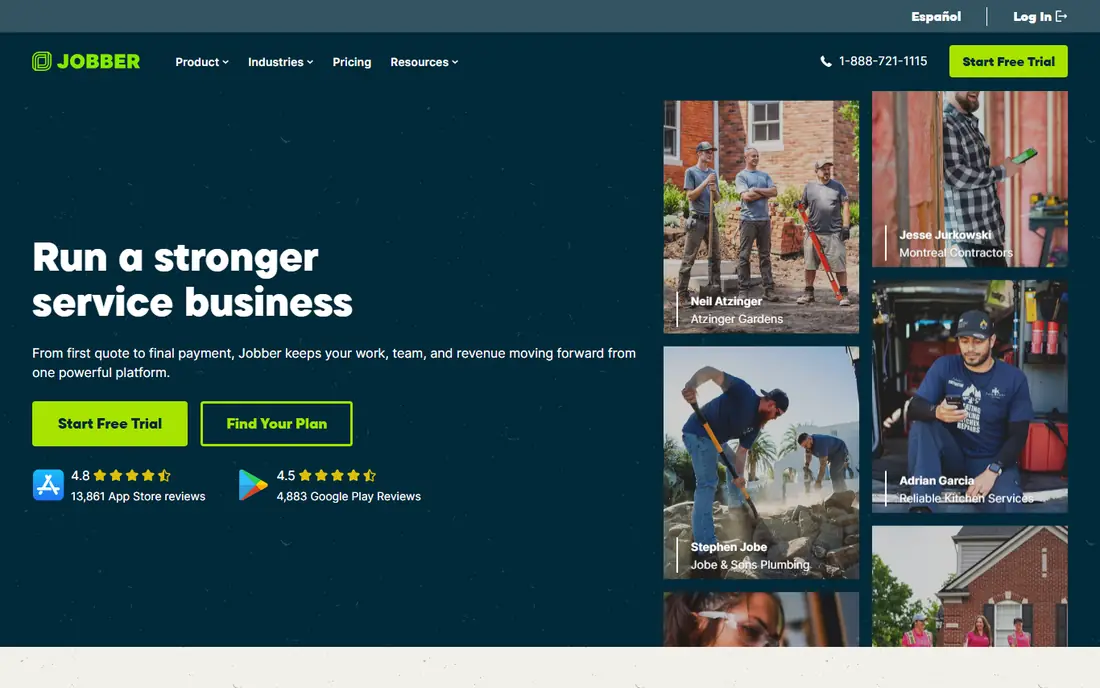
Jobber is a leading CRM and field service platform for home service businesses, with strong scheduling, quoting, and invoicing. Its client hub lets customers approve quotes, pay online, and book jobs.
The technician app covers job details and invoicing in the field. For small and mid sized home service companies, Jobber is a natural first choice.
Pricing grows with user count, and advanced features need higher tiers.
On balance, Jobber stands out for Best overall home service CRM, with strengths that include Strong scheduling; invoicing; client hub. The main drawbacks to weigh are Pricing grows with users; advanced features need tiers. If those trade offs fit your situation and your budget, it is worth putting on your short list, and if they do not, compare it with the next options in this guide before you decide, since a small difference in price, coverage, or support can matter a lot over a year of use.
- Strong scheduling
- Invoicing
- Client hub
- Pricing grows with users
- Advanced features need tiers
Housecall Pro
Ideal for: Field service plus marketing
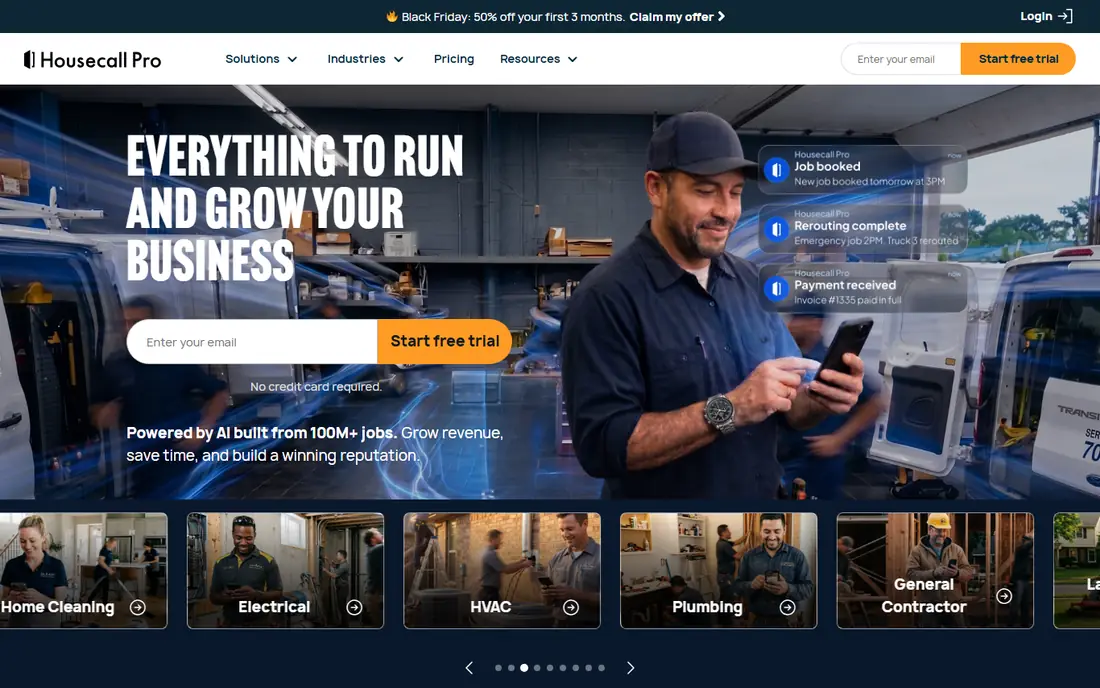
Housecall Pro combines field service management with marketing and payments for home service companies. Its scheduling and dispatch tools handle daily operations, while marketing tools help win repeat work.
Online booking and payments speed the job cycle. For growing home service businesses, it is a strong all round choice.
Pricing varies by features, and setup takes time to configure well.
On balance, Housecall Pro stands out for Field service plus marketing, with strengths that include Scheduling and dispatch; marketing tools; payments. The main drawbacks to weigh are Pricing varies; setup takes time. If those trade offs fit your situation and your budget, it is worth putting on your short list, and if they do not, compare it with the next options in this guide before you decide, since a small difference in price, coverage, or support can matter a lot over a year of use.
- Scheduling and dispatch
- Marketing tools
- Payments
- Pricing varies
- Setup takes time
ServiceTitan
Ideal for: Enterprise home service platform
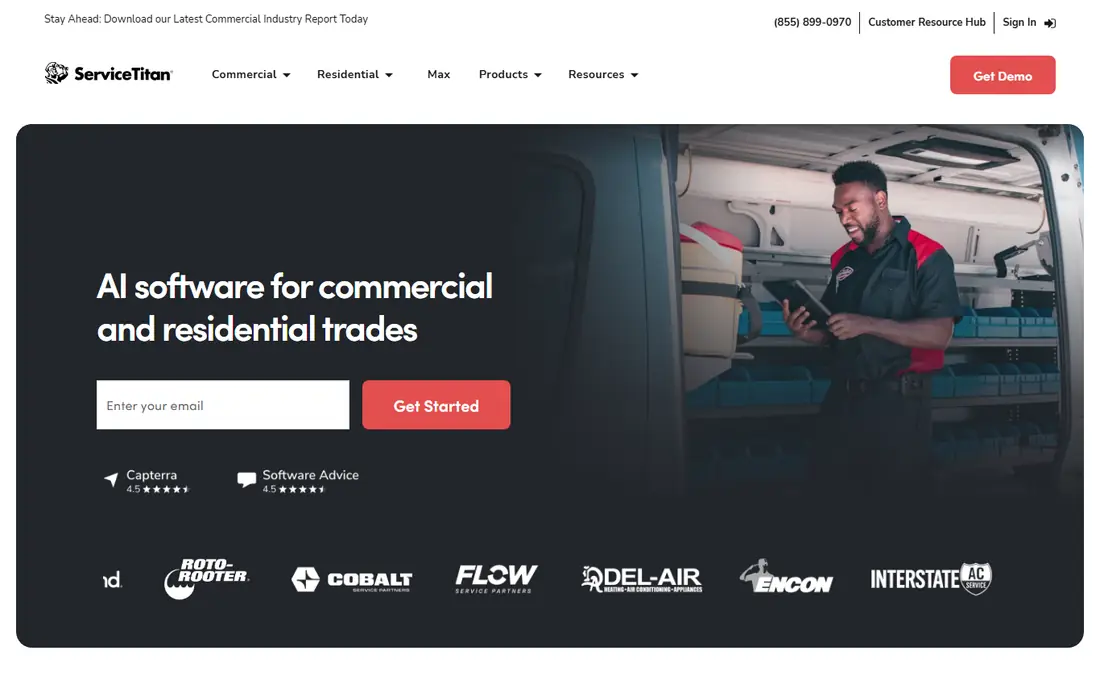
ServiceTitan is an enterprise platform for larger home service companies, with deep scheduling, dispatch, and reporting. Its analytics help managers track technician performance and job profitability.
The platform scales across locations and large teams. For larger home service businesses, ServiceTitan is a leading choice.
Pricing is high, and implementation is a major project.
On balance, ServiceTitan stands out for Enterprise home service platform, with strengths that include Deep field service; reporting; enterprise scale. The main drawbacks to weigh are Expensive; implementation is major. If those trade offs fit your situation and your budget, it is worth putting on your short list, and if they do not, compare it with the next options in this guide before you decide, since a small difference in price, coverage, or support can matter a lot over a year of use.
- Deep field service
- Reporting
- Enterprise scale
- Expensive
- Implementation is major
HubSpot
Ideal for: General CRM with service tools
HubSpot offers a general CRM with marketing and service tools that suit home service companies focused on leads and customer relationships. Its free tier covers contacts, deals, and basic service tools.
Marketing automation helps win repeat and referral work. For companies that prioritize sales and marketing, HubSpot is strong.
Field service depth is thinner than specialist platforms, and dispatch often needs integrations.
On balance, HubSpot stands out for General CRM with service tools, with strengths that include CRM plus marketing; easy setup; free tier. The main drawbacks to weigh are Field service depth is thinner; dispatch needs apps. If those trade offs fit your situation and your budget, it is worth putting on your short list, and if they do not, compare it with the next options in this guide before you decide, since a small difference in price, coverage, or support can matter a lot over a year of use.
- CRM plus marketing
- Easy setup
- Free tier
- Field service depth is thinner
- Dispatch needs apps
Zoho CRM
Ideal for: Affordable flexible CRM
Zoho CRM offers an affordable, flexible CRM for home service businesses that want customization. Its customization covers pipelines, fields, and workflows for different trades.
Integration with other Zoho apps suits companies on that stack. A free tier covers small teams.
Field service features need setup rather than being built in, and mobile experience varies.
On balance, Zoho CRM stands out for Affordable flexible CRM, with strengths that include Low price; flexible customization; Zoho integrations. The main drawbacks to weigh are Field service features need setup; mobile varies. If those trade offs fit your situation and your budget, it is worth putting on your short list, and if they do not, compare it with the next options in this guide before you decide, since a small difference in price, coverage, or support can matter a lot over a year of use.
- Low price
- Flexible customization
- Zoho integrations
- Field service features need setup
- Mobile varies
Freshsales
Ideal for: Sales CRM with service features
Freshsales, from Freshworks, offers a good value sales CRM with service features for home service companies. Its lead, deal, and contact tools are easy to set up.
The platform suits teams that want CRM plus basic service tracking. For sales focused home service businesses, it is practical.
Field dispatch depth is thinner than specialist platforms, and advanced features need higher tiers.
On balance, Freshsales stands out for Sales CRM with service features, with strengths that include Good value; sales tools; easy setup. The main drawbacks to weigh are Field dispatch is thinner; advanced features need tiers. If those trade offs fit your situation and your budget, it is worth putting on your short list, and if they do not, compare it with the next options in this guide before you decide, since a small difference in price, coverage, or support can matter a lot over a year of use.
- Good value
- Sales tools
- Easy setup
- Field dispatch is thinner
- Advanced features need tiers
Salesforce
Ideal for: Enterprise CRM customization
Salesforce is the leading enterprise CRM, with deep customization for home service businesses with complex needs. Its ecosystem includes field service tools and many integrations.
The platform scales across locations and teams. For large home service companies with admin resources, Salesforce is powerful.
Pricing is high, and setup needs admin expertise.
On balance, Salesforce stands out for Enterprise CRM customization, with strengths that include Deep customization; large ecosystem; enterprise scale. The main drawbacks to weigh are Expensive; needs admin expertise. If those trade offs fit your situation and your budget, it is worth putting on your short list, and if they do not, compare it with the next options in this guide before you decide, since a small difference in price, coverage, or support can matter a lot over a year of use.
- Deep customization
- Large ecosystem
- Enterprise scale
- Expensive
- Needs admin expertise
How we picked these
We compared official feature pages, pricing pages, app store listings, privacy policies, and public customer reviews for each option in this list, and we kept only options that are available in the United States and that clearly fit the topic of the article.
We gave weight to clear pricing, a usable free option or trial where one is offered, honest limits, and support that a real customer can reach, and we left out options whose pricing was hidden, whose main offer did not match the topic, or whose website did not clearly belong to the product.
We also checked that each product is still offered and working in October 2026, and we noted where a feature, a plan, or a price could not be verified from the vendor, in which case we wrote See website rather than guessing. That approach means some prices in this guide are deliberately general, and we recommend confirming the current price on the vendor website before you buy, since plans and promotions change.
How to choose a CRM for a home service business
Start with your daily workflow, including how jobs are booked, assigned, and invoiced, and test each platform on a real job from booking to payment. A CRM that looks good for sales but slows dispatch will frustrate your team.
Next, check technician apps, since field staff need job details, customer history, photos, and invoicing on a phone, often with poor signal. Also check customer communication, including reminders, arrival updates, and review requests.
Finally, compare total cost per user, including office and field seats, and check integrations with accounting and marketing tools. Choose the CRM your dispatchers and technicians will use every day.
Frequently asked questions
What is the best CRM for a home service business?
It depends on your trade and team size, since field service platforms lead on scheduling and dispatch, while general CRMs lead on sales and marketing flexibility. Test each platform on a real job from booking to payment.
What is the difference between a CRM and field service software?
A CRM tracks customers and sales, while field service software adds scheduling, dispatch, and job management for technicians. Many home service tools combine both, which suits most trades.
Do technicians need a mobile app?
Yes, technicians need job details, customer history, navigation, photos, and invoicing on a phone in the field. A good mobile app is essential for home service CRMs.
Can a home service CRM handle invoicing?
Most leading home service platforms include invoicing and payment collection linked to jobs, which speeds payment and reduces admin. Check whether payments, deposits, and financing options are supported.
How much does a home service CRM cost?
Pricing is usually per user per month, with office and field seats priced differently at some platforms. Model cost for your full team, including technicians, before choosing.