7 Top CRM for Service Based Business Choices Compared (2026)

- 1
 HoneyBookSolo and small service professionalsVisit
- 2
 HubSpot CRMFree pipeline and client recordsVisit
- 3
 Housecall ProResidential trades marketingVisit
- 4
 ServiceTitanLarge multi crew operationsVisit
- 5
 Zoho CRMBudget general CRM with depthVisit
- Top of the list is HoneyBook, which targets solo and small service professionals.
- The cheapest monthly starting price in the list is $49 per month, offered by Jobber.
- 2 of 7 tools offer a free plan: HubSpot CRM, Zoho CRM.
- Before buying HubSpot CRM, weigh this: no quoting to job to invoice field workflow, so trades bolt on other tools, premium levels climb steeply per seat, some service features sit behind the Service Hub paywall.
Direct answer
For solo and small service professionals, HoneyBook is where this list starts. HubSpot CRM fits free pipeline and client records; Housecall Pro fits residential trades marketing. All 7 tools are compared below on price, free plan and limits.
Quick comparison
| Product | Ideal for | Price from | Free version | |
|---|---|---|---|---|
| HoneyBook | Solo and small service professionals | See website | No | Visit |
| HubSpot CRM | Free pipeline and client records | Free | Yes | Visit |
| Housecall Pro | Residential trades marketing | $59 per month | No | Visit |
| ServiceTitan | Large multi crew operations | See website | No | Visit |
| Zoho CRM | Budget general CRM with depth | See website | Yes | Visit |
 Jobber | Home service firms overall | $49 a month | No | Visit |
 Salesforce | Complicated multi team service orgs | See website | No | Visit |
CRM for Service Based Business, one by one
Short on time? The summary and table above give the quick view of 7 tools for CRM for service based business, and the profiles that follow give the detail behind each entry.
HoneyBook
Ideal for: Solo and small service professionals
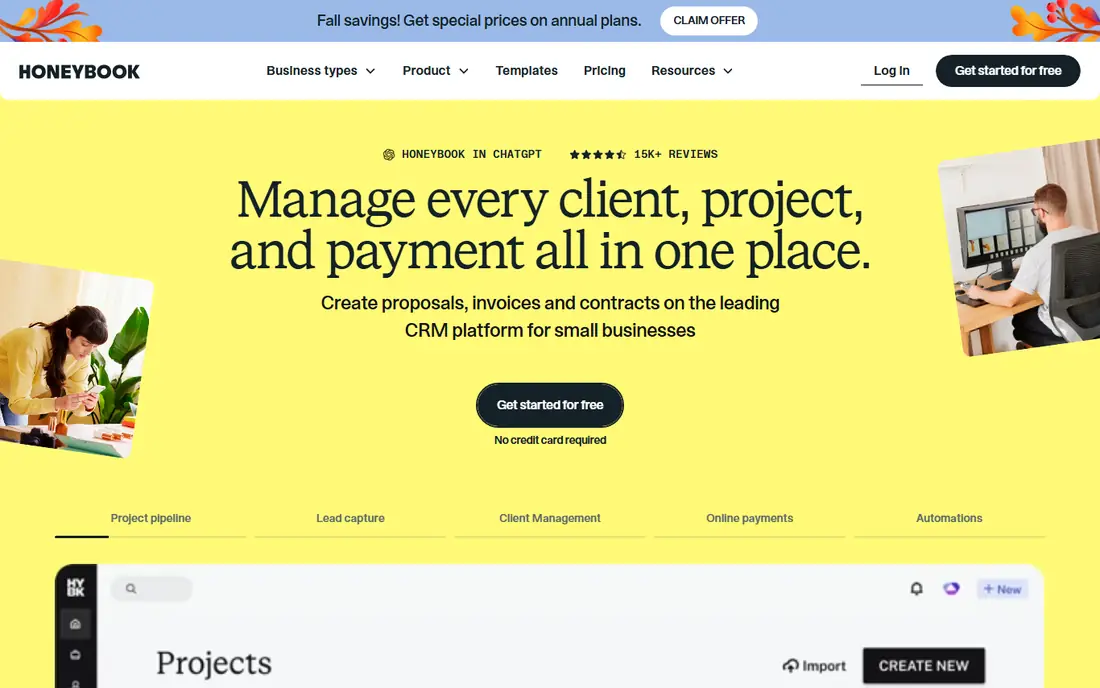
HoneyBook serves solo and small service professionals. The trade is scope.
There is no scheduling board for crews, no inventory, no field app story, since its users do not have them. Pricing for HoneyBook is not stated here, so ask the vendor for current figures. HoneyBook has no permanent free option.
The main drawbacks: depth for bigger teams is restricted; crews or job site tooling, so trades should look elsewhere.
- Templates that suit photographers, planners
- A client experience that feels like one portal
- Pricing levels and transaction fees need checking on the site
HubSpot CRM
Ideal for: Free pipeline and client records
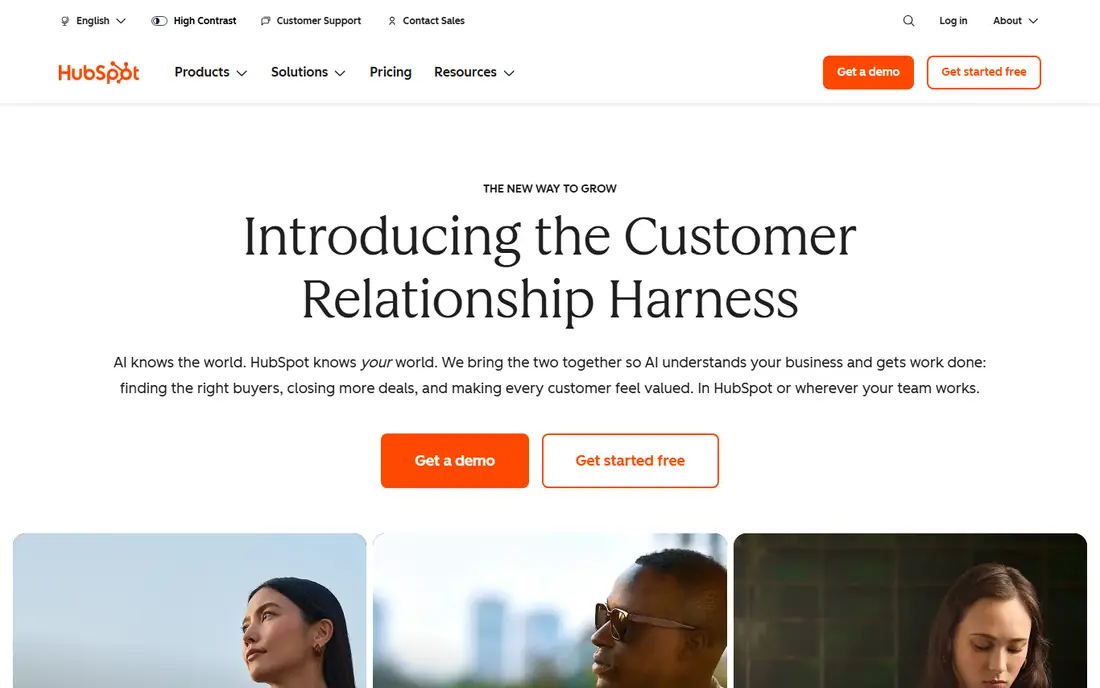
HubSpot CRM works best for free pipeline and client records. HubSpot's free CRM is the starting point for service businesses whose work is sold and managed from a desk: agencies, consultancies, clinics with admin staff.
Limits to weigh: No quoting to job to invoice field workflow, so trades bolt on other tools.
In daily use, truck based services should start with Jobber or Housecall Pro. On top of that, desk based services can stay for years. Entry price for HubSpot CRM: Free. You can start on HubSpot CRM without paying. What users get: tickets and email tools.
- Sales and service hubs when the business does
- Simple for a small office to learn
- Premium levels climb steeply per seat
Housecall Pro
Ideal for: Residential trades marketing
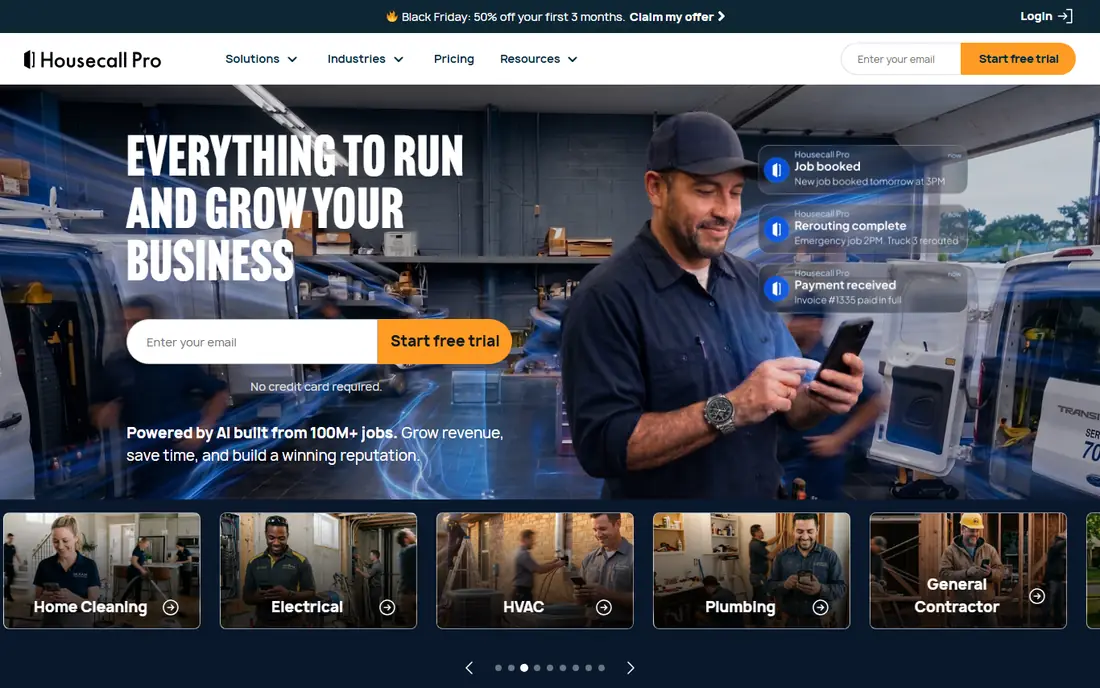
Pick Housecall Pro if this describes you: residential trades marketing. Entry-level is $79 billed monthly or $59 annually for one user, Essentials handles up to five users, and MAX reaches $299 per month, with items like the price book and vehicle GPS billed on top.
Trade-offs to know: reported real costs for a small multi truck shop run well above the sticker; Feature gating pushes expanding firms toward the $299 MAX plan.
One 2026 comparison put a three truck shop's realistic spend near $280 to $320 per month. Housecall Pro starts at: $59 per month. Housecall Pro has no permanent free option.
- Plans from $59 a month billed yearly for one user
- Field service core plus more solid built in marketing, with review requests and campaigns
- Add ons for example proposals
ServiceTitan
Ideal for: Large multi crew operations
Choose ServiceTitan for large multi crew operations. If your business measures crews in dozens, get the quote. From a buyer's view, below that, Jobber and Housecall Pro will do more of what you use.
Where ServiceTitan stands out: a large training and community ecosystem; aimed at HVAC.
Beyond that, for a thirty truck operation it links marketing spend to booked jobs to technician performance in a way the smaller systems cannot. Its pricebook and dispatch tooling are aimed at complexity the others ease away. ServiceTitan is the enterprise end of field service software. This comparison lists no price for ServiceTitan; ask the vendor. ServiceTitan has no permanent free option.
Watch-outs: No published pricing.
- Call recording
- The deepest field service product in this list, with dispatch, pricebooks
- Monthly bills reported in the high hundreds and beyond for even modest operations
Zoho CRM
Ideal for: Budget general CRM with depth
Pick Zoho CRM if this describes you: budget general CRM with depth. Zoho CRM is the value generalist. It does pipelines, automation, custom modules and reporting at prices that undercut the famous names.
Limits to weigh: Setup takes more effort than HubSpot.
A service business with an admin minded owner can shape it around quotes, jobs and renewals. From a buyer's view, for an owner who wants it working on day one, it is not. For everyday use, the trade is assembly and polish. Zoho CRM does not show a starting price in this comparison, so check the vendor site for current pricing. Zoho CRM offers a free plan. What works well: A free level for small teams and premium levels well below Salesforce.
- Deep customisation
- Part of the broad Zoho suite, so invoicing and books can live next door
- Support quality is a typical complaint at lower levels
Jobber
Ideal for: Home service firms overall
Jobber is built with home service firms overall in mind. For cleaning, landscaping, plumbing, electrical and similar trades, it suits the working day without customisation projects.
Where it falls short: The features numerous trades actually need sit in the $199 and $399 levels.
The trade is the level ladder. The starting price for Jobber: $49 per month. Jobber has no free tier.
Highlights: Quote, schedule, job.
- A refined mobile app for crews
- Invoice and client history in one system designed for services
- Marketing and receptionist tools are premium add ons
Salesforce
Ideal for: Complicated multi team service orgs
In short, Salesforce is for complicated multi team service orgs. The trade is the programme around the licence.
Where it is weaker: it needs an admin or a partner to run well.
Salesforce is the answer when a service business has outgrown straightforward categories: multiple brands, regions, a contact centre, field crews and a sales team all needing one customer record. Salesforce does not show a starting price in this comparison, so check the vendor site for current pricing. Salesforce has no permanent free option.
- The most configurable CRM product here, with service
- An enormous partner and app ecosystem
- Field service depth comes through separate products and configuration
How we built this list
Ainotely looked at what each vendor publishes: pricing, plan limits, feature coverage for CRM for service based business and stated drawbacks. No hands-on testing is claimed. Treat prices as a snapshot: vendors change plans often, so check the vendor site for the figure that applies today. Position on the page reflects fit for a typical buyer first, with price clarity and free access breaking ties. Treat it as a guide, not a ruling.
Questions to settle before buying
- Confirm the entry price on the vendor page. For HoneyBook, ServiceTitan, Zoho CRM and Salesforce that means a quote rather than a fixed price.
- Look at free plan limits closely: HubSpot CRM and Zoho CRM have one, and the caps decide whether it is usable for real work.
- Before choosing HoneyBook, weigh its main limit: no dispatch, crews or job site tooling, so trades should look elsewhere, depth for bigger teams is restricted, pricing levels and transaction fees need checking on the site.
- Check whether the features you need in ServiceTitan sit on the entry plan or only on higher tiers.
- A short pilot of Housecall Pro with your real workflow tells you more than a feature table.
Frequently asked questions
Can I try these tools before paying?
Often, yes. HubSpot CRM and Zoho CRM have a free plan. Use your own data and a real task during the test, and check what the free tier or trial limits before you rely on it.
Which CRM is a good match for a solo professional?
HoneyBook is the pick this page puts first, mainly for solo and small service professionals. If your situation differs, HubSpot CRM suits free pipeline and client records, and Housecall Pro suits residential trades marketing. Compare price and limits before you decide.
Is HoneyBook the right pick for everyone comparing CRM for service based business?
No single tool suits every team. HoneyBook comes first because it fits solo and small service professionals, while HubSpot CRM suits free pipeline and client records and Housecall Pro suits residential trades marketing. Match the tool to your own size, budget and workflow before deciding.
Do these tools publish their prices?
Not all of them. HoneyBook, ServiceTitan, Zoho CRM and Salesforce publish no starting price, so expect a quote request for those. The rest, HubSpot CRM included, show a starting price, though seats and billing terms still change the final cost.
How much should a small service business pay for a CRM?
Published entry points here run from free levels to about $49 to $79 per month for one user on the field products, but realistic spend for a small multi crew business, with the right level and add ons, lands around $150 to $400 per month.
What is the cheapest option for CRM for service based business in this list?
On published monthly entry prices, Jobber is the lowest here at $49 per month. Entry price is only part of the cost, because seats, add-ons and billing terms can change the total.