Start with Microsoft Dynamics 365 Sales if you need teams using Microsoft tools and insights. Listed starting prices: Copper from $23 per seat a month. Copper fits Google Workspace-centric service firms; Freshsales fits AI-assisted lead capture and deal closing. The remaining 3 options are covered below with prices and limits.
Ainotely compared 6 CRM for small teams. The goal is a practical shortlist: published prices, free plan facts, best-fit use cases and honest limits for every entry.
Key takeaways
Microsoft Dynamics 365 Sales takes the first slot, best suited to teams using Microsoft tools and insights.
Copper is the lowest-priced starter here at $23 per seat per month.
What to know about Microsoft Dynamics 365 Sales first: complicated for very small teams.
Neither Microsoft Dynamics 365 Sales nor Pipedrive, nor any of the other 4 tools, has a permanent free plan; trials and quotes are the norm.
Pipedrive is the one to check for straightforward, visual pipeline management.
Best for: Teams using Microsoft tools and insights
Think of Microsoft Dynamics 365 Sales for teams using Microsoft tools and insights. The product emphasizes insight-driven selling, which can help teams prioritize accounts and follow up consistently. Also, teams that want a light CRM with minimal setup may prefer a more straightforward choice, whereas Microsoft-centric organizations should bundle Dynamics 365 Sales in their evaluation.
More specifically, Dynamics 365 Sales is an agentic CRM that helps teams close deals quicker using insights, sales automation and collaboration tools. Outside the Microsoft ecosystem, the product can be more than a small team needs, and administration takes planning. Check the vendor site for Microsoft Dynamics 365 Sales pricing; none is listed in this comparison. Free plan details: Not stated.
Drawbacks to consider: Complicated for very small teams.
Best for: Google Workspace-centric service companies
Copper is designed for Google Workspace-centric service firms. Teams that do not use Google Workspace will find less value in the integration-first approach.
Entry price for Copper: $23 per seat per month. On free options: Free trial.
What to check first: Tied closely to Google Workspace.
Best for: AI-assisted lead capture and deal closing
Freshsales is built with AI-assisted lead capture and deal closing in mind. Freshsales is described as an AI-powered CRM to boost sales efficiency, capture leads and close deals quicker.
Worth adding: teams that prefer a standalone CRM with no ties to a broader suite may want to weigh other choices. On top of that, the product sits within the Freshworks family, so teams already using related Freshworks software may find the ecosystem convenient. Check the vendor site for Freshsales pricing; none is listed in this comparison. As for free access: Not stated.
What to check first: May need review of adjacent Freshworks tools.
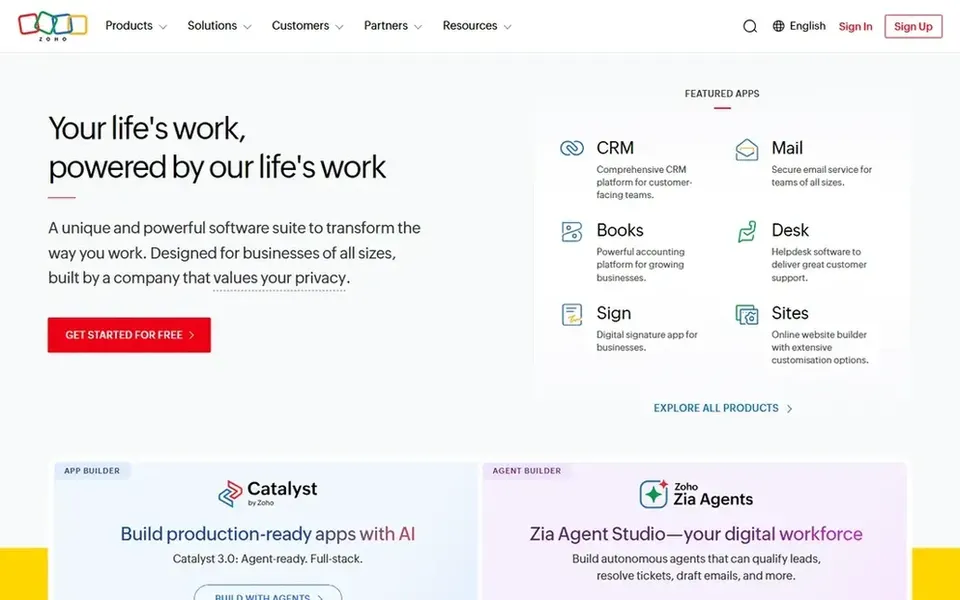
Zoho CRM works best for wide sales automation in one suite. The range of features can be more than a very small team needs at the start, and configuration takes some thought before the team settles into a workflow.
Limits to weigh: Can feel feature-heavy for very small teams.
Pricing for Zoho CRM is not stated here, so ask the vendor for current figures. Free access: Not stated.
Best for: Small companies organizing contacts and deals
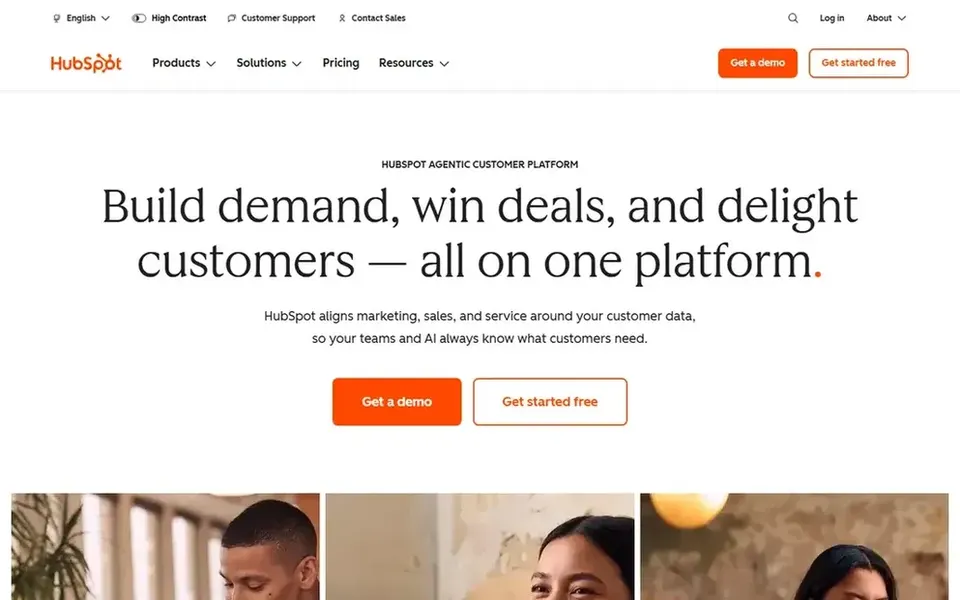
Choose HubSpot CRM for small companies organizing contacts and deals. Very small teams that only need an entry-level pipeline may find the interface broader than necessary, but for contact and deal organization it remains a practical choice.
HubSpot CRM is presented as CRM software for small firms to organize contacts, track deals and close more sales with built-in AI. For everyday use, as needs grow into deeper marketing or service workflows, teams may find themselves looking at extra HubSpot products, which layers on complexity. Check the vendor site for HubSpot CRM pricing; none is listed in this comparison. On free options: Not stated.
What to check first: Interface breadth can overwhelm new users.
Best for: Straightforward, visual pipeline management
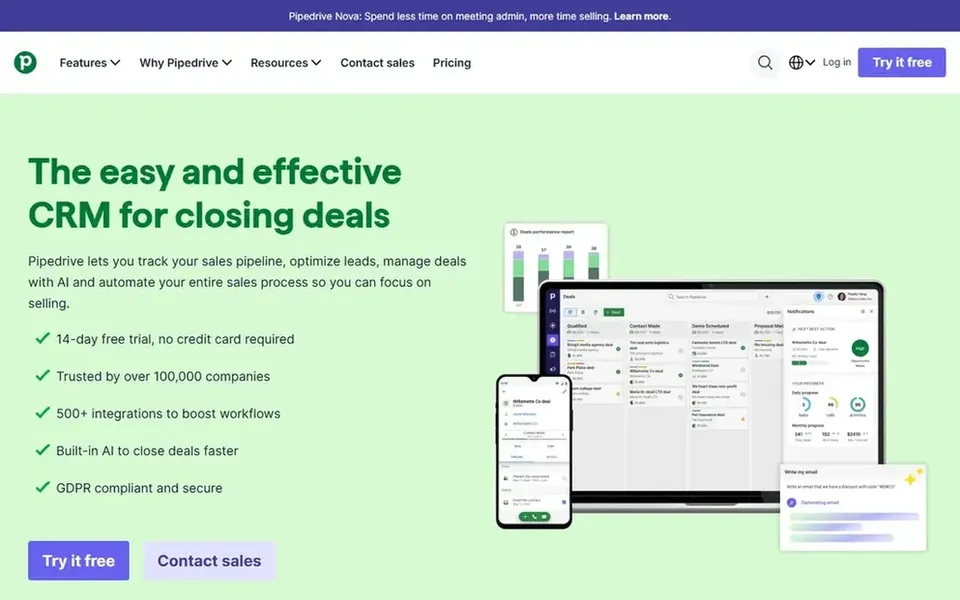
Pipedrive serves straightforward, visual pipeline management. Pipedrive is sales CRM and pipeline management software positioned as an easy-to-use tool for expanding companies.
The product centers on sales activity instead of wide business operations, which keeps the daily experience focused for reps who live in the pipeline view. Pipedrive shows no starting price here, so confirm the cost on the vendor site. As for free access: Not stated.
Confirm the entry price on the vendor page. For Microsoft Dynamics 365 Sales, Freshsales, Zoho CRM and others that means a quote rather than a fixed price.
Take the trial from Copper and push a live task through it before you pay.
Read the limits listed for Microsoft Dynamics 365 Sales first: complicated for very small teams.
Pick one real project and run it in Copper first; a small pilot shows fit faster than a checklist.
Check whether Microsoft Dynamics 365 Sales bills monthly or annually, and what cancelling early costs.
How we picked
Selection started from tools commonly considered for CRM for small teams, then narrowed to 6 that have clear pricing information or a clear quote process. Where a vendor does not publish a price, the entry says quote. Where a price depends on seats or billing term, the entry says so. Tools are placed by general fit for CRM for small teams, with price clarity and free access as tie-breakers. A different team can reasonably rank them differently.
Every price and plan detail on this page comes from the vendors’ own websites. We did not run hands-on tests unless the text says so, and we do not publish star ratings or review scores. See how we score and our disclosure.
Keep your shortlist in one place
Paste prices, trial dates and notes from this guide into Ainotely, our AI note app. It files them into a topic and pulls out tasks like “cancel trial by Friday”. Free 7-day trial, no card needed.
Not all of them. Microsoft Dynamics 365 Sales, Freshsales, Zoho CRM and others publish no starting price, so expect a quote request for those. The rest, Copper included, show a starting price, though seats and billing terms still change the final cost.
Can a small team move to a different CRM later?
Yes, but the effort relies on how well the first CRM supports data export and how much custom configuration was added. Before committing, confirm export choices for contacts, deals and activity history so a future migration stays manageable.
Can I try these tools before paying?
Often, yes. Copper offers a free trial. Use your own data and a real task during the test, and check what the free tier or trial limits before you rely on it.
How does Google Workspace affect CRM choice?
If the team works primarily in Google Workspace, a CRM built into those tools, like Copper, can cut context switching. Teams outside Google Workspace should compare pipeline-focused choices instead.
What is the cheapest option for CRM for small teams in this list?
On published monthly entry prices, Copper is the lowest here at $23 per seat per month. Entry price is only part of the cost, because seats, add-ons and billing terms can change the total.
Is Microsoft Dynamics 365 Sales the right pick for everyone comparing CRM for small teams?
No single tool suits every team. Microsoft Dynamics 365 Sales comes first because it fits teams using Microsoft tools and insights, while Copper suits Google Workspace-centric service businesses and Freshsales suits AI-assisted lead capture and deal closing. Match the tool to your own size, budget and workflow before deciding.