6 Strong CRM Integration Tools for Sales Teams in 2026

- 1
 SyncariRevenue operations teams that require one trustedVisit
- 2
 MuleSoftLarge enterprises that require API led integrationVisit
- 3
 WorkatoMid sized and enterprise sales operations teams that require governedVisit
- 4
 HightouchGrowth and revenue teamsVisit
- 5
 ZapierSmall and mid sized sales teams that want quickVisit
- The list opens with Syncari, aimed at revenue operations teams that require one trusted, unified view of CRM data across systems.
- Census is the one to check for data led sales teams that sync warehouse models into Salesforce or HubSpot with SQL.
- Hightouch comes with a trade-off: premium pricing beyond Starter is usage based and quoted, which makes budgeting hard as data volume grows.
- Only 4 of the 6 tools have a free plan (Workato, Hightouch, Zapier, Census), so check the caps.
Direct answer
If you need revenue operations teams that require one trusted, Syncari is the first tool to look at here. MuleSoft fits large enterprises that require API led integration with central governance across plenty of systems; Workato fits mid sized and enterprise sales operations teams that require governed, reusable CRM integrations.
Quick comparison
| Product | Ideal for | Price from | Free version | |
|---|---|---|---|---|
| Syncari | Revenue operations teams that require one trusted | Quote, no published price on the vendor pricing page | Free trial | Visit |
| MuleSoft | Large enterprises that require API led integration | 2,000 dollars a month billed yearly for Anypoint Integration Starter | No | Visit |
| Workato | Mid sized and enterprise sales operations teams that require governed | 75 dollars a month for Workato Pro, 2,500 credits per month | Yes | Visit |
| Hightouch | Growth and revenue teams | 350 dollars per month for Starter | Yes | Visit |
| Zapier | Small and mid sized sales teams that want quick | 19.99 dollars a month billed annually for Professional, 29.99 dollars per month billed per month | Yes | Visit |
 Census | Data led sales teams that sync warehouse models into Salesforce or HubSpot | Quote, legacy Professional plan was listed at 350 dollars per month | Yes | Visit |
6 CRM integration tools for sales teams in detail
Ainotely compared 6 CRM integration tools for sales teams. The goal is a practical shortlist: published prices, free plan facts, best-fit use cases and honest limits for every entry.
Syncari
Ideal for: Revenue operations teams that require one trusted
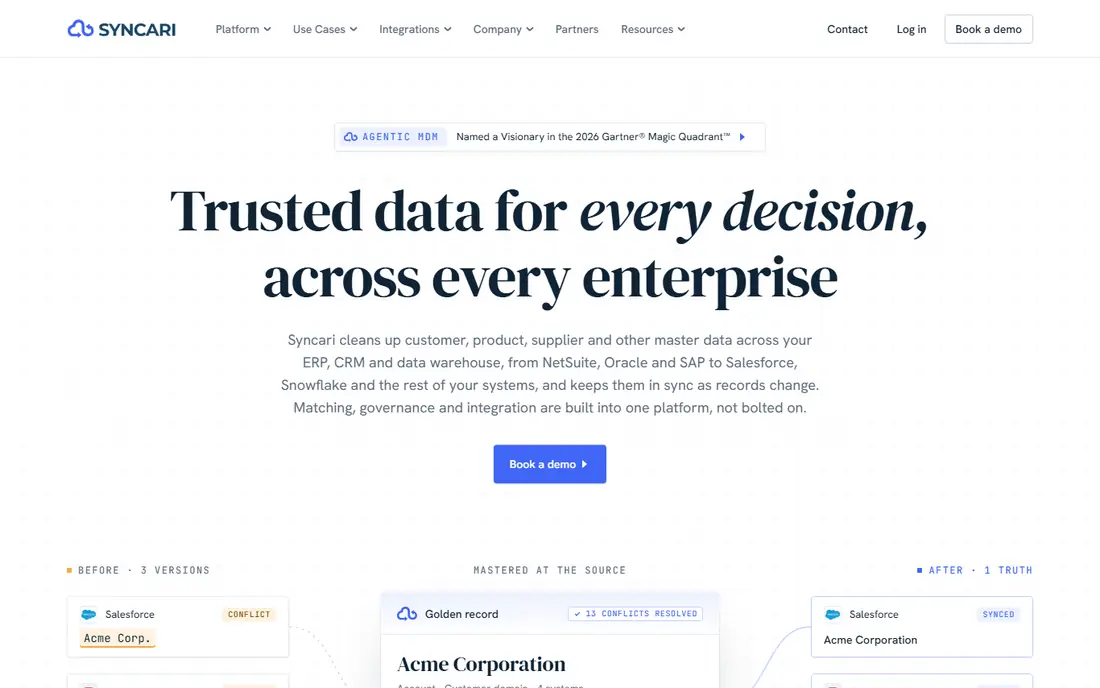
Syncari is aimed squarely at revenue operations teams that require one trusted, unified view of CRM data across systems. Syncari is a data automation system, not a straightforward connector tool.
Where it falls short: No published pricing.
Syncari starts at: Quote, no published price on the vendor pricing page. On free options: Free trial. What Syncari does well: data quality scoring.
- Unified data model
- Global dedupe
- The system is made for bigger teams, so small teams may find it heavy and expensive
MuleSoft
Ideal for: Large enterprises that require API led integration
MuleSoft was built for large enterprises that require API led integration with central governance across plenty of systems. MuleSoft Anypoint Platform is the enterprise choice when integration is a company broad API program rather than a handful of sales workflows.
Reasons to shortlist it: deep Salesforce integration.
That reuse pays off in a large organisation, where the same customer API can serve sales, service and finance. What you pay to start with MuleSoft: 2,000 dollars per month billed annually for Anypoint Integration Starter. MuleSoft has no permanent free option.
Points against: specialist developers are needed, which puts it out of reach for small teams.
- Capable governance and security
- Reusable APIs
- High cost, long implementation
Workato
Ideal for: Mid sized and enterprise sales operations teams that require governed

Workato makes the most sense for mid sized and enterprise sales operations teams that require governed, reusable CRM integrations. Recipes can be versioned, tested in separate environments, and reused across regions or business units, which fits a sales operations team that supports multiple teams at once.
It links Salesforce, HubSpot, NetSuite, Slack and hundreds of other apps. It takes care of data transformation, error handling and approvals inside the flow. Workato pricing: 75 dollars per month for Workato Pro, 2,500 credits per month. Workato offers a free plan.
- Capable governance
- Well suited to complicated multi system flows
- Credit pricing is hard to forecast, since Workato does not publish what each action costs in credits
Hightouch
Ideal for: Growth and revenue teams
Hightouch is aimed squarely at growth and revenue teams that activate warehouse customer data in the CRM and ad tools. Hightouch is the most approachable reverse ETL tool for a sales team that does not want to write SQL for every sync. Its visual builder lets an operations user map warehouse fields to Salesforce or HubSpot objects, set sync frequency, and preview records before they go live.
From a buyer's view, the free level, with two active syncs, is enough to prove the concept on one high value flow, like syncing product usage into an account score. In daily use, the Starter plan at 350 dollars per month layers on more destinations and support. What you pay to start with Hightouch: 350 dollars per month for Starter. Hightouch includes a free tier.
- Simple no code sync builder
- Free level for testing
- Premium pricing beyond Starter is usage based and quoted, which makes budgeting hard as data volume grows
Zapier
Ideal for: Small and mid sized sales teams that want quick
Zapier targets small and mid sized sales teams that want quick, self serve CRM automations without developers. A rep can build a Zap that sends a new Typeform result in Salesforce, alerts Slack, and builds a follow up task in under an hour, with no code.
Points against: complicated multi step flows can be hard to debug at scale.
Multi step Zaps sit on the Professional plan, which is where most sales teams land. In daily use, the catalogue spans Salesforce, HubSpot, Pipedrive and most sales engagement tools, so typical flows are ready made. Zapier starts at: 19.99 dollars per month billed annually for Professional, 29.99 dollars per month. A free plan is available with Zapier.
- Links to more than 7,000 apps
- Simple visual builder
- Task based pricing rises rapidly as volume grows
Census
Ideal for: Data led sales teams that sync warehouse models into Salesforce or HubSpot
Census works best for data led sales teams that sync warehouse models into Salesforce or HubSpot with SQL. Models live in SQL and dbt, changes go through Git, and syncs push modelled data like account health, usage levels and billing status into Salesforce or HubSpot fields that reps use every day.
More specifically, the main limit is the Fivetran acquisition. Entry price for Census: Quote, legacy Professional plan was listed at 350 dollars per month. You can start on Census without paying.
What Census does well: SQL first modelling.
- Decent audience and segmentation features
- Git based workflows
- Fivetran acquired Census in May 2025, so new customers face MAR based Fivetran Activations pricing and roadmap uncertainty
Choosing CRM integration tools for sales teams: what matters
Choose an iPaaS when your primary job is connecting apps and automating steps between them. For everyday use, Hightouch and Census sync warehouse models to Salesforce or HubSpot, so reps see usage, billing and product signals without leaving the CRM.
Key differences between the options
A CRM integration tool handles the entire flow, including triggers, filters, field mapping, error handling, retries and logs. So a failed sync does not silently lose a lead. That difference matters when a sales team depends on the CRM as its record of truth.
In daily use, before you buy, name the job plainly. If you have to push form fills into Salesforce, a workflow tool is enough.
What CRM integration tools for sales teams costs
A small sales team should budget from 20 to 75 dollars per month for a self serve integration tool, plus staff time to build and maintain the flows. Zapier opens at 19.99 dollars per month billed yearly, and Workato Pro opens at 75 dollars per month, so either suits a small team budget. Mid sized teams that sync multiple systems should expect 350 to 800 dollars per month before usage grows.
Enterprise programs cost far more. Also, MuleSoft packages start at 2,000 dollars per month billed yearly, and real contracts frequently run much higher once capacity, premium connectors and implementation are added. On top of that, Zapier charges per task, Workato charges per credit, and reverse ETL tools charge per row or per destination field.
Our selection method
Selection started from tools commonly considered for CRM integration tools for sales teams, then narrowed to 6 that have clear pricing information or a clear quote process. Treat prices as a snapshot: vendors change plans often, so check the vendor site for the figure that applies today. The sequence is a judgement call: typical use case first, then pricing transparency, then free access. Use the profiles to check fit.
What to check before you buy
- Confirm the entry price on the vendor page for Syncari and the others: seat counts and billing terms change the total.
- Check what the free option really includes: Workato, Hightouch, Zapier and Census offer a free plan, and usage caps differ.
- Run a trial of Syncari with real work before paying for a year; your own workflow is the best test.
- Read the limits listed for Syncari first: no published pricing, and the system is made for bigger teams, so small teams may find it heavy and expensive.
- Get the contract term, renewal terms and any onboarding fees from Zapier in writing.
- Check how data leaves Hightouch: formats, limits and whether exports are available on every plan.
Frequently asked questions
Is Syncari the right pick for everyone comparing CRM integration tools for sales teams?
No single tool suits every team. Syncari comes first because it fits revenue operations teams that need one trusted, unified view of CRM data across systems, while MuleSoft suits large enterprises that need API led integration with central governance across many systems and Workato suits mid sized and enterprise sales operations teams that need governed, reusable CRM integrations. Match the tool to your own size, budget and workflow before deciding.
Which options for CRM integration tools for sales teams have a free plan?
On this list, Workato, Hightouch, Zapier and Census include a free plan. Caps on seats, usage or features are common, so test the free plan against your real workload. One other tool offers a trial instead.
How are the tools for CRM integration tools for sales teams ordered?
The order follows typical fit for CRM integration tools for sales teams, with Syncari first and Census last, then price clarity and free access. It is editorial judgement, not a score, so another team could rank the tools differently.
Do these tools publish their prices?
Yes. Every tool from Syncari to Census shows a starting price, though seats, add-ons and billing terms still change the final cost.