7 Strong CRM Software for Event Management Choices in 2026

- 1
 Zoho CRMBudget-conscious teams wanting a full CRM cheapVisit
- 2
 HoneyBookEvent planners and vendors managing clients from inquiry to paymentVisit
- 3
 PipedriveEvent sales teams that live in their pipelineVisit
- 4
 HubSpotEvent firms starting on a free CRM with room to growVisit
- 5
 SalesforceLarge event firms with complicated sales processesVisit
- Top of the list is Zoho CRM, which targets budget-conscious teams wanting a full CRM cheap.
- For event planners who want total control over client workflows, Dubsado is worth a look.
- Only 2 of the 7 tools have a free plan (Zoho CRM, HubSpot), so check the caps.
- Pipedrive is the lowest-priced starter here at $14/seat/month.
- The main caution on Zoho CRM: interface and workflow setup feel dated next to HubSpot.
Direct answer
Zoho CRM leads the list, best for budget-conscious teams wanting a full CRM cheap. For a different need, HoneyBook covers event planners and vendors managing clients from inquiry to payment and Pipedrive covers event sales teams that live in their pipeline. The full list of 7 tools follows, with prices and free plan facts.
Quick comparison
| Product | Ideal for | Price from | Free version | |
|---|---|---|---|---|
| Zoho CRM | Budget-conscious teams wanting a full CRM cheap | Free ($0, up to 3 users); Standard $14/user/month (billed annually) | Yes | Visit |
| HoneyBook | Event planners and vendors managing clients from inquiry to payment | $29/month (Starter, billed annually) | Free trial | Visit |
| Pipedrive | Event sales teams that live in their pipeline | $14/seat/month (Lite, billed yearly) | Free trial (14 days) | Visit |
| HubSpot | Event firms starting on a free CRM with room to grow | Free ($0 for 2 users); Sales Hub Starter $20/seat/month (billed annually) | Yes | Visit |
| Salesforce | Large event firms with complicated sales processes | $25/user/month (Starter Suite, billed yearly) | Free trial (30 days) | Visit |
 Tripleseat | Event venues managing leads, bookings and BEOs | See website (custom quote only) | No | Visit |
 Dubsado | Event planners who want total control over client workflows | $335/year (Starter plan) | Free trial (21 days) | Visit |
CRM Software for Event Management, one by one
Ainotely compared 7 tools for CRM software for event management. The goal is a practical shortlist: published prices, free plan facts, best-fit use cases and honest limits for every entry.
Zoho CRM
Ideal for: Budget-conscious teams wanting a full CRM cheap
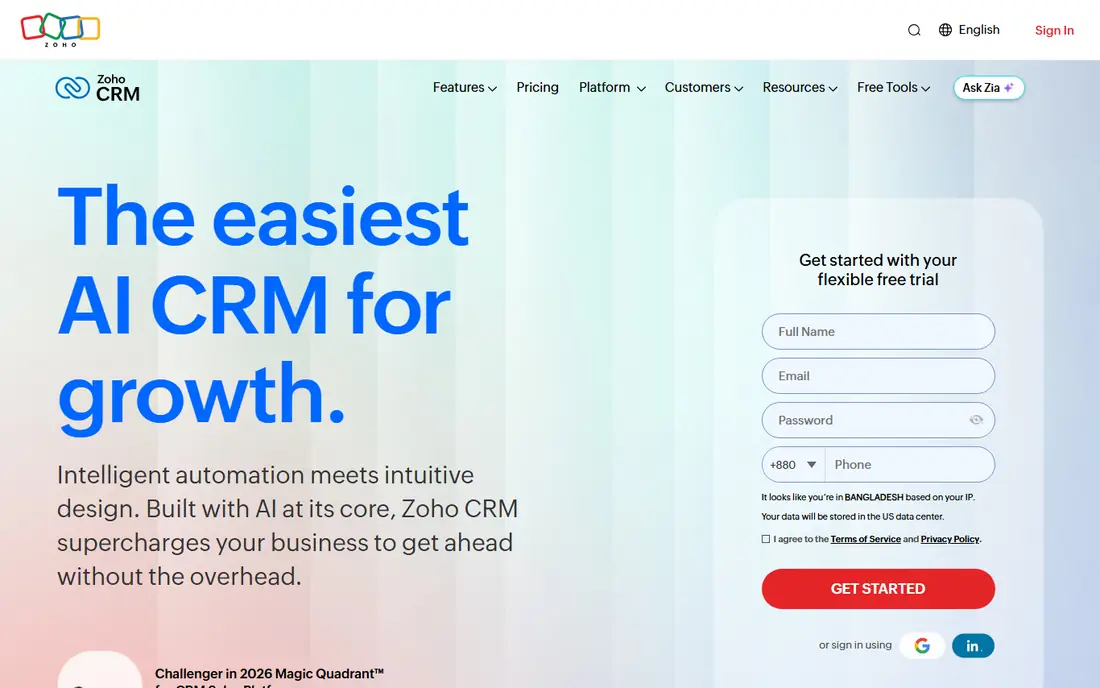
In short, Zoho CRM is for budget-conscious teams wanting a full CRM cheap. For an event rental company tracking equipment alongside bookings, that inventory management on Professional is a quiet advantage. If your event business runs on tight margins, Zoho gives 80 percent of Salesforce for a fraction of the per-seat cost.
The free edition handles 3 users with entry-level CRM, Standard at $14 per user a month (billed yearly) adds scoring rules and workflows, and Professional at $23 brings inventory, CPQ and process management. Zoho's own pitch is the ecosystem: add Zoho Bookings, Zoho Campaigns and Zoho Analytics as you grow. On top of that, the trade is polish and limits. What you pay to start with Zoho CRM: Free. Free access exists with Zoho CRM.
Trade-offs to know: pushing expanding teams to Enterprise.
- Part of a 45-plus-app ecosystem you can add later
- Free edition includes 3 users
- Interface and workflow setup feel dated next to HubSpot
HoneyBook
Ideal for: Event planners and vendors managing clients from inquiry to payment
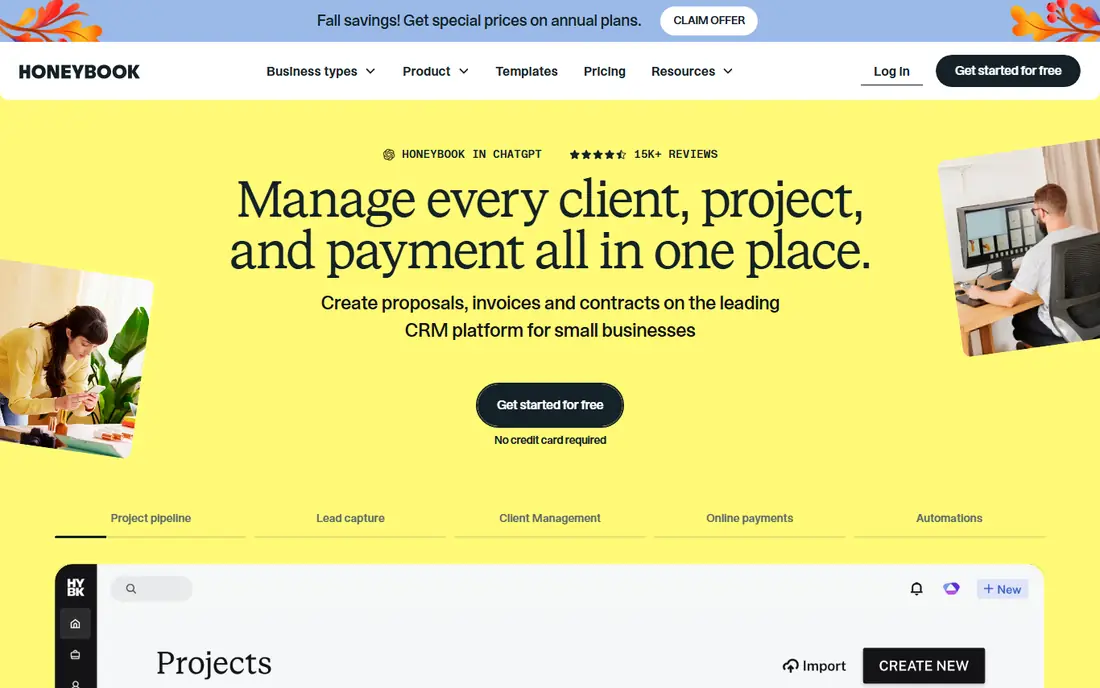
HoneyBook was built for event planners and vendors managing clients from inquiry to payment. Over $12 billion in payments have moved through the system. Also, the system's real strength is how it feels to the client: proposals, contracts and invoices arrive as one refined flow, and payments process through HoneyBook itself.
All plans start with a free trial. Worth adding: essentials at $49 brings automations, a scheduler, SMS reminders and QuickBooks integration. Premium at $109 brings unlimited team members, priority support and advanced reports. Price to start with HoneyBook: $29/month. Trial and free access: Free trial.
The main drawbacks: Automation depth is thinner than Keap or Dubsado's Premier level.
- Payments and scheduling
- Full client flow in one place: lead capture, proposals, contracts, invoices
- Team features and advanced reports sit on the $109/month Premium plan
Pipedrive
Ideal for: Event sales teams that live in their pipeline
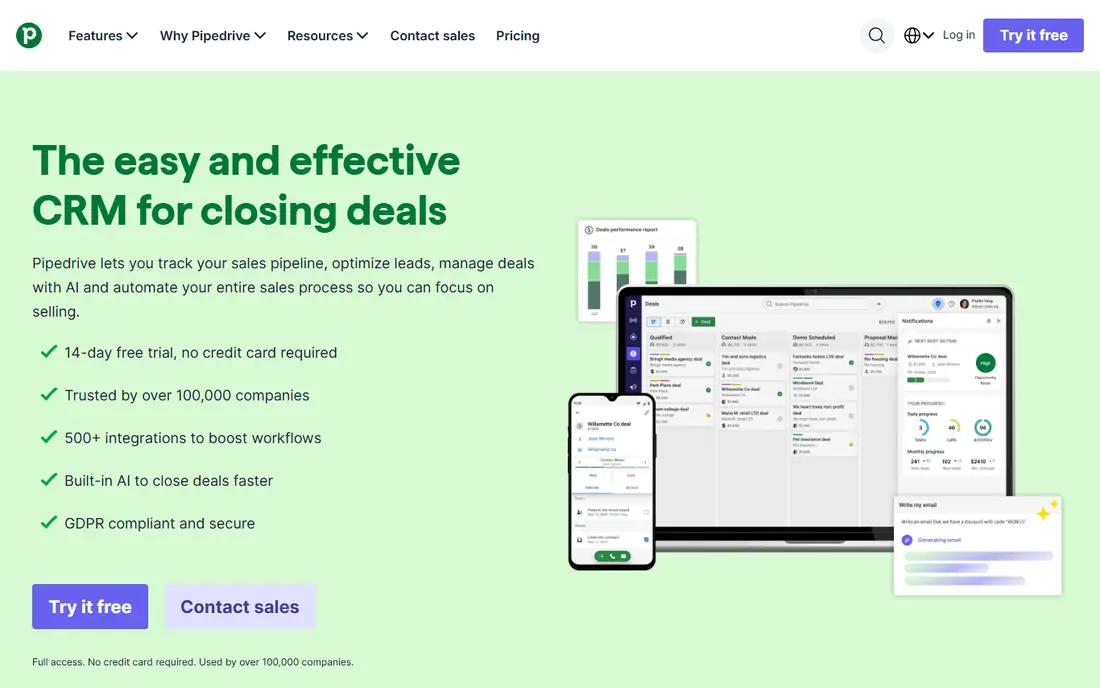
For event sales teams that live in their pipeline, Pipedrive is a natural candidate. Growth at $39 brings email sync, automations and a meeting scheduler. Beyond that, Pipedrive's strength is focus: it does the sales pipeline better than anyone and skips the rest.
Where it is weaker: Marketing automation is thin, so event email campaigns need a separate tool.
More specifically, premium at $59 adds lead generation, contracts and e-signatures. As for the details, the honest catch is the marketing gap. Worth adding: Ultimate at $79 layers on security controls and a sandbox. From a buyer's view, Lite at $14 per seat a month (billed yearly) handles leads, deals, contacts and calendar management. Entry price for Pipedrive: $14/seat/month. Free options: Free trial (14 days).
- The cleanest pipeline view of any CRM here
- 500-plus integrations and built-in meeting intelligence on every plan
- Pushing most teams to Growth at $39
HubSpot
Ideal for: Event firms starting on a free CRM with room to grow
HubSpot is aimed squarely at event companies starting on a free CRM with room to grow. HubSpot is the safe starting point for an event business that is not ready to commit. Worth adding: the honest catch is the cliff.
Watch-outs: premium levels jump hard: Starter to Professional is $20 to $90 per seat with a $1,500 mandatory onboarding fee.
More specifically, when you grow, Sales Hub Starter at $20 per seat a month (billed yearly) adds pipelines, automation and calling. Worth adding: for events specifically, HubSpot shines on the marketing side: lead capture forms, email campaigns to past attendees and reporting that ties event results in revenue. Starting cost for HubSpot: Free. You can start on HubSpot without paying.
- Deal pipelines and meeting scheduling at $0
- Capable event-relevant integrations including Eventbrite
- Free plan caps at 2 users, so teams outgrow it quick
Salesforce
Ideal for: Large event firms with complicated sales processes
Salesforce is aimed squarely at large event companies with complicated sales processes. Salesforce is the CRM you buy when your event business has real operational complexity: multiple venues, territory-based sales teams, custom approval flows for large contracts. More specifically, professional runs $100 per user a month, Enterprise $165 and Unlimited $330, each adding automation, forecasting and API access.
The main drawbacks: only a 30-day trial; Real implementations need consultants.
For everyday use, event teams use Salesforce to build custom objects for events, vendors and venues, then automate everything from lead routing to post-event follow-up. Also, the Starter Suite at $25 per user a month (billed yearly) spans up to 10 users with core CRM features. For a 50-person event production company, it is the right tool. Price to start with Salesforce: $25/user/month. As for free access: Free trial (30 days).
- Massive integration ecosystem including event products
- Starter Suite gives small teams a budget-friendly entry point
- No free plan
Tripleseat
Ideal for: Event venues managing leads, bookings and BEOs
Think of Tripleseat for event venues managing leads, bookings and BEOs. Tripleseat is what you buy when your business is the venue. Also, there is no published pricing and no self-serve trial; everything goes through a demo and a quote.
Watch-outs: No published pricing and no free trial.
Best features of Tripleseat: booking calendar, BEOs; contracts and payments in one flow. That is normal for venue software, where pricing relies on event volume and property count. If you are a planner without a venue, skip it. In practice, packages contain the core system, a Direct Book add-on for 24/7 booking with approval, Floor Plans for 2D/3D layouts, and a Hotels package with PMS integration. Tripleseat does not show a starting price in this comparison, so check the vendor site for current pricing. Tripleseat has no free tier.
- Packages for venues
- Built specifically for venues: lead capture
- Made for venues, so pure planners get less value
Dubsado
Ideal for: Event planners who want total control over client workflows
In short, Dubsado is for event planners who want total control over client workflows. The honest catch is the ramp-up time.
The Starter plan at $335 a year spans unlimited projects and clients. Premier at $525 a year brings automatic workflows, advanced scheduling, Zapier and bookkeeping integration. What you pay to start with Dubsado: $335/year. Trial and free access: Free trial (21 days).
What works well: The most configurable client workflow builder here: proposals, contracts, invoices.
Where it falls short: advanced scheduling and automatic workflows need the $525/year Premier plan.
- Scheduling and automations in any order
- 21-day full-feature trial with no credit card
- Setup takes real work: the adaptability means you build everything yourself
How these tools differ
Picture a wedding planner in April. She has eleven couples in different stages: three fresh inquiries, two waiting on proposals, four signed contracts, two overdue on deposits. One spreadsheet holds the guest counts.
The first missed follow-up costs her a $6,000 booking, and that is when she starts searching for the best CRM software for event management.
How we compared the tools
Pricing pages, product documentation and feature lists were the main sources, and every entry carries at least one honest drawback. Seat minimums, billing terms and add-ons can move the real cost, so the starting prices here are a guide and not a quote. We ordered the tools by general fit, then by how clearly pricing is shown, then by free access. A buyer with unusual needs may reorder them.
Questions to settle before buying
- Ask Tripleseat for a written quote, since no starting price is shown.
- Read the fine print on the free plans from Zoho CRM and HubSpot; seat, project and feature caps differ.
- Run a trial of HoneyBook, Pipedrive, Salesforce and Dubsado with real work before paying for a year; your own workflow is the best test.
- Before choosing Zoho CRM, weigh its main limit: interface and workflow setup feel dated next to HubSpot.
- Ask the daily users to test HubSpot on a live task before you roll it out to everyone.
- List the apps you already depend on and check that Dubsado supports each one on the plan you would buy.
Frequently asked questions
Which options for CRM software for event management have a free plan?
On this list, Zoho CRM and HubSpot include a free plan. Caps on seats, usage or features are common, so test the free plan against your real workload. Several others offer a trial instead.
How are the tools for CRM software for event management ordered?
The order follows typical fit for CRM software for event management, with Zoho CRM first and Dubsado last, then price clarity and free access. It is editorial judgement, not a score, so another team could rank the tools differently.
Can I try these tools before paying?
Often, yes. Zoho CRM and HubSpot have a free plan and HoneyBook, Pipedrive, Salesforce and Dubsado offer a free trial. Use your own data and a real task during the test, and check what the free tier or trial limits before you rely on it.
Is Zoho CRM the right pick for everyone comparing CRM software for event management?
No single tool suits every team. Zoho CRM comes first because it fits budget-conscious teams wanting a full CRM cheap, while HoneyBook suits event planners and vendors managing clients from inquiry to payment and Pipedrive suits event sales teams that live in their pipeline. Match the tool to your own size, budget and workflow before deciding.