Zoho CRM comes first here, mainly for teams managing multi-step sales operations. Listed starting prices: Copper from $23 per seat per month. Monday CRM is better for cross-functional revenue teams wanting adaptability, and HubSpot CRM is better for small teams wanting AI-assisted deal tracking. Details, prices and limits for the rest of the 6 tools are below.
Choosing CRM software for remote teams usually comes down to price, fit and limits. This Ainotely guide sets 6 tools side by side on those three points, with the facts kept short and checkable.
Key takeaways
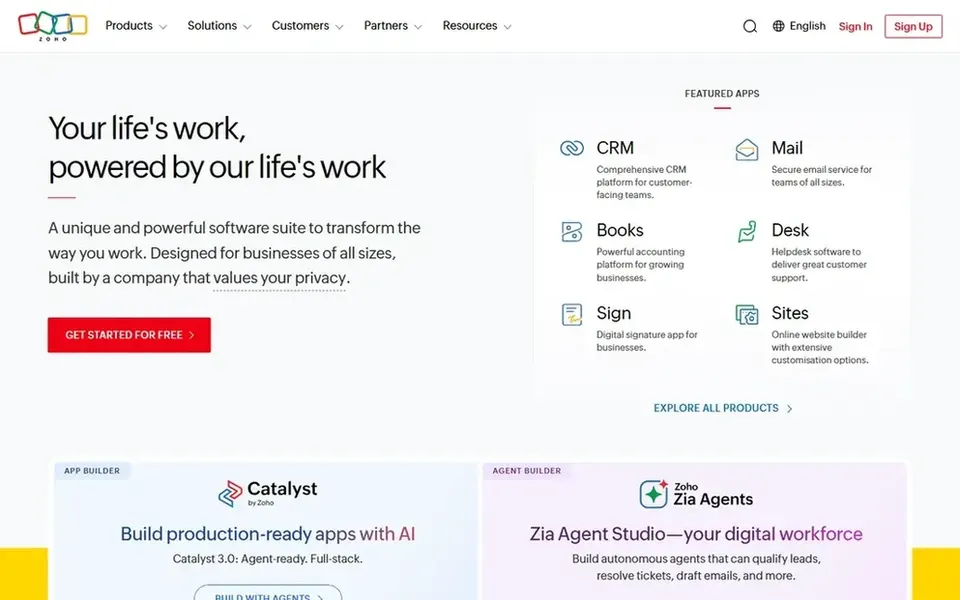
This list starts with Zoho CRM, which is built for teams managing multi-step sales operations.
The lowest published monthly entry price here is $23 per seat per month, from Copper.
None of the 6 tools, from Zoho CRM to Microsoft Dynamics 365 Sales, has a free plan, so budget for a subscription or use a trial.
For organizations standardized on Microsoft tools, Microsoft Dynamics 365 Sales is worth a look.
Best for: Teams managing multi-step sales operations
Choose Zoho CRM for teams managing multi-step sales operations. The breadth of configuration is also the primary tradeoff: smaller remote teams may find the interface dense and the setup heavier than needed.
What to check first: Feature depth can mean a steeper setup.
Zoho CRM presents itself as an agentic CRM product built to help teams handle sales operations and close more deals. No starting price is listed for Zoho CRM here; confirm pricing on the vendor site. Free plan details: Not stated.
Best for: Cross-functional revenue teams wanting adaptability
Monday CRM was built for cross-functional revenue teams wanting flexibility. Monday CRM is described as an AI-powered revenue execution system for marketing, sales and delivery teams, with AI agents positioned to work the pipeline continuously.
What to check first: May need extras for deeper CRM functions.
Remote teams that span multiple functions can build shared boards that keep handoffs visible across locations. More specifically, remote teams wanting a ready-made sales process from day one may prefer a dedicated sales CRM. Monday CRM does not show a starting price in this comparison, so check the vendor site for current pricing. On free options: Not stated.
Best for: Small teams wanting AI-assisted deal tracking
HubSpot CRM is a good fit for small teams wanting AI-assisted deal tracking. It suits teams that want a recognizable, well-documented CRM foundation and are comfortable expanding into related HubSpot products as their processes grow.
Confirm which features sit in the core product compared with adjacent offerings before committing. Pricing for HubSpot CRM is not stated here, so ask the vendor for current figures. Trial and free access: Not stated.
Watch-outs: Configuration takes time for complicated pipelines.
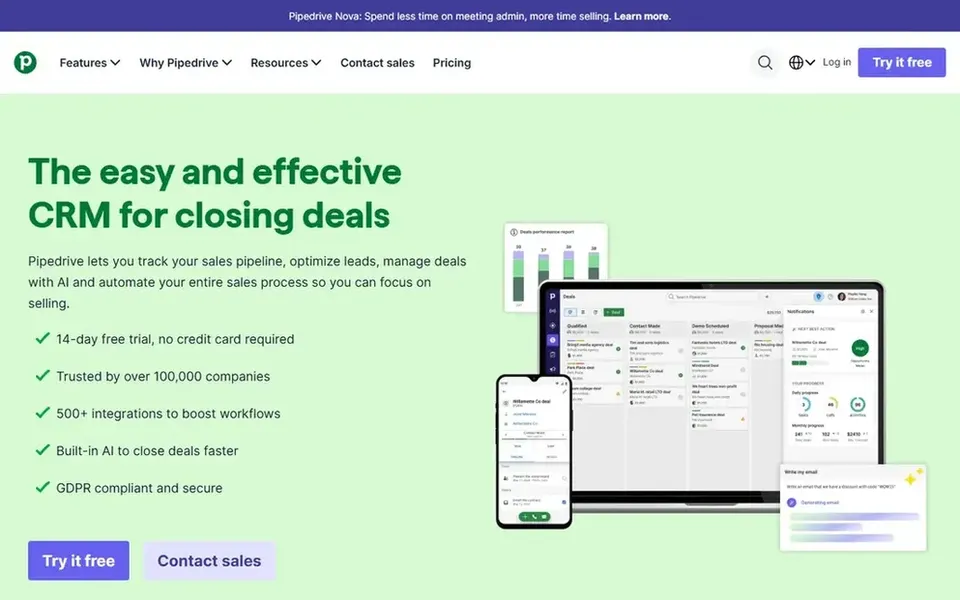
Pipedrive is designed for pipeline-focused remote sales teams. Pipedrive centers on sales CRM and pipeline management, with a design philosophy built around helping teams qualify leads and grow revenue. Beyond that, remote teams with complex cross-department workflows should compare it against suite-style CRMs.
For remote teams, a visual, activity-driven pipeline can keep distributed reps aligned on next steps and deal movement. Verify how customization and reporting match your process before deciding. This comparison lists no price for Pipedrive; ask the vendor. Free access: Not stated.
Watch-outs: Advanced needs may need added integrations.
In short, Copper is for Google Workspace-based remote teams. Teams needing very deep sales automation should compare broader systems.
Drawbacks to consider: Value relies on Google Workspace adoption.
Since Copper is tied closely to Google Workspace, organizations standardized on other productivity suites may not capture the same benefit. In practice, for remote teams already living in Gmail, Calendar and Drive, that native placement can cut context switching and encourage consistent CRM updates. Entry price for Copper: $23 per seat per month. On free options: Free trial.
Best for: Organizations standardized on Microsoft tools
Microsoft Dynamics 365 Sales is built with organizations standardized on Microsoft tools in mind. Dynamics 365 Sales is Microsoft's agentic CRM, positioned to help teams close deals quicker through insights, sales automation and collaboration tools. It tends to fit bigger or more structured sales organizations that require automation and analytics depth.
The product's depth brings administrative complexity, and small remote teams may find it heavier than their process needs. Beyond that, implementation commonly benefits from dedicated expertise. No starting price is listed for Microsoft Dynamics 365 Sales here; confirm pricing on the vendor site. On free options: Not stated.
Where it is weaker: Overkill for very small remote teams.
Get a written quote from Zoho CRM, Monday CRM, HubSpot CRM and others; the list shows no starting price for them.
Take the trial from Copper and push a live task through it before you pay.
Before choosing Zoho CRM, weigh its main limit: feature depth can mean a steeper setup.
Confirm the exact Pipedrive plan that includes your must-have features.
Test the integrations you rely on with HubSpot CRM before committing; some connectors sit on upper tiers.
How we picked
For each of the 6 tools we noted price, free plan or trial, fit for CRM software for remote teams and the main limit, using vendor pages and documentation. Prices and plan limits come from vendor pages and can change, so confirm them on the vendor site before you buy. The ranking is editorial: typical fit first, then clear pricing, then free access. If your needs are unusual, read the profiles rather than relying on position.
Every price and plan detail on this page comes from the vendors’ own websites. We did not run hands-on tests unless the text says so, and we do not publish star ratings or review scores. See how we score and our disclosure.
Keep your shortlist in one place
Paste prices, trial dates and notes from this guide into Ainotely, our AI note app. It files them into a topic and pulls out tasks like “cancel trial by Friday”. Free 7-day trial, no card needed.
Remote-friendly CRMs keep contacts, deals and activity history visible to everyone regardless of location, and they plug into the communication and productivity tools the team already uses.
Should a remote team choose a sales-only CRM or a broader platform?
Sales-only tools like Pipedrive tend to be quicker to adopt for pipeline-focused teams. Broader products like Dynamics 365 Sales or monday CRM make more sense when sales links closely to marketing, service or delivery work across the organization.
Can I try these tools before paying?
Often, yes. Copper offers a free trial. Use your own data and a real task during the test, and check what the free tier or trial limits before you rely on it. Pricing, free plan details and limits for all 6 tools in this CRM software for remote teams roundup sit on the individual cards above.
What is the cheapest option for CRM software for remote teams in this list?
On published monthly entry prices, Copper is the lowest here at $23 per seat per month. Entry price is only part of the cost, because seats, add-ons and billing terms can change the total. The 6 tool cards above repeat this per product for CRM software for remote teams, with the listed price or "pricing on request".
Is Zoho CRM the right pick for everyone comparing CRM software for remote teams?
No single tool suits every team. Zoho CRM comes first because it fits teams managing multi-step sales operations, while Monday CRM suits cross-functional revenue teams wanting flexibility and HubSpot CRM suits small teams wanting AI-assisted deal tracking. Match the tool to your own size, budget and workflow before deciding.
Does any tool for CRM software for remote teams here have a free plan?
No tool in this list, Zoho CRM and Microsoft Dynamics 365 Sales included, has a permanent free plan. Copper offer a trial. Trials and quotes are the usual route, so plan a short evaluation period.