Choosing CRM Tools for Creators in 2026: 8 Platforms Compared

- The list opens with 17hats, aimed at all-in-one business management for solos.
- Check the limits for HoneyBook before you commit: no permanent free plan.
- Kit, Mailchimp, HubSpot CRM: these are the 3 tools out of 8 that offer a free plan.
- HubSpot CRM is the one to check for free CRM that grows with you.
- The lowest published monthly entry price here is $13 per month, from Mailchimp.
Direct answer
17hats comes first here, mainly for all-in-one business management for solos. Kit fits email-first audience CRM for creators; HoneyBook fits client projects, contracts and invoicing. The other 5 tools in the list cover narrower or pricier cases.
Quick comparison
| Product | Ideal for | Price from | Free version | |
|---|---|---|---|---|
 17hats | All-in-one business management for solos | $60 per month | Free trial | Visit |
 Kit | Email-first audience CRM for creators | $29 per month (Creator) | Yes | Visit |
 HoneyBook | Client projects, contracts and invoicing | $29 per month (Starter, billed yearly) | Free trial (30 days) | Visit |
 Dubsado | Adaptable client workflows and forms | $35 a month (Starter) | Free trial | Visit |
 Stan Store | Link-in-bio storefront with 0% fees | $29 per month (Creator) | Free trial (14 days) | Visit |
 Mailchimp | Audience CRM with email built in | $13 a month (Essentials) | Yes | Visit |
 Kajabi | All-in-one course and coaching business | $179 a month (Basic) | Free trial (14 days) | Visit |
 HubSpot CRM | Free CRM that grows with you | Free; premium from $20 per seat/month | Yes | Visit |
The full CRM tools for creators list
Choosing CRM tools for creators usually comes down to price, fit and limits. This Ainotely guide sets 8 tools side by side on those three points, with the facts kept short and checkable.
17hats
Ideal for: All-in-one business management for solos
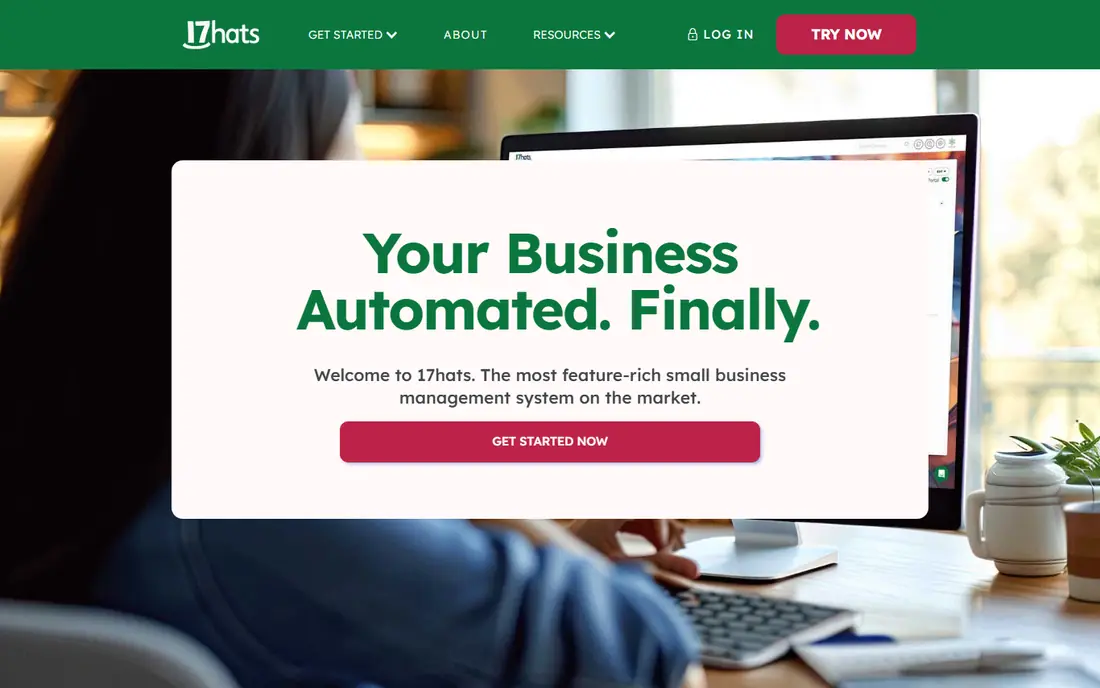
17hats serves all-in-one business management for solos. One $60-a-month plan spans contacts, lead capture, quotes, contracts, invoicing, project workflows, entry-level bookkeeping and email, which replaces a stack of separate subscriptions.
On top of that, 17hats is the quiet workhorse for solo service firms. 17hats pricing: $60 per month. Trial and free access: Free trial.
Limits to weigh: Single $60 plan with no less expensive level.
- Contacts, projects, invoicing
- Single flat plan with everything included
- Less automation depth than Dubsado
Kit
Ideal for: Email-first audience CRM for creators
Pick Kit if this describes you: email-first audience CRM for creators. Kit, which you may remember as ConvertKit, is the email platform made for creators. Beyond that, Kit's commerce tools manage digital products and premium newsletters but will not replace a real storefront.
Beyond that, the contact management is organized around what creators actually track: tags, segments, purchase behavior and where each subscriber is in a sequence. The free plan includes up to 10,000 subscribers with unlimited broadcasts, which is unmatched generosity in this category. Price to start with Kit: $29 per month. A free plan is available with Kit.
The main drawbacks: Commerce features are entry-level next to dedicated systems.
- Ample free plan with unlimited broadcasts
- Visual automations and tagging aimed at creators
- Premium pricing scales with subscriber count
HoneyBook
Ideal for: Client projects, contracts and invoicing
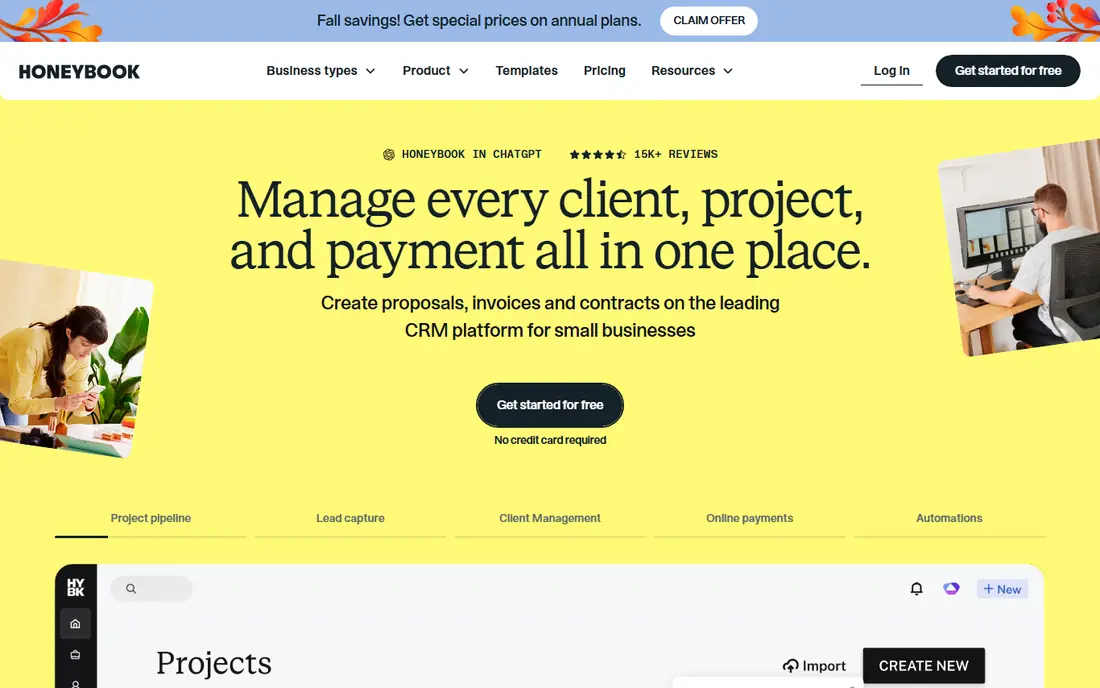
HoneyBook targets client projects, contracts and invoicing. The core loop is inquiry to proposal to contract to invoice to payment, all inside one refined system with a client portal that keeps files and messages organized.
The main drawbacks: Payment processing fees stack on top.
Also, every plan contains unlimited clients and projects, so growth does not force an upgrade. Entry price for HoneyBook: $29 per month. Free access: Free trial (30 days).
- Refined inquiry-to-payment workflow
- Invoices and client portal in one place
- Essentials caps at 2 team members before a steep jump to Premium
Dubsado
Ideal for: Adaptable client workflows and forms
Dubsado is a good fit for adaptable client workflows and forms. The trade-off is polish and setup effort. From a buyer's view, the interface is functional instead of beautiful, and getting the most from Dubsado takes real configuration time.
Where it is weaker: Scheduling and advanced automation need the Premier plan.
Where HoneyBook guides you down a fixed path, Dubsado provides you building blocks: forms, questionnaires, contracts, invoices and automatic workflows you can wire together however your process works. In practice, the $35 Starter plan spans the basics whereas scheduling and automatic workflows sit on the $55 Premier level. Dubsado does roughly the same job as HoneyBook, with a different philosophy. Starting cost for Dubsado: $35 per month. Free options: Free trial.
- One flat price with no per-user fees
- Ample trial with no time limit
- Steeper learning curve to set up well
Stan Store
Ideal for: Link-in-bio storefront with 0% fees
Pick Stan Store if this describes you: link-in-bio storefront with 0% fees. Stan Store skips the CRM label entirely and just sells you a storefront for your link in bio.
Setup takes minutes, and the entire product assumes your traffic comes from social. On top of that, you also cannot use your own domain. On cost, Stan Store starts like this: $29 per month. Free plan details: Free trial (14 days).
Points against: Email marketing needs the $99 Creator Pro plan.
- Memberships and community in one page
- Bookings, courses
- No custom domain support
Mailchimp
Ideal for: Audience CRM with email built in
Mailchimp works best for audience CRM with email built in. The free plan and $13 starting price keep the entry cost low.
Honest limits: CRM features are entry-level next to HubSpot.
For everyday use, the catches are well documented. In practice, Mailchimp is the name every creator already knows, and its CRM features are the reason it belongs here. Mailchimp cost at the entry level: $13 per month. Mailchimp has a free plan.
- Free plan to start
- Huge template library and simple setup
- Pricing gets pricey as lists grow
Kajabi
Ideal for: All-in-one course and coaching business
Pick Kajabi if this describes you: all-in-one course and coaching business. Kajabi is the heavyweight choice, an all-in-one business product with CRM-like contact management built in.
Limits to weigh: Pricey entry price after the January 2026 increase.
On top of that, Kajabi raised prices in January 2026 and retired the cheap Kickstarter plan, so Basic now begins at $179 per month, and contact caps (2,500 on Basic) push expanding creators toward higher levels. It is also far more product than a creator selling a handful of digital products needs. The starting price for Kajabi: $179 per month. Free options: Free trial (14 days).
- 0% system transaction fees
- Website, courses, email
- Overkill for straightforward selling
HubSpot CRM
Ideal for: Free CRM that grows with you
HubSpot CRM is aimed squarely at free CRM that grows with you. Real automation, advanced reporting and higher limits sit behind premium levels that start at $20 per seat a month and climb steeply.
the main limit is the upsell path. HubSpot CRM cost at the entry level: Free. HubSpot CRM has a free plan.
Points against: Free plan lacks automation depth.
- Best free CRM available with contacts
- Scales into full marketing and sales suites
- Premium levels get pricey rapidly
How we chose
Ainotely looked at what each vendor publishes: pricing, plan limits, feature coverage for CRM tools for creators and stated drawbacks. No hands-on testing is claimed. Figures are shown as the vendors publish them. Billing terms, seat minimums and add-ons can change the real cost. We ordered the tools by general fit, then by how clearly pricing is shown, then by free access. A buyer with unusual needs may reorder them.
What to check before you buy
- Check the vendor page for the current price: Mailchimp starts at $13 per month here, and seats or billing terms can move it.
- Look at free plan limits closely: Kit, Mailchimp and HubSpot CRM have one, and the caps decide whether it is usable for real work.
- Run a trial of 17hats, HoneyBook, Dubsado and others with real work before paying for a year; your own workflow is the best test.
- Read the limits listed for 17hats first: single $60 plan with no less expensive level.
- Ask Dubsado which support channels and response times come with the plan you would buy.
- Confirm the exact Stan Store plan that includes your must-have features.
Frequently asked questions
Is 17hats the right pick for everyone comparing CRM tools for creators?
No single tool suits every team. 17hats comes first because it fits all-in-one business management for solos, while Kit suits email-first audience CRM for creators and HoneyBook suits client projects, contracts and invoicing. Match the tool to your own size, budget and workflow before deciding.
Which options for CRM tools for creators have a free plan?
On this list, Kit, Mailchimp and HubSpot CRM include a free plan. Caps on seats, usage or features are common, so test the free plan against your real workload. Several others offer a trial instead.
What is the cheapest option for CRM tools for creators in this list?
On published monthly entry prices, Mailchimp is the lowest here at $13 per month. Entry price is only part of the cost, because seats, add-ons and billing terms can change the total.
Do these tools publish their prices?
Yes. Every tool from 17hats to HubSpot CRM shows a starting price, though seats, add-ons and billing terms still change the final cost.