Best Cross-Platform Mobile Development Frameworks in 2026: 8 Frameworks Compared

- 1
 FlutterFast apps with one codebaseVisit
- 2
 React NativeJavaScript teams building mobile appsVisit
- 3
 .NET MAUIMicrosoft stack teamsVisit
- 4
 IonicWeb teams going mobile fastVisit
- 5
 Kotlin MultiplatformAndroid teams sharing logicVisit
- Our pick for most people is Flutter, because it covers fast apps with one codebase with the fewest trade-offs in this group.
- If you want to start without paying, Flutter is the strongest free option here, though its paid tier adds the deeper features.
- React Native is the best second look when Flutter does not fit, since it serves javascript teams building mobile apps rather than the same audience.
- Prices and plan limits change often, so confirm the current terms on each vendor site and read the fine print on limits, renewals and cancellation.
Quick comparison
| Product | Ideal for | Price from | Free version | |
|---|---|---|---|---|
| Flutter | Fast apps with one codebase | Free | Yes | Visit |
| React Native | JavaScript teams building mobile apps | Free | Yes | Visit |
| .NET MAUI | Microsoft stack teams | Free | Yes | Visit |
| Ionic | Web teams going mobile fast | Free | Yes | Visit |
| Kotlin Multiplatform | Android teams sharing logic | Free | Yes | Visit |
 NativeScript | Native apps from JavaScript | Free | Yes | Visit |
 Capacitor | Turning web apps into native apps | Free | Yes | Visit |
 Uno Platform | C# teams targeting every screen | Free | Yes | Visit |
The best cross-platform mobile development frameworks
Choosing among options for best cross-platform mobile development frameworks comes down to fit, not fame. We compared official feature pages, pricing pages, app store listings, privacy policies and public reviews for each option below, and we weighed what you actually get on the entry plan against what stays behind a paywall. Flutter leads this list because it handles fast apps with one codebase well for the widest range of readers, but the right choice depends on your budget, your team size and how much hand-holding you want. Read the shortlist with your own situation in mind. A cheaper tool that you actually use beats a powerful one that sits untouched, and a plan that looks cheap on the monthly line can cost more once add-ons and limits are counted. Take notes as you read, and shortlist two or three options to test before you decide.
Flutter
Ideal for: Fast apps with one codebase
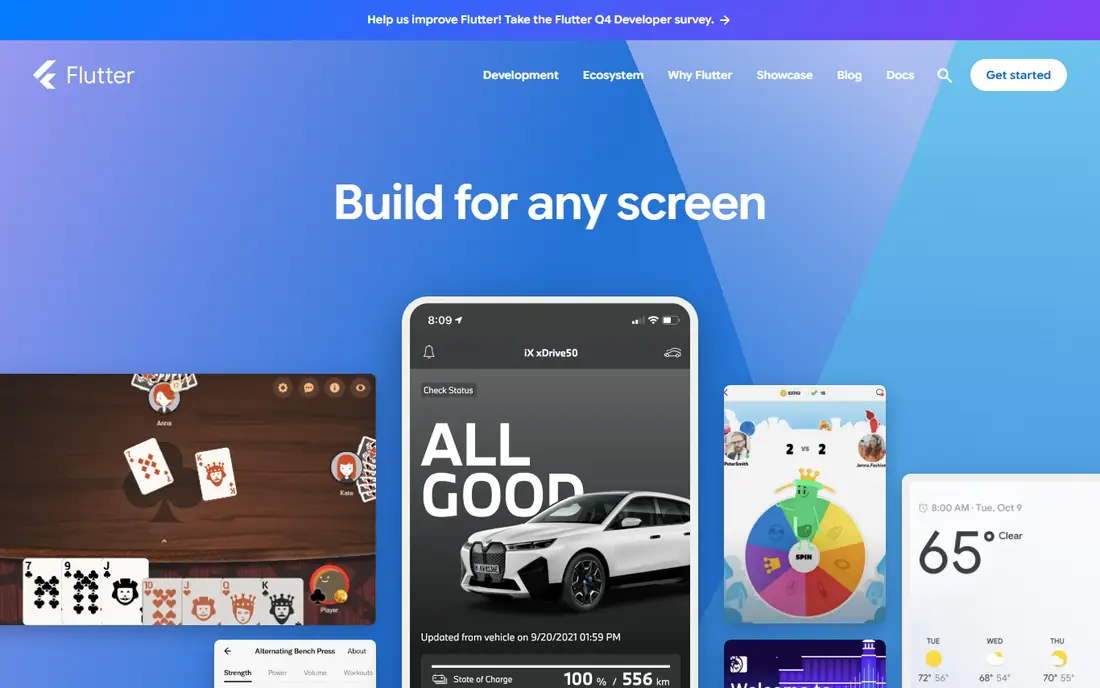
Flutter, from Google, lets one team ship on iOS and Android from a single Dart codebase, with a widget system that keeps designs consistent. Its hot reload speeds up UI work, and the same code can also target web and desktop when a project grows. For readers focused on fast apps with one codebase, the appeal is one codebase for mobile, web and desktop. That strength matters in daily use, because it is the part you will notice every week, not a feature you open once and forget. Compare it against the rest of the list on that one point first, then look at price, platform support and how the company handles your data. The honest weakness is dart is less common than JavaScript. app sizes can be larger Try it on a real task before you pay, and check whether the entry plan covers the feature you actually need.
- One codebase for mobile, web and desktop
- Fast UI rendering
- Large widget library
- Dart is less common than JavaScript
- App sizes can be larger
React Native
Ideal for: JavaScript teams building mobile apps
React Native lets JavaScript and React teams build real mobile apps without learning a new language, using the ecosystem they already know. Its community is large, so libraries, answers and hiring are easier than with smaller frameworks. For readers focused on javascript teams building mobile apps, the appeal is huge JavaScript ecosystem. That strength matters in daily use, because it is the part you will notice every week, not a feature you open once and forget. Compare it against the rest of the list on that one point first, then look at price, platform support and how the company handles your data. Watch out for native modules sometimes need custom work. upgrades can be fiddly If you can live with that limit, the rest of the package is easy to recommend for its audience.
- Huge JavaScript ecosystem
- Near-native performance
- Large community
- Native modules sometimes need custom work
- Upgrades can be fiddly
.NET MAUI
Ideal for: Microsoft stack teams
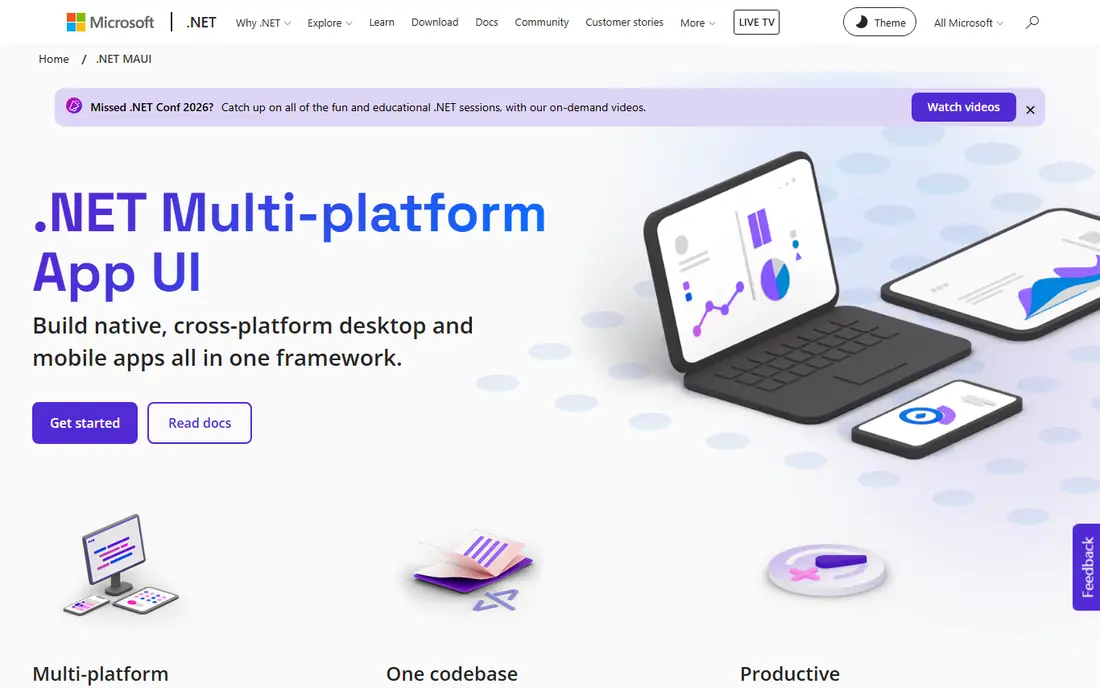
.NET MAUI lets C# teams build Android, iOS, macOS and Windows apps from one codebase inside Visual Studio. It is a natural pick for companies already running on Microsoft technology and needing desktop apps too. For readers focused on microsoft stack teams, the appeal is one C# codebase for mobile and desktop. That strength matters in daily use, because it is the part you will notice every week, not a feature you open once and forget. Compare it against the rest of the list on that one point first, then look at price, platform support and how the company handles your data. The catch is smaller mobile community than Flutter or React Native. UI polish takes effort If that trade-off is acceptable for how you work, this is a solid choice, and a short trial will tell you more than any review can.
- One C# codebase for mobile and desktop
- Strong Visual Studio tooling
- Enterprise support
- Smaller mobile community than Flutter or React Native
- UI polish takes effort
Ionic
Ideal for: Web teams going mobile fast
Ionic lets web developers ship mobile apps using HTML, CSS and JavaScript, wrapped with Capacitor for native features. It is fastest when a team already has a web app and wants app store versions without rewriting everything. For readers focused on web teams going mobile fast, the appeal is web tech and Capacitor for native access. That strength matters in daily use, because it is the part you will notice every week, not a feature you open once and forget. Compare it against the rest of the list on that one point first, then look at price, platform support and how the company handles your data. The honest weakness is webview performance limits heavy apps. native feel needs extra work Try it on a real task before you pay, and check whether the entry plan covers the feature you actually need.
- Web tech and Capacitor for native access
- Fast to prototype
- Good component library
- Webview performance limits heavy apps
- Native feel needs extra work
Kotlin Multiplatform
Ideal for: Android teams sharing logic
Kotlin Multiplatform shares business logic, networking and data code between Android and iOS while each app keeps a fully native interface. It suits teams that want native quality but hate duplicating logic in two languages. For readers focused on android teams sharing logic, the appeal is shares business logic across platforms. That strength matters in daily use, because it is the part you will notice every week, not a feature you open once and forget. Compare it against the rest of the list on that one point first, then look at price, platform support and how the company handles your data. Watch out for uI sharing is still maturing. iOS tooling is improving but younger If you can live with that limit, the rest of the package is easy to recommend for its audience.
- Shares business logic across platforms
- Native UIs stay fully native
- JetBrains backing
- UI sharing is still maturing
- IOS tooling is improving but younger
NativeScript
Ideal for: Native apps from JavaScript
NativeScript gives JavaScript developers direct access to native APIs without a webview, so apps feel closer to fully native builds. Its Angular and Vue support makes it a good fit for teams already using those frameworks on the web. For readers focused on native apps from javascript, the appeal is direct native API access from JavaScript. That strength matters in daily use, because it is the part you will notice every week, not a feature you open once and forget. Compare it against the rest of the list on that one point first, then look at price, platform support and how the company handles your data. The catch is smaller community. fewer ready-made plugins than rivals If that trade-off is acceptable for how you work, this is a solid choice, and a short trial will tell you more than any review can.
- Direct native API access from JavaScript
- Angular and Vue support
- Open source
- Smaller community
- Fewer ready-made plugins than rivals
Capacitor
Ideal for: Turning web apps into native apps
Capacitor takes an existing web app and runs it as a native app with access to device features through plugins. It is the simplest path when the web app already exists and the team wants store listings quickly. For readers focused on turning web apps into native apps, the appeal is runs any web app natively. That strength matters in daily use, because it is the part you will notice every week, not a feature you open once and forget. Compare it against the rest of the list on that one point first, then look at price, platform support and how the company handles your data. The honest weakness is still web-based, so heavy graphics suffer. native polish needs work Try it on a real task before you pay, and check whether the entry plan covers the feature you actually need.
- Runs any web app natively
- Simple plugin model
- Maintained by the Ionic team
- Still web-based, so heavy graphics suffer
- Native polish needs work
Uno Platform
Ideal for: C# teams targeting every screen
Uno Platform lets C# and XAML developers target mobile, web, desktop and even embedded screens from one codebase. It appeals to teams with Windows or XAML experience who want that skill to stretch across every device. For readers focused on c# teams targeting every screen, the appeal is one C# and XAML codebase for many targets. That strength matters in daily use, because it is the part you will notice every week, not a feature you open once and forget. Compare it against the rest of the list on that one point first, then look at price, platform support and how the company handles your data. Watch out for smaller mobile community. learning curve for XAML newcomers If you can live with that limit, the rest of the package is easy to recommend for its audience.
- One C# and XAML codebase for many targets
- Strong Windows heritage
- Open source
- Smaller mobile community
- Learning curve for XAML newcomers
How we picked these
We started from the topic itself and kept only products that exist and work today and truly fit it. For each one we checked the official homepage, the pricing page and the free tier, and we read app store listings, privacy policies and public reviews where they were relevant. Products with a homepage we could not verify were left out, and prices we could not verify are shown as See website rather than guessed. We favored a mix of well-known leaders and strong smaller options, and we weighed entry price, free tier, platform coverage and honest weaknesses. No product here paid for its place, and we did not claim hands-on testing we did not do. What follows is a comparison of published facts, so you can check any claim on the vendor site before you buy.
Choosing a framework for your next app
Start from your team's existing skills, because the framework closest to what they know will ship fastest. Then check the platforms you must support, including web and desktop, and whether you need deep native features such as camera, maps or payments. Next, build a small prototype with real navigation and one native feature, and test it on a low-end phone. Compare two finalists on startup time, UI smoothness and how easily you can add a native plugin when the framework falls short.
Frequently asked questions
What is a cross-platform framework?
A cross-platform framework lets one codebase produce apps for both iOS and Android, instead of writing two separate native apps. It saves time and keeps features in sync across platforms.
Is Flutter or React Native better?
Flutter suits teams that want consistent custom UI and one language for all targets, while React Native suits JavaScript teams with existing React skills. Both are proven for production apps.
Do cross-platform apps perform worse?
Modern frameworks are close to native for most business and consumer apps, though heavy games and graphics apps still favor native code. For forms, feeds and commerce, users rarely notice a difference.
Can I use one codebase for web too?
Flutter, Ionic and Uno Platform all target web as well as mobile, while React Native needs React Native Web for that. If web matters, check that path before you commit.
Which framework is easiest to learn?
Ionic is easiest for web developers, React Native for JavaScript developers, and Flutter for teams willing to learn Dart. Pick the one closest to skills your team already has.