7 Best Cross Platform Password Managers for 2026

- Enpass takes the first slot, best suited to offline-first vaults you control.
- A fair warning about 1Password: no free level at all, only a 14-day trial.
- NordPass has the lowest monthly starting price in this list: $1.49 per month.
- NordPass is the one to check for straightforward UI with XChaCha20 encryption.
Direct answer
This list puts Enpass first for offline-first vaults you control. 1Password fits refined apps and Travel Mode; LastPass fits a familiar name with one-device free tier. The other 4 tools in the list cover narrower or pricier cases.
Quick comparison
| Product | Ideal for | Price from | Free version | |
|---|---|---|---|---|
 Enpass | Offline-first vaults you control | $1.99 a month (billed yearly) | Yes | Visit |
 1Password | Refined apps and Travel Mode | $2.99 per month (billed yearly; renews at $3.99) | No | Visit |
 LastPass | A familiar name with one-device free level | $3 a month (billed yearly) | Yes | Visit |
 RoboForm | Solid form filling on older browsers | $2.49 a month (billed yearly) | Yes | Visit |
 Proton Pass | Privacy plus built-in email aliases | $2.49 a month (billed yearly) | Yes | Visit |
 Bitwarden | Full sync on a free plan | $1.65 per month (billed yearly, $19.80 per year) | Yes | Visit |
 NordPass | Straightforward UI with XChaCha20 encryption | $1.49 per month (2-year plan) | Yes | Visit |
The 7 tools in detail
This Ainotely guide covers 7 options for cross platform password manager. Each profile lists a starting price, free plan details, strengths and drawbacks, so you can drop poor fits quickly.
Enpass
Ideal for: Offline-first vaults you control
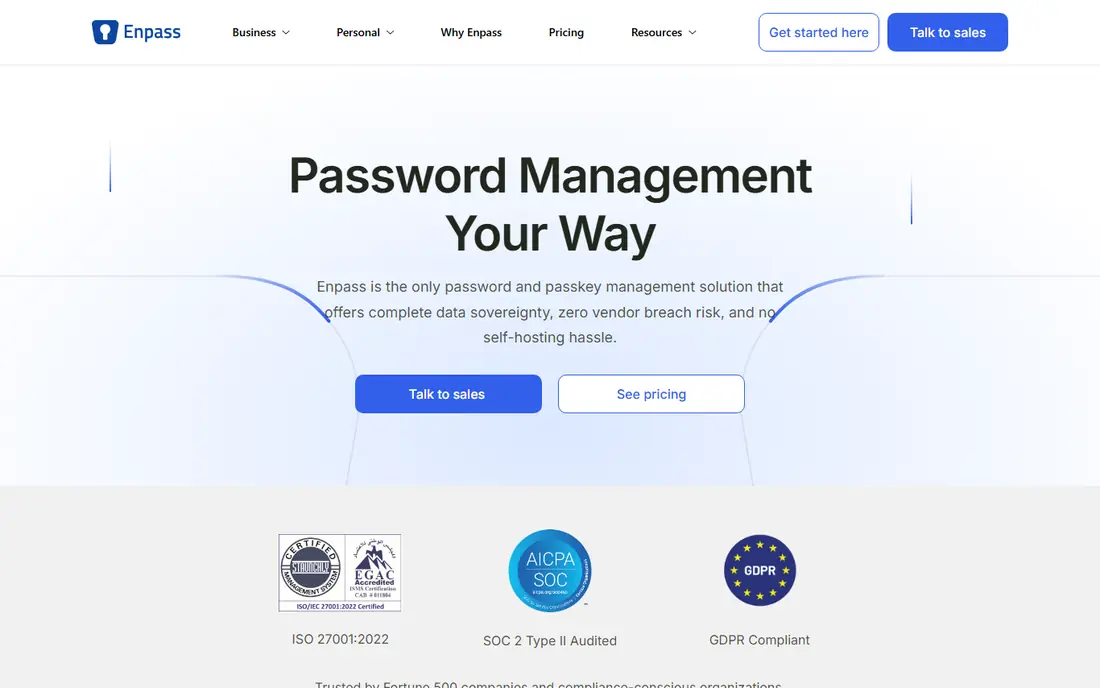
Enpass is built with offline-first vaults you control in mind. If you want zero setup friction, pick Bitwarden instead. From a buyer's view, the desktop apps are solid, it works completely offline, and it supports passkeys and biometric sign-in across systems.
Where it falls short: Sharing vaults is clunkier.
Beyond that, the trade is convenience. Since there is no Enpass cloud, you set up sync yourself, and sharing a vault with a partner or colleague takes more steps than in 1Password or Bitwarden. If you want a password manager with no vendor cloud in the middle, this is the most practical choice. For buyers who are uncomfortable with a vendor holding even encrypted copies of their passwords, that architecture is the entire pitch. Enpass pricing: $1.99 per month. Enpass offers a free plan. Where it shines: not Enpass servers.
- The free level includes 25 items
- Works completely offline
- Initial setup asks more of you than cloud-first rivals
1Password
Ideal for: Refined apps and Travel Mode
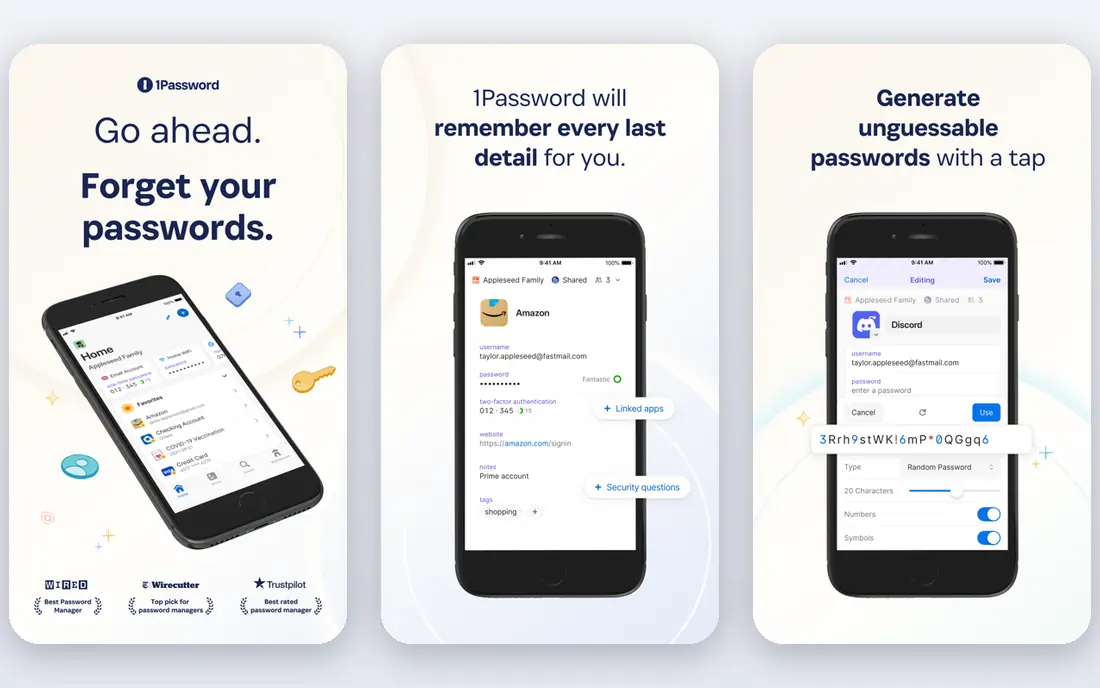
In short, 1Password is for refined apps and Travel Mode. What you get for the money is consistency: the browser extension, desktop apps and mobile apps all behave the same, family sharing is genuinely easy, and business plans add the admin controls IT teams expect. From a buyer's view, individual plans start at $2.99 a month on annual billing for new customers, moving to $3.99 at renewal after the 2026 increase.
More specifically, people buy it since the apps feel considered on every product and due to two features nobody else does as well. In practice, travel Mode removes vaults you mark as travel-safe when you cross a border, so a device search reveals nothing sensitive. For a single user on a budget, it is not. Starting cost for 1Password: $2.99 per month. 1Password has no free tier.
Where it falls short: No free level at all.
- Family plans share vaults cleanly
- Watchtower flags weak and breached logins
- Only a 14-day trial
LastPass
Ideal for: A familiar name with one-device free level
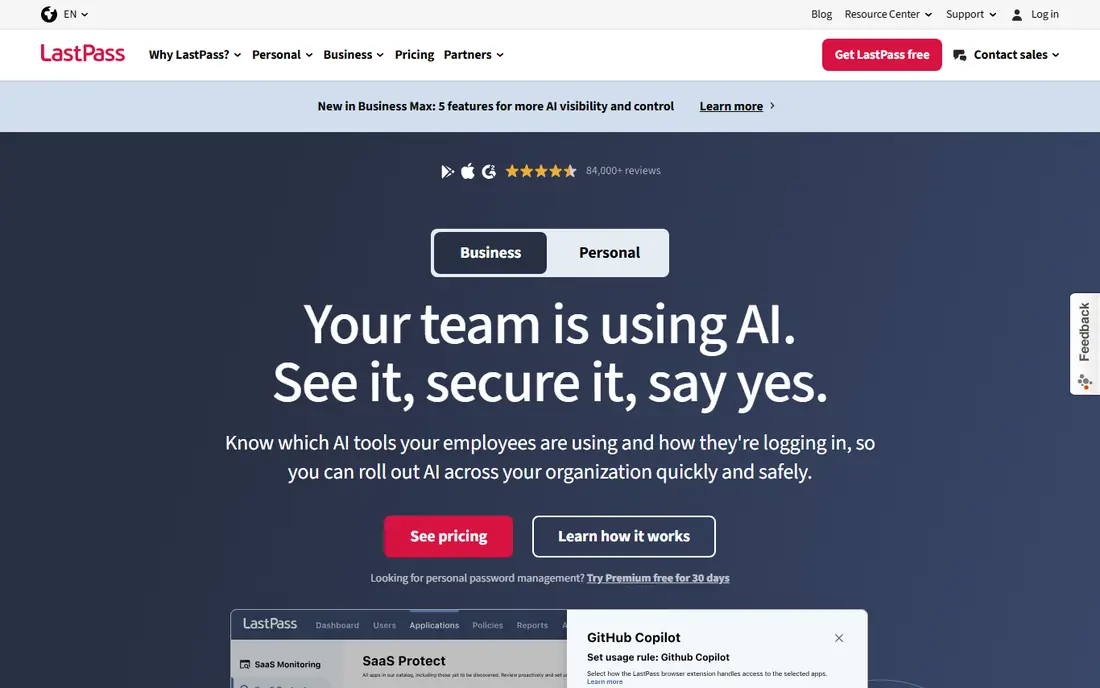
LastPass targets a familiar name with one-device free level. Since then, competitors with cleaner records charge the same or less: Bitwarden Premium is far cheaper, and Proton Pass Plus is $2.49 a month with a more solid privacy story. The honest catch is trust.
The 2022 breach, in which attackers accessed encrypted vault backups, damaged the company's reputation in a way discounts have not repaired. More specifically, the apps work on every major product and browser, emergency access is straightforward. The onboarding flow is one of the friendliest for non-technical users. Entry price for LastPass: $3 per month. LastPass has a free plan.
Downsides: The free level handles only one device type.
- One of the most recognized brands in the category
- Emergency access for trusted contacts
- The 2022 security incident still shadows the brand
RoboForm
Ideal for: Solid form filling on older browsers
Where RoboForm fits: solid form filling on older browsers. The best way: its form filling is genuinely very good, handling long registration forms and checkout pages that trip up newer tools.
It still supports older browsers that the bigger vendors quietly abandoned. From a buyer's view, everywhere, the premium plan, costs $2.49 a month on annual billing and layers on sync across all devices, cloud backup and priority support. RoboForm pricing: $2.49 per month. RoboForm offers a free plan.
What to check first: The free level is restricted to a single device.
- Low-cost family pricing
- Very good automatic form filling
- The interface feels dated
Proton Pass
Ideal for: Privacy plus built-in email aliases
Proton Pass targets privacy plus built-in email aliases. The aliases are the killer feature.
Beyond that, Pass Plus costs $2.49 a month on annual billing and brings unlimited aliases, a built-in two-factor authenticator, secure vault sharing, dark web monitoring and emergency access. Starting cost for Proton Pass: $2.49 per month. A free plan is available with Proton Pass.
Trade-offs to know: Monthly billing at $4.99 is steep.
- Unlimited logins and devices on the free plan
- Open source under Swiss jurisdiction
- The feature set is thinner than 1Password's
Bitwarden
Ideal for: Full sync on a free plan
Where Bitwarden fits: full sync on a free plan. Bitwarden is the one password manager that treats its free plan as a finished product instead of a demo. From a buyer's view, you get unlimited passwords, unlimited devices, sync across Windows, macOS, Linux, iOS, Android and every major browser, plus passkey support, all without paying.
Trade-offs to know: The interface is plain compared with 1Password.
The honest catch is fit and finish: the apps look utilitarian next to 1Password, and autofill occasionally misses a field that a pricier rival catches on the first try. Premium costs $1.65 a month on annual billing, up from the long-standing $9.99 a year after a price change in early 2026. Entry price for Bitwarden: $1.65 per month. Bitwarden has a free plan.
- One of the cheapest premium tiers in the category
- Unlimited devices and sync on the free plan
- Autofill can need a second attempt on some sites
NordPass
Ideal for: Straightforward UI with XChaCha20 encryption
NordPass is a good fit for straightforward UI with XChaCha20 encryption. It launched in 2019 and brought the same emphasis on approachable design to password management, using XChaCha20 encryption that the company positions as resistant to future computing advances. The free tier exists but only handles a single device, which kneecaps the entire point of a cross-platform manager for anyone with a phone and a laptop.
On top of that, integrations with other tools are thinner than 1Password's, and document storage is entry-level. Still, for a household that wants something simple and cheap, NordPass is an honest value pick. On top of that, pricing is aggressive on longer commitments: $1.49 a month on the two-year plan, rising to $1.99 on the one-year plan. NordPass starts at: $1.49 per month. NordPass has a free plan.
Downsides: A younger product with fewer integrations than 1Password.
- Modern XChaCha20 encryption
- Data breach scanner included on premium plans
- The free level is restricted to one device
What went into this list
Each tool was reviewed on what its vendor publishes: price, plan limits, core features and stated drawbacks. We did not run hands-on tests. Plan names, prices and limits change often. Treat the figures here as a starting point and verify them with the vendor. The ranking is editorial: typical fit first, then clear pricing, then free access. If your needs are unusual, read the profiles rather than relying on position.
Pre-purchase checklist
- Prices are a starting point; NordPass shows $1.49 per month to start, so verify what your seat count would cost.
- Look at free plan limits closely: Enpass, LastPass, RoboForm and others have one, and the caps decide whether it is usable for real work.
- Before choosing Enpass, weigh its main limit: initial setup asks more of you than cloud-first rivals.
- Find out what support NordPass includes on your plan, and whether onboarding help costs extra.
- A short pilot of Bitwarden with your real workflow tells you more than a feature table.
Frequently asked questions
Do password managers work when I am offline?
Most do, with limits. Apps like 1Password, Bitwarden and Enpass keep a local copy of your vault, so you can view and copy passwords without internet. Browser-only setups are the exception, so install the desktop or mobile app if offline access matters to you.
Do these tools publish their prices?
Yes. Every tool from Enpass to NordPass shows a starting price, though seats, add-ons and billing terms still change the final cost.
Can I try these tools before paying?
Often, yes. Enpass, LastPass, RoboForm and others have a free plan. Use your own data and a real task during the test, and check what the free tier or trial limits before you rely on it.
How are the tools for cross platform password manager ordered?
Enpass sits first and NordPass last because the order follows typical fit for cross platform password manager, then price clarity and free access. It is a judgement call, so read each profile for fit and limits.
What is the cheapest option for cross platform password manager in this list?
On published monthly entry prices, NordPass is the lowest here at $1.49 per month. Entry price is only part of the cost, because seats, add-ons and billing terms can change the total.
What is the difference between a password manager and my browser's saved passwords?
A dedicated manager works across all your browsers and devices, lets you share logins safely with family or colleagues, and warns you about reused or exposed passwords. If you use more than one browser or device, the dedicated tool is worth it.