Crowdsourcing Platforms Buyer's Guide: 6 Tools for 2026

- Kaggle is the opening pick, best for machine learning competitions and data science talent.
- 6 of the 6 tools have a free plan, including Kaggle, Patreon, Indiegogo and GoFundMe.
- 99designs fits logo and brand design through contests.
- One limit worth knowing about Kaggle: featured competitions with big prizes need enterprise engagement.
Direct answer
Start with Kaggle if you need machine learning competitions and data science talent. Look at Patreon for recurring income for creators, and at Indiegogo for tech and gadget campaigns. The full list of 6 tools follows, with prices and free plan facts.
Quick comparison
| Product | Ideal for | Price from | Free version | |
|---|---|---|---|---|
 Kaggle | Machine learning competitions and data science talent | Free (community competitions; featured competitions are custom-priced) | Yes | Visit |
 Patreon | Recurring income for creators | 10% of processed payments (plus payment processing fees) | Yes | Visit |
 Indiegogo | Tech and gadget campaigns | 5% of funds raised (plus 3% + $0.20 processing per transaction) | Yes | Visit |
 GoFundMe | Personal causes and charity fundraisers | 0% platform fee (2.9% + $0.30 processing per donation) | Yes | Visit |
 Kickstarter | Creative and product launches | 5% of funds raised (only if the campaign funds) | Yes | Visit |
 99designs | Logo and brand design through contests | From US$349 per design contest (plus a 5% platform fee) | Yes | Visit |
The 6 tools in detail
If you are comparing crowdsourcing platforms, this page covers 6 tools in one place: what each is best for, what it costs to start, whether it has a free plan, and the main limit to know about.
Kaggle
Ideal for: Machine learning competitions and data science talent
Think of Kaggle for machine learning competitions and data science talent. Firms post datasets and prize money, and thousands of data scientists compete to build the best model. From a buyer's view, a well-run Kaggle competition doubles as recruiting, benchmarking, and research, since you see how plenty of approaches perform on your actual data.
Strengths: Free self-service competitions for research and learning.
Limits to weigh: Competitors optimize for the leaderboard; Quality relies on how well you frame the problem. Also, the caveat is that leaderboard scores do not always transfer to production value, so treat results as a starting point, not a finished product. Community competitions are free to run on a self-service basis, whereas featured competitions with serious prize purses are handled through their enterprise team. Kaggle pricing: Free. Kaggle has a free plan.
- Leaderboards provide you honest
- Comparable results
- Featured competitions with big prizes need enterprise engagement
Patreon
Ideal for: Recurring income for creators
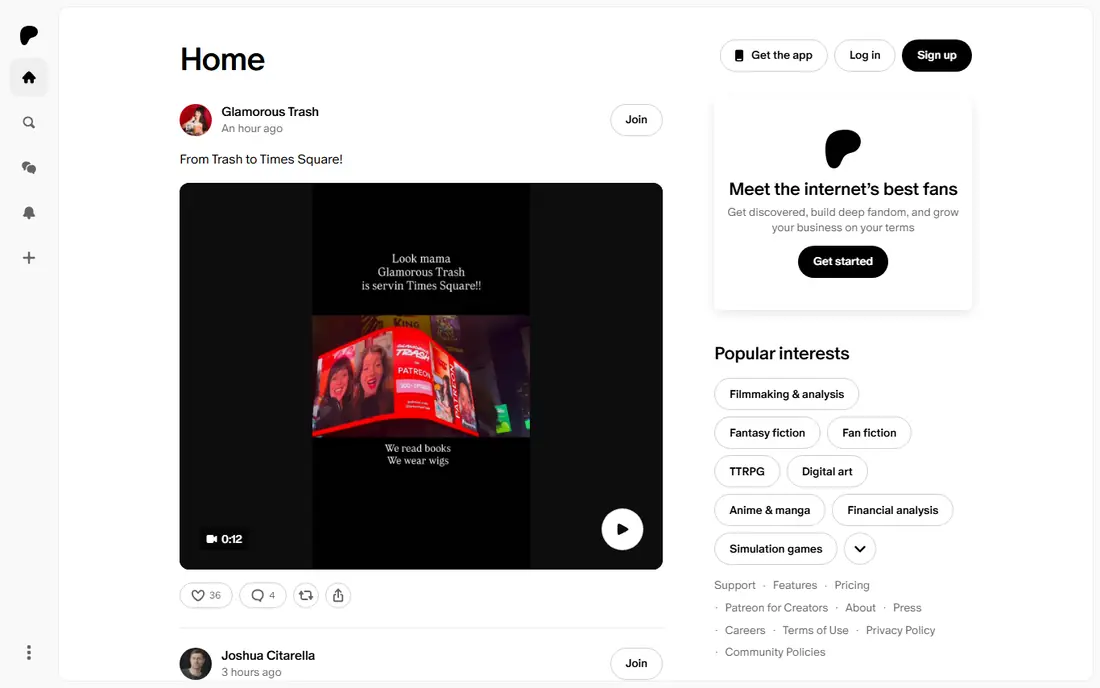
Patreon is aimed squarely at recurring income for creators. If your business needs steady patron income instead of a single funding spike, this is the model to copy.
Price to start with Patreon: 10% of processed payments. Patreon includes a free tier.
The main drawbacks: 10 percent commission plus processing is steep on small pledges.
Reasons to shortlist it: Predictable monthly revenue from memberships.
- Content tools
- Fees scale with earnings
- Competing free content makes conversion hard
Indiegogo
Ideal for: Tech and gadget campaigns
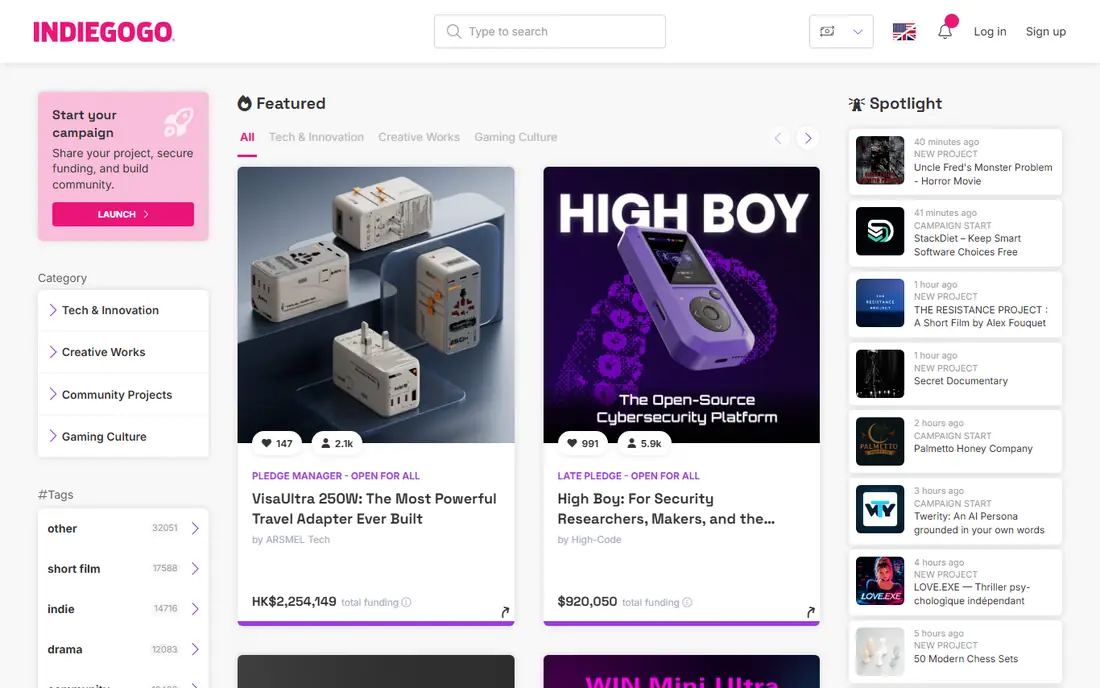
Indiegogo is a good fit for tech and gadget campaigns. Indiegogo has reinvented itself as the campaign-to-commerce product, notably for tech and hardware. In practice, tech and gadget creators frequently find a warmer reception here, whereas creative projects still tend to do better on Kickstarter.
Also, every campaign is now fixed funding, so creators only collect when goals are hit. Fees mirror Kickstarter: 5 percent system plus 3 percent and $0.20 per transaction in the US. Indiegogo cost at the entry level: 5% of funds raised. Indiegogo includes a free tier.
Drawbacks to consider: Smaller organic backer community than Kickstarter. What users get: Advanced pledge manager and post-campaign selling tools.
- Capable in tech, hardware
- Innovation categories
- Fee structure now nearly identical to Kickstarter, so no cost edge
GoFundMe
Ideal for: Personal causes and charity fundraisers
GoFundMe is built with personal causes and charity fundraisers in mind. If your goal is to fund a business product, Kickstarter or Indiegogo will serve you better. If you have to rally support around a person or a cause, GoFundMe is the standard.
In daily use, there is no system fee, and you do not have to hit a goal to receive donations. It is not a product launch tool, and it does not try to be one. Beyond that, GoFundMe is the platform people reach for when life happens: medical bills, memorials, disaster relief, classroom supplies. Price to start with GoFundMe: 0% platform fee. A free plan is available with GoFundMe.
Watch-outs: Depends on your own network for momentum.
- Community causes
- Massive public trust for medical, emergency
- Not designed for product launches or business projects
Kickstarter
Ideal for: Creative and product launches
Kickstarter targets creative and product launches. Kickstarter remains the first name in reward crowdfunding for a reason. Its all-or-nothing rule means backers are only charged if the goal is met, which lowers their risk and provides successful campaigns a credibility halo that carries into retail.
Also, the trade is control for reach. For everyday use, projects must fit Kickstarter's creative categories and rules. The system takes its 5 percent cut plus payment processing only when you succeed. What you pay to start with Kickstarter: 5% of funds raised. Kickstarter offers a free plan.
Points against: Fees plus processing take roughly 8 to 10 percent of pledges.
- The largest reward-crowdfunding backer community
- All-or-nothing model builds urgency and trust
- Strict project rules and category limits
99designs
Ideal for: Logo and brand design through contests
Choose 99designs for logo and brand design through contests. For logos, brand identity, packaging, and web design, seeing thirty to ninety directions for a fixed price beats interviewing freelancers one by one.
The main drawbacks: Refining a concept needs a one-to-one project after the contest.
Budget for the 5 percent product fee at checkout, and pick the guaranteed choice if you want maximum participation. On top of that, contest packages run from US$349 to US$1,399 for illustration categories, with logo contests from US$299. Starting cost for 99designs: From US$349 per design contest. You can start on 99designs without paying.
- Full copyright ownership included
- Tiered packages filter designer quality levels
- A 5 percent client fee is added at checkout
How the list was put together
Each tool was reviewed on what its vendor publishes: price, plan limits, core features and stated drawbacks. We did not run hands-on tests. Figures are shown as the vendors publish them. Billing terms, seat minimums and add-ons can change the real cost. Order on the page follows fit for the typical buyer first, then price transparency and free access. Your own requirements should decide the final pick.
Pre-purchase checklist
- Confirm the entry price on the vendor page for Kaggle and the others: seat counts and billing terms change the total.
- Look at free plan limits closely: Kaggle, Patreon, Indiegogo and others have one, and the caps decide whether it is usable for real work.
- Before choosing Kaggle, weigh its main limit: featured competitions with big prizes need enterprise engagement.
- Ask whether Indiegogo integrates with your current software, and whether that comes standard or as an add-on.
- Ask Kickstarter which support channels and response times come with the plan you would buy.
Frequently asked questions
Is Kaggle the right pick for everyone comparing crowdsourcing platforms?
No single tool suits every team. Kaggle comes first because it fits machine learning competitions and data science talent, while Patreon suits recurring income for creators and Indiegogo suits tech and gadget campaigns. Match the tool to your own size, budget and workflow before deciding.
Which crowdsourcing platform is a good match for raising money for a product?
This list starts with Kaggle, which fits machine learning competitions and data science talent. For other needs, Patreon is aimed at recurring income for creators, and Indiegogo at tech and gadget campaigns. Check each tool's price and main limit first.
Which options for crowdsourcing platforms have a free plan?
On this list, 6 of 6 tools include a free plan, among them Kaggle, Patreon, Indiegogo and GoFundMe. Caps on seats, usage or features are common, so test the free plan against your real workload.
How much do crowdfunding platforms charge?
Expect about 8 to 10 percent of what you raise to go to platform and processing fees on Kickstarter and Indiegogo. GoFundMe charges no system fee but takes 2.9 percent plus $0.30 per donation for processing. Patreon takes 10 percent of processed payments plus processing fees.
How are the tools for crowdsourcing platforms ordered?
The order follows typical fit for crowdsourcing platforms, with Kaggle first and 99designs last, then price clarity and free access. It is editorial judgement, not a score, so another team could rank the tools differently.
How do I pick between Kickstarter and Indiegogo?
Choose Kickstarter for creative categories like games, design, film, and publishing, where its large backer community browses actively. Fees are nearly identical, so audience fit and tooling should decide.