Top 8 Custom AI Tools for Documents for 2026, Compared

- Dify sits first on this list: open-source workflow builder.
- The main caution on Stack AI: no free plan stated, pricing is quote-based for numerous teams, ramp-up time for complicated flows.
- Free plans exist at 5 of 8 tools (Dify, DocsBot, Chatbase, ChatPDF, NotebookLM).
- For personal research over your sources, NotebookLM is worth a look.
- The cheapest monthly starting price in the list is $16 per month billed yearly, offered by Botsonic.
Direct answer
Dify is the first pick on this list for open-source workflow builder. For a different need, DocsBot covers free plan with broad sources and Chatbase covers no-code agent with a free plan. The full list of 8 tools follows, with prices and free plan facts.
Quick comparison
| Product | Ideal for | Price from | Free version | |
|---|---|---|---|---|
 Dify | Open-source workflow builder | See website | Yes | Visit |
 DocsBot | Free plan with broad sources | $49 a month | Yes | Visit |
 Chatbase | No-code agent with a free plan | $40 per month | Yes | Visit |
 Stack AI | Visual workflow design | See website | No | Visit |
 SiteGPT | Customer service from your content | $39 per month billed annually | No | Visit |
 Botsonic | Low entry price | $16 per month billed annually | No | Visit |
 ChatPDF | Quick chat over PDFs | See website | Yes | Visit |
 NotebookLM | Personal research over your sources | Free | Yes | Visit |
The best custom AI tools for documents
This Ainotely guide covers 8 custom AI tools for documents. Each profile lists a starting price, free plan details, strengths and drawbacks, so you can drop poor fits quickly.
Dify
Ideal for: Open-source workflow builder
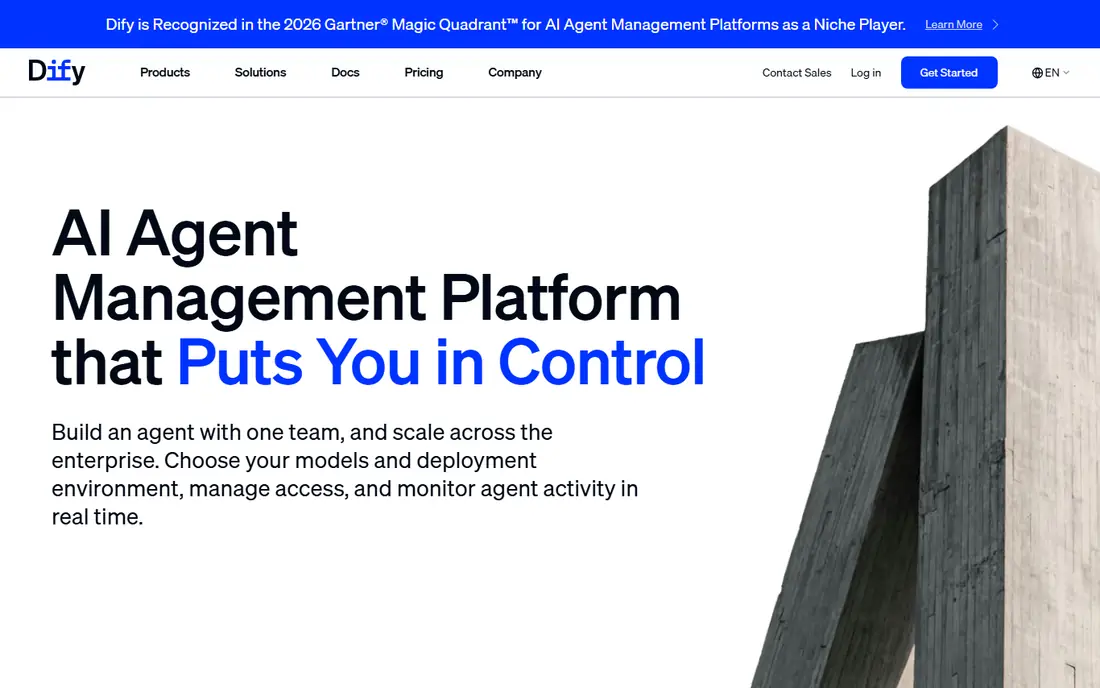
In short, Dify is for open-source workflow builder. Dify is different from the chatbot-first tools above. It is a system for building AI apps, including retrieval workflows over your documents, with visual design and model choices.
Honest limits: Needs technical setup for self-hosting, cloud limits vary.
From a buyer's view, I recommend Dify when a fixed chatbot feels too limiting. Teams that want control over chunking, retrieval, and tools will appreciate that depth. Pricing for Dify is not stated here, so ask the vendor for current figures. A free plan is available with Dify.
- Visual workflow builder
- Retrieval and agent design controls
- Support relies on plan
DocsBot
Ideal for: Free plan with broad sources
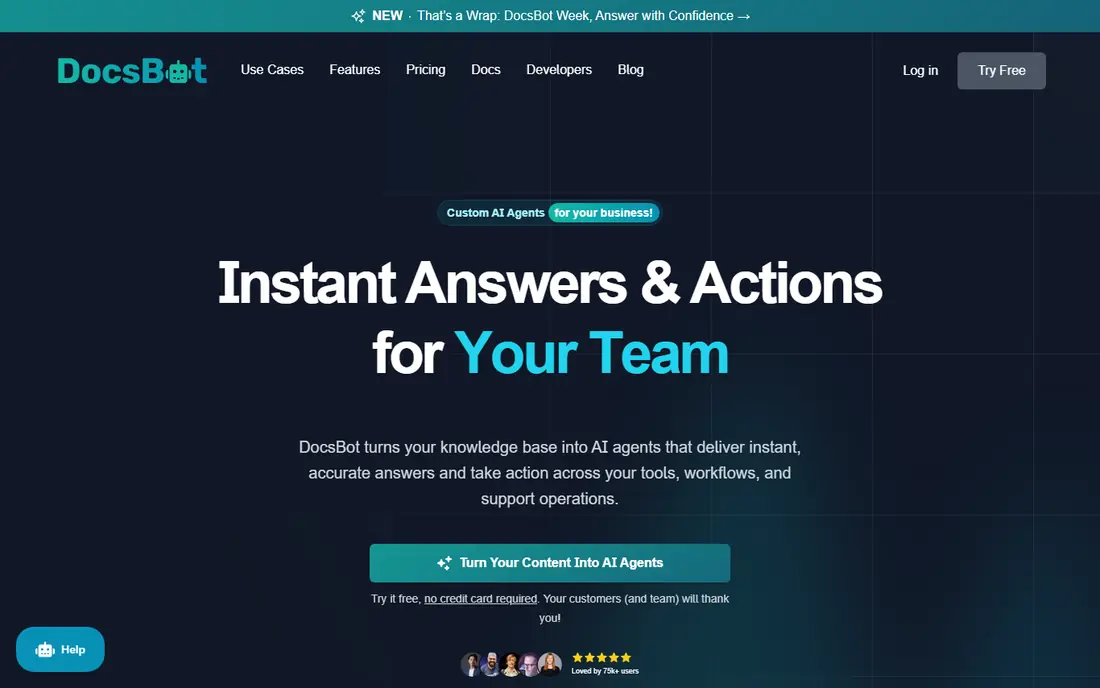
In short, DocsBot is for free plan with broad sources. Check badge removal costs early if an unbranded widget is a must-have. Its free plan lets you test a real bot before paying, which is rare enough in this category to matter.
What to check first: Unbranded widget needs a high plan.
premium plans raise source pages and credits significantly. In practice, my take is that DocsBot is a balanced middle choice. DocsBot starts at: $49 per month. A free plan is available with DocsBot.
- Chat on Slack and messaging apps
- Numerous source types including drives and tickets
- Credit use varies by model
Chatbase
Ideal for: No-code agent with a free plan
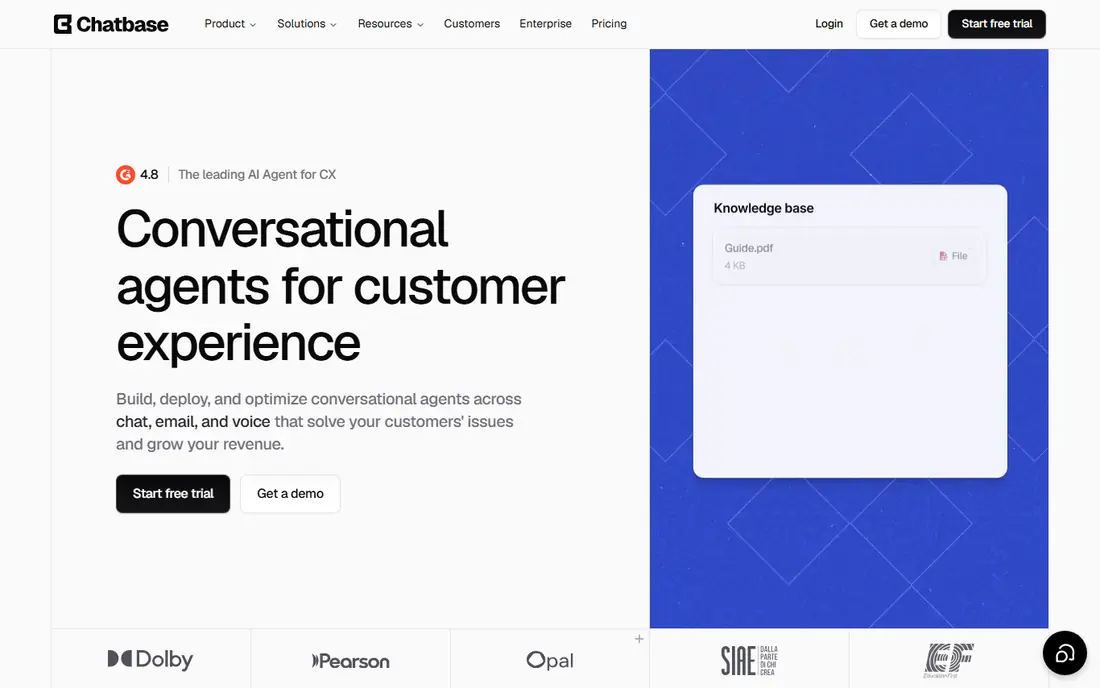
Think of Chatbase for no-code agent with a free plan. Watch the training cap and the credit math for your chosen model, since bigger models consume credits quicker.
Limits to weigh: One agent per plan, training size limits.
From a buyer's view, my take is to start here when speed matters more than scale. In practice, the free plan is small, but it is enough to test whether visitors ask questions your documents can actually answer. Starting cost for Chatbase: $40 per month. A free plan is available with Chatbase.
- Actions and integrations on higher plans
- Website widget
- Badge removal costs additional
Stack AI
Ideal for: Visual workflow design
Think of Stack AI for visual workflow design. Stack AI lets teams design document workflows visually, connecting sources, retrieval steps, and language models into an assistant or internal tool.
Drawbacks to consider: pricing is quote-based for plenty of teams.
For everyday use, for internal knowledge tools with several steps, the visual builder can save developer time, but confirm pricing before a pilot grows. On top of that, a straightforward support widget does not need this level of building. This comparison lists no price for Stack AI; ask the vendor. Stack AI has no free plan.
- Business integrations
- Visual builder for retrieval workflows
- Ramp-up time for complex flows
SiteGPT
Ideal for: Customer service from your content
Pick SiteGPT if this describes you: customer service from your content. SiteGPT concentrates on one job: answer customer questions from your website and documents, then hand over to a person when needed.
Drawbacks to consider: fewer formats than CustomGPT.
Its quotas are stated in messages, which makes budgeting simpler than credit systems that shift with model choice. If you run one site and want predictable costs, it is a capable pick. SiteGPT cost at the entry level: $39 per month billed yearly. SiteGPT does not include a free plan.
- Straightforward content-trained setup
- Human escalation on plans
- No free plan
Botsonic
Ideal for: Low entry price
Botsonic was built for low entry price. You upload content, customize the widget, and embed it on your site.
Honest limits: support depth varies by plan.
I would choose Botsonic when budget is the primary constraint and the document set is modest. From a buyer's view, for a brochure site or a small help centre, that simplicity is the appeal. The starting price for Botsonic: $16 per month billed yearly. No free plan comes with Botsonic.
- Website embedding
- Lowest premium entry in this list
- Smaller document capacity than bigger systems, fewer enterprise controls
ChatPDF
Ideal for: Quick chat over PDFs
ChatPDF is designed for quick chat over PDFs. ChatPDF does one job well: upload a PDF and ask questions about it.
On top of that, keep sensitive PDFs in mind too, and check privacy terms before uploading confidential files. This comparison lists no price for ChatPDF; ask the vendor. ChatPDF includes a free tier.
Where it is weaker: team and API features sit on premium plans, citation depth varies.
- Free level for light use
- Straightforward interface
- PDF-focused instead of multi-source
NotebookLM
Ideal for: Personal research over your sources
NotebookLM works best for personal research over your sources. NotebookLM, from Google, lets you upload documents and ask questions grounded in those sources, with citations back to passages.
What to check first: Designed for research instead of public chatbots.
Highlights: audio overviews for sources.
Also, for research, study, and internal review, that grounding is genuinely handy. It excels when one person or a small group needs to understand a document set deeply. Entry price for NotebookLM: Free. NotebookLM includes a free tier.
- Free with a Google account
- Grounded answers with citations
- Sharing controls suit individuals and small teams, Google account required
Selecting custom AI tools for documents: the practical checks
Start with your source set. Worth adding: a tool that cannot refresh a changing help centre will go stale, no matter how decent its first answers look. In daily use, then check privacy and sharing.
In practice, who can see the assistant, where are documents stored, and can you delete sources completely. For everyday use, a clear path to a person guards trust when the assistant reaches its limit.
How these tools were picked
For each of the 8 tools we noted price, free plan or trial, fit for custom AI tools for documents and the main limit, using vendor pages and documentation. Prices and plan limits come from vendor pages and can change, so confirm them on the vendor site before you buy. The sequence is a judgement call: typical use case first, then pricing transparency, then free access. Use the profiles to check fit.
Things to verify first
- Confirm the entry price on the vendor page. For Dify, Stack AI and ChatPDF that means a quote rather than a fixed price.
- Check what the free option really includes: Dify, DocsBot, Chatbase and others offer a free plan, and usage caps differ.
- Read the limits listed for Dify first: needs technical setup for self-hosting, cloud limits vary, support relies on plan.
- Ask DocsBot about contract length, onboarding fees and user minimums before you sign.
- Before you load data into ChatPDF, check what an export looks like and who can run it.
Frequently asked questions
Is Dify the right pick for everyone comparing custom AI tools for documents?
No single tool suits every team. Dify comes first because it fits open-source workflow builder, while DocsBot suits free plan with wide sources and Chatbase suits no-code agent with a free plan. Match the tool to your own size, budget and workflow before deciding.
Should I self-host or use a cloud chatbot?
Cloud chatbots are quicker to launch and simpler for small teams. Choose self-hosting when data control outweighs setup effort, and cloud when speed and support matter more.
Which options for custom AI tools for documents have a free plan?
On this list, Dify, DocsBot, Chatbase, ChatPDF and NotebookLM include a free plan. Caps on seats, usage or features are common, so test the free plan against your real workload.
Do these tools publish their prices?
Not all of them. Dify, Stack AI and ChatPDF publish no starting price, so expect a quote request for those. The rest, DocsBot included, show a starting price, though seats and billing terms still change the final cost.
Do these tools train shared models on my documents?
Policies differ, so check each vendor. Plenty of business systems state that customer content is not used to train shared models, whereas consumer tools may have different terms.
How are the tools for custom AI tools for documents ordered?
The order follows typical fit for custom AI tools for documents, with Dify first and NotebookLM last, then price clarity and free access. It is editorial judgement, not a score, so another team could rank the tools differently.