Best Customer Data Platform for Small Business in 2026: 7 Tools Compared

- 1
 SegmentBest overall data unificationVisit
- 2
 HubSpotCDP inside a CRM and marketing suiteVisit
- 3
 KlaviyoEcommerce customer data and marketingVisit
- 4
 Treasure DataEnterprise grade unification for growing teamsVisit
- 5
 BloomreachCommerce data plus personalizationVisit
- Unification matters most, since customer data scattered across tools cannot power personalization.
- Activation should send segments to email, ads, and your store without manual exports.
- Privacy controls matter, since you must handle consent and deletion requests properly.
- Pricing by profiles or events can grow fast, so model your customer count honestly.
Quick comparison
| Product | Ideal for | Price from | Free version | |
|---|---|---|---|---|
| Segment | Best overall data unification | See website | Yes | Visit |
| HubSpot | CDP inside a CRM and marketing suite | See website | Yes | Visit |
| Klaviyo | Ecommerce customer data and marketing | See website | Yes | Visit |
| Treasure Data | Enterprise grade unification for growing teams | See website | No | Visit |
| Bloomreach | Commerce data plus personalization | See website | No | Visit |
 Lytics | Audience segments and activation | See website | No | Visit |
 Tealium | Tag and data management plus CDP | See website | No | Visit |
The best customer data platforms for small business
A customer data platform for a small business should unify customer data from your website, store, email, and ads into one profile you can actually use, without an enterprise budget or a data team.
We compared data unification, integrations, segmentation, activation, and prices across platforms suited to small teams, and our pick for most small businesses is a tool with strong integrations to the apps you already use.
In this guide, we walk through each option in turn, starting with who it suits best, then looking at what it does well and where it falls short, so you can compare like with like. We also cover pricing in plain terms, including where a price is quote based or where a free plan covers only part of the service, because the headline price rarely tells the full story. By the end, you should have a short list of two or three options worth a closer look, rather than a long list of names with no clear differences.
Segment
Ideal for: Best overall data unification
Segment, from Twilio, is a leading customer data platform that collects data from websites, apps, and servers and sends it to many destinations. Its integration library is large, covering analytics, email, ads, and warehouses.
Unified profiles help small businesses see each customer across channels. Governance tools help manage consent and data quality.
Pricing grows with event volume, so small teams should model their real traffic before committing.
On balance, Segment stands out for Best overall data unification, with strengths that include Many integrations; strong profiles; good governance. The main drawbacks to weigh are Pricing grows with volume; setup needs care. If those trade offs fit your situation and your budget, it is worth putting on your short list, and if they do not, compare it with the next options in this guide before you decide, since a small difference in price, coverage, or support can matter a lot over a year of use.
- Many integrations
- Strong profiles
- Good governance
- Pricing grows with volume
- Setup needs care
HubSpot
Ideal for: CDP inside a CRM and marketing suite
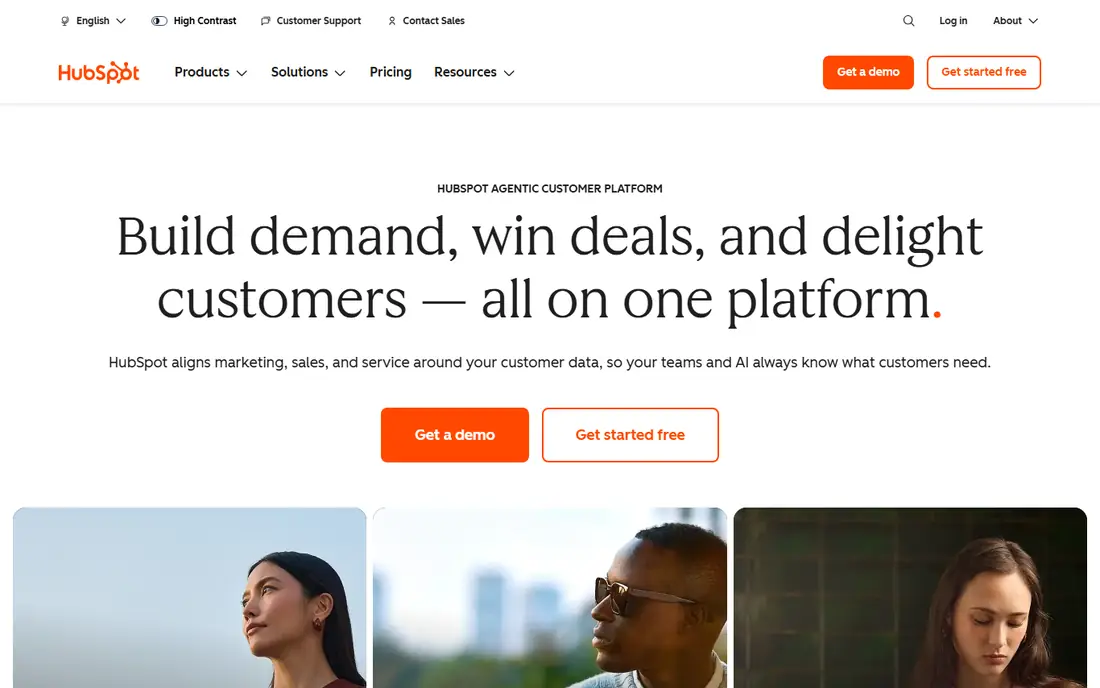
HubSpot includes customer data platform features inside its CRM and marketing suite, which suits small businesses already on HubSpot. Its segments can power email, ads, and website personalization without a separate CDP.
The interface is familiar to HubSpot users, and a free tier covers basics. For HubSpot customers, this is often enough without buying a standalone CDP.
Standalone CDP depth is thinner than specialist platforms, and value is highest inside the HubSpot stack.
On balance, HubSpot stands out for CDP inside a CRM and marketing suite, with strengths that include CRM plus marketing; easy segments; free tier. The main drawbacks to weigh are CDP depth is thinner; best inside HubSpot. If those trade offs fit your situation and your budget, it is worth putting on your short list, and if they do not, compare it with the next options in this guide before you decide, since a small difference in price, coverage, or support can matter a lot over a year of use.
- CRM plus marketing
- Easy segments
- Free tier
- CDP depth is thinner
- Best inside HubSpot
Klaviyo
Ideal for: Ecommerce customer data and marketing
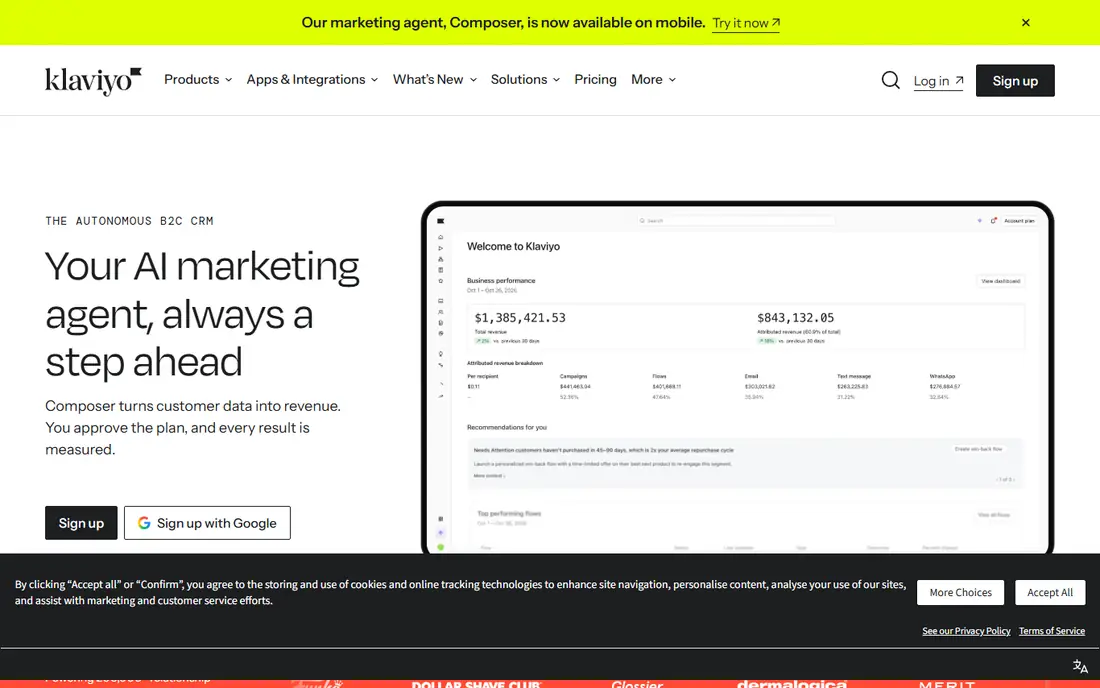
Klaviyo combines customer data with email and SMS marketing, which suits ecommerce small businesses. Its integrations with major store platforms pull order and browsing data automatically.
Segments based on purchase behavior power targeted campaigns. For stores, that combination of data and activation in one tool is efficient.
It fits ecommerce best, and pricing grows with contact count, so model your list size.
On balance, Klaviyo stands out for Ecommerce customer data and marketing, with strengths that include Ecommerce integrations; strong segments; email plus SMS. The main drawbacks to weigh are Best for ecommerce; pricing grows with contacts. If those trade offs fit your situation and your budget, it is worth putting on your short list, and if they do not, compare it with the next options in this guide before you decide, since a small difference in price, coverage, or support can matter a lot over a year of use.
- Ecommerce integrations
- Strong segments
- Email plus SMS
- Best for ecommerce
- Pricing grows with contacts
Treasure Data
Ideal for: Enterprise grade unification for growing teams
Treasure Data offers enterprise grade customer data unification with many connectors and strong governance. Its profiles combine online and offline data, which suits businesses with stores as well as websites.
Segmentation and activation cover email, ads, and analytics tools. For growing businesses that outgrow simple tools, it is a strong step up.
Pricing is enterprise oriented, and the platform benefits from data skills on the team.
On balance, Treasure Data stands out for Enterprise grade unification for growing teams, with strengths that include Strong unification; many connectors; governance. The main drawbacks to weigh are Enterprise pricing; needs data skills. If those trade offs fit your situation and your budget, it is worth putting on your short list, and if they do not, compare it with the next options in this guide before you decide, since a small difference in price, coverage, or support can matter a lot over a year of use.
- Strong unification
- Many connectors
- Governance
- Enterprise pricing
- Needs data skills
Bloomreach
Ideal for: Commerce data plus personalization
Bloomreach combines customer data with commerce personalization, which suits retailers and ecommerce brands. Its platform unifies browsing, purchase, and campaign data into profiles.
Personalization tools use those profiles to tailor product recommendations and content. Analytics help teams see which segments convert.
Pricing is quote based, and setup needs care to get data flowing cleanly.
On balance, Bloomreach stands out for Commerce data plus personalization, with strengths that include Commerce focus; personalization; good analytics. The main drawbacks to weigh are Pricing is quote based; setup needs care. If those trade offs fit your situation and your budget, it is worth putting on your short list, and if they do not, compare it with the next options in this guide before you decide, since a small difference in price, coverage, or support can matter a lot over a year of use.
- Commerce focus
- Personalization
- Good analytics
- Pricing is quote based
- Setup needs care
Lytics
Ideal for: Audience segments and activation
Lytics focuses on building customer audiences and activating them across marketing tools. Its predictive segments help small teams find likely buyers and at risk customers.
Destinations cover email, ads, and analytics platforms. The interface suits marketers who want segments without heavy data work.
The ecosystem is smaller than the largest CDPs, and pricing varies by volume.
On balance, Lytics stands out for Audience segments and activation, with strengths that include Strong segments; predictive audiences; many destinations. The main drawbacks to weigh are Smaller ecosystem; pricing varies. If those trade offs fit your situation and your budget, it is worth putting on your short list, and if they do not, compare it with the next options in this guide before you decide, since a small difference in price, coverage, or support can matter a lot over a year of use.
- Strong segments
- Predictive audiences
- Many destinations
- Smaller ecosystem
- Pricing varies
Tealium
Ideal for: Tag and data management plus CDP
Tealium combines tag management with customer data platform features, which suits teams that want control over data collection. Its governance tools help manage consent and data quality across sites and apps.
Integration coverage is broad, including analytics, ads, and warehouses. For companies with complex data collection, Tealium gives strong control.
It is enterprise focused, and setup is heavier than simpler small business tools.
On balance, Tealium stands out for Tag and data management plus CDP, with strengths that include Tag management; data governance; many integrations. The main drawbacks to weigh are Enterprise focus; setup is heavier. If those trade offs fit your situation and your budget, it is worth putting on your short list, and if they do not, compare it with the next options in this guide before you decide, since a small difference in price, coverage, or support can matter a lot over a year of use.
- Tag management
- Data governance
- Many integrations
- Enterprise focus
- Setup is heavier
How we picked these
We compared official feature pages, pricing pages, app store listings, privacy policies, and public customer reviews for each option in this list, and we kept only options that are available in the United States and that clearly fit the topic of the article.
We gave weight to clear pricing, a usable free option or trial where one is offered, honest limits, and support that a real customer can reach, and we left out options whose pricing was hidden, whose main offer did not match the topic, or whose website did not clearly belong to the product.
We also checked that each product is still offered and working in October 2026, and we noted where a feature, a plan, or a price could not be verified from the vendor, in which case we wrote See website rather than guessing. That approach means some prices in this guide are deliberately general, and we recommend confirming the current price on the vendor website before you buy, since plans and promotions change.
How to choose a customer data platform as a small business
Start with the tools you already use, including your store, email platform, and ad accounts, and check which customer data platform connects to all of them natively. A platform that lacks your main store or email tool will need manual work.
Next, test segmentation with a real use, such as finding repeat buyers who have not ordered in ninety days, and check whether you can send that segment to email and ads in a few clicks. If activation needs exports and uploads, the platform is not saving time.
Finally, check privacy features, including consent handling and deletion, and model pricing on your real customer and event counts. Choose the simplest platform that unifies your data and activates it where you already market.
Frequently asked questions
What is the best customer data platform for small business?
It depends on your store and marketing tools, since platforms lead in different integrations, such as ecommerce, email, and ads. Pick the platform that connects natively to the tools you already use.
What does a customer data platform do?
It collects customer data from websites, stores, email, and ads, unifies it into profiles, and lets you build segments and send them to marketing tools. That gives you one view of each customer instead of scattered records.
Do small businesses need a CDP?
Small businesses with data in several tools and repeat customers benefit most, since a CDP helps personalize email and ads without manual exports. Very small businesses with one tool may not need one yet.
How is a CDP different from a CRM?
A CRM tracks sales relationships and deals, while a CDP unifies behavioral and transactional data across tools for marketing activation. Many businesses use both, with the CDP feeding the CRM and marketing tools.
How much does a CDP cost for small business?
Pricing varies by customer profiles, events, and features, with free tiers for small volumes and paid plans as you grow. Model cost on your customer count and event volume, not just the starting price.