Best customer journey mapping tools in 2026: 7 Options Compared

- A good tool keeps research evidence attached to each journey stage, not just pretty boxes.
- Collaboration features matter, since maps are usually built by a team.
- Check whether the tool also handles personas and opportunity tracking.
- Export and sharing options decide whether a map gets used or filed away.
Quick comparison
| Product | Ideal for | Price from | Free version | |
|---|---|---|---|---|
 UXPressia | Dedicated journey maps and personas | See website | Free trial | Visit |
 Smaply | Journey maps with personas and stakeholders | See website | Free trial | Visit |
 Miro | Teams that map on a shared whiteboard | Free | Yes | Visit |
 TheyDo | Journey management at scale | See website | No | Visit |
 Custellence | Simple online journey mapping | See website | Free trial | Visit |
 Lucidchart | Diagram-led journey and process maps | Free | Yes | Visit |
 Mural | Workshop-led journey mapping sessions | Free | Yes | Visit |
The best customer journey mapping tools
Journey mapping tools turn research into a shared picture of what customers experience across touchpoints. We compared official feature pages and pricing for tools that cover mapping, personas, and collaboration.
UXPressia
Ideal for: Dedicated journey maps and personas
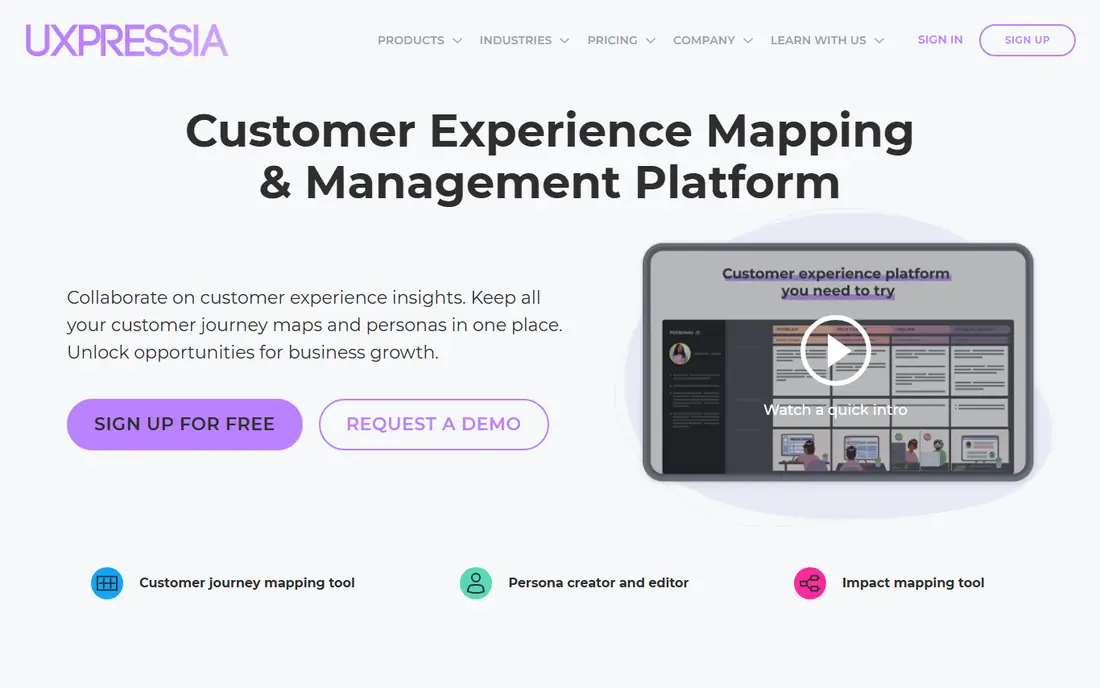
For readers weighing options, UXPressia deserves a close look. UXPressia fits UX and product teams that want a dedicated mapping tool rather than a generic whiteboard. Journey maps, personas, and impact maps are first-class features, with templates to start fast.
On pricing, the starting point is listed as See website, with a free plan status of Free trial. That pricing picture should be checked on the vendor site before you commit, since tiers and limits change. In daily use, the strengths above are what most buyers will notice first, and they explain why this option keeps appearing in comparisons of best customer journey mapping tools.
The honest catch is this: The catch is scope: it maps experiences well, but research repositories and design work live elsewhere. Weigh that against the strengths before you sign up, and use a trial or free tier first when one is offered. Our pick for most people is not always the same as the best pick for you, so match the trade-off to your own budget, team size, and patience for setup.
- Built for journey maps, personas, and impact maps
- Collaboration tools
- Templates
- Depth beyond mapping needs other tools
- Pricing per user
Smaply
Ideal for: Journey maps with personas and stakeholders
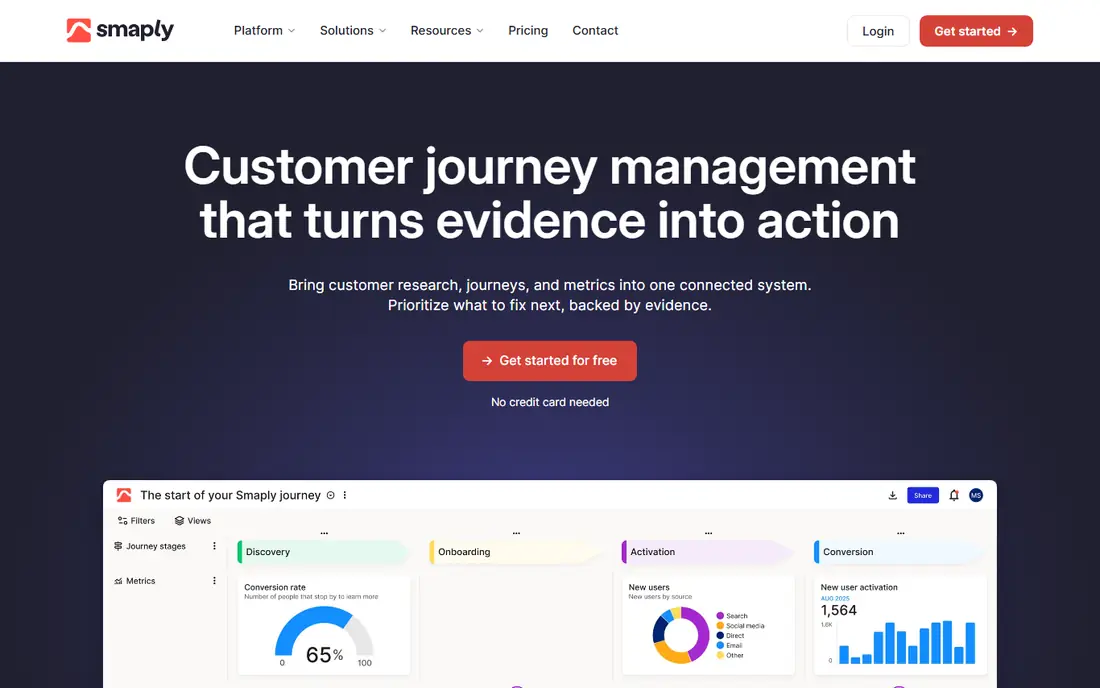
Smaply is the pick to consider first if journey maps with personas and stakeholders is your priority. Smaply fits teams that map journeys as part of a wider service design practice. Personas and stakeholder maps sit alongside journeys, which suits service design work.
On pricing, the starting point is listed as See website, with a free plan status of Free trial. That pricing picture should be checked on the vendor site before you commit, since tiers and limits change. In daily use, the strengths above are what most buyers will notice first, and they explain why this option keeps appearing in comparisons of best customer journey mapping tools.
The honest catch is this: Pricing for larger teams requires a quote, so small teams should check the entry tier first. Weigh that against the strengths before you sign up, and use a trial or free tier first when one is offered. Our pick for most people is not always the same as the best pick for you, so match the trade-off to your own budget, team size, and patience for setup.
- Journey mapping plus personas and stakeholder maps
- Collaboration
- Export options
- Pricing by quote for larger teams
- Learning curve for advanced features
Miro
Ideal for: Teams that map on a shared whiteboard

What sets Miro apart is how well it handles teams that map on a shared whiteboard. Miro fits teams that want journey mapping inside a whiteboard they already use for workshops. Templates and real-time collaboration make group mapping sessions easy to run.
On pricing, the starting point is listed as Free, with a free plan status of Yes. That pricing picture should be checked on the vendor site before you commit, since tiers and limits change. In daily use, the strengths above are what most buyers will notice first, and they explain why this option keeps appearing in comparisons of best customer journey mapping tools.
The honest catch is this: The trade-off is structure: you build the map framework yourself, and evidence links are manual. Weigh that against the strengths before you sign up, and use a trial or free tier first when one is offered. Our pick for most people is not always the same as the best pick for you, so match the trade-off to your own budget, team size, and patience for setup.
- Flexible whiteboard for maps and workshops
- Many templates
- Real-time collaboration
- Not a dedicated journey tool, so structure must be built by hand
- Costs scale with users
TheyDo
Ideal for: Journey management at scale
If journey management at scale matters most to you, TheyDo belongs on your shortlist. TheyDo fits larger organizations managing many journeys across teams and products. Its taxonomy and journey management features keep a large library organized instead of scattered.
On pricing, the starting point is listed as See website, with a free plan status of No. That pricing picture should be checked on the vendor site before you commit, since tiers and limits change. In daily use, the strengths above are what most buyers will notice first, and they explain why this option keeps appearing in comparisons of best customer journey mapping tools.
The honest catch is this: Small teams may find it more system than they need, and pricing reflects the enterprise audience. Weigh that against the strengths before you sign up, and use a trial or free tier first when one is offered. Our pick for most people is not always the same as the best pick for you, so match the trade-off to your own budget, team size, and patience for setup.
- Journey management with taxonomy and insights
- Collaboration
- Enterprise controls
- Enterprise pricing
- Setup takes planning for large journey libraries
Custellence
Ideal for: Simple online journey mapping
Custellence earns its place here by doing simple online journey mapping well. Custellence fits teams that want to build and share journey maps online without a heavy platform. Mapping and personas are straightforward, and sharing a live map beats sending static files.
On pricing, the starting point is listed as See website, with a free plan status of Free trial. That pricing picture should be checked on the vendor site before you commit, since tiers and limits change. In daily use, the strengths above are what most buyers will notice first, and they explain why this option keeps appearing in comparisons of best customer journey mapping tools.
The honest catch is this: The trade-off is depth: enterprise journey management features are thinner here. Weigh that against the strengths before you sign up, and use a trial or free tier first when one is offered. Our pick for most people is not always the same as the best pick for you, so match the trade-off to your own budget, team size, and patience for setup.
- Straightforward journey mapping
- Personas
- Collaboration and sharing
- Smaller feature set than enterprise journey platforms
- Integrations are limited
Lucidchart
Ideal for: Diagram-led journey and process maps
Start with Lucidchart when diagram-led journey and process maps is the main job to be done. Lucidchart fits teams that already diagram processes and want journey maps in the same tool. Diagramming strength shows in clean, readable maps, and templates speed up the start.
On pricing, the starting point is listed as Free, with a free plan status of Yes. That pricing picture should be checked on the vendor site before you commit, since tiers and limits change. In daily use, the strengths above are what most buyers will notice first, and they explain why this option keeps appearing in comparisons of best customer journey mapping tools.
The honest catch is this: Journey-specific features such as evidence linking are lighter than in dedicated mapping tools. Weigh that against the strengths before you sign up, and use a trial or free tier first when one is offered. Our pick for most people is not always the same as the best pick for you, so match the trade-off to your own budget, team size, and patience for setup.
- Strong diagramming for journeys and processes
- Templates
- Collaboration
- Journey-specific features are lighter than dedicated tools
- Pricing per user
Mural
Ideal for: Workshop-led journey mapping sessions
Mural is worth your attention for anyone focused on workshop-led journey mapping sessions. Mural fits teams that build journey maps in facilitated workshops rather than solo documents. Facilitation tools and templates suit live sessions where a group builds the map together.
On pricing, the starting point is listed as Free, with a free plan status of Yes. That pricing picture should be checked on the vendor site before you commit, since tiers and limits change. In daily use, the strengths above are what most buyers will notice first, and they explain why this option keeps appearing in comparisons of best customer journey mapping tools.
The honest catch is this: As with other whiteboards, the journey structure itself is up to the team, not built into the tool. Weigh that against the strengths before you sign up, and use a trial or free tier first when one is offered. Our pick for most people is not always the same as the best pick for you, so match the trade-off to your own budget, team size, and patience for setup.
- Visual collaboration for workshops
- Templates for journey mapping
- Facilitation tools
- Mapping structure must be designed by facilitators
- Pricing scales with users
How we picked these
We compared official feature pages, pricing pages, app store listings, privacy policies, and public reviews for best customer journey mapping tools. We kept only products that exist and work in October 2026 and truly fit the topic, and we favored options with clear pricing, a usable free tier or trial where one is offered, and honest weaknesses we could name. We did not claim hands-on testing we did not do, and where a price could not be verified from the vendor, we wrote See website instead of guessing.
How to pick a journey mapping tool
Start by writing down the one job this purchase must do well. For best customer journey mapping tools, that job decides most of the choice, since the options above trade depth for simplicity in different ways. A tool that does everything may still be the wrong pick if its everyday workflow feels heavy for your team or household.
Next, test the shortlist in real conditions. Use a free tier or trial, invite the people who will use it daily, and run one realistic task end to end. Watch for friction in setup, billing, and support, since those are the costs that show up after the first week. Also check data export and cancellation terms before you build a habit around a tool.
Finally, compare total cost, not just the starting price. Seat counts, usage limits, add-ons, and renewal rates can move the monthly total well past the advertised figure. A slightly plainer tool at a fair price often beats a feature-rich option that nobody on your team enjoys using.
Frequently asked questions
Which best customer journey mapping tools is best for most people?
There is no single winner for everyone, since the best pick depends on budget and needs. From this list, start with the options whose best-for notes match your main job, then test two or three on a free tier or trial before deciding. The comparison table above is a good place to narrow the field.
Is there a free best customer journey mapping tools option?
Yes, several options in this list offer a free tier or a free trial, and the table shows which ones. Free tiers usually limit features, usage, or seats, so check those limits against your actual use before relying on a free plan for important work.
How much does best customer journey mapping tools cost?
Costs vary widely across this list, from free tiers to enterprise pricing by quote. The starting price column gives the vendor position where we could state it plainly, and See website means you should check the vendor pricing page for current figures. Always check renewal rates as well as first-year prices.
Can I switch later if I pick the wrong best customer journey mapping tools?
In most cases yes, but switching costs time and sometimes data migration work. Before committing, check export options and contract terms, and avoid storing everything in a format only one vendor can read. A short trial first reduces the chance you need to switch at all.
What should I check before signing up?
Check pricing tiers, free limits, support hours, privacy terms, and cancellation rules on the vendor site. For team tools, also check seat pricing and permission controls. Reading those pages takes minutes and prevents most common regrets.