7 Customer Journey Platforms Ranked for 2026

- 1
 ContentsquareDigital teams finding friction on websites and appsVisit
- 2
 Adobe Customer Journey AnalyticsEnterprises analyzing cross-channel journeysVisit
- 3
 AmplitudeProduct teams analyzing in-product journeysVisit
- 4
 UXPressiaTeams that require maps, personas, and impact mapsVisit
- 5
 TheyDoEnterprise journey management with shared contextVisit
- Contentsquare sits first on this list: digital teams finding friction on websites and apps.
- A free plan is available from 4 of the 7 tools: Contentsquare, Amplitude, UXPressia, Smaply.
- Contentsquare, Smaply and the 5 others all sell by quote; expect sales conversations before you see a price.
- Smaply is the one to check for service design teams managing journey portfolios.
Direct answer
Start with Contentsquare if you need digital teams finding friction on websites and apps. Look at Adobe Customer Journey Analytics for enterprises analyzing cross-channel journeys, and at Amplitude for product teams analyzing in-product journeys. Prices, free plans and limits for all 7 tools follow.
Quick comparison
| Product | Ideal for | Price from | Free version | |
|---|---|---|---|---|
| Contentsquare | Digital teams finding friction on websites and apps | See website | Yes | Visit |
| Adobe Customer Journey Analytics | Enterprises analyzing cross-channel journeys | See website | No | Visit |
| Amplitude | Product teams analyzing in-product journeys | See website | Yes | Visit |
| UXPressia | Teams that require maps, personas, and impact maps | See website | Yes | Visit |
| TheyDo | Enterprise journey management with shared context | See website | No | Visit |
 Braze | Cross-channel journey orchestration and messaging | See website | No | Visit |
 Smaply | Service design teams managing journey portfolios | See website | Yes | Visit |
Customer Journey Platforms compared in detail
Choosing customer journey platforms usually comes down to price, fit and limits. This Ainotely guide sets 7 tools side by side on those three points, with the facts kept short and checkable.
Contentsquare
Ideal for: Digital teams finding friction on websites and apps

In short, Contentsquare is for digital teams finding friction on websites and apps. Teams can see which paths result in conversion and which end in errors, rage clicks, or exits, then prioritize fixes by business impact. The limit is scope.
Contentsquare excels at digital journeys, but a full customer journey that bundles keeps, calls, and support needs data from those channels too. A free starting plan with included sessions makes it simple to test on a real site before committing. Beyond that, Contentsquare presents why customers struggle on a website or app, using journey analysis, heatmaps, and session replay to find friction and drop-off points. Contentsquare does not show a starting price in this comparison, so check the vendor site for current pricing. You can start on Contentsquare without paying.
- Journey analysis
- Session replay, heatmaps
- Focus is digital behavior, so offline journey stages need other data sources
Adobe Customer Journey Analytics
Ideal for: Enterprises analyzing cross-channel journeys
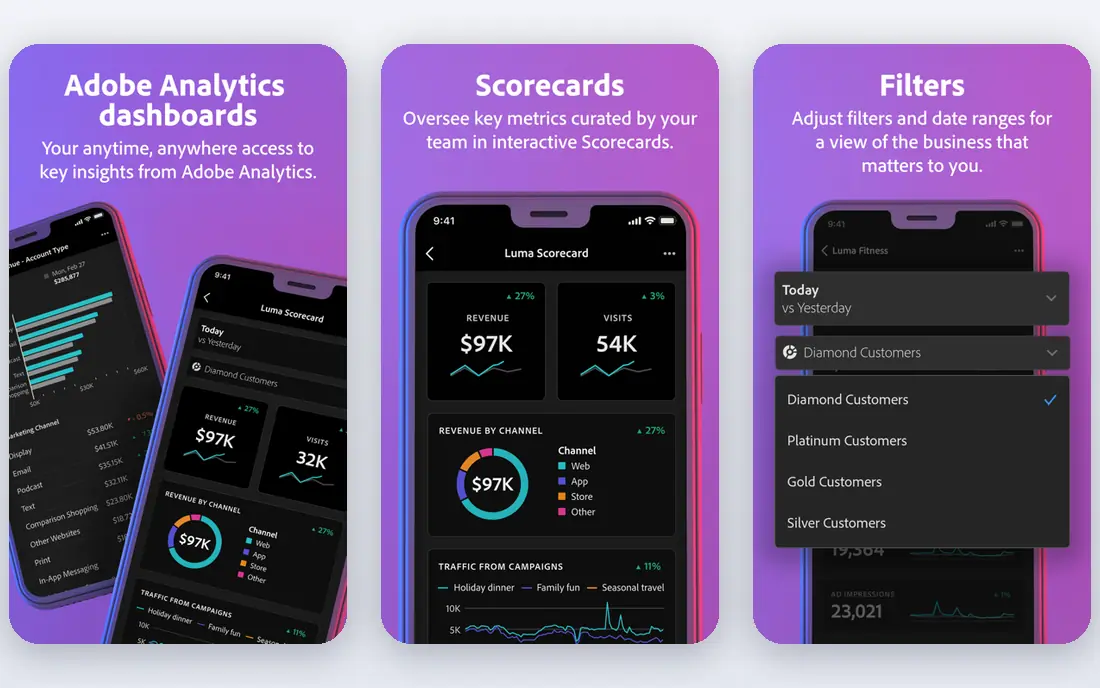
Adobe Customer Journey Analytics is built with enterprises analyzing cross-channel journeys in mind. Adobe Customer Journey Analytics answers a different question from mapping tools: what did customers actually do across channels, in what order, and where did they drop off.
Honest limits: needs Adobe Experience Platform data setup.
Strengths: capable governance. Worth adding: a B2B edition extends the same approach to buying groups and accounts. This comparison lists no price for Adobe Customer Journey Analytics; ask the vendor. No free plan comes with Adobe Customer Journey Analytics.
- Offline data
- B2B edition for account journeys
- Enterprise pricing and implementation
Amplitude
Ideal for: Product teams analyzing in-product journeys
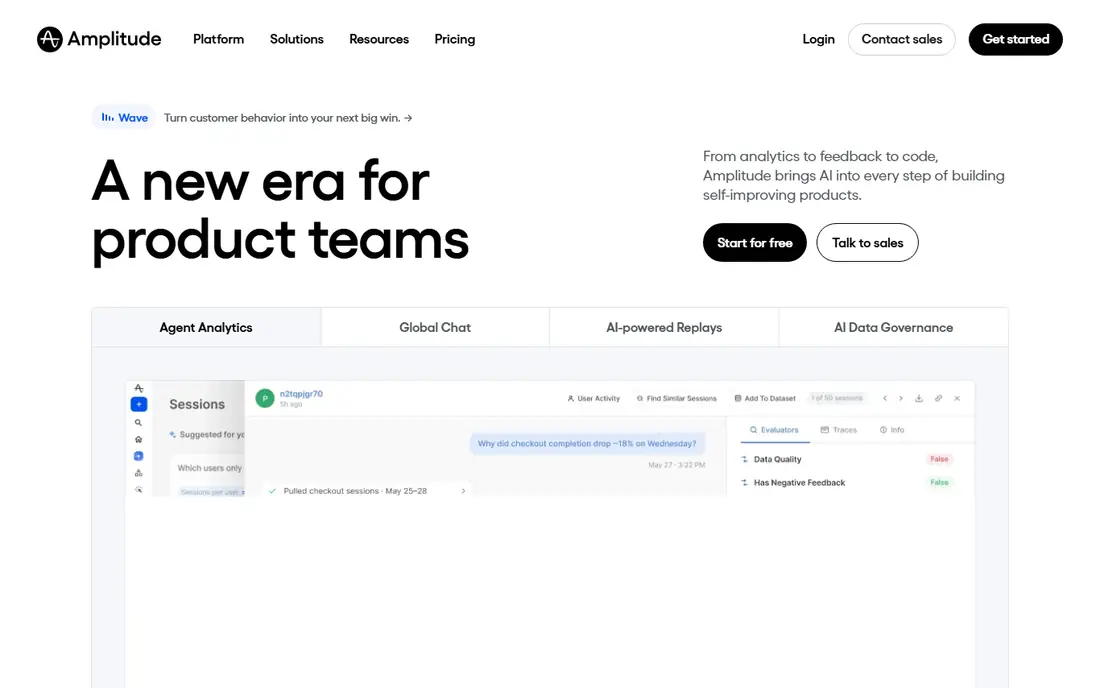
Amplitude targets product teams analyzing in-product journeys. Amplitude helps product teams understand what users do inside a product, from first activation to retention and expansion. Beyond that, teams with capable product analytics practice will get the most from Amplitude, whereas teams that require a visual journey map should pair it with UXPressia or Smaply.
Where it falls short: Needs clean event tracking to deliver value.
From a buyer's view, events must be named consistently and tracked correctly, or the journey view will mislead. In daily use, funnels present where users drop off, cohorts display how behavior changes over time, and experimentation links a change to an outcome. In daily use, the work behind the value is instrumentation. Amplitude does not show a starting price in this comparison, so check the vendor site for current pricing. Amplitude has a free plan.
- Event-based product analytics
- Funnel and retention analysis
- It is analytics instead of journey mapping or messaging
UXPressia
Ideal for: Teams that require maps, personas, and impact maps
UXPressia was built for teams that require maps, personas, and impact maps. Maps can be shared, commented on, and presented without rebuilding them in slide software, which helps when a journey needs approval from multiple stakeholders. Beyond that, live data links let teams back a stage with web analytics or feedback, rather than opinion alone.
On top of that, the free plan spans one project with restricted maps and personas, which is enough to test the approach. More specifically, bigger teams should check editor pricing and limits before rolling it out, since the cost rises with the number of people who produce and edit maps, not with viewers alone. This comparison lists no price for UXPressia; ask the vendor. Free access exists with UXPressia.
Drawbacks to consider: analytics depth is lighter than dedicated product analytics.
- Data links from analytics and feedback tools
- Free plan for getting started
- Premium features and editor limits matter as team size grows
TheyDo
Ideal for: Enterprise journey management with shared context
For enterprise journey management with shared context, TheyDo is a natural candidate. That structure helps large organizations where plenty of teams touch the same customer journey and need one agreed view.
What to check first: Enterprise pricing and setup.
Check the vendor site for TheyDo pricing; none is listed in this comparison. There is no free plan with TheyDo.
- Journey management at scale
- Links research and metrics to journeys
- More than a small team needs for a single map
Braze
Ideal for: Cross-channel journey orchestration and messaging
Choose Braze for cross-channel journey orchestration and messaging. Braze turns journey insight into action.
More specifically, experimentation lets teams test message timing and content, and AI features help draft campaigns and optimize delivery. Braze does not show a starting price in this comparison, so check the vendor site for current pricing. No free plan comes with Braze.
Honest limits: the system is designed for engagement teams instead of journey mapping alone.
- Live customer profiles
- Cross-channel messaging
- Pricing is quoted
Smaply
Ideal for: Service design teams managing journey portfolios
Choose Smaply for service design teams managing journey portfolios. Smaply comes from service design practice, and it displays in how journeys are structured.
Where it is weaker: the full portfolio features suit larger CX practices.
For everyday use, metrics can be attached to stages, which helps teams prioritize fixes by impact instead of by the loudest complaint. Check the vendor site for Smaply pricing; none is listed in this comparison. Free access exists with Smaply.
- Journey hierarchies, personas
- Service blueprints
- Pricing varies by editor level
How we chose
Selection started from tools commonly considered for customer journey platforms, then narrowed to 7 that have clear pricing information or a clear quote process. Plan names, prices and limits change often. Treat the figures here as a starting point and verify them with the vendor. Tools are placed by general fit for customer journey platforms, with price clarity and free access as tie-breakers. A different team can reasonably rank them differently.
Pre-purchase checklist
- Confirm the entry price with every vendor: no tool from Contentsquare to Smaply shows a fixed starting price.
- Check what the free option really includes: Contentsquare, Amplitude, UXPressia and Smaply offer a free plan, and usage caps differ.
- Read the limits listed for Contentsquare first: focus is digital behavior, so offline journey stages need other data sources.
- Let daily users try UXPressia on real work; their feedback beats any feature checklist.
- Find out whether the entry plan of Braze covers your must-haves or only a trimmed-down version.
Frequently asked questions
Can a journey platform replace a CRM?
HubSpot is the closest overlap on this list, since its CRM and marketing tools sit together, but specialist mapping and analytics systems still complement a CRM instead of replacing it.
Which options for customer journey platforms have a free plan?
Contentsquare, Amplitude, UXPressia and Smaply offer a free plan in this list. Free plans usually cap users, projects or features, so check the limits on the vendor page.
What is a customer journey system?
It is software that helps teams map, measure, or act on the path customers take from first contact to purchase and beyond. Some products focus on visual maps and research, others on behavior analytics, and others on triggered messages across channels.
How are the tools for customer journey platforms ordered?
The order follows typical fit for customer journey platforms, with Contentsquare first and Smaply last, then price clarity and free access. It is editorial judgement, not a score, so another team could rank the tools differently.
Do these tools publish their prices?
No. None of the tools, from Contentsquare to Smaply, shows a fixed starting price here, so budget time for quotes.
Can I try these options before paying?
Often, yes. Contentsquare, Amplitude, UXPressia and Smaply have a free plan. Use your own data and a real task during the test, and check what the free tier or trial limits before you rely on it.