Best Customer Service Chatbot Tools in 2026: 8 Compared

- Intercom and Zendesk are the safest shortlist for teams that need a full support workspace, not just a widget.
- Tidio and Freshchat suit smaller teams, while Ada and Salesforce suit larger, more complex operations.
- A chatbot is only as good as its help content: weak articles lead to weak answers and more handoffs.
- Always test with real customer questions before launch, and keep a clear path to a human agent.
Quick comparison
| Product | Ideal for | Price from | Free version | |
|---|---|---|---|---|
 Intercom | AI-first support in one inbox | See website | Free trial | Visit |
 Zendesk | ticketing plus AI agents | $19 per agent per month | Free trial | Visit |
 Drift | sales and support chat on websites | See website | No | Visit |
 Freshchat | chat for small support teams | See website | Free trial | Visit |
 Tidio | chat and AI agent for small stores | See website | Free trial | Visit |
 HubSpot Chatbot | chat tied to a CRM | See website | Yes | Visit |
 Salesforce Einstein | AI chat inside Salesforce | See website | No | Visit |
 Ada | automated support at scale | See website | No | Visit |
The best customer service chatbot tools
Customer service chatbots range from a simple widget to a full AI agent inside a support platform. The difference matters. A small store needs fast setup, while a large team needs ticketing, reporting and control. This guide compares tools across that range.
Intercom
Ideal for: AI-first support in one inbox
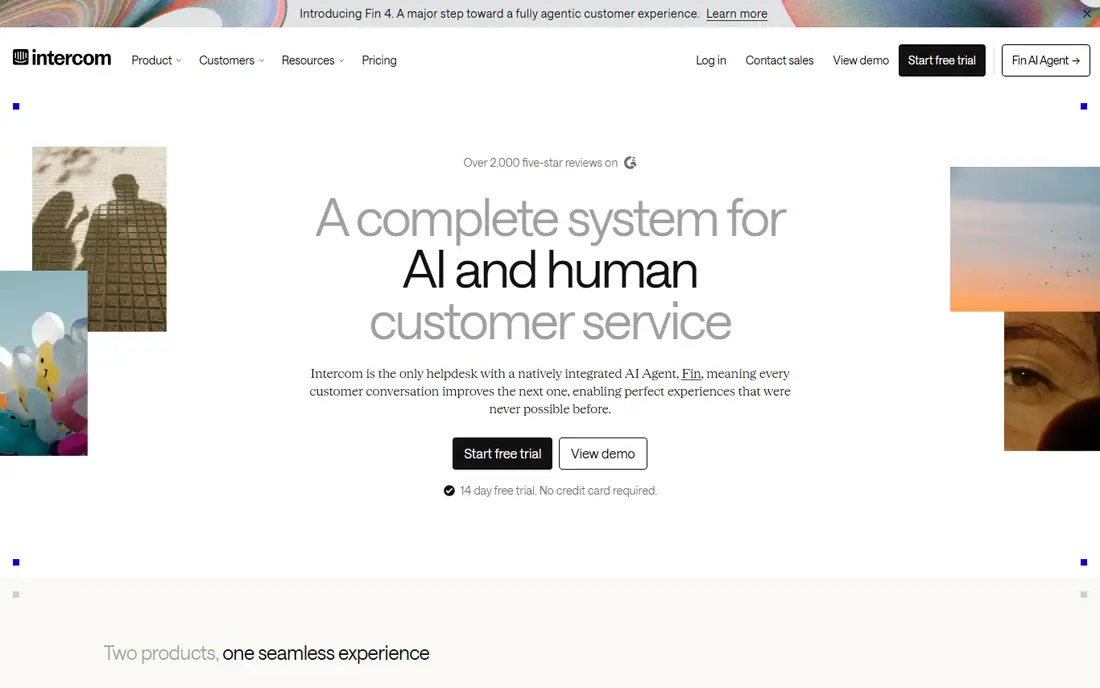
For many buyers, this is the natural starting point. Intercom combines a messenger, a shared inbox and its Fin AI agent in one support workspace. Fin can answer common questions from help content and hand over to a human when needed, with pricing that includes per-resolution charges for AI answers. On pricing, the starting price is listed above, and where a vendor does not publish a clear price we list it as See website. Check what is included at that level, because seats, usage limits and add-ons often change the real monthly cost. Costs depend on seats and AI resolutions, so model a busy month before choosing a plan. That trade-off does not make this a poor choice, but it does decide who should pick it. If the weakness touches your main use case, look at another option on this list. If it touches only a secondary need, the strengths here may still make it our pick for you.
- Fin AI agent
- Shared inbox
- Many integrations
- Pricing can grow with seats and resolutions
- Setup takes planning
Zendesk
Ideal for: ticketing plus AI agents
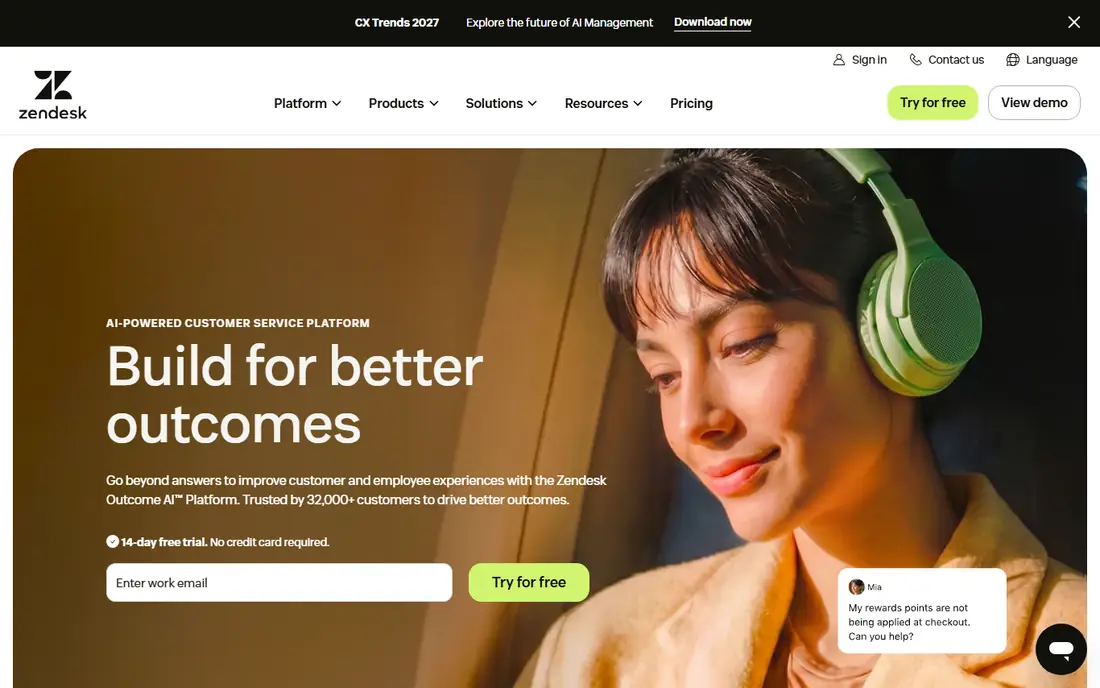
This is a strong choice when the basics matter most. Zendesk is built around tickets, with chat, email, phone and social handled in one agent workspace. Its AI agents can resolve common requests and its knowledge base gives the bot answers to draw on. On pricing, the starting price is listed above, and where a vendor does not publish a clear price we list it as See website. Check what is included at that level, because seats, usage limits and add-ons often change the real monthly cost. Smaller teams may find the full setup heavier than a simple chat widget, and costs rise with agents and add-ons. That trade-off does not make this a poor choice, but it does decide who should pick it. If the weakness touches your main use case, look at another option on this list. If it touches only a secondary need, the strengths here may still make it our pick for you.
- Strong ticketing
- Omnichannel inbox
- AI agents
- Some advanced features need higher plans
- Setup can be complex
Drift
Ideal for: sales and support chat on websites
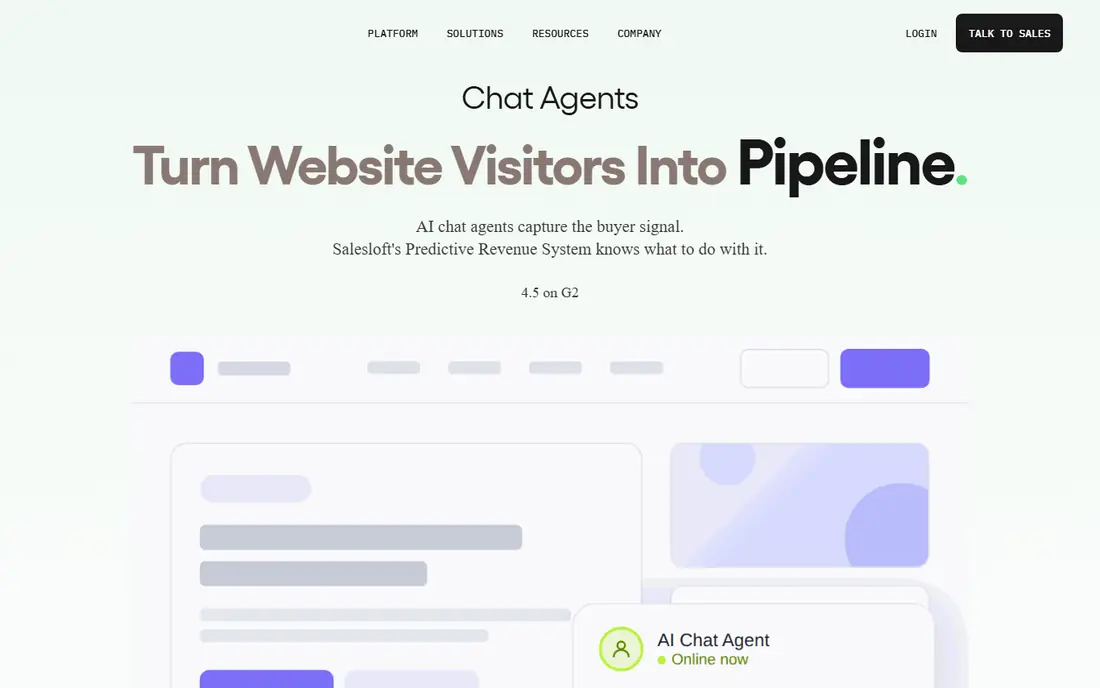
What sets this option apart is its focus on a clear use case. Drift started as a conversational tool for websites, using playbooks to route visitors to the right team. It suits companies that want chat to qualify visitors as well as answer support questions. On pricing, the starting price is listed above, and where a vendor does not publish a clear price we list it as See website. Check what is included at that level, because seats, usage limits and add-ons often change the real monthly cost. Support teams that need deep ticketing may need another tool beside it, and pricing is quoted. That trade-off does not make this a poor choice, but it does decide who should pick it. If the weakness touches your main use case, look at another option on this list. If it touches only a secondary need, the strengths here may still make it our pick for you.
- Playbooks for routing visitors
- Live chat
- Sales tools
- Pricing is quoted
- More sales focused than support focused
Freshchat
Ideal for: chat for small support teams
Teams that want a straightforward setup should look closely here. Freshchat is part of Freshworks and gives small teams a chat widget with bot flows and agent handoff. It is straightforward to set up and works well beside Freshdesk for ticketing. On pricing, the starting price is listed above, and where a vendor does not publish a clear price we list it as See website. Check what is included at that level, because seats, usage limits and add-ons often change the real monthly cost. Larger or more complex support operations may need the wider Freshworks suite or a larger platform. That trade-off does not make this a poor choice, but it does decide who should pick it. If the weakness touches your main use case, look at another option on this list. If it touches only a secondary need, the strengths here may still make it our pick for you.
- Simple chat widget
- Bot flows
- Freshworks integrations
- AI features vary by plan
- Larger teams may outgrow it
Tidio
Ideal for: chat and AI agent for small stores
This option earns its place through a different strength than the leaders. Tidio combines live chat with an AI agent called Lyro for stores and small service businesses. It connects with common store platforms and can answer order and product questions from your content. On pricing, the starting price is listed above, and where a vendor does not publish a clear price we list it as See website. Check what is included at that level, because seats, usage limits and add-ons often change the real monthly cost. Heavy chat volume can push costs up, and the AI agent needs good help content to perform well. That trade-off does not make this a poor choice, but it does decide who should pick it. If the weakness touches your main use case, look at another option on this list. If it touches only a secondary need, the strengths here may still make it our pick for you.
- Easy setup
- Lyro AI agent
- Store integrations
- AI answers are limited on lower plans
- Costs rise with conversations
HubSpot Chatbot
Ideal for: chat tied to a CRM
For buyers with a specific need, this one deserves a closer look. HubSpot offers a chatbot builder that uses CRM data to personalise chats and route visitors. For teams already on HubSpot, it keeps chat, contacts and deals in one place without a separate system. On pricing, the starting price is listed above, and where a vendor does not publish a clear price we list it as See website. Check what is included at that level, because seats, usage limits and add-ons often change the real monthly cost. Teams not using HubSpot will get less value, and deeper automation sits on paid plans. That trade-off does not make this a poor choice, but it does decide who should pick it. If the weakness touches your main use case, look at another option on this list. If it touches only a secondary need, the strengths here may still make it our pick for you.
- Free chatbot builder
- CRM data
- Live chat handoff
- Best inside HubSpot
- Advanced bot logic needs paid hubs
Salesforce Einstein
Ideal for: AI chat inside Salesforce
This is worth considering when budget or simplicity is a priority. Salesforce Einstein brings AI chat and agent assistance into the Salesforce Service Cloud workspace. It can use customer records, cases and knowledge articles to answer and route requests. On pricing, the starting price is listed above, and where a vendor does not publish a clear price we list it as See website. Check what is included at that level, because seats, usage limits and add-ons often change the real monthly cost. It is a complex, enterprise priced choice, and small teams are unlikely to need its full depth. That trade-off does not make this a poor choice, but it does decide who should pick it. If the weakness touches your main use case, look at another option on this list. If it touches only a secondary need, the strengths here may still make it our pick for you.
- Deep Salesforce data
- Service workflows
- Enterprise controls
- Complex setup
- Pricing is enterprise level
Ada
Ideal for: automated support at scale
Our shortlist would feel incomplete without this option. Ada is built to automate a large share of support conversations before a human is involved. It supports many languages and gives teams analytics on what the bot resolved and what it missed. On pricing, the starting price is listed above, and where a vendor does not publish a clear price we list it as See website. Check what is included at that level, because seats, usage limits and add-ons often change the real monthly cost. Success depends on strong help content, and pricing is quoted rather than published for most buyers. That trade-off does not make this a poor choice, but it does decide who should pick it. If the weakness touches your main use case, look at another option on this list. If it touches only a secondary need, the strengths here may still make it our pick for you.
- Automation-first design
- Many languages
- Analytics
- Pricing is quoted
- Needs good knowledge content
How we picked these
We compared official feature pages, pricing pages, app store listings, privacy policies and public reviews for each product on this list. We checked that each product exists, works in October 2026 and truly fits the topic, and we left out products that did not fit even when they were well known in a nearby category. We also weighed who each product suits, what it does well and where it falls short. Prices change, so where we could not verify a current price from the vendor we wrote See website. We did not claim hands-on testing that did not happen, and we focused on facts a buyer can check before paying.
How to choose a support chatbot
First, start here
Start with the questions customers actually ask. Pull your top twenty support questions and test each tool on those exact cases. A demo that answers one perfect question tells you little. Real questions show gaps in content, routing and handoff.
Next, check the details
Check handoff and measurement. A good bot knows when to stop and pass a conversation to a person, with context attached. Also check reporting on resolution, handoff rate and customer satisfaction. Without those numbers, you cannot tell whether the bot is helping or just deflecting.
Finally, decide with confidence
Count total cost, not just the headline price. Seats, AI resolutions, conversations and add-ons can all change the bill. Model a normal month and a busy month, and ask what happens when volume spikes. A tool that looks cheap at low volume can become costly fast.
Frequently asked questions
What is a customer service chatbot?
A customer service chatbot is software that answers customer questions in chat, either with set rules or with AI. It can resolve common requests, collect details and pass harder cases to a human agent. Good bots work inside a support inbox, not as a standalone widget.
Can a chatbot replace human agents?
For common, repeatable questions, a chatbot can resolve many cases on its own. For complaints, complex accounts and sensitive issues, human agents remain important. The best setup uses the bot for routine work and people for judgment and care.
How much does chatbot software cost?
Pricing varies from free builders to quoted enterprise plans. Many tools charge per agent seat, per conversation or per AI resolution. Check which model your shortlist uses and model your real monthly volume before signing.
What makes a chatbot give good answers?
Clear help content, accurate product information and good routing matter most. The bot needs up-to-date articles and a clear way to ask follow-up questions. Teams should review failed chats each week and fix the content behind them.
Do I need a chatbot if I already have live chat?
Live chat helps, but it still needs staff online. A chatbot can answer outside hours, handle spikes and collect details before an agent joins. Many teams use both: the bot first, then a human when the case needs one.