Best Customer Service Chatbots in 2026: 8 Chatbots Compared

- 1
 Intercom FinIntercom usersVisit
- 2
 Zendesk AIZendesk usersVisit
- 3
 AdaAI agent automationVisit
- 4
 ForethoughtAI ticket resolutionVisit
- 5
 DriftSales and support chatVisit
- Intercom Fin and Zendesk AI suit teams already on those platforms, while Drift and Freshchat suit sales and support chat.
- Ada and Forethought suit larger teams that need AI agents to resolve tickets, not just answer FAQs.
- Chatbot pricing usually depends on resolutions, seats or conversations, so compare cost per resolved issue, not just monthly price.
- Always offer a clear path to a human, since chatbots frustrate customers when they cannot escalate.
- Test a chatbot with real customer questions before launch, since demo answers often look better than live performance.
Quick comparison
| Product | Ideal for | Price from | Free version | |
|---|---|---|---|---|
| Intercom Fin | Intercom users | See website | No | Visit |
| Zendesk AI | Zendesk users | See website | No | Visit |
| Ada | AI agent automation | See website | No | Visit |
| Forethought | AI ticket resolution | See website | No | Visit |
| Drift | Sales and support chat | See website | No | Visit |
 Freshchat | Support chat bots | Free | Yes | Visit |
 Tidio | Small business chatbots | Free | Yes | Visit |
 HubSpot Chatbot | HubSpot users | Free | Yes | Visit |
The best customer service chatbots
Customer service chatbots answer common questions, guide users, collect details and hand off to humans when needed, using rules, AI or a mix of both. We compared official feature pages, pricing and public reviews to find chatbots that still serve support teams well in October 2026, with attention to AI quality, handoff, integrations and pricing models.
Intercom Fin
Ideal for: Intercom users
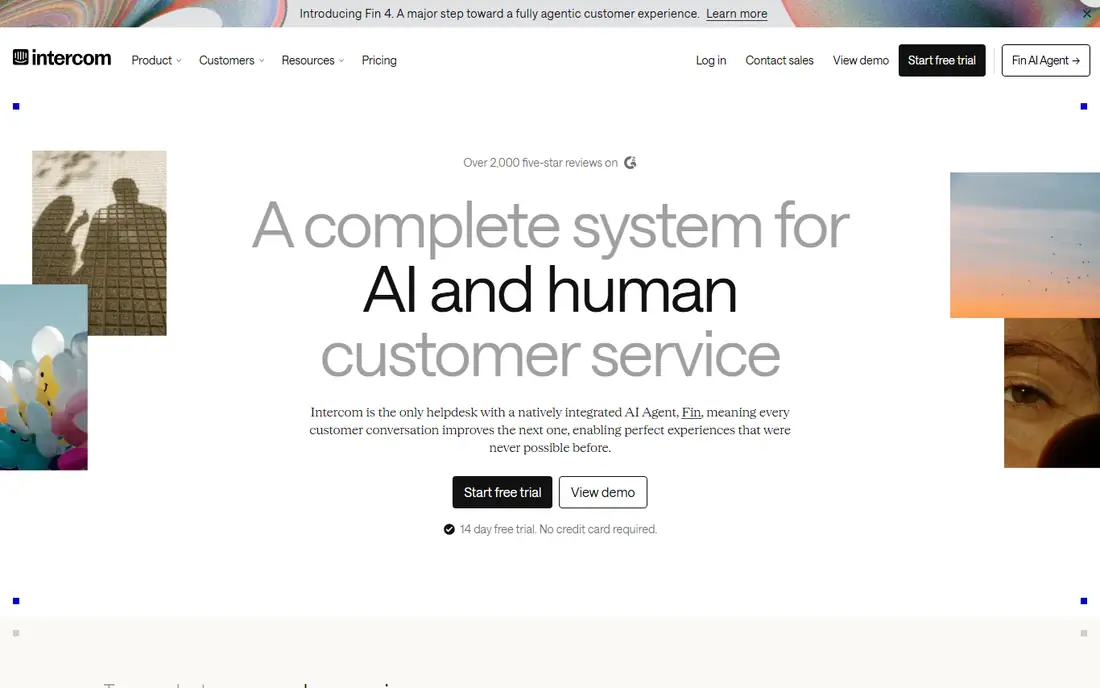
Intercom Fin is an AI agent built for Intercom users, answering customer questions from help centre articles, past conversations and connected content, then handing off to humans when it cannot resolve an issue. Its resolution based pricing means you pay for issues Fin resolves, not just for having a bot, which aligns cost with value. Integration with the Intercom inbox keeps AI and human conversations in one place.
Fin needs the Intercom platform, so teams not on Intercom must adopt it first, and AI accuracy depends heavily on help centre quality, since poor articles produce poor answers. If you already use Intercom, Fin is the most natural AI chatbot upgrade, but clean up your help centre before launch for best results.
- AI answers from your help centre
- Integrates with Intercom inbox
- Resolution based pricing
- Needs Intercom platform
- Pricing per resolution
- AI accuracy depends on help centre quality
Zendesk AI
Ideal for: Zendesk users
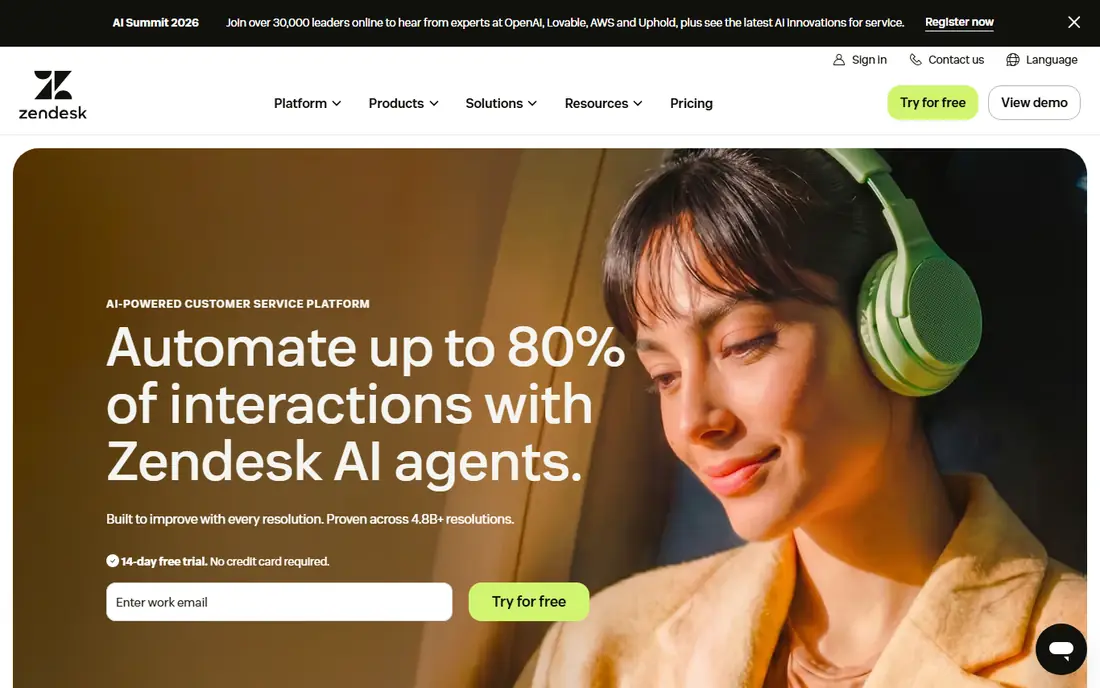
Zendesk AI adds AI agents, copilots and intelligent triage to Zendesk, helping teams automate replies, classify tickets, suggest answers to agents and resolve common issues without human touch. Its integration with Zendesk tickets, help centre and messaging keeps AI work inside the support workflow, rather than in a separate bot tool. That depth suits larger support teams with high ticket volumes.
Advanced AI features sit on higher Zendesk tiers, and setup takes time, especially for training data, intents and workflows. If you already use Zendesk, its AI tools are a strong upgrade, but small teams on other platforms may find a standalone chatbot like Tidio simpler and cheaper.
- AI agents and copilots for Zendesk
- Integrates with tickets and help centre
- Intelligent triage
- Needs Zendesk platform
- Advanced AI features on higher tiers
- Setup takes time
Ada
Ideal for: AI agent automation
Ada builds AI agents that can resolve customer issues end to end, not just answer FAQs, by integrating with order systems, CRMs and other tools to take actions like checking order status or processing returns. Its no code builder lets non technical teams design conversations, while analytics show resolution rates and customer satisfaction. That action focus sets Ada apart from simple FAQ bots.
Pricing is enterprise level, and setup needs quality content and integrations to work well, so small teams will find Ada expensive and complex. For larger brands with high support volumes and systems that AI agents can act on, Ada can reduce ticket volume significantly, but it needs investment in content and integration to succeed.
- AI agents that resolve issues
- No code builder
- Strong analytics and integrations
- Enterprise pricing
- Setup needs content and integrations
- Overkill for small teams
Forethought
Ideal for: AI ticket resolution
Forethought offers AI tools for support teams, including triage that classifies and routes tickets, Solve that auto resolves common issues, and Assist that suggests answers to human agents. Its integrations with Zendesk and Salesforce keep AI work inside existing support systems, which suits teams that already use those platforms. That combination of triage, auto resolution and agent assistance covers the full support workflow.
Pricing is enterprise level, and full value depends on Zendesk or Salesforce integration, so teams on other platforms should look elsewhere. Setup takes time for training and workflows, but for large support teams, Forethought can cut resolution times and agent workload measurably.
- AI triage, Solve and Assist tools
- Integrates with Zendesk and Salesforce
- Strong for support teams
- Enterprise pricing
- Needs Zendesk or Salesforce for full value
- Setup time
Drift
Ideal for: Sales and support chat
Drift's chatbots are built for conversational marketing and sales, with playbooks that qualify leads, book meetings and answer common questions, while also handling basic support queries. That sales focus suits B2B companies that want website chat to generate pipeline, with support as a secondary job. CRM integrations keep lead and customer data in sync.
Price is high and sales focused, so support only teams will find Drift overkill and expensive compared with Tidio or Freshchat. If your chatbot goal is lead generation plus support, Drift is powerful, but if you only need support automation, choose a support focused bot instead.
- Conversational chatbots for sales and support
- Playbooks
- CRM integration
- Sales focused
- Expensive for support only
- Pricing quoted
Freshchat
Ideal for: Support chat bots
Freshchat, from Freshworks, offers modern messaging with bots that can greet visitors, answer FAQs, collect details and route conversations to the right team. Its free plan covers small teams, while paid plans add AI, automation and Freshdesk integration for ticketing. That combination suits support teams that want chatbots plus a helpdesk without enterprise pricing.
Advanced AI features need higher tiers, and bot depth is less than Ada or Forethought for complex resolution. For small to midsize support teams that want a practical, affordable chatbot with human handoff, Freshchat is a solid choice.
- Free plan for small teams
- Modern messaging bots
- Integrates with Freshdesk
- Advanced AI features need paid plans
- Smaller ecosystem than Zendesk
- Bot depth varies
Tidio
Ideal for: Small business chatbots
Tidio is a popular chatbot and live chat tool for small businesses, with an easy visual builder, templates and Lyro AI, which answers questions from your website and help content. Its free plan covers live chat and basic bots, while paid plans add more AI conversations, automation and integrations. That ease and price make Tidio ideal for small e-commerce and service businesses starting with chatbots.
AI conversations are limited on the free plan, and enterprise features like deep integrations and advanced analytics are thinner than Zendesk or Ada. For a small business that wants a chatbot running quickly without a large budget, Tidio offers the best balance of ease, price and AI help.
- Free plan
- Easy chatbot builder
- Lyro AI for small businesses
- Live chat included
- AI features limited on free plan
- Smaller enterprise features
- Pricing rises with conversations
HubSpot Chatbot
Ideal for: HubSpot users
HubSpot's chatbot builder, part of Service Hub and Marketing Hub, lets teams create bots for lead qualification, support, meeting booking and FAQs, all connected to HubSpot CRM. The free tier covers basic bots, while paid tiers add advanced automation, reporting and AI features. That CRM integration means bot conversations automatically create or update contact records, which helps sales and support follow up.
Bot logic is simpler than dedicated AI agents like Ada, and advanced features need paid HubSpot tiers, so teams not on HubSpot may prefer Tidio or Freshchat. If you already use HubSpot, its chatbot builder is a natural, free starting point for support and lead automation.
- Free chatbot builder
- Integrates with HubSpot CRM
- Lead qualification and support bots
- Advanced features need paid HubSpot tiers
- HubSpot ecosystem
- Bot logic simpler than Ada
How we picked these
We compared official feature pages, pricing pages and public reviews, and we only included chatbots that still offer customer service automation in October 2026. We favoured chatbots with clear human handoff, AI quality, integrations and a range of prices from free to enterprise, since a chatbot that traps customers without escalation does more harm than good.
How to launch a customer service chatbot well
Start with your most common questions, not every possible query, since a bot that handles the top twenty questions well beats a bot that handles hundreds poorly. Write answers in plain language, test them with real customer phrasing, and include a clear, always visible path to a human, such as a live chat button or contact form, for anything the bot cannot resolve.
Measure resolution rate, customer satisfaction and escalation rate after launch, and review failed conversations weekly to improve answers. Keep your help centre updated, since AI bots like Fin and Zendesk AI answer from that content, and outdated articles produce wrong answers. Finally, be transparent that customers are talking to a bot, and do not pretend it is human, since honesty builds trust even when automation fails.
Frequently asked questions
What is the best customer service chatbot?
Intercom Fin is best for Intercom users, Zendesk AI is best for Zendesk users, Ada is best for large teams needing AI resolution, and Tidio is best for small businesses on a budget. Choose based on your platform and team size.
Are customer service chatbots free?
Some, like Tidio, Freshchat and HubSpot Chatbot, offer free plans for small teams, while enterprise AI agents like Ada and Forethought are paid. Free plans limit AI conversations, so check limits before launch.
Can chatbots replace human support agents?
No, chatbots handle common, repetitive questions well, but complex, emotional or high value issues still need humans. The best setup uses bots for routine work and humans for everything else, with smooth handoff.
How do AI chatbots learn answers?
AI chatbots learn from your help centre, website, past conversations and connected content, then generate answers from that material. Keep help content accurate and updated, since poor content leads to poor bot answers.
Should I tell customers they are talking to a chatbot?
Yes, be transparent that a bot is answering, and offer a clear path to a human. Transparency builds trust and reduces frustration when the bot cannot resolve an issue.