Best Customer Service Metrics Tools in 2026: 8 Tools Compared

- 1
 ZendeskTeams that want metrics inside their ticketing systemVisit
- 2
 FreshdeskSmall teams that want simple support metricsVisit
- 3
 HubSpot Service HubTeams that want service metrics tied to CRM dataVisit
- 4
 Salesforce Service CloudLarge teams that need deep service analyticsVisit
- 5
 QualtricsTeams that want detailed customer experience surveysVisit
- Zendesk stands out for teams that want metrics inside their ticketing system, which makes it a strong starting point for that need.
- Freshdesk stands out for small teams that want simple support metrics, which makes it a strong starting point for that need.
- HubSpot Service Hub stands out for teams that want service metrics tied to crm data, which makes it a strong starting point for that need.
- Salesforce Service Cloud stands out for large teams that need deep service analytics, which makes it a strong starting point for that need.
- Prices and free plans vary widely across this list, so check the vendor pricing page for your team size or usage before you commit.
Quick comparison
| Product | Ideal for | Price from | Free version | |
|---|---|---|---|---|
| Zendesk | Teams that want metrics inside their ticketing system | See website | No | Visit |
| Freshdesk | Small teams that want simple support metrics | See website | Yes | Visit |
| HubSpot Service Hub | Teams that want service metrics tied to CRM data | See website | No | Visit |
| Salesforce Service Cloud | Large teams that need deep service analytics | See website | No | Visit |
| Qualtrics | Teams that want detailed customer experience surveys | See website | No | Visit |
 Medallia | Large brands tracking experience across channels | See website | No | Visit |
 MaestroQA | Teams that want quality assurance scoring | See website | No | Visit |
 Gladly | Teams that want customer centered metrics | See website | No | Visit |
The best customer service metrics tools
We compared official feature pages, pricing pages, app store listings, privacy policies, and public reviews for this roundup. The products below cover different budgets and needs, so the best choice depends on how you will actually use it day to day. Our pick for most people is Zendesk, because it covers the core need well, but read the full list before you decide, since a smaller or cheaper option may fit your situation better.
Zendesk
Ideal for: Teams that want metrics inside their ticketing system
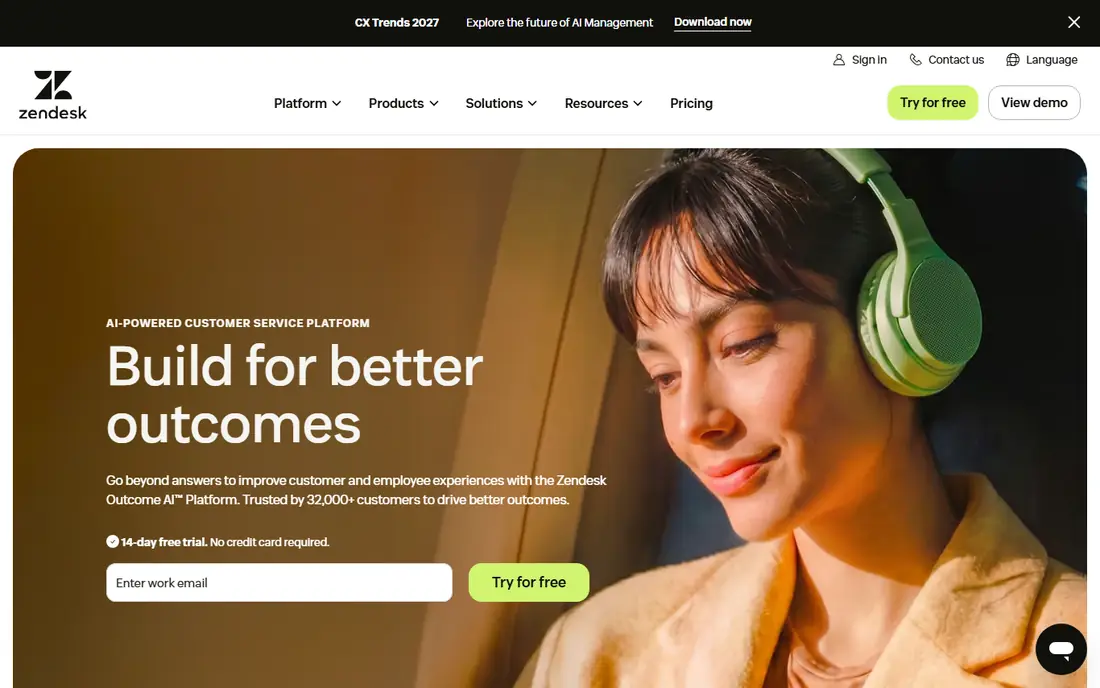
Zendesk includes support dashboards and reporting inside its ticketing system, so metrics sit beside the tickets themselves. It suits teams already using Zendesk that want metrics without a separate tool.
When we compared Zendesk with the rest of this list, its strengths were clear: built in support dashboards; custom reports; satisfaction surveys On the other side, buyers should weigh this catch: advanced analytics need higher plans; setup takes time That trade off matters most if you plan to use the product every day, so check the pricing page and the free plan terms, and trial it with real work before you commit. For many buyers, Zendesk earns its place here because it handles the core job well, even though no product on this list is perfect for every need.
- Built in support dashboards
- Custom reports
- Satisfaction surveys
- Advanced analytics need higher plans
- Setup takes time
Freshdesk
Ideal for: Small teams that want simple support metrics
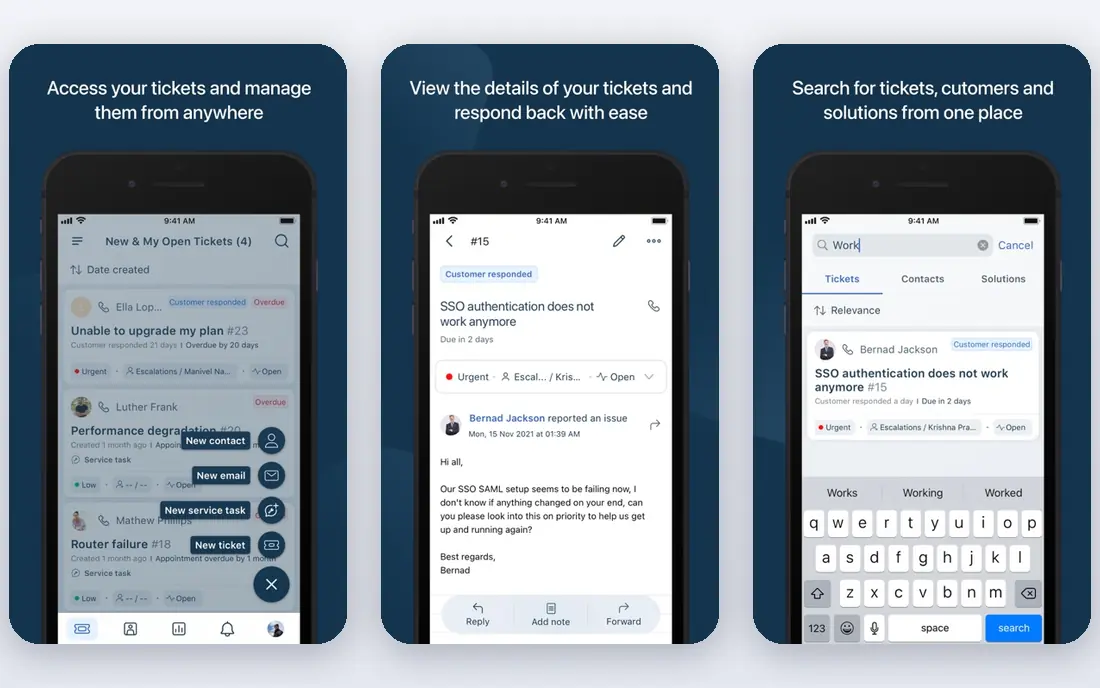
Freshdesk gives small teams simple dashboards for response time, resolution, and satisfaction. It fits teams that need clear basic metrics without a complex analytics setup.
When we compared Freshdesk with the rest of this list, its strengths were clear: simple dashboards; satisfaction ratings; team performance reports On the other side, buyers should weigh this catch: deeper analytics need higher plans; customization is limited That trade off matters most if you plan to use the product every day, so check the pricing page and the free plan terms, and trial it with real work before you commit. For many buyers, Freshdesk earns its place here because it handles the core job well, even though no product on this list is perfect for every need.
- Simple dashboards
- Satisfaction ratings
- Team performance reports
- Deeper analytics need higher plans
- Customization is limited
HubSpot Service Hub
Ideal for: Teams that want service metrics tied to CRM data

HubSpot Service Hub reports on support performance alongside customer and sales data. It suits companies on HubSpot that want service metrics in context, not in isolation.
When we compared HubSpot Service Hub with the rest of this list, its strengths were clear: service dashboards tied to crm; feedback surveys; reporting On the other side, buyers should weigh this catch: best value inside hubspot; standalone cost can be high That trade off matters most if you plan to use the product every day, so check the pricing page and the free plan terms, and trial it with real work before you commit. For many buyers, HubSpot Service Hub earns its place here because it handles the core job well, even though no product on this list is perfect for every need.
- Service dashboards tied to CRM
- Feedback surveys
- Reporting
- Best value inside HubSpot
- Standalone cost can be high
Salesforce Service Cloud
Ideal for: Large teams that need deep service analytics
Salesforce Service Cloud offers deep service analytics for large teams, with custom dashboards and forecasting tools. It fits enterprises that need detailed reporting across many teams and channels.
When we compared Salesforce Service Cloud with the rest of this list, its strengths were clear: deep dashboards and ai insights; custom reports; enterprise scale On the other side, buyers should weigh this catch: complex and costly; needs admin time That trade off matters most if you plan to use the product every day, so check the pricing page and the free plan terms, and trial it with real work before you commit. For many buyers, Salesforce Service Cloud earns its place here because it handles the core job well, even though no product on this list is perfect for every need.
- Deep dashboards and AI insights
- Custom reports
- Enterprise scale
- Complex and costly
- Needs admin time
Qualtrics
Ideal for: Teams that want detailed customer experience surveys
Qualtrics helps teams measure customer experience through surveys, feedback, and text analysis. It suits companies that want detailed experience data beyond simple ticket metrics.
When we compared Qualtrics with the rest of this list, its strengths were clear: strong survey and experience tools; text analytics; dashboards On the other side, buyers should weigh this catch: enterprise pricing; learning curve for new users That trade off matters most if you plan to use the product every day, so check the pricing page and the free plan terms, and trial it with real work before you commit. For many buyers, Qualtrics earns its place here because it handles the core job well, even though no product on this list is perfect for every need.
- Strong survey and experience tools
- Text analytics
- Dashboards
- Enterprise pricing
- Learning curve for new users
Medallia
Ideal for: Large brands tracking experience across channels
Medallia tracks customer experience signals across channels for large brands. It fits large companies that need a full experience view, not just support ticket counts.
When we compared Medallia with the rest of this list, its strengths were clear: experience tracking across channels; ai analysis; enterprise dashboards On the other side, buyers should weigh this catch: enterprise focus and pricing; implementation takes time That trade off matters most if you plan to use the product every day, so check the pricing page and the free plan terms, and trial it with real work before you commit. For many buyers, Medallia earns its place here because it handles the core job well, even though no product on this list is perfect for every need.
- Experience tracking across channels
- AI analysis
- Enterprise dashboards
- Enterprise focus and pricing
- Implementation takes time
MaestroQA
Ideal for: Teams that want quality assurance scoring
MaestroQA helps support leaders score conversations, coach agents, and track quality trends. It suits teams that already have a ticketing tool and want to improve conversation quality.
When we compared MaestroQA with the rest of this list, its strengths were clear: quality scoring for support conversations; coaching tools; analytics On the other side, buyers should weigh this catch: focused on qa rather than full ticketing; pricing is quote based That trade off matters most if you plan to use the product every day, so check the pricing page and the free plan terms, and trial it with real work before you commit. For many buyers, MaestroQA earns its place here because it handles the core job well, even though no product on this list is perfect for every need.
- Quality scoring for support conversations
- Coaching tools
- Analytics
- Focused on QA rather than full ticketing
- Pricing is quote based
Gladly
Ideal for: Teams that want customer centered metrics
Gladly organizes support around the customer rather than the ticket, with reporting on conversations across channels. It fits teams that want to see the full customer conversation when judging service quality.
When we compared Gladly with the rest of this list, its strengths were clear: customer centered conversation view; reporting; channel integration On the other side, buyers should weigh this catch: smaller ecosystem than zendesk or salesforce; pricing is quote based That trade off matters most if you plan to use the product every day, so check the pricing page and the free plan terms, and trial it with real work before you commit. For many buyers, Gladly earns its place here because it handles the core job well, even though no product on this list is perfect for every need.
- Customer centered conversation view
- Reporting
- Channel integration
- Smaller ecosystem than Zendesk or Salesforce
- Pricing is quote based
How we picked these
We started with products and services that exist and work in October 2026 and truly fit the topic, then we compared their official feature pages, pricing pages, app store listings, privacy policies, and public reviews. We looked for a mix of well known leaders and strong smaller options, and we favored products with clear pricing, clear privacy practices, and honest limits. We did not claim hands-on testing that did not happen, and where a price could not be verified from the vendor site, we wrote See website rather than guessing a number.
How to choose a metrics tool
Start with the decisions managers need to make each week, then pick metrics that support those decisions. Avoid tracking everything at once, since a dashboard with too many numbers helps no one. Check whether the tool connects to your ticketing, phone, and chat systems, and whether managers can build reports without developer help. Review metrics alongside conversation samples, so numbers are always checked against real customer experience. Before you pay, list your must have features, your budget, and the tools the new product must work with. A short trial with real tasks will tell you more than a feature list alone, and it will show whether support replies quickly when something goes wrong. Check contract length, renewal terms, and how easy it is to export your data or cancel, since those details matter long after the first month.
Frequently asked questions
What are the most important customer service metrics?
First response time, resolution time, customer satisfaction, and first contact resolution are the core metrics most teams track, with reopen rates as a useful check.
What is CSAT?
CSAT, or customer satisfaction score, measures how satisfied customers are after an interaction, usually through a short survey rating.
What is first contact resolution?
First contact resolution means solving a customer issue in the first interaction, without follow ups or transfers, which often predicts satisfaction.
How often should teams review metrics?
Most teams review core metrics weekly and deeper trends monthly, so problems are caught early without overreacting to daily noise.
Can metrics harm service quality?
Yes, if agents chase speed alone, quality can fall, so pair speed metrics with satisfaction and quality scores.