If you need unified help desk with AI collaboration, Zoho Desk is the first tool to look at here. Listed starting prices: Zendesk from $19 agent/month premium yearly. TeamDynamix is better for ITSM and campus service in one, and Zendesk is better for AI-driven resolution at scale. Details, prices and limits for the rest of the 5 tools are below.
This Ainotely guide covers 5 customer support software for universities. Each profile lists a starting price, free plan details, strengths and drawbacks, so you can drop poor fits quickly.
Key takeaways
Top of the list is Zoho Desk, which targets unified help desk with AI collaboration.
Freshdesk suits omnichannel ticketing with automation.
Starting prices begin at $19 agent/month premium yearly with Zendesk.
None of the 5 tools, from Zoho Desk to Freshdesk, has a free plan, so budget for a subscription or use a trial.
Zoho Desk serves unified help desk with AI collaboration. Universities can use it to centralize inquiries and let AI assist agents with routine work, which fits departments that want a structured help desk without assembling numerous separate tools.
Institutions heavily invested in another software ecosystem may prefer a system that integrates more naturally with their existing systems. Check the vendor site for Zoho Desk pricing; none is listed in this comparison. On free options: Not stated.
Drawbacks to consider: Complicated setups need planning.
TeamDynamix is a good fit for ITSM and campus service in one. TeamDynamix describes itself as a no-code AI ITSM system that brings enterprise service management, IT asset management, project portfolio management, integration and conversational AI together.
What to check first: ITSM focus may not suit all units.
Its ITSM orientation means non-IT service units may have to adapt their processes to the system's model. Check the vendor site for TeamDynamix pricing; none is listed in this comparison. Free plan details: Not stated.
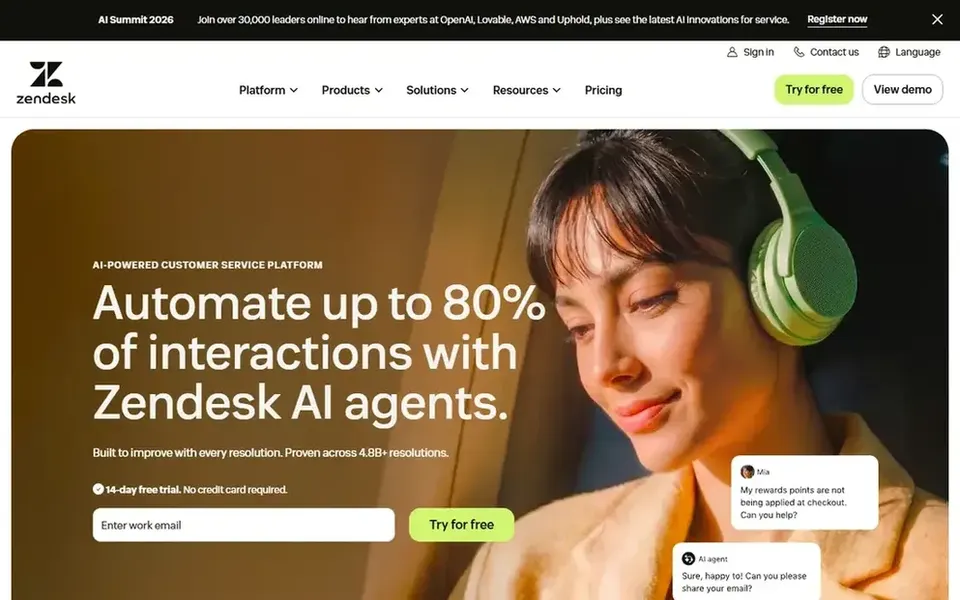
Zendesk is a good fit for AI-driven resolution at scale. Zendesk presents itself as an AI-powered customer service system built to move beyond deflection, with AI agents that resolve issues end to end. It emphasizes service quality, speed and scale, which suits universities that field large volumes of student, applicant and staff questions across several channels and want automation to carry routine work.
Watch-outs: Advanced AI features may need planning.
In practice, institutions that chiefly need straightforward ticketing with light automation may prefer a leaner choice, whereas those planning AI-first service should evaluate Zendesk closely. More specifically, the product's breadth means setup and continuing administration demand staff time, and smaller departments may not use its full range. What you pay to start with Zendesk: $19 agent/month premium yearly. As for free access: Free trial.
Best for: Connected service across the institution
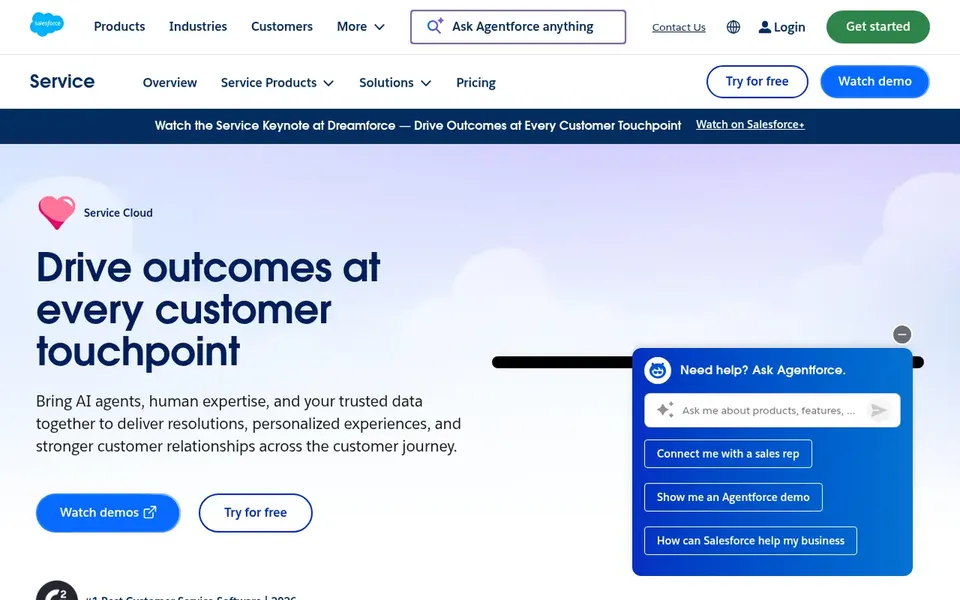
Salesforce Service Cloud is built with connected service across the institution in mind. Salesforce Service Cloud is positioned as customer service support software powered by AI, aimed at connected, efficient and scalable service.
Honest limits: Implementation can be involved.
Pricing for Salesforce Service Cloud is not stated here, so ask the vendor for current figures. As for free access: Not stated.
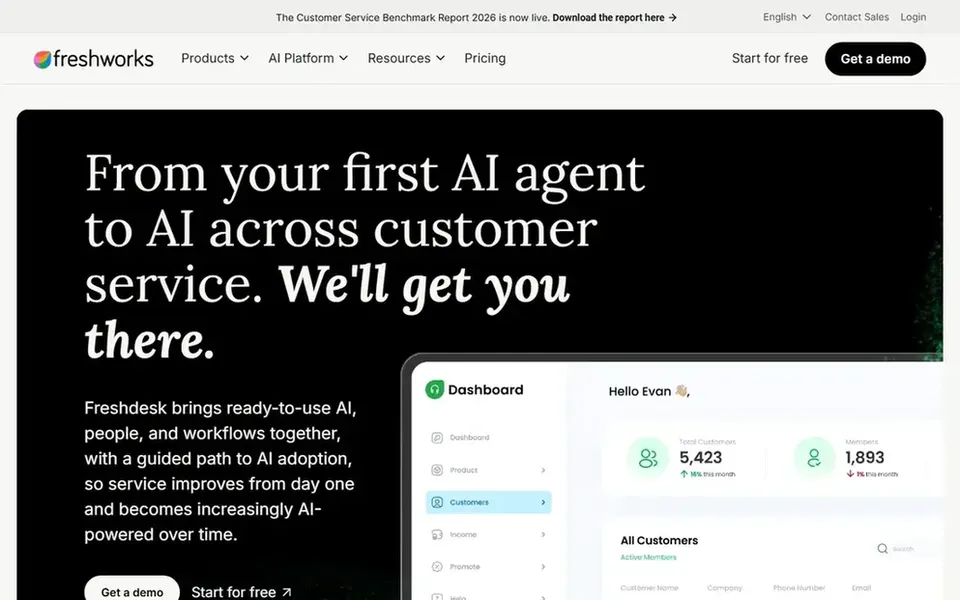
In short, Freshdesk is for omnichannel ticketing with automation. It is a good fit for institutions seeking a focused help desk, whereas those wanting deep enterprise service integration may look at broader products instead.
Confirm the entry price on the vendor page. For Zoho Desk, TeamDynamix, Salesforce Service Cloud and Freshdesk that means a quote rather than a fixed price.
Take the trial from Zendesk and push a live task through it before you pay.
Read the limits listed for Zoho Desk first: ecosystem fit matters.
Find out whether the entry plan of Zendesk covers your must-haves or only a trimmed-down version.
Get the contract term, renewal terms and any onboarding fees from TeamDynamix in writing.
How we picked
Ainotely used vendor pricing pages and product documentation as the base, then compared plans, free access and documented limits for 5 tools. Where a price is missing, the vendor does not list one publicly or ties it to a quote. Always confirm before budgeting. Position on the page reflects fit for a typical buyer first, with price clarity and free access breaking ties. Treat it as a guide, not a ruling. This applies to all 5 customer support software for Universities options compared here.
Every price and plan detail on this page comes from the vendors’ own websites. We did not run hands-on tests unless the text says so, and we do not publish star ratings or review scores. See how we score and our disclosure.
Keep your shortlist in one place
Paste prices, trial dates and notes from this guide into Ainotely, our AI note app. It files them into a topic and pulls out tasks like “cancel trial by Friday”. Free 7-day trial, no card needed.
Is Zoho Desk the right pick for everyone comparing customer support software for universities?
No single tool suits every team. Zoho Desk comes first because it fits unified help desk with AI collaboration, while TeamDynamix suits ITSM and campus service in one and Zendesk suits AI-driven resolution at scale. Match the tool to your own size, budget and workflow before deciding.
Can I try these tools before paying?
Often, yes. Zendesk offers a free trial. Use your own data and a real task during the test, and check what the free tier or trial limits before you rely on it. For the full picture, the cards above cover all 5 entries of this customer support software for Universities list, including price, free plan and limits.
What is the cheapest option for customer support software for universities in this list?
On published monthly entry prices, Zendesk is the lowest here at $19 agent/month premium yearly. Entry price is only part of the cost, because seats, add-ons and billing terms can change the total. Pricing, free plan details and limits for all 5 tools in this customer support software for Universities roundup sit on the individual cards above.
Do these tools publish their prices?
Not all of them. Zoho Desk, TeamDynamix, Salesforce Service Cloud and Freshdesk publish no starting price, so expect a quote request for those. The rest, Zendesk included, show a starting price, though seats and billing terms still change the final cost.