Best Cyber Security Companies in 2026: 8 Companies Compared

- 1
 Palo Alto NetworksLarge firms needing network, cloud and endpoint coverVisit
- 2
 CrowdStrikeEndpoint detection and response at scaleVisit
- 3
 FortinetNetwork security with integrated hardware and softwareVisit
- 4
 SentinelOneAutonomous endpoint protection with rollbackVisit
- 5
 ZscalerCloud-delivered security for remote workforcesVisit
- Palo Alto Networks, CrowdStrike and Fortinet lead on breadth, covering network, endpoint and cloud security in one platform.
- SentinelOne and Microsoft Defender suit buyers who want strong endpoint protection with less platform sprawl.
- Most enterprise pricing is quote based, so compare total cost on a real workload, not a headline rate.
- Small businesses should start with endpoint and identity protection before buying a full security platform.
Quick comparison
| Product | Ideal for | Price from | Free version | |
|---|---|---|---|---|
| Palo Alto Networks | Large firms needing network, cloud and endpoint cover | See website | No | Visit |
| CrowdStrike | Endpoint detection and response at scale | See website | Free trial | Visit |
| Fortinet | Network security with integrated hardware and software | See website | Free trial | Visit |
| SentinelOne | Autonomous endpoint protection with rollback | See website | Free trial | Visit |
| Zscaler | Cloud-delivered security for remote workforces | See website | No | Visit |
 Microsoft Defender | Windows and Microsoft 365 shops | See website | Free trial | Visit |
 CyberArk | Identity security and privileged access control | See website | No | Visit |
 Rapid7 | Vulnerability management and detection for mid-size teams | See website | Free trial | Visit |
The best cyber security companies
We compared official feature pages, pricing pages, app store listings, privacy policies and public reviews to build this list of 8 options for best cyber security companies. Prices were checked in October 2026 and can change, so confirm the current price on the vendor site before you buy. Our pick for most people is the first option that fits your budget and workflow, not necessarily the most expensive tool on the list. Read the quick comparison first to narrow the field, then read the full write-ups for the two or three options that fit your needs best.
Palo Alto Networks
Ideal for: Large firms needing network, cloud and endpoint cover
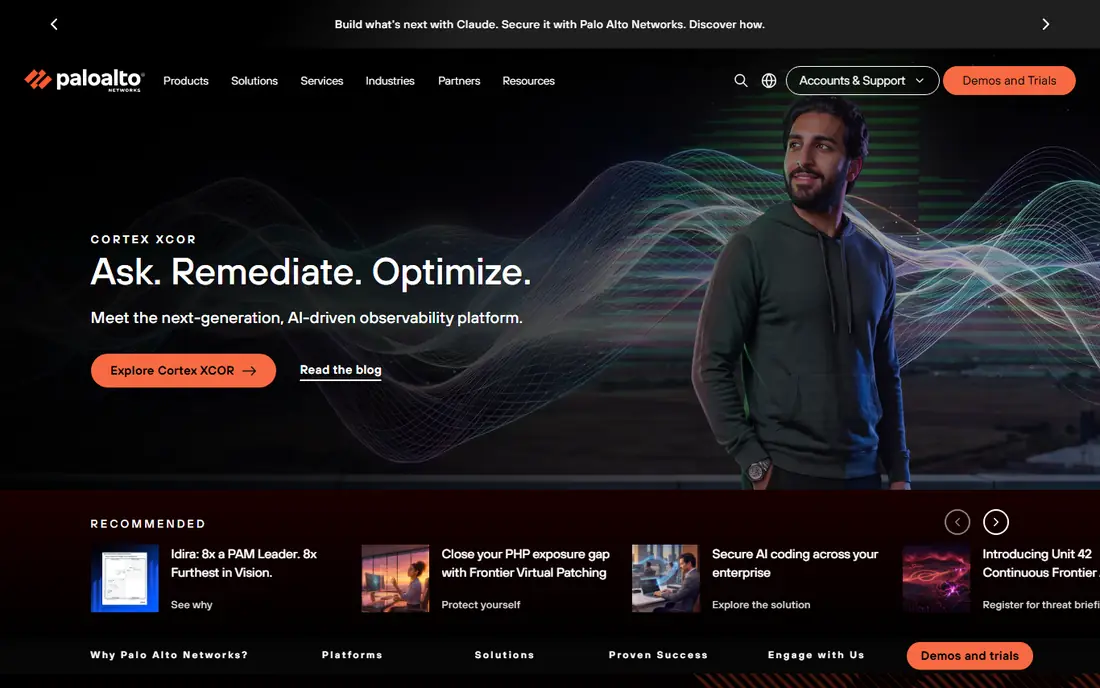
Palo Alto Networks covers more ground than most rivals, from next-generation firewalls to cloud security and endpoint detection through Cortex. That breadth suits large firms that want fewer vendors and one view of threats across network and cloud. Its threat research operation also gives it early sight of new attack patterns.
The downside is scale and complexity. Pricing is quoted per deployment, and smaller firms may find the platform more than they need or can staff. Implementation takes planning, and the best results come when a team can tune policies rather than accept defaults.
- Very broad platform
- Strong network firewalls
- Large threat research operation
- Quote-only pricing
- Complex to deploy
- Can be costly at small scale
CrowdStrike
Ideal for: Endpoint detection and response at scale
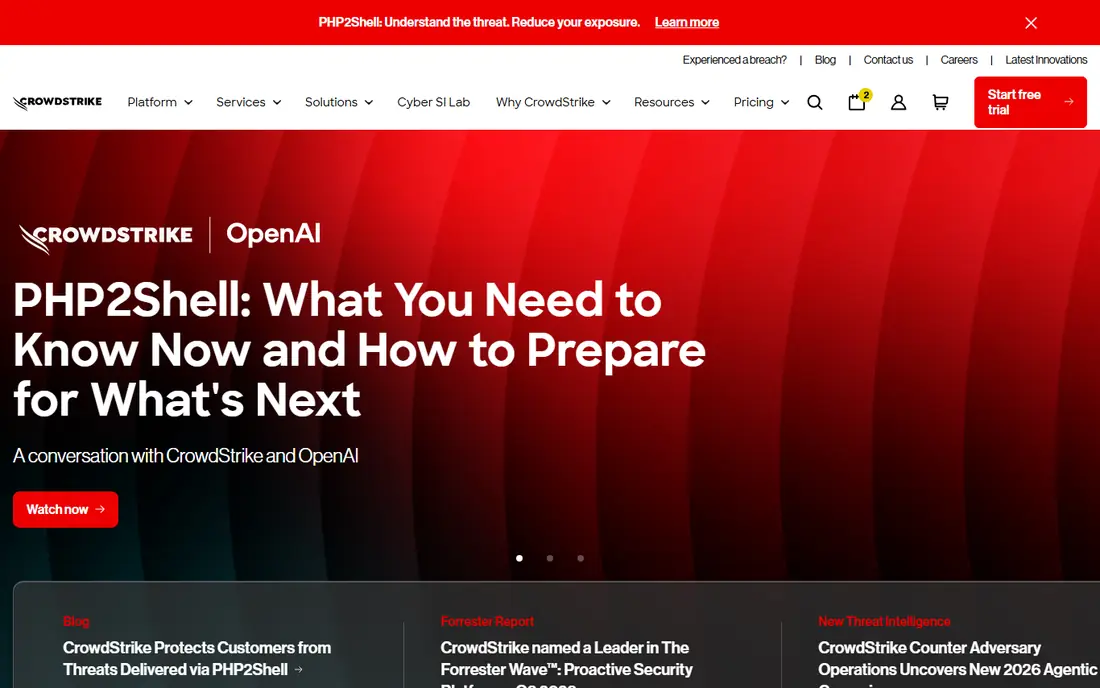
CrowdStrike Falcon is a cloud-native endpoint platform built around prevention, detection and response. It suits firms with many laptops and servers, because agents report to one cloud console and analysts can investigate and isolate a device quickly. Threat intelligence is a real strength, not an add-on.
Pricing is enterprise grade, and smaller buyers may find entry tiers limited. A rollout also needs care with exclusions for specialist software, or legitimate tools get blocked. For endpoint-led security, CrowdStrike is one of the safest choices.
- Cloud-native Falcon platform
- Fast detection and response
- Strong threat intelligence
- Enterprise pricing
- Some features need higher tiers
- Agent rollout needs planning
Fortinet
Ideal for: Network security with integrated hardware and software

Fortinet is strongest where the network is the priority. Its firewalls, switches and wireless products work as one fabric, which suits offices, branches and firms with on-site infrastructure. For buyers replacing aging firewall hardware, Fortinet often delivers more throughput per dollar than rivals.
The product range is wide, and licensing across products can be confusing. The management interface also takes time to learn. Fortinet fits network-led teams best, and endpoint buyers should compare its endpoint product directly with CrowdStrike or SentinelOne.
- Broad Security Fabric
- Strong firewall hardware
- Good value for network-led buyers
- Interface takes learning
- Some products need separate licensing
- Support quality varies by tier
SentinelOne
Ideal for: Autonomous endpoint protection with rollback
SentinelOne focuses on endpoint protection that acts on its own, including rolling back files changed by ransomware. That automation suits mid-size teams without a large security operations staff, because the product can contain a threat before an analyst logs in. The console is also clear enough for smaller teams to run.
Its wider platform is smaller than Palo Alto Networks, so firms wanting network and cloud cover in one purchase may need a second vendor. Pricing is quoted, and the most useful features sit above the entry tier. For endpoint-first buyers, it is a strong contender.
- Automated response and ransomware rollback
- Cloud console
- Works well for mid-size teams
- Smaller ecosystem than Palo Alto or CrowdStrike
- Pricing is quote based
- Advanced features cost more
Zscaler
Ideal for: Cloud-delivered security for remote workforces
Zscaler replaces the traditional VPN model with cloud-delivered zero trust access, so remote staff reach only the apps they are allowed to use. That suits firms with distributed teams and cloud apps, and it removes a lot of VPN hardware and patching work. Performance is often better than backhauling traffic through a head office.
Moving to Zscaler is a network redesign, not a simple install, and firms with complex on-site systems need careful planning. Pricing is quoted per user, so costs scale directly with headcount. For cloud-first, remote-heavy firms, it is a natural fit.
- Zero trust network access
- No VPN hardware to manage
- Scales for remote teams
- Quote-only pricing
- Needs network redesign
- Less suited to firms with heavy on-site systems
Microsoft Defender
Ideal for: Windows and Microsoft 365 shops
Microsoft Defender is the practical default for firms already on Windows and Microsoft 365. Endpoint protection is built into Windows, and the wider Defender suite covers identity, email and cloud apps under one licensing model. For many small and mid-size firms, that integration beats buying a separate endpoint product.
The catch is licensing depth. The strongest features sit in higher Microsoft 365 tiers, so the true cost depends on your existing plan. Alert tuning also matters, or teams face noisy dashboards. If your firm is already Microsoft based, Defender is hard to ignore.
- Built into Windows and Microsoft 365
- Strong endpoint and identity coverage
- No extra agent for many users
- Best value inside Microsoft licensing
- Standalone pricing is less clear
- Tuning needed to cut noise
CyberArk
Ideal for: Identity security and privileged access control
CyberArk focuses on the accounts attackers want most: admin and privileged accounts. Its vaulting, session control and secrets management suit regulated firms and any company with sensitive systems. When identity is the weakest link, CyberArk addresses that gap directly rather than adding another endpoint agent.
It is not a general security platform, so buyers still need endpoint and network tools alongside it. Implementation also needs identity expertise, and pricing is enterprise grade. Buy CyberArk when privileged access is a known risk, not as a first security purchase.
- Leader in privileged access management
- Strong secrets management
- Suits regulated firms
- Narrow focus
- Enterprise pricing
- Implementation needs identity expertise
Rapid7
Ideal for: Vulnerability management and detection for mid-size teams
Rapid7 suits mid-size teams that need to find weaknesses before attackers do. Its vulnerability management is clear and practical, and InsightIDR adds detection and response without the scale of a large platform. Reporting is written for teams that must show progress to management, not just to analysts.
Rapid7 does not match the largest vendors on breadth, and some capabilities are separate products with separate costs. Firms needing a single platform for network, cloud and endpoint may need to pair it with another vendor. For vulnerability-led security, it is a solid pick.
- Strong vulnerability scanning
- InsightIDR detection
- Clear reporting for smaller teams
- Smaller threat intelligence operation than leaders
- Some products are separate purchases
- Pricing is quote based
How we picked these
We started from the topic and shortlisted products that exist and work today, then checked each vendor homepage, pricing page and free tier. We compared feature pages, app store listings, privacy policies and public reviews, and we dropped any product whose homepage could not be verified or whose price could not be checked. Where a price was unclear or varied by region, we wrote See website rather than guessing a number. That rule kept the list honest, even where a neat price would have made the comparison table look tidier.
We also weighed fit over fame. A well-known product stayed on the list only if it truly fits the topic, and smaller tools earned a place when they served a clear use case better. No product here was tested hands-on for this article, and no vendor paid for placement.
Price and free-tier details matter most when plans change often, so we favoured products with clear published pricing and a trial or free tier where one exists. If a vendor changed a plan after our check, the vendor site is the correct source, and the ranking here still reflects fit, not just price. That check takes extra time, but it prevents a shortlist built on outdated pricing or a product that no longer exists.
Choosing a cyber security company without buying too much
Start from the risk you actually face. A small business needs endpoint protection, patched systems, multi-factor authentication and backups before it needs a full detection platform. Larger firms should test detection speed, alert quality and how well the product covers cloud workloads, then negotiate on contract length and included support.
Before you pay, run a trial on a real task from your own work, not a demo file. Check export formats, mobile access and support hours, because those details decide whether a tool survives daily use. Also check renewal terms and cancellation steps, since a cheap first year can become an expensive second year if renewal jumps. Finally, ask who will own setup and training, because a tool nobody is responsible for tends to fall out of use within a few months. Keep a short note on why you picked the winner, so a future review can judge it against the same criteria instead of starting from scratch.
A useful final test is to imagine the tool in six months, when the first excitement has faded and the work is routine. If the daily steps are still quick, the cost is still clear, and the support route is still obvious, the choice is likely sound. If any of those three answers is unclear, use the trial period to get a clear answer before committing to an annual plan.
Frequently asked questions
Which cyber security company is best for a small business?
Microsoft Defender and SentinelOne are practical starting points, because they cover endpoints without a large platform purchase. Add identity protection and backups before buying wider network tools.
Why is most enterprise cyber security pricing quote based?
Pricing depends on endpoint count, cloud usage, data volume and support level, so vendors quote per deployment. Ask for a total annual figure that includes support, onboarding and data retention.
Do I need one vendor or several security tools?
One platform reduces integration work, but no single vendor covers every risk well. Many teams pick one core platform for endpoint and network protection, then add specialist tools for identity or cloud gaps.
What should I check before signing a security contract?
Check contract length, renewal terms, data retention, support hours and exit terms for your data. Run a trial on real devices and measure false alerts, because noisy tools get ignored.