Zoho Analytics leads the list, best for integrated BI across numerous apps. Listed starting prices: Tableau from $15 per user a month. Domo is better for governed data for AI workflows, and Sisense is better for embedded analytics in custom apps. All 5 tools are compared below on price, free plan and limits.
This Ainotely guide covers 5 data analytics tools for nonprofits. Each profile lists a starting price, free plan details, strengths and drawbacks, so you can drop poor fits quickly.
Key takeaways
Zoho Analytics takes the first slot, best suited to integrated BI across many apps.
Tableau stands alone as the one tool in this list with a free plan.
Before buying Zoho Analytics, weigh this: interface can feel busy.
Tableau suits deep visual exploration and sharing.
Tableau has the lowest monthly starting price in this list: $15 per user per month.
Choose Zoho Analytics for integrated BI across numerous apps. Zoho Analytics is a data analytics and business intelligence product that links to numerous apps, lets teams build dashboards, and surfaces actionable insights.
Worth adding: the breadth of features can make the interface feel busy for small teams, and deep customization may need vendor support. On top of that, the product balances simplicity with enough depth for reporting on programs, donors, and finances. Zoho Analytics shows no starting price here, so confirm the cost on the vendor site. Free plan details: Not stated.
Limits to weigh: Advanced customization may need support.
Pick Domo if this describes you: governed data for AI workflows. The breadth of Domo can be more than a small nonprofit needs, and effective use needs planning around data governance.
In practice, users link and move data from any source, prepare and expand access for exploration, and accelerate business-critical insights. This comparison lists no price for Domo; ask the vendor. Free plan details: Free trial.
Limits to weigh: Wide product may overwhelm small teams.
Sisense targets embedded analytics in custom apps. Sisense provides AI-powered embedded analytics with pro-code, low-code, and no-code adaptability. In daily use, if you only need standard dashboards for staff, a more straightforward product for example Tableau or Zoho Analytics may be more appropriate.
For everyday use, teams with development resources can tailor analytics to specific programs or audiences. In daily use, Sisense is oriented toward embedding and product development, which can be more complicated than a nonprofit needs for internal reporting. Pricing for Sisense is not stated here, so ask the vendor for current figures. Trial and free access: Free trial.
What users get: AI-powered insights.
Limits to weigh: May be complex for pure end users.
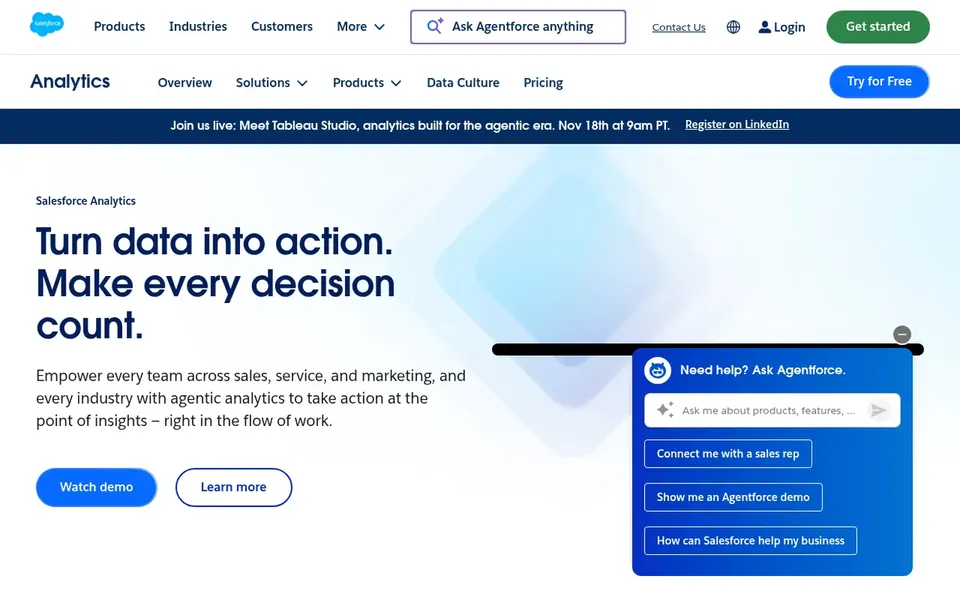
Salesforce Tableau CRM is designed for Salesforce-connected visual analytics. Staff can boost productivity by combining CRM records with visual insights without switching products.
Where it is weaker: Most handy with Salesforce data.
In daily use, Salesforce Tableau CRM brings visual analytics into the Salesforce environment, helping teams understand and act on data wherever they work. For everyday use, the value depends heavily on using Salesforce as a primary system, so organizations on other products may find it redundant. This comparison lists no price for Salesforce Tableau CRM; ask the vendor. On free options: Free trial.
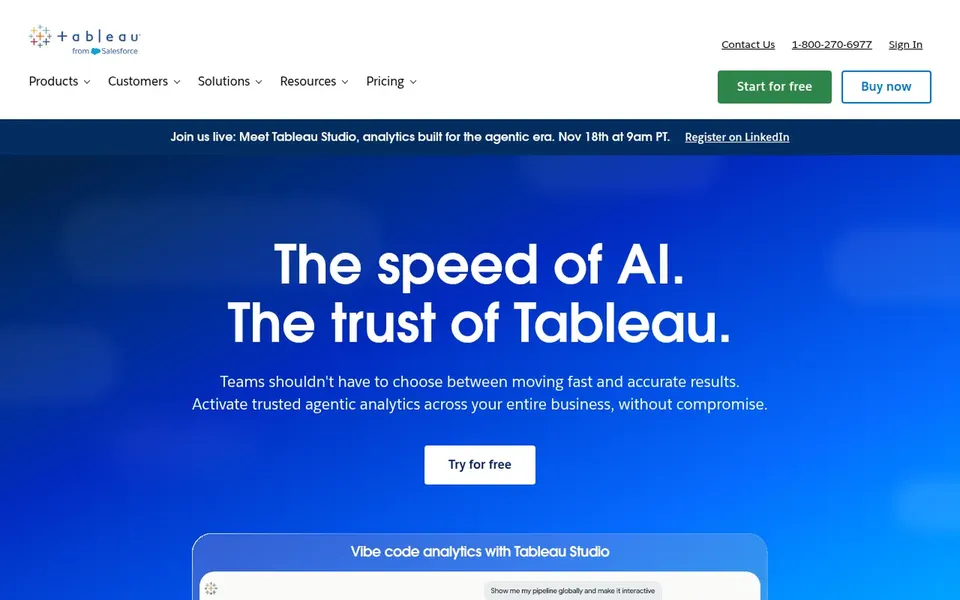
Think of Tableau for deep visual exploration and sharing. The system can feel complicated for volunteers or staff without analytics experience, and setup may demand more time than light tools.
Price to start with Tableau: $15 per user per month. Tableau has a free plan.
The main drawbacks: Can need training for advanced use.
Ask Zoho Analytics, Domo, Sisense and Salesforce Tableau CRM for a written quote, since no starting price is shown.
Look at the free plan from Tableau closely: its caps decide whether it is usable for real work.
Take the trial from Domo, Sisense and Salesforce Tableau CRM and push a live task through it before you pay.
Read the limits listed for Zoho Analytics first: interface can feel busy.
Verify that exporting from Zoho Analytics is possible on your plan and covers all your records.
Check whether the features you need in Salesforce Tableau CRM sit on the entry plan or only on higher tiers.
How we picked
Selection started from tools commonly considered for data analytics tools for nonprofits, then narrowed to 5 that have clear pricing information or a clear quote process. Prices and plan limits come from vendor pages and can change, so confirm them on the vendor site before you buy. The sequence is a judgement call: typical use case first, then pricing transparency, then free access. Use the profiles to check fit.
Every price and plan detail on this page comes from the vendors’ own websites. We did not run hands-on tests unless the text says so, and we do not publish star ratings or review scores. See how we score and our disclosure.
Keep your shortlist in one place
Paste prices, trial dates and notes from this guide into Ainotely, our AI note app. It files them into a topic and pulls out tasks like “cancel trial by Friday”. Free 7-day trial, no card needed.
Is Zoho Analytics the right pick for everyone comparing data analytics tools for nonprofits?
No single tool suits every team. Zoho Analytics comes first because it fits integrated BI across many apps, while Domo suits governed data for AI workflows and Sisense suits embedded analytics in custom apps. Match the tool to your own size, budget and workflow before deciding.
Can I try these tools before paying?
Often, yes. Tableau has a free plan and Domo, Sisense and Salesforce Tableau CRM offer a free trial. Use your own data and a real task during the test, and check what the free tier or trial limits before you rely on it.
Can these tools manage donor and program data together?
Multiple tools can combine data from multiple systems. Salesforce Tableau CRM is closest to donor records when Salesforce is your CRM, whereas Zoho Analytics and Domo link to numerous apps.
Do these tools publish their prices?
Not all of them. Zoho Analytics, Domo, Sisense and Salesforce Tableau CRM publish no starting price, so expect a quote request for those. The rest, Tableau included, show a starting price, though seats and billing terms still change the final cost.
What is the cheapest option for data analytics tools for nonprofits in this list?
On published monthly entry prices, Tableau is the lowest here at $15 per user per month. Entry price is only part of the cost, because seats, add-ons and billing terms can change the total. The 5 tool cards above repeat this per product for data analytics tools for nonprofits, with the listed price or "pricing on request".