Best Data Extraction Companies for Web Scraping in 2026: 8 Services Compared

- 1
 Bright DataLarge scale managed scrapingVisit
- 2
 OxylabsProxy and scraping APIsVisit
- 3
 ApifyReady made scrapersVisit
- 4
 ScrapingBeeDeveloper API for hard sitesVisit
- 5
 OctoparseNo-code scrapingVisit
- Managed services suit teams that want data delivered without building scrapers, while APIs suit developers who want control.
- Proxy quality decides success on hard sites, so cheap proxy lists often cost more in failed runs than they save.
- Always check a target site's terms and the law in your area before scraping, and prefer public data over personal data.
Quick comparison
| Product | Ideal for | Price from | Free version | |
|---|---|---|---|---|
| Bright Data | Large scale managed scraping | See website | Free trial | Visit |
| Oxylabs | Proxy and scraping APIs | See website | Free trial | Visit |
| Apify | Ready made scrapers | Free | Yes | Visit |
| ScrapingBee | Developer API for hard sites | See website | Free trial | Visit |
| Octoparse | No-code scraping | Free | Yes | Visit |
 ParseHub | No-code with scheduling | Free | Yes | Visit |
 Diffbot | Structured data APIs | See website | Free trial | Visit |
 Zyte | Managed enterprise scraping | See website | No | Visit |
The best data extraction companies for web scraping
Web scraping services differ more than their home pages suggest. Some sell proxy networks, some sell no-code tools, and some run fully managed extraction for you. We compared the services below on data quality, handling of hard sites, pricing clarity, and support, and we note where legal care matters, since scraping must respect site terms, robots files, and applicable law.
Bright Data
Ideal for: Large scale managed scraping
Bright Data is our pick for large scale work, because its proxy network and managed datasets cover the hardest part of scraping: getting clean data at volume. Its range suits teams that need data delivered regularly rather than one-off pulls.
What stands out is large proxy network plus managed datasets for regular large scale extraction The honest catch is pricing is complex and leans enterprise for managed services Prices and plan details change, so confirm the current offer on the vendor site before you commit.
Ask for a clear quote for your exact sites and volume before committing.
- Large proxy network
- Managed datasets
- Tools for developers and businesses
- Pricing can be complex
- Enterprise leaning for managed work
Oxylabs
Ideal for: Proxy and scraping APIs
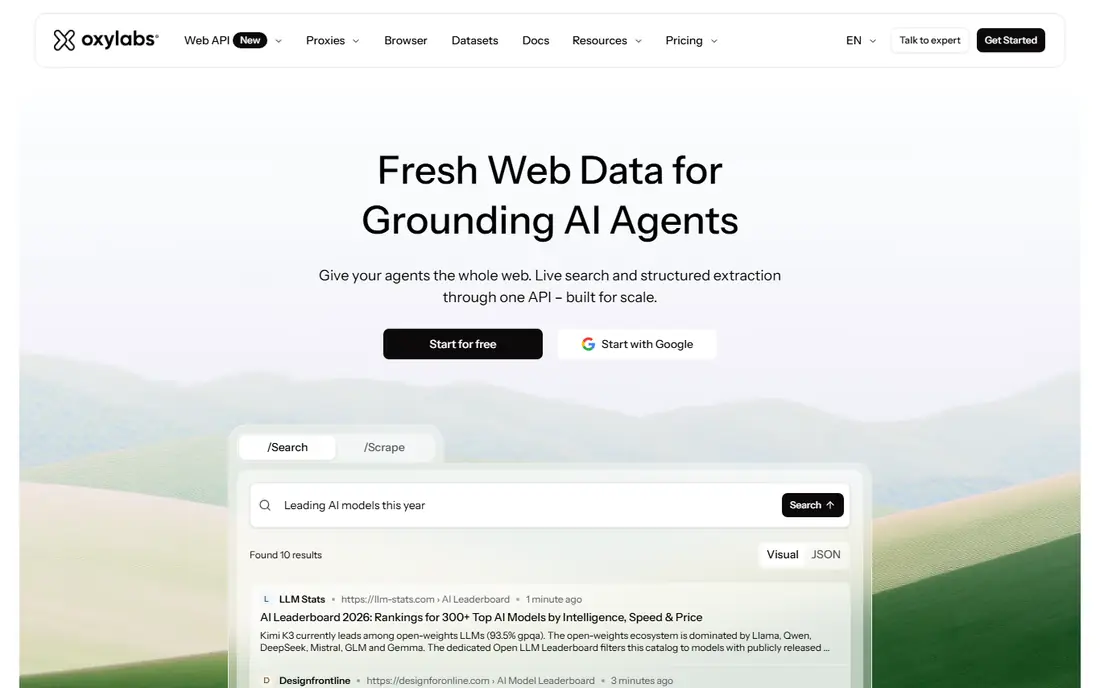
Oxylabs suits developers and data teams that want reliable proxies with scraping APIs on top. Its business support helps when a target site changes layout and a scraper breaks.
What stands out is proxy networks with scraping APIs and business support The honest catch is larger plans are quote based, and setup takes some learning Before buying, confirm pricing and plan limits on the vendor site, since published details can change.
Choose Oxylabs when your team can work with APIs and needs dependable proxies.
- Proxy networks and scraping APIs
- Managed datasets
- Business support
- Pricing by quote for larger plans
- Learning curve for new users
Apify
Ideal for: Ready made scrapers
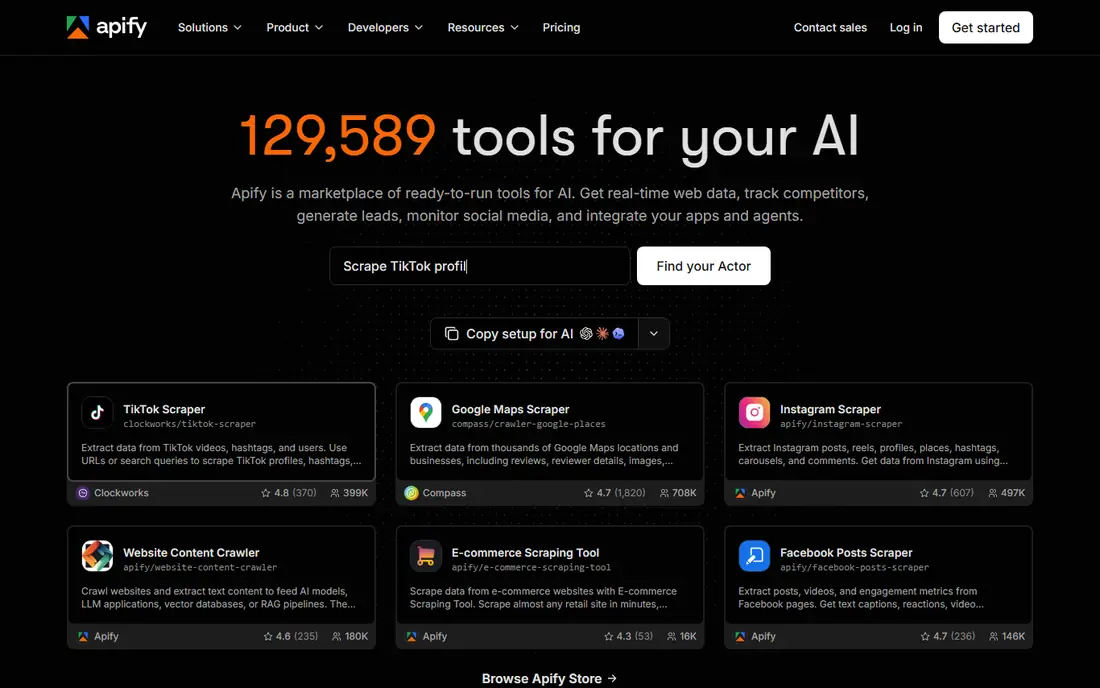
Apify is our pick for teams that want a ready scraper without building one. Its marketplace covers many popular sites, and its cloud platform runs scrapers on a schedule, which suits regular data jobs.
What stands out is a marketplace of ready made scrapers you can run on a schedule The honest catch is marketplace quality varies, and heavy use can grow costs Check the vendor site for the latest pricing, since plans, tiers, and terms change over time.
Test a marketplace scraper on your exact site before building a workflow around it.
- Marketplace of ready made scrapers
- Cloud platform
- Pay as you go options
- Quality varies across marketplace scrapers
- Costs can grow with heavy use
ScrapingBee
Ideal for: Developer API for hard sites
ScrapingBee suits developers who want an API that handles browsers, proxies, and rendering in one call. Its docs are clear, and its credit model is easy to understand for moderate volumes.
What stands out is a simple API that handles browsers and proxies for developers The honest catch is high volume work gets costly, and non-developers get no managed service For current pricing, check the vendor site before deciding, since plans and prices change over time.
Pick it for moderate developer led scraping where simplicity matters.
- API handles browsers and proxies
- Simple credit pricing
- Good docs
- Credit costs add up at high volume
- No managed service for non-developers
Octoparse
Ideal for: No-code scraping
Octoparse is the friendliest pick for non-developers. Its point and click builder turns a site into a data table without code, and its templates speed up common jobs like product and listing pages.
What stands out is no-code scraping with templates for popular sites The honest catch is free plan limits apply, and very complex sites may need workarounds Prices and plan details change, so confirm the current offer on the vendor site before you commit.
Choose Octoparse when the person doing the scraping does not write code.
- Point and click scraper builder
- Templates for popular sites
- Desktop and cloud options
- Free plan limits apply
- Complex sites may still need workarounds
ParseHub
Ideal for: No-code with scheduling
ParseHub suits small teams that need scheduled scraping without code. Its visual builder handles dynamic pages, and scheduled runs keep data fresh for reports and price tracking.
What stands out is visual scraping with scheduled runs for small teams The honest catch is free plan limits apply, and support is smaller than the big platforms Before buying, confirm pricing and plan limits on the vendor site, since published details can change.
Use it for regular small scale jobs where a visual tool is enough.
- Visual scraper builder
- Scheduled runs
- Handles dynamic sites
- Free plan limits apply
- Support is smaller than large platforms
Diffbot
Ideal for: Structured data APIs
Diffbot is different because it reads pages and returns structured data, which suits teams building databases from web content. Its knowledge graph adds context that raw scraping does not provide.
What stands out is APIs that return structured data from pages, not just raw HTML The honest catch is quote based pricing at scale, and it is not a general browsing tool Check the vendor site for the latest pricing, since plans, tiers, and terms change over time.
Pick Diffbot when you need structured records for a database, not just page downloads.
- APIs that turn pages into structured data
- Knowledge graph
- Enterprise support
- Pricing by quote at scale
- Best for structured extraction, not custom browsing
Zyte
Ideal for: Managed enterprise scraping
Zyte is the managed enterprise pick, with a team that runs extraction for you and support terms to match. Its anti-ban tooling helps on hard sites, but its price and process suit larger contracts.
What stands out is fully managed extraction with enterprise support terms The honest catch is enterprise pricing puts it out of reach for small one-off jobs For current pricing, check the vendor site before deciding, since plans and prices change over time.
Choose Zyte when data delivery is business critical and you want a vendor accountable for it.
- Managed data extraction
- Strong anti-ban tooling
- Enterprise support and SLAs
- Enterprise pricing
- Overkill for small one-off jobs
How we picked these
We compared official feature pages, pricing pages, app store listings, privacy policies, and public reviews for each option, and we kept only options that exist and work in October 2026 and that truly fit this topic. We favored options with clear pricing, a track record we could check, and honest limits we could state plainly. Where a price or plan could not be confirmed from the vendor itself, we wrote See website rather than guessing.
We also weighed who each option suits best, since the right choice for a large team is often the wrong choice for a small one. That is why the list below mixes well-known leaders with smaller options that do one thing well.
Where prices were not published, we said so rather than estimating. A vendor that hides pricing is not automatically a bad choice, but buyers should ask for a written quote before comparing it with a vendor that publishes prices openly.
Finally, we checked that every website listed is the product's own official homepage and that it loads. A product with a broken or mismatched homepage was not kept on the list, since readers should be able to reach the real vendor from this article without guessing.
How to choose a web scraping service without legal trouble
Start with the legal question, not the tool. Read the target site's terms, check robots files, and get advice where personal data or login protected content is involved. Public facts are safer ground than personal data.
Next, match the service to your team's skills. A developer team will be happy with an API, while a non-technical team needs a no-code tool or a managed service. Buying the wrong type wastes more time than any price difference.
Finally, test on your real target sites before signing a large contract. Scraping success varies by site, and a trial on your exact pages tells you more than any demo.
Before you sign, run a small paid trial with real work rather than a demo. A trial shows support speed, data quality, and how the tool handles your edge cases, which sales calls rarely reveal. Set a clear pass mark before the trial starts, such as accuracy, turnaround, or time saved, and judge the trial against that mark. If a vendor resists a trial, treat that as useful information about how the relationship will work later.
A last check is support quality after purchase. Ask how support works, what hours it covers, and how fast typical issues are resolved. A vendor with slow support can turn a small problem into a lost week, while a responsive vendor keeps work moving. That difference rarely appears in pricing pages, so ask current users or read recent reviews before signing.
Frequently asked questions
Is web scraping legal?
It depends on the site, the data, and the law in your area. Public facts are often safer, while personal data, copyrighted content, and login protected pages carry more risk. Get legal advice for anything beyond simple public data.
What is the difference between proxies and scraping APIs?
Proxies route requests through many addresses to avoid blocks. Scraping APIs add browsers, rendering, and retries on top, so developers write less code to get the same data.
Do I need a managed service?
Yes, if you want data delivered without building or maintaining scrapers. No, if your team can build with an API and wants control over the extraction.
Why do scrapers break?
Sites change layouts, add blocks, or change how pages load. A service with monitoring and support fixes breaks faster than a scraper you maintain alone.
How is scraping priced?
Common models are credits per request, monthly plans, and managed contracts by volume. Compare cost for your actual sites and frequency, not headline prices.