Best Data Extraction Software in 2026: 8 Tools Compared

- Octoparse and ParseHub suit non-coders who want point-and-click extraction from websites.
- Bright Data and ScrapingBee handle large-scale scraping with proxies and anti-blocking built in.
- Apify and Diffbot suit developers who need APIs, automation, and structured data at scale.
- Import.io and Webscraper.io fit teams that want extraction without running their own infrastructure.
Quick comparison
| Product | Ideal for | Price from | Free version | |
|---|---|---|---|---|
 Octoparse | No-code web scraping | See website | Free trial | Visit |
 ParseHub | Visual scraping | See website | Free trial | Visit |
 Bright Data | Large-scale scraping | See website | Free trial | Visit |
 Apify | Scraping automation | See website | Free trial | Visit |
 Diffbot | AI data extraction | See website | Free trial | Visit |
 Import.io | Managed extraction | See website | No | Visit |
 Webscraper.io | Browser-based scraping | See website | Yes | Visit |
 ScrapingBee | Developer scraping API | See website | Free trial | Visit |
The best data extraction software
We compared official feature pages, pricing pages, and app-store listings for data extraction tools available in October 2026. The list covers no-code scrapers, developer APIs, and managed services, since extraction needs vary widely. Always check a site's terms of use and robots file before scraping, and respect rate limits and privacy law.
Octoparse
Ideal for: No-code web scraping
Octoparse is a no-code web scraping tool for Windows and Mac that lets users extract data by clicking elements on a page. Templates cover common sites such as e-commerce and social platforms, while advanced mode supports logins, pagination, and infinite scroll. Cloud extraction runs jobs on a schedule without keeping a computer on.
The desktop app is Windows-focused, and heavy or cloud use needs a paid plan. For a researcher or analyst without coding skills, Octoparse's visual approach is one of the easiest ways to turn web pages into spreadsheets.
- Point-and-click extraction
- Templates for common sites
- Cloud runs and scheduling
- Windows-focused desktop app
- Heavy use needs a paid plan
ParseHub
Ideal for: Visual scraping
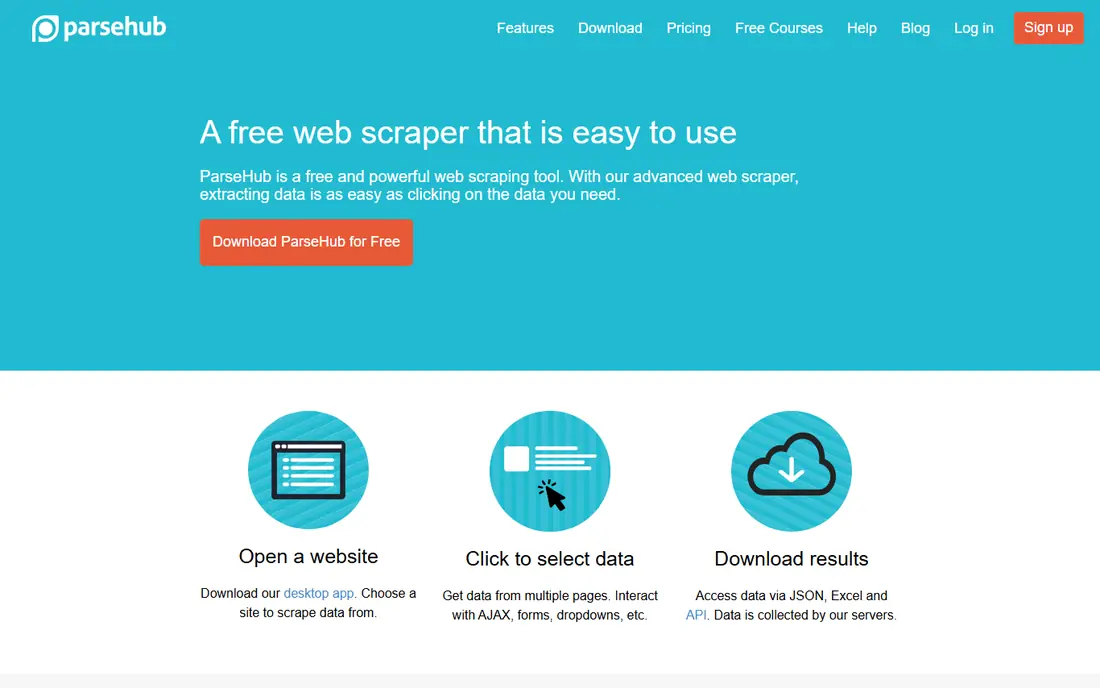
ParseHub is a visual scraping tool that lets users click elements to define what to extract, including from JavaScript-heavy sites. It supports logins, pagination, and scheduled runs, with results exported to JSON, CSV, or Google Sheets. A free tier covers small projects.
The tool runs as a desktop app, so cloud scheduling sits on paid plans. For a small project or a one-off dataset, ParseHub's free tier and visual setup make it a good starting point.
- Visual point-and-click setup
- Handles JavaScript sites
- Free tier for small projects
- Desktop app
- Larger projects need paid plans
Bright Data
Ideal for: Large-scale scraping
Bright Data is a web data platform built for large-scale collection. It offers residential, datacenter, ISP, and mobile proxies, a scraping browser that handles anti-bot measures, and ready-made datasets for common use cases. Its platform includes compliance tools and a data ethics program for responsible collection.
Usage-based pricing can grow quickly at scale, and setup needs technical skill. For a company that needs reliable, large-scale data collection with infrastructure handled, Bright Data is a leading choice.
- Large proxy network
- Scraping browser and datasets
- Compliance and ethics tools
- Pricing is usage-based and can grow fast
- Setup needs technical skill
Apify
Ideal for: Scraping automation
Apify is a cloud platform for web scraping and automation, built around "actors" that run scraping tasks. A public store offers thousands of ready-made actors for common sites, while developers can build custom actors in JavaScript or Python. Schedules, webhooks, and integrations automate full data pipelines.
Building a custom actor needs coding skill, and costs depend on compute and proxy use. For a developer or data team that wants scraping as a managed, scheduled service, Apify's platform is a strong fit.
- Large actor library
- Schedules and webhooks
- Pay-per-use pricing
- Building custom actors needs code
- Costs vary with use
Diffbot
Ideal for: AI data extraction
Diffbot uses machine vision and AI to extract structured data from web pages without site-specific rules. Its APIs can pull articles, products, discussions, and profiles from any URL, and its knowledge graph links entities across the web. Developers integrate Diffbot through APIs and use it to build datasets or enrich records.
Pricing is usage-based, and Diffbot is built for developers rather than casual point-and-click users. For a team that needs clean structured data from many different sites, Diffbot's AI approach saves the work of writing a scraper per site.
- AI extraction from any page
- Knowledge graph of web entities
- API-first design
- Pricing is usage-based
- Best for developers, not casual users
Import.io
Ideal for: Managed extraction
Import.io is a web data platform that offers managed extraction alongside self-service tools. Its team can build and maintain extractors for complex sites, with data delivered on a schedule to dashboards, warehouses, or files. That service model suits companies that want data without running scrapers themselves.
There is no free tier, and pricing is quote-based for most buyers. For a company that needs reliable data from hard sites and wants a vendor to handle maintenance, Import.io's managed approach is worth the cost.
- Managed service with support
- Handles complex sites
- Data delivery options
- No free tier
- Pricing is quote-based for most buyers
Webscraper.io
Ideal for: Browser-based scraping
Webscraper.io offers a free Chrome and Firefox extension that scrapes pages through a visual sitemap. Users define selectors for data, pagination, and links, then export results to CSV, JSON, or Google Sheets. A cloud service adds scheduled runs, proxies, and larger jobs.
The extension suits small projects, while larger or scheduled work needs a paid cloud plan. For a beginner who wants to try scraping without installing desktop software, Webscraper.io's free extension is the easiest start.
- Free browser extension
- Visual sitemap setup
- Cloud scraping on paid plans
- Extension is best for small projects
- Cloud plans cost more
ScrapingBee
Ideal for: Developer scraping API
ScrapingBee is a web scraping API for developers. Send a URL and parameters, and it returns the rendered page or extracted data, handling JavaScript rendering, proxies, and anti-bot measures. A Google search API covers SERP data, and results can be returned as HTML or JSON.
Because it is API-only, non-coders will need a wrapper or another tool to use it. For a developer who wants scraping without managing proxies and browsers, ScrapingBee's simple API is a good fit.
- Simple API for scraping
- Handles JavaScript and proxies
- Google search API included
- API-only, so non-coders need another tool
- Credits limit heavy use
How we picked these
We compared official feature pages, pricing pages, and app-store listings for data extraction tools available in October 2026. We favored tools with current products, clear use cases, and a range of skill levels, from no-code to API-first. We also weighed export options, monitoring, and maintenance needs, since a scraper that breaks silently can feed stale data into decisions for weeks. We did not include our own product in this list.
How to choose data extraction software
Start with your skill level and scale. Non-coders should start with Octoparse, ParseHub, or Webscraper.io, while developers should look at ScrapingBee, Apify, or Diffbot. Large-scale work needs proxy and anti-blocking infrastructure, which points to Bright Data or a managed service such as Import.io.
Then check legality and terms before you scrape. Respect robots files, terms of use, and privacy law, and avoid personal data you have no right to collect. Run a small test on your target sites, check data quality, and confirm export formats match your pipeline before committing to a paid plan.
Before buying an extraction tool, map your data pipeline end to end. Extraction is only the first step: cleaned data must land in a spreadsheet, database, or warehouse, and someone must check quality on a schedule. Tools that export to your existing systems save manual work, while tools with weak exports create a weekly chore. Also estimate volume honestly, since usage-based pricing punishes underestimates. Run a test on your hardest target site, not your easiest, and check how the tool handles logins, pagination, JavaScript rendering, and blocks. Legal review matters too: confirm that your use respects the target site's terms, robots file, and privacy law, and avoid collecting personal data without a lawful basis. Finally, plan for maintenance, since sites change layout often. A tool with good monitoring and alerts will tell you when a scraper breaks, while a silent failure can feed stale data into decisions for weeks.
Frequently asked questions
What is data extraction software?
Data extraction software pulls structured data from websites, documents, or systems and delivers it as spreadsheets, JSON, or database records. Tools range from point-and-click scrapers to APIs and managed services that handle collection for you.
Is web scraping legal?
Web scraping sits in a gray area that depends on the site's terms, the data collected, and local law. Public data is often scraped, but scraping behind logins, bypassing access controls, or collecting personal data can break terms or law. Check terms and get legal advice for sensitive projects.
Can I scrape without coding?
Yes. Octoparse, ParseHub, and Webscraper.io let non-coders define extraction by clicking elements on a page. For complex or large-scale work, a developer tool or managed service may still be needed.
What is the difference between Apify and ScrapingBee?
Apify is a full platform with ready-made actors, schedules, and webhooks for automation pipelines. ScrapingBee is a simpler API that returns rendered pages or data for a URL. Apify suits full pipelines, while ScrapingBee suits developers who want a single API call.
How much does data extraction software cost?
Costs vary widely. Free tiers cover small projects, while paid plans and usage-based pricing scale with pages, credits, or proxies. Managed services are quote-based. Start with a free tier on a real target site to estimate your volume.
How do I handle websites that block scraping?
Start by respecting the site's rules: check its terms of use and robots file, slow your request rate, and identify your scraper honestly. Technical options include rotating proxies, rendering JavaScript, and using official APIs where the site offers one, which is often the most reliable path. If a site actively blocks access or its terms forbid scraping, consider buying licensed data or using a managed provider that handles compliance. Bypassing access controls can break terms or law, so get legal advice before pushing past a block.