6 Best Data Integration Platform for Small Business Options for 2026

- Top of the list is Hevo Data, which targets no-code pipelines with monitoring.
- Make suits visual automation at low cost.
- Make has the lowest monthly starting price in this list: $9 per month.
- Only 5 of the 6 tools have a free plan (Hevo Data, Skyvia, Zapier, Coupler.io, Make), so check the caps.
Direct answer
If you need no-code pipelines with monitoring, Hevo Data is the first tool to look at here. If your case is different, Skyvia suits self-service data jobs in one place and Zapier suits no-code app automation. The remaining 3 options are covered below with prices and limits.
Quick comparison
| Product | Ideal for | Price from | Free version | |
|---|---|---|---|---|
 Hevo Data | No-code pipelines with monitoring | See website | Yes | Visit |
 Skyvia | Self-service data jobs in one place | $79 a month | Yes | Visit |
 Zapier | No-code app automation | $19.99 a month | Yes | Visit |
 Stitch | Straightforward ELT into a warehouse | $100 a month | Free trial | Visit |
 Coupler.io | Automatic reporting for small teams | $24 a month | Yes | Visit |
 Make | Visual automation at low cost | $9 per month | Yes | Visit |
Tool-by-tool breakdown
Ainotely put together this guide to data integration platform for small business for readers who want a clear shortlist without reading every vendor page. It compares 6 tools on starting price, free plans, who each one suits and where each one falls short.
Hevo Data
Ideal for: No-code pipelines with monitoring
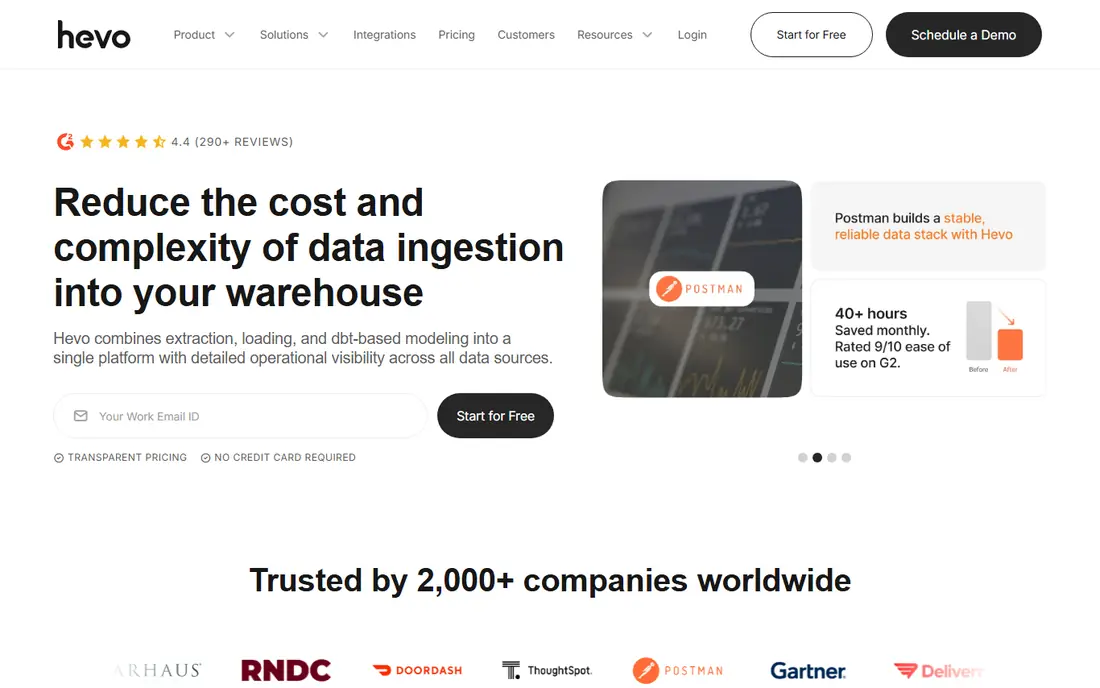
Think of Hevo Data for no-code pipelines with monitoring. A free plan handles restricted connectors and hourly syncs, which fits a trial.
Where it falls short: Free and entry plans limit connectors and sync frequency.
Hevo counts inserted, updated and deleted destination records as events, so an often changing table can consume a plan rapidly even when the table itself is not large. Pricing for Hevo Data is not stated here, so ask the vendor for current figures. Hevo Data includes a free tier.
- No-code pipeline setup
- Live pipeline monitoring and alerts
- Event-based pricing grows with frequent changes
Skyvia
Ideal for: Self-service data jobs in one place
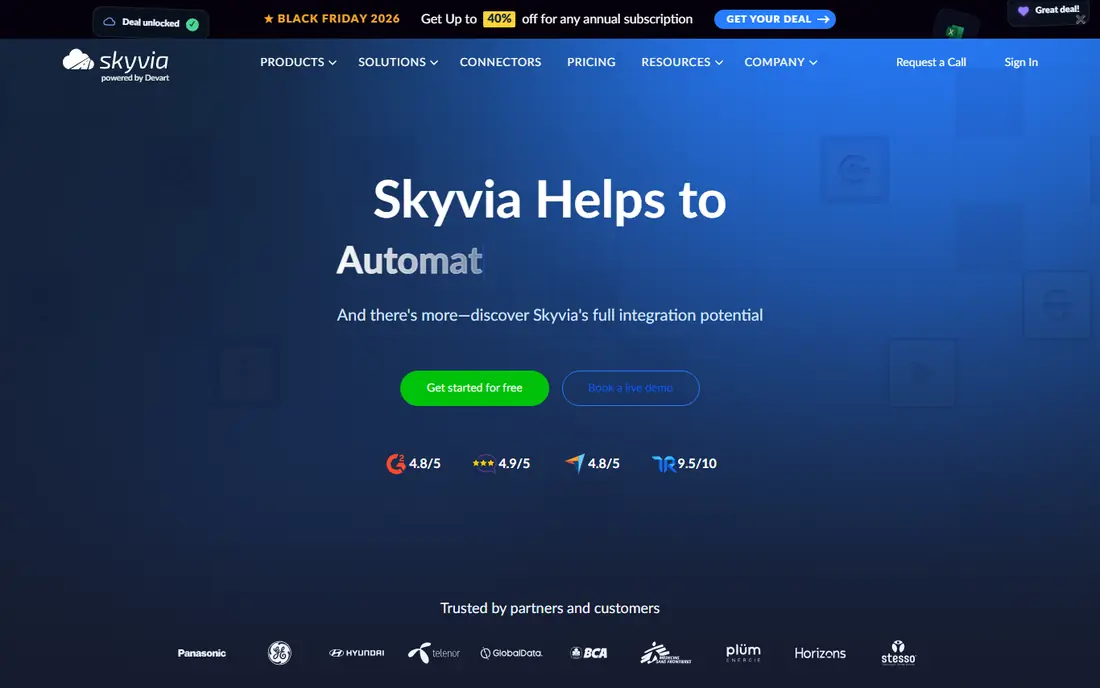
Skyvia makes the most sense for self-service data jobs in one place. Skyvia fits a small to mid-sized team that wants multiple data jobs on one self-service system.
The main drawbacks: Usage-based records pricing needs monitoring.
More specifically, beyond entry-level integration, it spans replication to warehouses and databases, backup, automation and querying, with more than 200 connectors. Skyvia pricing: $79 per month. Free access exists with Skyvia.
- 200 plus connectors
- Free level to start
- Advanced transformation needs higher levels or other tools
Zapier
Ideal for: No-code app automation
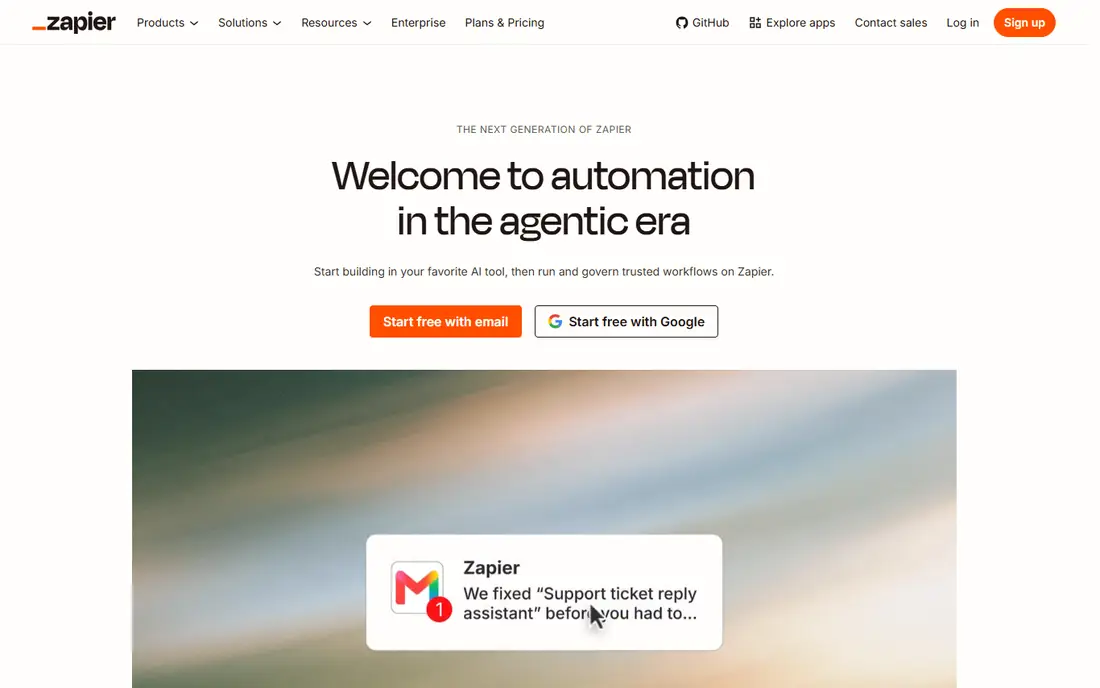
Zapier is a good fit for no-code app automation. Premium plans start at 19.99 dollars a month, with a free level for straightforward use. For everyday use, use Zapier for operational sync and automation between apps, and use an ELT tool when the goal is analytics in a warehouse.
Drawbacks to consider: Not a warehouse ELT replacement.
Task-based pricing is the catch. Each step in a workflow counts, so a busy automation can grow expensive, and Zapier is a poor fit for bulk historical loads into a warehouse. Zapier pricing: $19.99 per month. Zapier includes a free tier.
- Free level for straightforward automations
- No-code workflows called Zaps
- Complicated logic needs higher levels
Stitch
Ideal for: Straightforward ELT into a warehouse
For straightforward ELT into a warehouse, Stitch is a natural candidate. Stitch, now part of Qlik, is designed for a straightforward job done well: replicate data from SaaS apps and databases into a warehouse, with little engineering effort. It supplies more than 130 prebuilt connectors, automatic schema mapping and quick setup, which is why it has long appealed to small analytics teams.
In daily use, the price is the primary consideration. From a buyer's view, choose Stitch when you already have, or plan to build, a warehouse and you want replication without pipeline code. More specifically, a team can link a CRM, a billing tool and a database, and start querying in a warehouse the same day. Price to start with Stitch: $100 per month. As for free access: Free trial.
Where it falls short: premium plans start at 100 dollars a month.
- Quick setup with prebuilt connectors
- Automatic schema handling
- Advanced features sit on higher levels
Coupler.io
Ideal for: Automatic reporting for small teams
Where Coupler.io fits: automatic reporting for small teams. Pricing is per connected data source account, beginning at 24 dollars a month for three accounts, so adding team members does not raise the bill. If you need a full warehouse with complicated models, pair it with a warehouse ELT tool instead.
Limits to weigh: Bigger data volumes need higher levels.
Also, the limit is scope. Coupler.io is very good for reporting flows, and less suited to complicated warehouse modelling or heavy transformation. In daily use, Coupler.io is my first suggestion for a small team that primarily wants automatic reports. It links business sources for example ads, CRM, finance and time tracking tools, and sends the data to Google Sheets, Excel, BigQuery or a dashboard tool on a schedule. On cost, Coupler.io starts like this: $24 per month. You can start on Coupler.io without paying.
- Account-based pricing
- Not per user
- Centred on reporting and dashboards
Make
Ideal for: Visual automation at low cost
Make is designed for visual automation at low cost. Its visual builder makes branching, filtering and data mapping simpler to follow than a long list of steps. From a buyer's view, pick Make when app automation is the job, and check operation use monthly so a busy workflow does not surprise you.
Best features of Make: Visual workflow builder.
Like Zapier, Make is an automation product, not a warehouse pipeline tool. It excels at moving and transforming records between apps in live, and it is less suited to bulk analytics loads. The starting price for Make: $9 per month. Make has a free plan.
What to check first: Operation-based pricing still needs monitoring; Ramp-up time for complicated scenarios.
- Low starting price at 9 dollars a month
- Ample operation allowance on entry plans
- Not a warehouse ELT tool
A practical way to choose data integration platform for small business
Start with the job, not the tool category. If the job is keeping apps in step, pick an automation tool for example Zapier or Make. Then run a trial on your real sources, not a demo dataset.
A tool that only one person understands is a risk, so pick one the team can support, even if a more capable choice looks better on paper.
Our selection method
Each tool was reviewed on what its vendor publishes: price, plan limits, core features and stated drawbacks. We did not run hands-on tests. Figures are shown as the vendors publish them. Billing terms, seat minimums and add-ons can change the real cost. The sequence is a judgement call: typical use case first, then pricing transparency, then free access. Use the profiles to check fit.
What to confirm before you sign up
- Confirm the entry price on the vendor page. For Hevo Data that means a quote rather than a fixed price.
- Read the fine print on the free plans from Hevo Data, Skyvia, Zapier and others; seat, project and feature caps differ.
- Take the trial from Stitch and push a live task through it before you pay.
- Before choosing Hevo Data, weigh its main limit: event-based pricing grows with frequent changes.
- Look at which plan of Zapier unlocks the features you need; entry tiers are often cut down.
- Work out what Make costs with your real seat count, add-ons and usage, not just the entry price.
Frequently asked questions
What is the cheapest option for data integration platform for small business in this list?
On published monthly entry prices, Make is the lowest here at $9 per month. Entry price is only part of the cost, because seats, add-ons and billing terms can change the total.
Is Hevo Data the right pick for everyone comparing data integration platform for small business?
No single tool suits every team. Hevo Data comes first because it fits no-code pipelines with monitoring, while Skyvia suits self-service data jobs in one place and Zapier suits no-code app automation. Match the tool to your own size, budget and workflow before deciding.
Which options for data integration platform for small business have a free plan?
Hevo Data, Skyvia, Zapier, Coupler.io and Make offer a free plan in this list. Free plans usually cap users, projects or features, so check the limits on the vendor page. One other tool offers a trial instead.
Can I try these tools before paying?
Often, yes. Hevo Data, Skyvia, Zapier and others have a free plan and Stitch offers a free trial. Use your own data and a real task during the test, and check what the free tier or trial limits before you rely on it.