8 Best Data Mapping Tools for 2026

- 1
 TalendData teams that want broad integration with mapping built inVisit
- 2
 InformaticaEnterprises managing data at large scaleVisit
- 3
 Altova MapForceVisual any-to-any mapping for developers and analystsVisit
- 4
 AsteraNo-code mapping inside a full data platformVisit
- 5
 AdeptiaRegulated industries with complex onboarding and mapping needsVisit
- Data mapping tools connect source fields to target fields visually, with transformations, validation, and reusable mappings.
- Altova MapForce suits developers and analysts who need any-to-any mapping across XML, JSON, databases, and EDI.
- Astera and Adeptia suit enterprises that need mapping inside larger ETL and onboarding workflows.
- Talend, Informatica, MuleSoft, Boomi, and SnapLogic suit organizations where mapping is part of a full integration platform.
- Test mappings with messy real data, because clean demo data hides the transformation problems that cause production failures.
Quick comparison
| Product | Ideal for | Price from | Free version | |
|---|---|---|---|---|
| Talend | Data teams that want broad integration with mapping built in | See website | No | Visit |
| Informatica | Enterprises managing data at large scale | See website | No | Visit |
| Altova MapForce | Visual any-to-any mapping for developers and analysts | See website | No | Visit |
| Astera | No-code mapping inside a full data platform | See website | No | Visit |
| Adeptia | Regulated industries with complex onboarding and mapping needs | See website | No | Visit |
 MuleSoft Anypoint | API-led integration where mapping sits inside APIs | See website | No | Visit |
 Boomi | Cloud integration with visual mapping for business and IT teams | See website | No | Visit |
 SnapLogic | AI-assisted integration and mapping for data teams | See website | No | Visit |
The best data mapping tools
Talend
Ideal for: Data teams that want broad integration with mapping built in
Talend is a data integration and management platform whose visual tools cover data mapping as part of larger ETL, data quality, and governance workflows. Teams design mappings between databases, files, cloud apps, and APIs, apply transformations and quality rules, and run them on a schedule or in real time. Talend's breadth suits organizations consolidating many sources into a warehouse or migrating between systems, where mapping is one part of a bigger data program. Its open source roots gave it a large community, while the current commercial platform targets enterprise data teams. Pricing is quote-based. For data teams that need mapping plus quality and governance in one platform, Talend is a proven choice.
- Large connector library, visual mapping, data quality features
- Enterprise pricing, implementation takes planning
Informatica
Ideal for: Enterprises managing data at large scale
Informatica is an enterprise data management platform covering integration, quality, governance, and master data, with mapping tools that handle complex transformations across databases, files, cloud services, and applications. Its mapping designer supports visual field matching, functions, lookups, and validation, and its cloud platform scales to high-volume enterprise workloads. Informatica suits organizations where data mapping sits inside a governed data program, with lineage, catalog, and quality controls that auditors and data stewards require. The cost and complexity reflect that enterprise scope, and small teams with a single mapping job will find it more than they need. For large organizations standardizing data management, Informatica remains an industry standard.
- Deep mapping and transformation, data governance, cloud scale
- Enterprise cost and complexity, overkill for small mapping jobs
Altova MapForce
Ideal for: Visual any-to-any mapping for developers and analysts
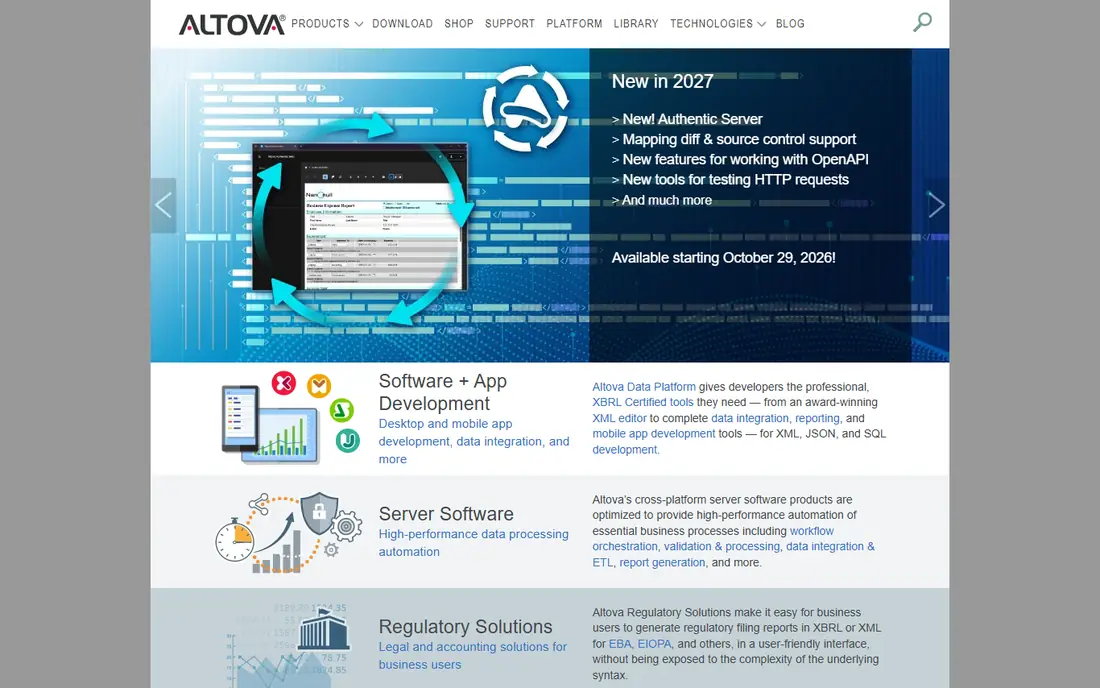
Altova MapForce is a graphical, any-to-any data mapping tool for data integration and ETL, converting between XML, JSON, PDF, databases, EDI, XBRL, CSV, Excel, Protobuf, and web services. Users draw connections between source and target structures, add functions and filters, and preview results instantly, then generate code or deploy to MapForce Server to automate the transformation at scale. Because it handles so many formats, MapForce suits teams whose mapping problems span files, databases, and standards such as EDI and XBRL, not just database-to-database moves. It is a desktop-centered tool, so teams wanting a fully cloud-native platform may prefer Boomi or SnapLogic, and server automation adds cost. For pure mapping power across formats, MapForce is one of the best tools available.
- Graphical mapping across many formats, code generation, server automation
- Desktop tool focus, enterprise server adds cost
Astera
Ideal for: No-code mapping inside a full data platform
Astera is a no-code data platform bringing document extraction, ETL and ELT pipelines, data warehousing, EDI, data preparation, analytics, and AI into one system. Its mapping features let teams map source-to-target schemas visually, run change-data-capture or batch loads, and keep referential integrity through cutovers, all without writing code. With more than 300 connectors and 200 plus transformations, Astera covers most enterprise sources, and its warehouse builder supports star schemas and Data Vault modeling for teams building governed analytics. Deployment can be on-premises or private cloud, which suits organizations with data residency requirements. Pricing is quote-based. For enterprises that want mapping as part of a governed data foundation rather than a standalone utility, Astera is a strong platform.
- Visual schema mapping, ETL and ELT pipelines, warehousing, EDI support
- Platform breadth needs scoping, pricing requires a quote
Adeptia
Ideal for: Regulated industries with complex onboarding and mapping needs
Adeptia offers intelligent ETL with AI-powered data mapping, configurable business rules, and self-service partner onboarding, deployable on-premises, in the cloud, or both. Its strength is the first mile of data: onboarding partners, suppliers, and customers whose data arrives in messy, changing formats, especially in insurance, financial services, healthcare, and manufacturing. AI-assisted mapping adapts pipelines as schemas evolve, human-in-the-loop workflows handle exceptions, and operational orchestration coordinates work across systems, APIs, and EDI. Adeptia's 25 years of enterprise experience show in its industry templates and implementation support. Pricing is quote-based. For regulated organizations where mapping complexity comes from partners rather than internal systems, Adeptia is purpose-built for the problem.
- AI-powered mapping, business rules, self-service onboarding, on-premises option
- Enterprise focus, pricing requires a quote
MuleSoft Anypoint
Ideal for: API-led integration where mapping sits inside APIs
MuleSoft Anypoint is an integration platform built around APIs: design, build, manage, and secure APIs, with data mapping handled by DataWeave, its transformation language, inside integration flows. That API-led approach suits organizations standardizing on reusable APIs, where each mapping becomes a governed, versioned service rather than a one-off script. Anypoint covers connectors for databases, SaaS apps, and legacy systems, with monitoring, security, and lifecycle management for production APIs. The platform is part of Salesforce, and pricing reflects enterprise scope. Developer skills are needed to get the most from DataWeave and API design. For organizations building an API-led integration strategy, MuleSoft is a leading platform, with mapping as a core capability.
- API design and management, DataWeave transformations, large connector set
- Salesforce ecosystem pricing, developer skills needed
Boomi
Ideal for: Cloud integration with visual mapping for business and IT teams
Boomi is a cloud integration platform whose visual mapping tools let teams connect applications, databases, and files with drag-and-drop field matching, transformations, and validation. Its low-code approach suits mixed teams of integration specialists and business users, and its cloud-native design handles scaling and monitoring without infrastructure work. Boomi covers a broad connector library for SaaS, on-premises, and cloud systems, with API management and master data features for larger programs. Pricing is quote-based and scales with usage and connections. Complex mappings still need expertise, as with any integration tool, but Boomi's visual designer keeps routine mappings accessible. For cloud-first organizations that want mapping inside a managed integration platform, Boomi is a strong choice.
- Visual mapping, low-code integration, cloud-native, broad connectors
- Enterprise pricing, complex mappings need expertise
SnapLogic
Ideal for: AI-assisted integration and mapping for data teams
SnapLogic is an integration platform with a visual pipeline designer and AI assistance for building mappings and integrations faster. Its AI features can suggest field matches and transformations, which speeds up routine mapping work, while the visual designer keeps the logic inspectable and editable. SnapLogic connects cloud and on-premises systems, supports streaming and batch patterns, and includes API management and data quality features. As with any AI-assisted tool, suggested mappings for critical data should be reviewed by a human before production use. Pricing is enterprise and quote-based. For data teams that want to move faster without giving up visual control of their mappings, SnapLogic is a modern option.
- Visual pipeline designer, AI mapping assistance, broad connectors
- Enterprise pricing, AI features need review for critical mappings
How we picked these
We looked for tools with genuine data mapping capability, whether as a dedicated mapper or as part of a larger integration platform, covering visual design, transformation, validation, and automation. We balanced dedicated mappers, no-code data platforms, and enterprise integration suites, because mapping jobs range from a single file conversion to enterprise-wide programs. We compared official feature pages, documentation, and public reviews, and we left out simple file converters without reusable, validated mappings. Where a vendor did not publish a current price, we wrote "See website" rather than repeat a third-party figure.
How to test a mapping before it goes live
Never trust a mapping that has only run on clean sample data. Test with production-like data that includes nulls, duplicates, unexpected formats, and edge values, and compare record counts and totals between source and target. Check that every required target field is populated and that no source field is silently dropped. Run the mapping twice and confirm the results are identical, which catches non-deterministic logic. Document the mapping decisions, including why a field was transformed a particular way, so the next person can audit it. Finally, set up monitoring for failed runs and data quality exceptions, because mappings break when source systems change, and the break should alert someone before downstream users notice.
Frequently asked questions
What is a data mapping tool?
It is software that connects fields from a source system to a target system, visually or by rules, applying transformations and validation so data moves accurately between systems.
What is the difference between data mapping and ETL?
Mapping defines how fields correspond and transform. ETL is the broader process of extracting, transforming, and loading data, of which mapping is one essential part.
Do I need a dedicated mapping tool or an integration platform?
A dedicated mapper such as MapForce suits format-heavy or one-off mapping jobs. An integration platform suits ongoing programs where mapping, orchestration, monitoring, and governance all matter.
Can AI help with data mapping?
Yes. AI-assisted tools can suggest field matches based on names, types, and patterns, which speeds routine work. Human review remains essential for critical or regulated data.
How do I handle schema changes in mapped data?
Use a tool with versioning, impact analysis, and validation, and monitor source schemas for changes. When a source changes, update and retest the mapping before downstream systems consume bad data.
Is data mapping the same as data migration?
Migration is a one-time move of data between systems, and mapping is a key step within it. Mapping tools also serve ongoing integrations, where data moves continuously.