Best Data Observability Tools in 2026: 7 Options Compared

- Our pick for most readers is Monte Carlo, because it covers the core needs of this topic with the fewest compromises.
- There is no fully free plan among our picks, so use trials where offered, including Datadog, before you pay.
- Prices and free tiers change, so check the vendor site for the current plan before you buy, and treat any price in this article as a starting point.
- The right choice depends on your size and budget: the cheapest option is not always the best fit, and the biggest platform is not always needed.
Quick comparison
| Product | Ideal for | Price from | Free version | |
|---|---|---|---|---|
 Monte Carlo | data teams wanting pipeline monitoring | See website | No | Visit |
 Bigeye | teams wanting data quality monitoring | See website | No | Visit |
 Datadog | teams combining data and infrastructure monitoring | See website | Free trial | Visit |
 Anomalo | teams wanting automated data quality checks | See website | No | Visit |
 Soda | teams wanting data quality checks as code | See website | Free | Visit |
 Acceldata | enterprises wanting full data observability | See website | No | Visit |
 Metaplane | small data teams wanting simple monitoring | See website | Free trial | Visit |
The best best data observability tools
We compared 7 options for this guide, looking at official feature pages, pricing pages, app store listings, privacy policies, and public reviews. We did not claim hands-on testing we did not do. Instead, we weighed what each product actually offers, what it costs, and where it falls short, so you can compare them on equal terms. The list below mixes well-known leaders with strong smaller options. Some readers will want the cheapest start, others will want depth or support, and the notes under each product say which group it suits best. Read the comparison table first for a quick view, then the product notes for the detail that matters to your choice.
Monte Carlo
Ideal for: data teams wanting pipeline monitoring
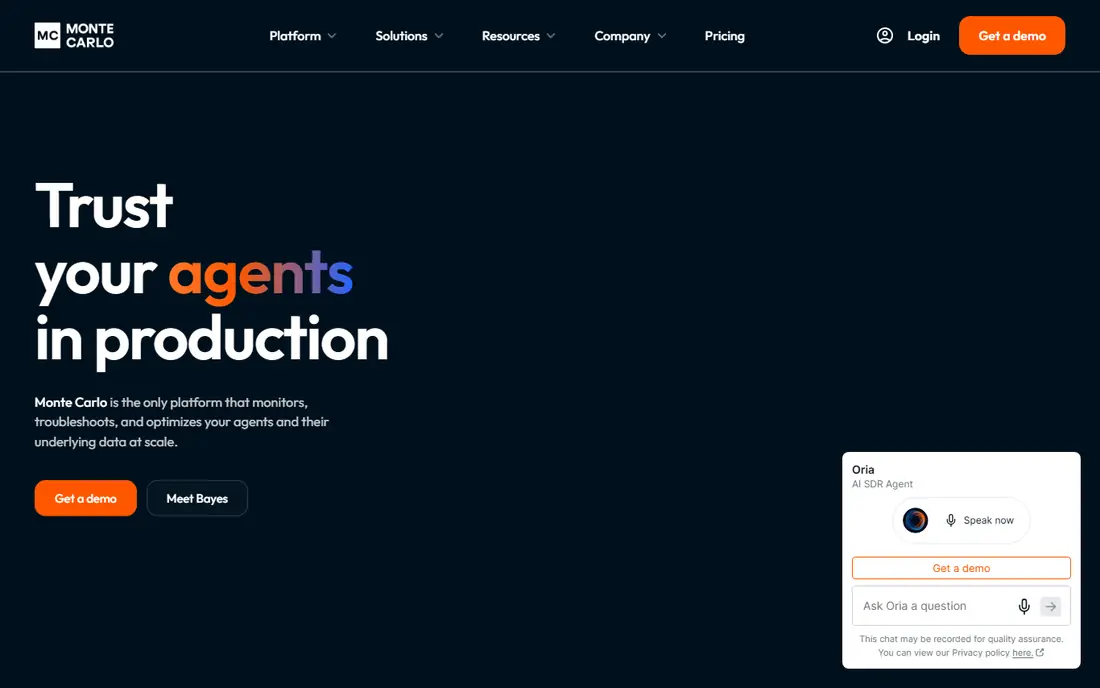
Monte Carlo suits data teams that want to know when pipelines break, before bad data reaches dashboards. That makes it a natural fit for data teams wanting pipeline monitoring, where the daily workflow matters more than a long feature list. Its monitoring is the strength, since freshness, volume, and schema changes are watched automatically. Pricing is listed on the vendor site, so check the current plan before you commit. The catch is setup, since connecting pipelines and tuning alerts takes data engineering time.
- Monitors data pipelines for freshness and anomalies
- Alerts for data incidents
- Works with modern warehouses
- Quote-based pricing
- Setup needs data engineering time
Bigeye
Ideal for: teams wanting data quality monitoring
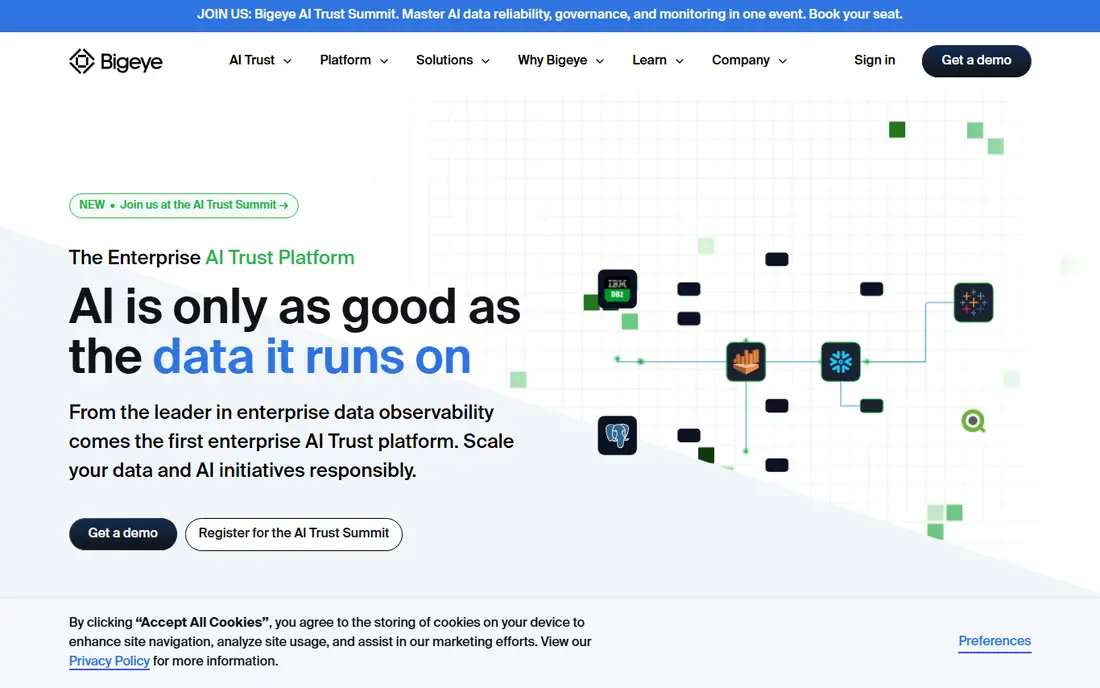
Bigeye suits teams that want data quality watched continuously, with anomalies flagged as they appear. For teams wanting data quality monitoring, that combination of focus and simplicity is what keeps it on this list. Its quality checks are the draw, since metrics and tables are monitored without writing endless rules. Pricing is listed on the vendor site, so check the current plan before you commit. The catch is maturity, since it works best where pipelines already exist.
- Data quality checks and anomaly detection
- Works across warehouses
- Clear incident views
- Pricing by quote
- Best for teams with established pipelines
Datadog
Ideal for: teams combining data and infrastructure monitoring
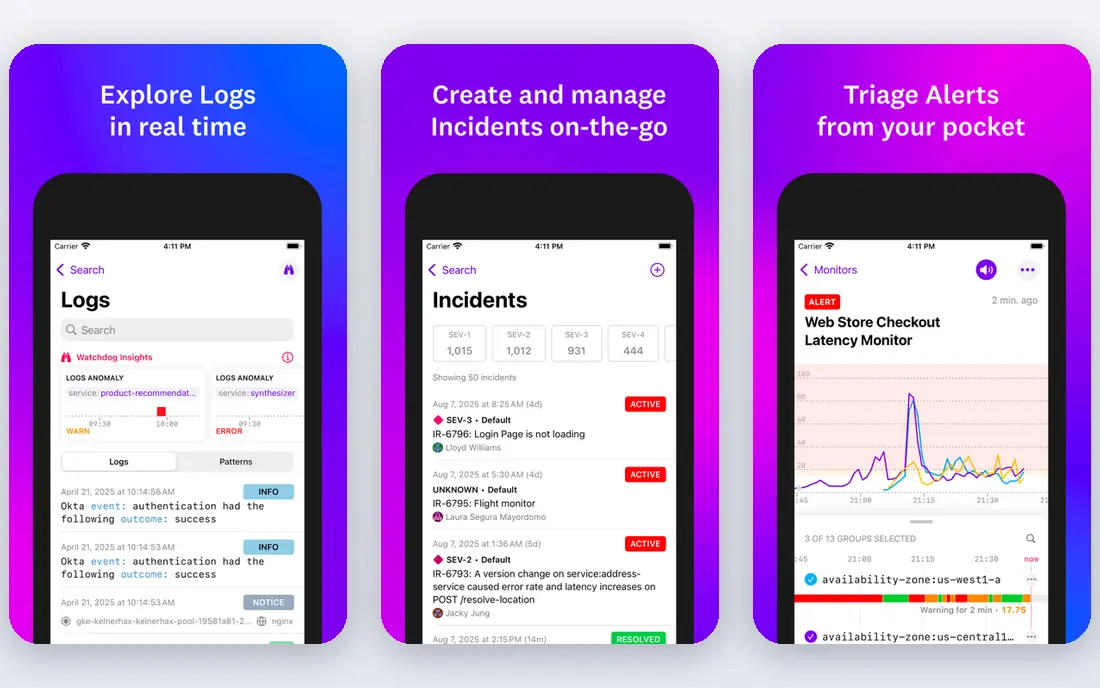
Datadog suits teams that already monitor infrastructure and want data pipelines in the same view. It is a practical choice for teams combining data and infrastructure monitoring, especially when setup time is short. Its breadth is the strength, since infrastructure, apps, and data share dashboards and alerts. Pricing is listed on the vendor site, so check the current plan before you commit. The catch is cost, since usage-based pricing can grow quickly.
- Broad monitoring across infrastructure, apps, and data
- Strong dashboards and alerts
- Large integration library
- Pricing can grow fast with usage
- Data observability is one part of a large platform
Anomalo
Ideal for: teams wanting automated data quality checks
Anomalo suits teams that want data quality checked automatically, without writing a rule for every table. That is why it earns a place here for teams wanting automated data quality checks, even with the limits noted below. Its automation is the draw, since checks are suggested from the data itself and root causes are traced. Pricing is listed on the vendor site, so check the current plan before you commit. The catch is setup, since connecting warehouses and tuning alerts takes data team time.
- Automated data quality monitoring with root-cause analysis
- Works with warehouses
- Alerts for teams
- Pricing by quote
- Setup needs data team time
Soda
Ideal for: teams wanting data quality checks as code
Soda suits teams that want data quality checks written like code and run in pipelines. For teams wanting data quality checks as code, the balance of price and features is hard to beat in this group. Its check language is the draw, since quality rules are readable and versioned like code. Pricing is listed on the vendor site, so check the current plan before you commit. The catch is skill, since setup assumes data engineering comfort.
- Data quality checks written in simple language
- Open source core
- Works with common warehouses
- Open source setup needs technical skill
- Enterprise features are paid
Acceldata
Ideal for: enterprises wanting full data observability
Acceldata suits enterprises that want observability across pipelines, quality, and compute costs in one platform. It deserves a close look from enterprises wanting full data observability, provided the limits below are acceptable. Its breadth is the draw, since several observability needs are covered together. Pricing is listed on the vendor site, so check the current plan before you commit. The catch is scale, since pricing and setup aim at larger organizations.
- Observability across pipelines, quality, and compute
- Enterprise dashboards
- Works with major platforms
- Enterprise pricing
- Implementation is a project
Metaplane
Ideal for: small data teams wanting simple monitoring
Metaplane suits small data teams that want monitoring running quickly without an enterprise project. That profile fits small data teams wanting simple monitoring well, as long as the trade-offs below are clear. Its speed is the draw, since warehouse monitoring can start in a short setup. Pricing is listed on the vendor site, so check the current plan before you commit. The catch is depth, since enterprise suites offer wider coverage.
- Simple data monitoring with anomaly alerts
- Quick setup for warehouses
- Good for small teams
- Smaller feature set than enterprise suites
- Company is smaller
How we picked these
We started from the topic itself and kept only products that truly fit it, exist, and work in October 2026. We checked each product homepage to confirm it loads and belongs to that product, and we read official feature and pricing pages rather than relying on review roundups alone. Where a price could not be verified from the vendor site, we wrote See website instead of guessing a number. We then compared the shortlist on fit for the stated use, price and free tier, ease of setup, and honest weaknesses. A product with a strong feature set but a poor fit for ordinary readers was left out, and we did not pad any list with products that only partly match the topic.
What to check before you choose
Start with the job you need done, not the longest feature list. A product that covers your main task well beats a larger platform whose extra features you never open, and a cheaper plan that fits your workflow beats a premium tier bought for status. Write down your must-have features before you compare, and use that list to judge each option below. Budget and total cost. Compare the starting price with what you will actually pay after a few months, including per-user fees, add-ons, and renewal prices. Free plans are useful for testing, but check their limits on users, storage, or usage before you build a workflow around them. Fit and switching cost. Check whether the product works with the tools you already use, and whether your data can be exported if you leave. A short trial answers both questions better than a sales page, so test the exact task you will do every week, not just the demo flow. Support and trust. Read the privacy policy and support options before you commit, especially when the product handles money, health, children, or private data. Public reviews help here, but weigh recent reviews more than old ones, since products and prices change. Once you have a shortlist of two or three, test them side by side for a few days. The right choice usually becomes clear once you use it for real work, and a careful trial now saves a painful switch later.
Frequently asked questions
What is the best best data observability tools?
For most readers, Monte Carlo is our pick, because it covers the core needs with the fewest compromises. That said, the best choice depends on your budget and workflow, so readers with a tight budget or a special requirement may prefer one of the other options in this list.
Is there a free best data observability tools?
None of our picks offers a fully free plan, but several offer free trials, including Datadog. A trial is the best way to test fit before paying.
How much does best data observability tools cost?
Costs vary widely across this list, from free plans to quote-based enterprise pricing. Check the starting price in the comparison table, then read the vendor pricing page for the plan that matches your team size, since per-user fees and add-ons change the total.
Which option is best for beginners or small teams?
Bigeye is a good starting point for beginners or small teams, since it is easier to set up than the larger platforms here. If budget is the main concern, start with one of the free options and upgrade only when you hit a limit.
How did you choose these products?
We compared official feature pages, pricing pages, app store listings, privacy policies, and public reviews, and we checked each product homepage to confirm it belongs to that product. We kept only products that exist, work in October 2026, and truly fit the topic.
Can I switch later if I change my mind?
In most cases, yes, but switching costs time, especially if your data lives inside one tool. Before you commit, check whether you can export your data, and keep a backup of anything important so a future move stays possible.