Data Platforms Buyer's Guide: 8 Tools for 2026

- 1
 Microsoft FabricAll-in-one analytics on MicrosoftVisit
- 2
 FireboltHigh-speed analytics engineeringVisit
- 3
 Google BigQueryServerless analytics on Google CloudVisit
- 4
 Amazon RedshiftAnalytics inside AWSVisit
- 5
 SnowflakeSQL analytics at enterprise scaleVisit
- Microsoft Fabric is the opening pick, best for all-in-one analytics on Microsoft.
- Databricks fits Lakehouse for engineering and AI workloads.
- The main caution on Firebolt: smaller ecosystem than the giants.
- Microsoft Fabric, Databricks and the 6 others all sell by quote; expect sales conversations before you see a price.
- Google BigQuery, ClickHouse: these are the 2 tools out of 8 that offer a free plan.
Direct answer
This list puts Microsoft Fabric first for all-in-one analytics on Microsoft. Firebolt is better for high-speed analytics engineering, and Google BigQuery is better for serverless analytics on Google Cloud. The other 5 tools in the list cover narrower or pricier cases.
Quick comparison
| Product | Ideal for | Price from | Free version | |
|---|---|---|---|---|
| Microsoft Fabric | All-in-one analytics on Microsoft | See website | Free trial | Visit |
| Firebolt | High-speed analytics engineering | See website | Free trial | Visit |
| Google BigQuery | Serverless analytics on Google Cloud | See website | Yes | Visit |
| Amazon Redshift | Analytics inside AWS | See website | Free trial | Visit |
| Snowflake | SQL analytics at enterprise scale | See website | Free trial | Visit |
 ClickHouse | Open-source analytical database | See website | Yes | Visit |
 Palantir Foundry | Operational data with heavy governance | See website | No | Visit |
 Databricks | Lakehouse for engineering and AI workloads | See website | Free trial | Visit |
Every option for data platforms explained
If you are comparing data platforms, this page covers 8 tools in one place: what each is best for, what it costs to start, whether it has a free plan, and the main limit to know about.
Microsoft Fabric
Ideal for: All-in-one analytics on Microsoft
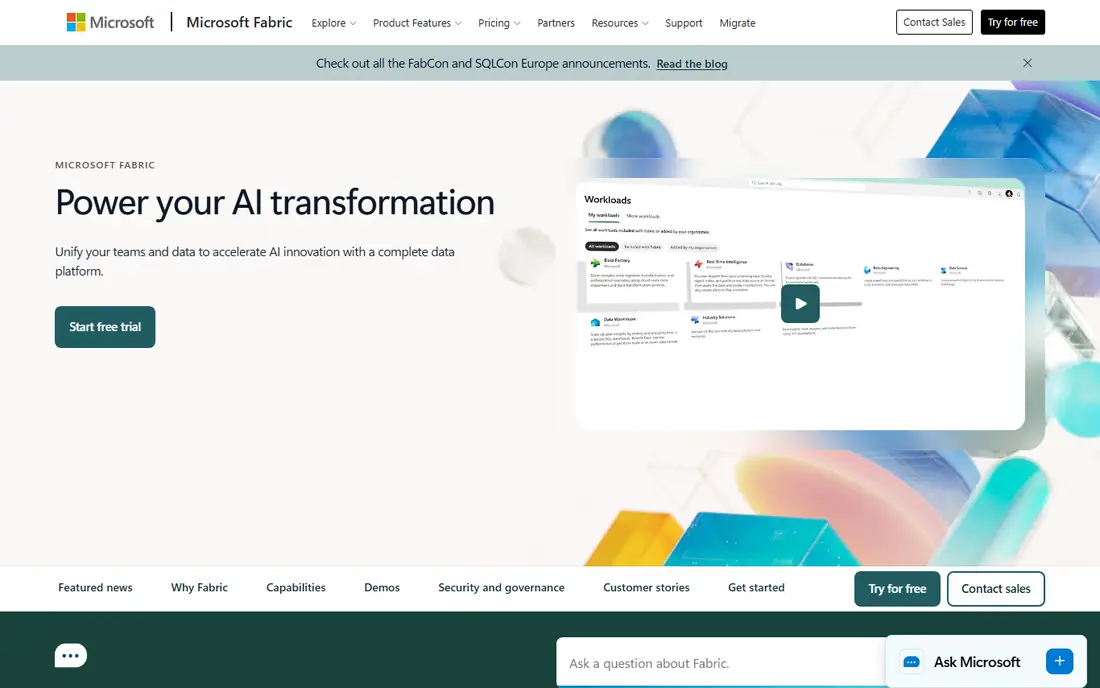
Pick Microsoft Fabric if this describes you: all-in-one analytics on Microsoft. Microsoft Fabric consolidates the company's analytics sprawl, data factory, Synapse, Power BI, into one SaaS system with OneLake as the shared storage layer. It is the newest major platform here and still maturing; buyers report rough edges and evolving pricing.
Watch-outs: Capacity-based pricing confuses buyers.
In daily use, the capacity-based pricing model takes study to understand. Outside the Microsoft ecosystem the value proposition thins considerably. But for the enormous base of firms running on Microsoft, Fabric is the strategic direction and the integration with tools people already use is a genuine advantage. Pricing for Microsoft Fabric is not stated here, so ask the vendor for current figures. Free options: Free trial.
- OneLake brings together data storage
- One product from ingestion to Power BI
- Best inside the Microsoft ecosystem
Firebolt
Ideal for: High-speed analytics engineering
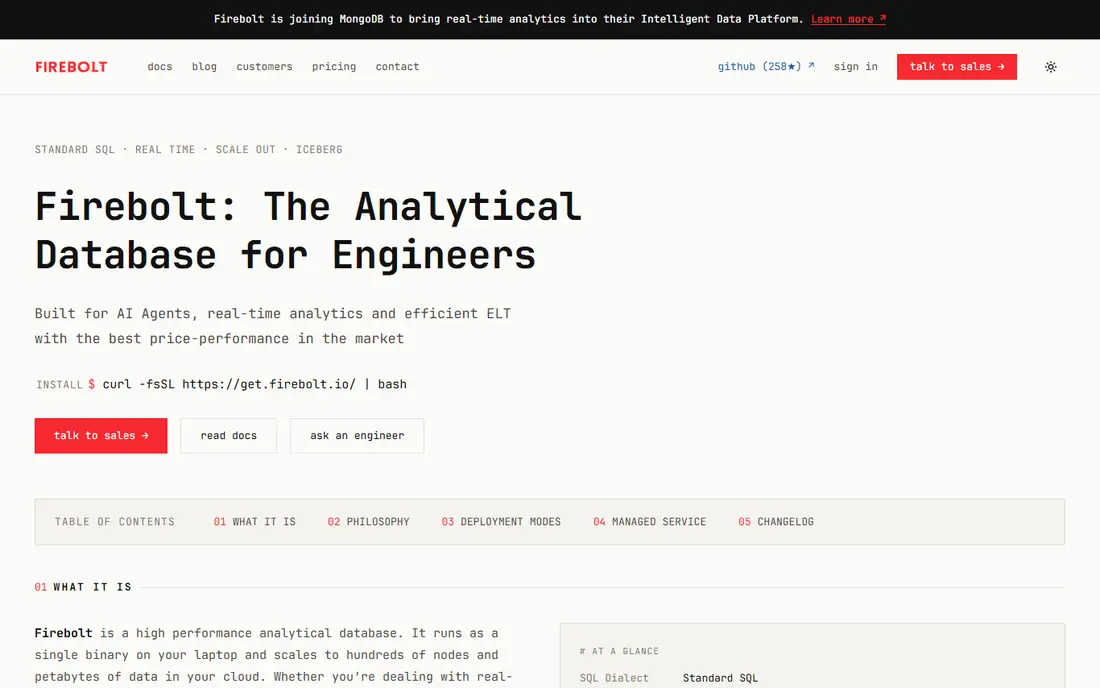
Firebolt is aimed squarely at high-speed analytics engineering. It targets the demanding middle of the market, SaaS businesses embedding analytics in their products and data teams with heavy, repeated query workloads, where performance per dollar matters more than ecosystem size. From a buyer's view, as a younger company it carries more vendor risk than Snowflake or the cloud giants.
For everyone else, the safe incumbents remain safer. For teams whose workload is performance-sensitive and who have the engineering skill to evaluate properly, Firebolt's benchmarks are impressive. Firebolt shows no starting price here, so confirm the cost on the vendor site. Free access: Free trial.
Trade-offs to know: Fewer native integrations.
- Efficient compute usage
- Very quick query performance for analytics workloads
- Company is younger with a shorter track record
Google BigQuery
Ideal for: Serverless analytics on Google Cloud
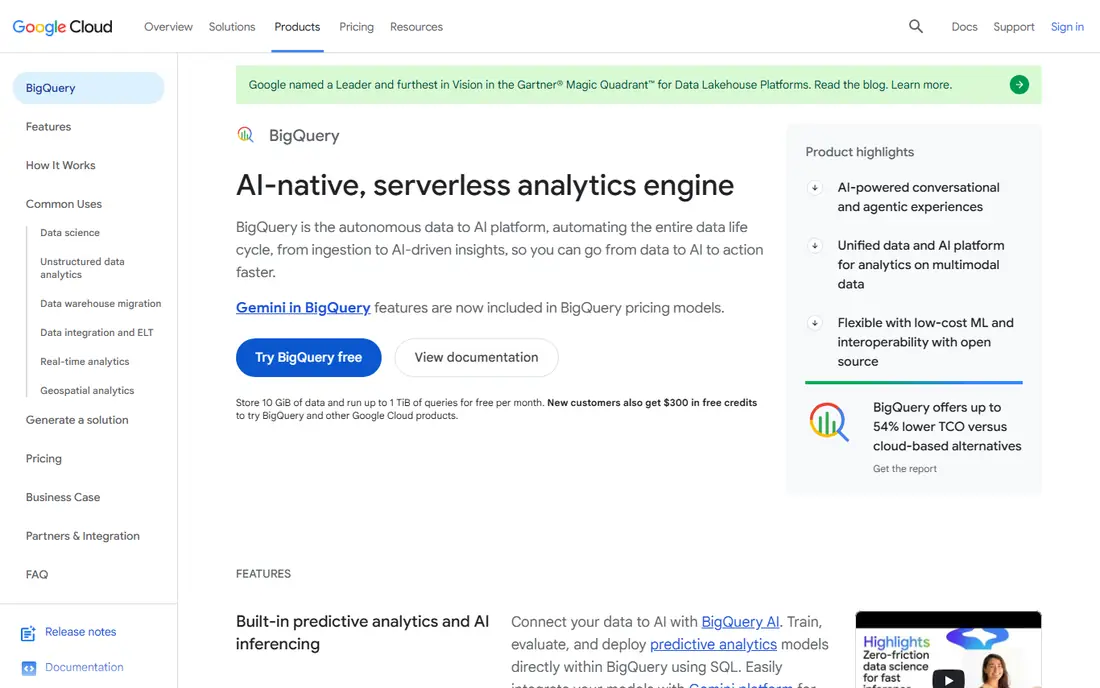
Google BigQuery makes the most sense for serverless analytics on Google Cloud. The on-demand model bills per byte scanned, so a careless SELECT * over terabytes costs real money.
Trade-offs to know: Data transfer costs need watching.
Beyond that, BigQuery's pitch is radical simplicity: point it at data, run SQL, pay for what you scan. As for the details, organizations already on Google Cloud get the smoothest experience with native integrations across the stack. This comparison lists no price for Google BigQuery; ask the vendor. Free access exists with Google BigQuery.
- Truly serverless with no cluster to handle
- Ample free level for getting started
- On-demand query pricing punishes unoptimized SQL
Amazon Redshift
Ideal for: Analytics inside AWS
Amazon Redshift was built for analytics inside AWS. Redshift is the incumbent cloud warehouse, and inside AWS-heavy organizations it is frequently the pragmatic choice. It is mature, well documented and predictable, with a free trial for evaluation.
It no longer leads on innovation or simplicity. If your company runs on AWS and your data lives in S3, Redshift keeps everything in one cloud with one bill. From a buyer's view, teams choosing fresh tend to compare it against Snowflake and BigQuery on simplicity and find it heavier. On top of that, if you are cloud-agnostic, the newer systems typically win on experience. Amazon Redshift does not show a starting price in this comparison, so check the vendor site for current pricing. As for free access: Free trial.
Honest limits: Feels less modern than Snowflake or BigQuery.
- Serverless choice removes cluster management
- Mature and predictable
- Admin overhead on provisioned clusters
Snowflake
Ideal for: SQL analytics at enterprise scale
Snowflake targets SQL analytics at enterprise scale. Snowflake is the safe default for SQL-first analytics organizations, provided someone owns the cost controls from day one. From a buyer's view, enterprises run everything from finance reporting to customer analytics on it.
The marketplace for sharing data between businesses is genuinely handy. In daily use, teams that implement resource watches, auto-suspend and query governance do fine; teams that do not get an unpleasant invoice. Snowflake made the cloud data warehouse boring in the best way: no servers to handle, storage and compute billed separately, and SQL that analysts already know. In daily use, the billing model is the thing to respect. Check the vendor site for Snowflake pricing; none is listed in this comparison. Free access: Free trial.
Points against: Data egress and multi-cloud add complexity.
- Huge partner and integration ecosystem
- Near-zero administration
- Less native support for heavy ML engineering
ClickHouse
Ideal for: Open-source analytical database
Choose ClickHouse for open-source analytical database. ClickHouse is the open-source analytical database that ate the live analytics world: absurdly quick aggregations over billions of rows, a massive community, and adoption everywhere from startups to hyperscalers. More specifically, the managed cloud removes that but layers on cost.
Self-hosting means owning operations: upgrades, scaling, backups and tuning are your problem. More specifically, for general enterprise BI with governance requirements, the larger systems fit better. ClickHouse shows no starting price here, so confirm the cost on the vendor site. ClickHouse has a free plan.
Honest limits: Live focus is narrower than general products.
- Open source with blazing analytical performance
- Huge community and adoption
- Operational burden if self-hosted
Palantir Foundry
Ideal for: Operational data with heavy governance
Palantir Foundry is built with operational data with heavy governance in mind. Governance, lineage and access control are the deepest in the industry, which is why regulated and mission-critical organizations choose it.
Strengths: health and industry.
In practice, when data decisions carry operational or safety consequences, Foundry's rigor matters. The commitment is correspondingly large: enterprise pricing, long implementations and a real organizational change program. Pricing for Palantir Foundry is not stated here, so ask the vendor for current figures. Palantir Foundry has no permanent free option. What to check first: Enterprise pricing and long implementations.
- Ontology models real-world operations
- Exceptional data governance and access controls
- Overkill for standard BI
Databricks
Ideal for: Lakehouse for engineering and AI workloads
Think of Databricks for Lakehouse for engineering and AI workloads. For a finance team that just needs dashboards, it is more system than necessary. In daily use, the adaptability costs simplicity.
Teams without data engineering skills find Databricks harder to adopt than Snowflake. The usage-based pricing across plenty of workload types needs active management. From a buyer's view, Delta Lake layers on transactions and versioning to cheap object storage, which removed the old choice between a warehouse and a lake. Its AI features for building LLM applications on enterprise data are now a major reason firms choose it. No starting price is listed for Databricks here; confirm pricing on the vendor site. As for free access: Free trial.
Drawbacks to consider: Cost management needs engineering discipline.
Main advantages: SQL analytics and machine learning.
- Unifies data engineering
- Solid AI and LLM tooling
- Steeper ramp-up time than pure SQL warehouses
How we built this list
Ainotely looked at what each vendor publishes: pricing, plan limits, feature coverage for data platforms and stated drawbacks. No hands-on testing is claimed. Seat minimums, billing terms and add-ons can move the real cost, so the starting prices here are a guide and not a quote. The sequence is a judgement call: typical use case first, then pricing transparency, then free access. Use the profiles to check fit.
What to confirm before you sign up
- Request quotes from Microsoft Fabric, Databricks and the others; the list shows no fixed prices.
- Look at free plan limits closely: Google BigQuery and ClickHouse have one, and the caps decide whether it is usable for real work.
- Use real work to test the free trial from Microsoft Fabric, Firebolt, Amazon Redshift and others, rather than a demo project.
- Before choosing Microsoft Fabric, weigh its main limit: newer product still maturing.
- Confirm you can export your data from Snowflake, so leaving later does not mean losing records.
- Read the plan comparison for ClickHouse carefully; key features often start on a higher tier.
Frequently asked questions
Which options for data platforms have a free plan?
On this list, Google BigQuery and ClickHouse include a free plan. Caps on seats, usage or features are common, so test the free plan against your real workload. Several others offer a trial instead.
Snowflake vs Databricks: which is better?
Snowflake for SQL-first analytics teams that want simplicity and low administration. Plenty of large firms use both for different workloads.
Is Microsoft Fabric the right pick for everyone comparing data platforms?
No single tool suits every team. Microsoft Fabric comes first because it fits all-in-one analytics on Microsoft, while Firebolt suits high-speed analytics engineering and Google BigQuery suits serverless analytics on Google Cloud. Match the tool to your own size, budget and workflow before deciding.
What is a data system?
A data product keeps, processes and serves data for analytics and applications. It generally comes with storage, a query engine, pipeline tooling and governance, and frequently links to BI tools for visualization.
Is open source like ClickHouse viable for business?
Yes, with the right team. The tradeoff is operational responsibility compared with license cost: self-hosting is free but needs skilled operators, whereas managed cloud choices cost money but remove the burden.
How are the tools for data platforms ordered?
Microsoft Fabric sits first and Databricks last because the order follows typical fit for data platforms, then price clarity and free access. It is a judgement call, so read each profile for fit and limits.