5 Best Data Scraping Tools for Web Automation Options for 2026

- 1
 ZyteDevelopers who want a scraping API without managing proxies or browsersVisit
- 2
 WebHarvyWindows users who want to pay once and scrape foreverVisit
- 3
 Browse AINon-technical users who want AI to build and maintain their scrapersVisit
- 4
 Bright DataLarge-scale scraping backed by a premium proxy networkVisit
- 5
 AxiomAutomating browser-based scraping and data entry without codeVisit
- Zyte sits first on this list: developers who want a scraping API without managing proxies or browsers.
- Axiom is the only tool of the 5 with a free plan.
- For Zyte, Browse AI, Bright Data and Axiom, you have to request a quote because no starting price is shown.
- A fair warning about Zyte: developer-first, with little for non-technical users.
- Axiom fits automating browser-based scraping and data entry without code.
Direct answer
Our first pick is Zyte, best for developers who want a scraping API without managing proxies or browsers. Alternatives: WebHarvy for Windows users who want to pay once and scrape forever, and Browse AI for non-technical users who want AI to build and maintain their scrapers. The other 2 tools in the list cover narrower or pricier cases.
Quick comparison
| Product | Ideal for | Price from | Free version | |
|---|---|---|---|---|
| Zyte | Developers who want a scraping API without managing proxies or browsers | See website | Free trial | Visit |
| WebHarvy | Windows users who want to pay once and scrape forever | $99 one-time | Free trial | Visit |
| Browse AI | Non-technical users who want AI to build and maintain their scrapers | See website | Free trial | Visit |
| Bright Data | Large-scale scraping backed by a premium proxy network | See website | Free trial | Visit |
| Axiom | Automating browser-based scraping and data entry without code | See website | Yes | Visit |
5 options for data scraping tools for web automation in detail
This Ainotely guide covers 5 options for data scraping tools for web automation. Each profile lists a starting price, free plan details, strengths and drawbacks, so you can drop poor fits quickly.
Zyte
Ideal for: Developers who want a scraping API without managing proxies or browsers
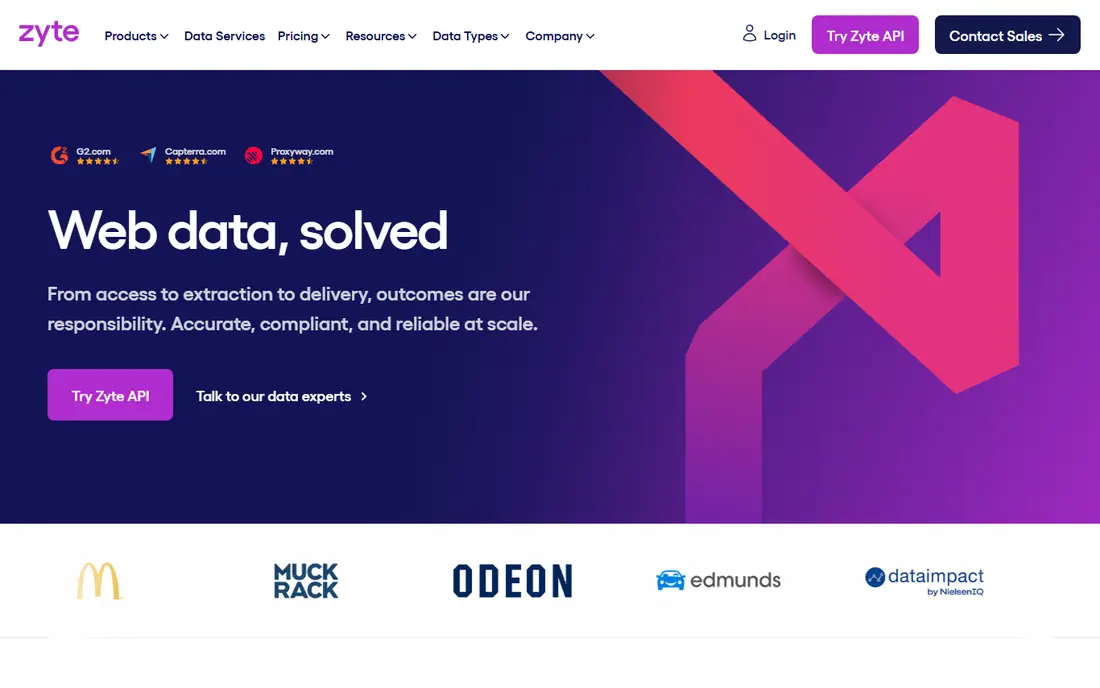
Pick Zyte if this describes you: developers who want a scraping API without managing proxies or browsers. Zyte, formerly Scrapinghub, takes the most annoying parts of web scraping (proxy rotation, headless browsers, ban handling, retries) and hides them behind a single API call. Also, since you are billed on successful extractions instead of raw requests, failed attempts do not inflate the invoice.
Trade-offs to know: Managed data services are quoted, not self-serve.
Beyond that, teams that already run Scrapy spiders can host them on Scrapy Cloud rather than maintaining servers. Pricing for the managed data service is custom-quoted, so budget approval takes a sales conversation. On top of that, Zyte speaks to developers: API docs, crawler frameworks, and data pipelines, not point-and-click robots. Point it at an URL and it picks the cheapest access strategy that works, escalating to heavier methods only when the site demands it. Check the vendor site for Zyte pricing; none is listed in this comparison. Free options: Free trial.
What users get: Scrapy Cloud for hosting your own crawlers.
- One API manages simple, moderate
- Not attempts
- Developer-first, with little for non-technical users
WebHarvy
Ideal for: Windows users who want to pay once and scrape forever
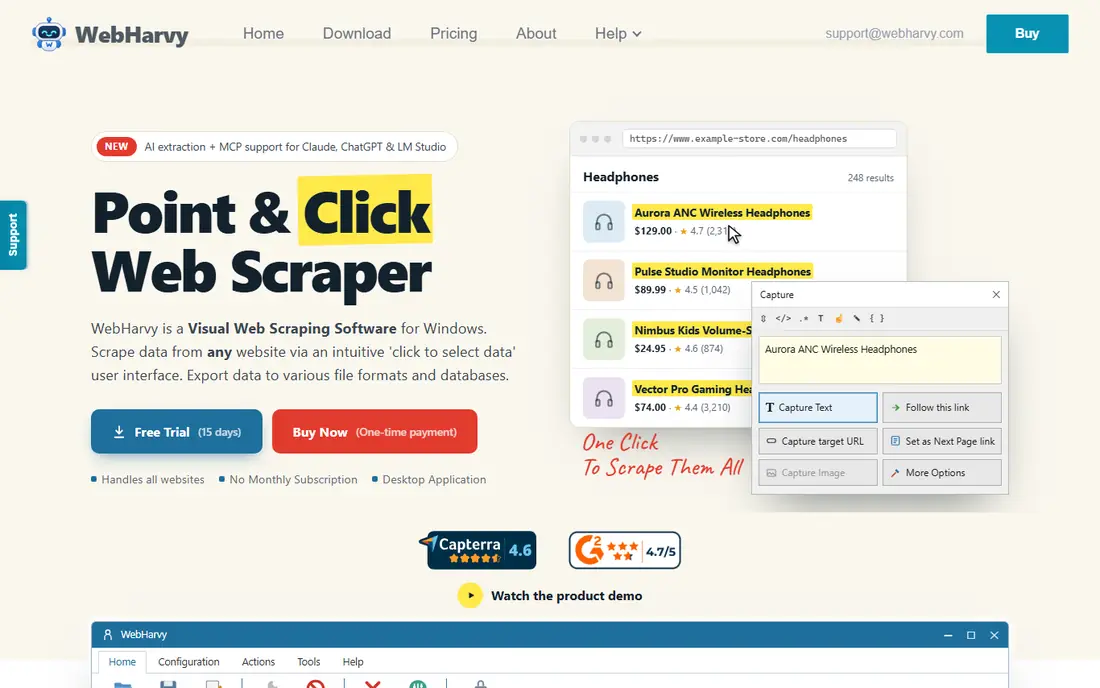
WebHarvy was built for Windows users who want to pay once and scrape forever. WebHarvy is the contrarian pick: a $99 one-time purchase in a category that has moved almost entirely to subscriptions and usage billing. It is a visual point-and-click scraper for Windows.
The main drawbacks: Windows only, with no native Mac or cloud version.
It manages pagination, infinite scroll, keyword-driven form submissions, and JavaScript-heavy pages, exports to Excel, CSV, JSON, XML, or straight to MySQL, SQL Server, and other databases, and its browser session gets through Cloudflare-protected sites that stop headless tools cold. As for the details, there is no Mac version and no cloud service. You run it on a Windows machine (or a Windows VM in AWS or Azure for 24/7 schedules). But for an individual or small team scraping from one desk, the math is unbeatable: $99 once compared with hundreds a year in subscriptions, with AI-assisted extraction and MCP support keeping it current. The honest catches are system and scale. On cost, WebHarvy starts like this: $99 one-time. Free options: Free trial.
- Point-and-click visual scraping with intelligent pattern detection
- Exports to Excel, CSV, JSON, XML, databases
- Lacks the proxy scale of infrastructure systems
Browse AI
Ideal for: Non-technical users who want AI to build and maintain their scrapers
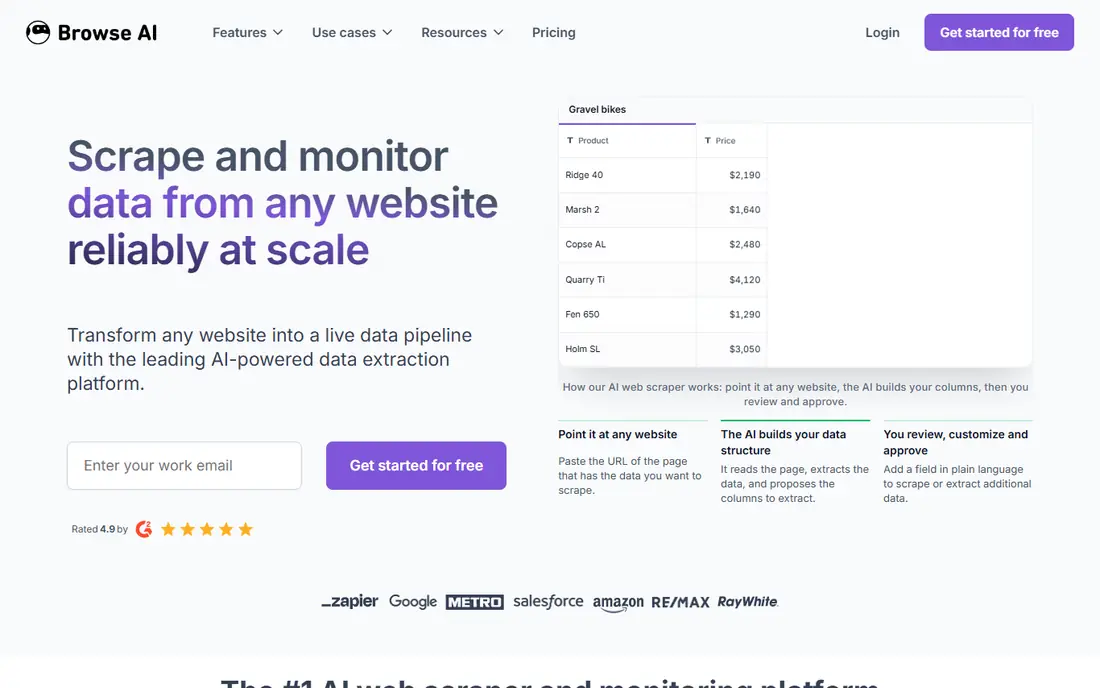
Browse AI serves non-technical users who want AI to build and maintain their scrapers. You point it at a webpage, the AI figures out the data structure, and you approve the extraction before it runs. On top of that, very intricate sites with heavy anti-bot measures can still need manual adjustment.
Highlights: Automatic adaptation when sites change layout.
Trade-offs to know: Credit-based pricing climbs rapidly at high volume.
the main limit is the credit model. Worth adding: built-in monitoring alerts you to content changes, and 200-plus prebuilt robots include typical sites in two clicks. Check the vendor site for Browse AI pricing; none is listed in this comparison. Free access: Free trial.
- 200+ prebuilt robots and 7,000+ integrations
- Point at a page and the AI builds the extraction
- Very complicated extractions may still need manual tuning
Bright Data
Ideal for: Large-scale scraping backed by a premium proxy network
Bright Data works best for large-scale scraping backed by a premium proxy network. Bright Data is the name that comes up in every serious conversation about web data at scale, and for decent reason. It merges one of the world's largest proxy networks with scraping APIs, a no-code collector, and prebuilt datasets.
So a data team can go from "we need pricing data from 50 retailers" to a scheduled pipeline without assembling infrastructure. Pricing is usage-based across proxies, API calls, and datasets, and first-time buyers routinely underestimate the bill. The honest catch is cost and complexity. Pricing for Bright Data is not stated here, so ask the vendor for current figures. On free options: Free trial.
Trade-offs to know: Pricing is complicated and usage-based, which makes budgeting hard.
- Capable compliance and enterprise tooling
- The largest proxy network in the industry with 150M+ IPs
- Overkill and overpriced for small one-off scraping jobs
Axiom
Ideal for: Automating browser-based scraping and data entry without code
For automating browser-based scraping and data entry without code, Axiom is a natural candidate. Axiom lives where web scraping meets browser automation. From a buyer's view, bots can run on a schedule in Axiom's cloud or locally on your machine, and the newer developer surface (Chrome API, Step API, MCP server) lets engineers drive the same infrastructure from code or AI agents like Claude.
Pricing runs from $15 to $250 per month across levels, and the jumps between levels can sting as usage grows. It is free to install and start building, which makes it simple to validate against your actual target sites. Check the vendor site for Axiom pricing; none is listed in this comparison. Axiom includes a free tier.
Drawbacks to consider: Pricing levels from $15 to $250 per month can jump steeply.
- Developer APIs for Puppeteer, Playwright
- MCP clients
- Restricted to what a browser can do, so no direct API scraping
How we built this list
Pricing pages, product documentation and feature lists were the main sources, and every entry carries at least one honest drawback. Prices and plan limits come from vendor pages and can change, so confirm them on the vendor site before you buy. The ranking is editorial: typical fit first, then clear pricing, then free access. If your needs are unusual, read the profiles rather than relying on position.
A buyer's checklist
- Confirm the entry price on the vendor page. For Zyte, Browse AI, Bright Data and Axiom that means a quote rather than a fixed price.
- Test the free plan from Axiom against your real workload before relying on it.
- Use real work to test the free trial from Zyte, WebHarvy, Browse AI and Bright Data, rather than a demo project.
- Before choosing Zyte, weigh its main limit: developer-first, with little for non-technical users.
- Test the integrations you rely on with Axiom before committing; some connectors sit on upper tiers.
- Look at which plan of Zyte unlocks the features you need; entry tiers are often cut down.
Frequently asked questions
Do these tools publish their prices?
Not all of them. Zyte, Browse AI, Bright Data and Axiom publish no starting price, so expect a quote request for those. The rest, WebHarvy included, show a starting price, though seats and billing terms still change the final cost.
How are the tools for data scraping tools for web automation ordered?
Zyte sits first and Axiom last because the order follows typical fit for data scraping tools for web automation, then price clarity and free access. It is a judgement call, so read each profile for fit and limits.
Can I try these tools before paying?
Often, yes. Axiom has a free plan and Zyte, WebHarvy, Browse AI and Bright Data offer a free trial. Use your own data and a real task during the test, and check what the free tier or trial limits before you rely on it.
Is Zyte the right pick for everyone comparing data scraping tools for web automation?
No single tool suits every team. Zyte comes first because it fits developers who want a scraping API without managing proxies or browsers, while WebHarvy suits Windows users who want to pay once and scrape forever and Browse AI suits non-technical users who want AI to build and maintain their scrapers. Match the tool to your own size, budget and workflow before deciding.