Teleport comes first here, mainly for unified identity for infrastructure access. Flyway is the stronger choice for version-controlled migrations with fast setup, while Liquibase suits governed, audit-ready schema change. Details, prices and limits for the rest of the 5 tools are below.
Short on time? The summary and table above give the quick view of 5 database DevOps software for remote teams, and the profiles that follow give the detail behind each entry.
Key takeaways
Teleport sits first on this list: unified identity for infrastructure access.
Check the limits for Liquibase before you commit: governance setup takes effort.
For governed migrations with audit trails, Redgate Flyway is worth a look.
Teleport, Redgate Flyway and the 3 others all need a premium plan or a trial, since no free plan is listed.
Best for: Unified identity for infrastructure access
Teleport is a good fit for unified identity for infrastructure access. Teams that only need schema change automation should pair a migration system with Teleport rather than depend on it alone.
As for the details, Teleport brings together human, machine and AI identities with a capable identity implementation intended to speed engineering, boost resiliency and secure AI in production. Pricing for Teleport is not stated here, so ask the vendor for current figures. Free access: Not stated.
What to check first: Requires identity infrastructure work.
Best for: Version-controlled migrations with fast setup
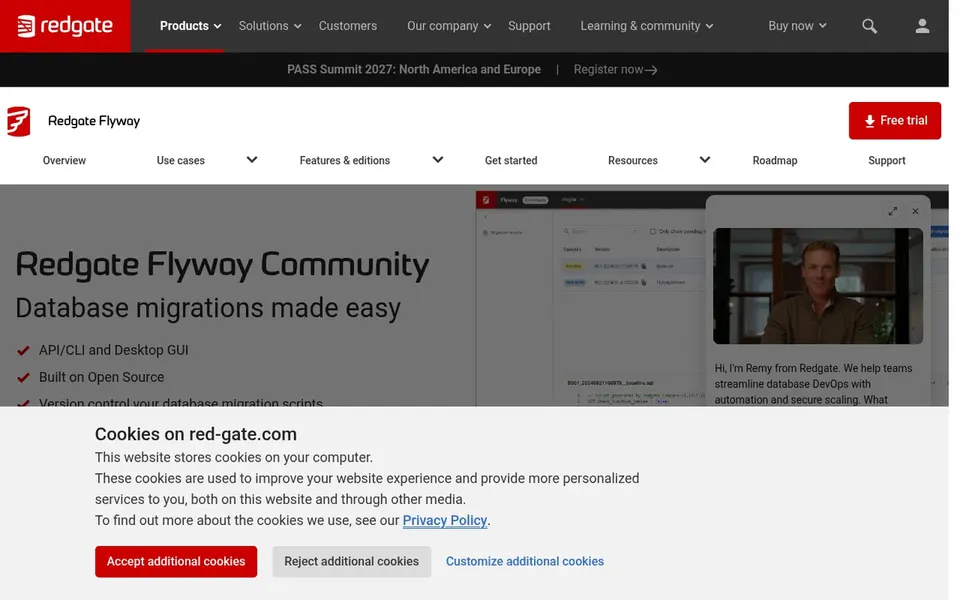
Flyway was built for version-controlled migrations with fast setup. It is fast to download and start, which fits remote teams that want migrations tracked in the same repository as application code.
What to check first: Advanced needs push to Redgate edition.
In daily use, teams that require enforced standards before merge or a complete audit trail should look at the Redgate edition or a governance system instead. In practice, as a community edition, it provides fewer governance and policy features than the commercial Redgate Flyway product. Check the vendor site for Flyway pricing; none is listed in this comparison. Free access: Free trial.
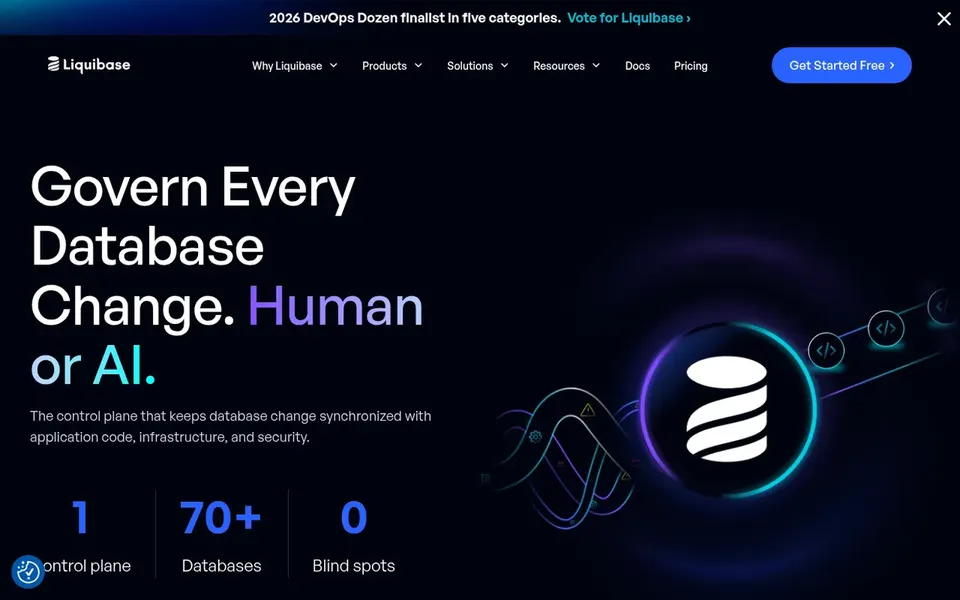
Liquibase is aimed squarely at governed, audit-ready schema change. Teams without audit requirements may find lighter migration tools simpler to adopt, whereas regulated or bigger remote teams get more value from the controls. Worth adding: the governance focus means more configuration and process discipline up front, which can slow a small team that just wants straightforward migrations.
As for the details, Liquibase presents itself as a database change governance product designed for safe, automatic and audit-ready schema change. It supports a wide range of databases and is meant to align with existing CI/CD workflows, which fits distributed teams that require a consistent, reviewable record of every change. Liquibase shows no starting price here, so confirm the cost on the vendor site. On free options: Not stated.
Redgate SQL Toolbelt works best for SQL Server teams wanting one toolkit. The suite is SQL Server focused and wide enough that onboarding takes time, which can outweigh the benefit for small or non-SQL Server teams.
As for the details, teams working across several database engines should pair it with migration tools that handle other systems. Redgate SQL Toolbelt shows no starting price here, so confirm the cost on the vendor site. Trial and free access: Free trial.
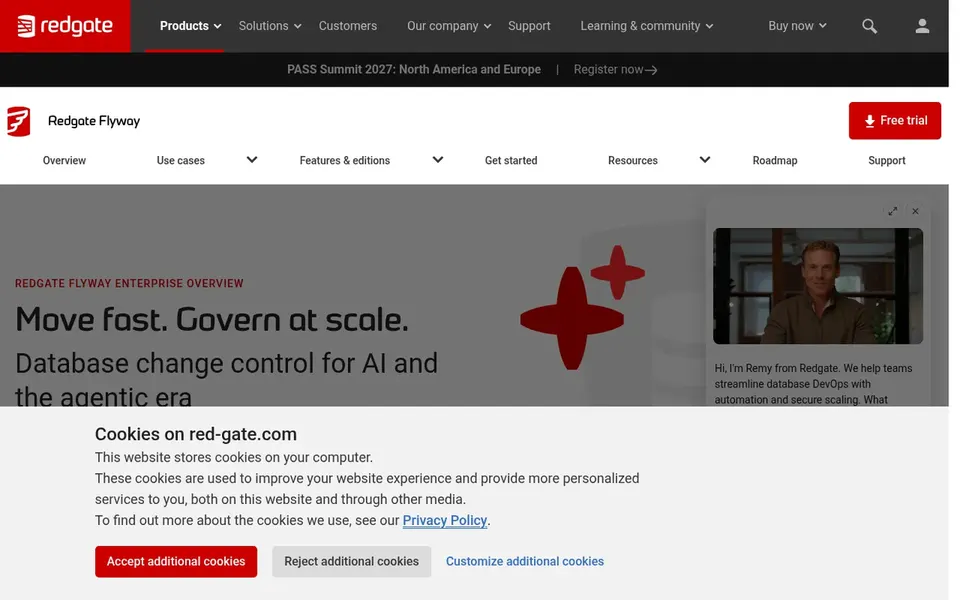
Redgate Flyway was built for governed migrations with audit trails. If your priority is a light, open-source migration path, Flyway Community spans the basics; choose Redgate Flyway when standards and audit matter.
Drawbacks to consider: More setup than community edition.
It is a commercial product with more configuration than the community edition, so small teams may not need the added governance. Pricing for Redgate Flyway is not stated here, so ask the vendor for current figures. As for free access: Not stated.
Ask each vendor, from Teleport to Redgate Flyway, for a written quote; none of them publishes a starting price.
Use real work to test the free trial from Flyway and Redgate SQL Toolbelt, rather than a demo project.
Before choosing Teleport, weigh its main limit: broader than database DevOps.
Confirm you can export your data from Liquibase, so leaving later does not mean losing records.
Confirm that Redgate Flyway connects to the apps your team already uses, on the plan you would actually buy.
How we picked
The comparison looks at four things: starting price, free access, how well the feature set matches database DevOps software for remote teams, and the main limit of each tool. Plan names, prices and limits change often. Treat the figures here as a starting point and verify them with the vendor. Position on the page reflects fit for a typical buyer first, with price clarity and free access breaking ties. Treat it as a guide, not a ruling.
Every price and plan detail on this page comes from the vendors’ own websites. We did not run hands-on tests unless the text says so, and we do not publish star ratings or review scores. See how we score and our disclosure.
Keep your shortlist in one place
Paste prices, trial dates and notes from this guide into Ainotely, our AI note app. It files them into a topic and pulls out tasks like “cancel trial by Friday”. Free 7-day trial, no card needed.
Is Teleport the right pick for everyone comparing database DevOps software for remote teams?
No single tool suits every team. Teleport comes first because it fits unified identity for infrastructure access, while Flyway suits version-controlled migrations with quick setup and Liquibase suits governed, audit-ready schema change. Match the tool to your own size, budget and workflow before deciding.
What is the difference between Liquibase and Flyway?
Liquibase emphasizes database change governance with audit-ready schema change aligned to CI/CD, whereas Flyway centres on version-controlled migrations with a fast start. Flyway Community is open source, and Redgate Flyway layers on governance and audit features.
How are the tools for database DevOps software for remote teams ordered?
The order follows typical fit for database DevOps software for remote teams, with Teleport first and Redgate Flyway last, then price clarity and free access. It is editorial judgement, not a score, so another team could rank the tools differently.
Does any tool for database DevOps software for remote teams here have a free plan?
A permanent free plan is not offered by Teleport, Redgate Flyway or the other tools here. Flyway, Redgate SQL Toolbelt offer a trial. Plan a short evaluation period instead.
How should we evaluate these tools before buying?
Start with your database engines, pipeline integrations and compliance needs, then confirm support and workflow fit on each vendor site. Check audit and access features against your security requirements before committing.
Do these tools publish their prices?
No. None of the tools, from Teleport to Redgate Flyway, shows a fixed starting price here, so budget time for quotes.