Google Cloud Database Migration Service comes first here, mainly for zero-downtime MySQL and PostgreSQL migrations. AWS Database Migration Service is the stronger choice for Cloud data migration and schema conversion, while Flyway suits version-controlled schema migrations. The remaining 3 options are covered below with prices and limits.
Ainotely put together this guide to database migration tools for backend engineers for readers who want a clear shortlist without reading every vendor page. It compares 6 tools on starting price, free plans, who each one suits and where each one falls short.
Key takeaways
Google Cloud Database Migration Service sits first on this list: zero-downtime MySQL and PostgreSQL migrations.
AWS Database Migration Service stands alone as the one tool in this list with a free plan.
For migrating SQL Server and Oracle to Azure, Azure Database Migration Service is worth a look.
No starting price is shown for any of the 6 tools, Google Cloud Database Migration Service and Azure Database Migration Service included, so plan time for sales calls.
Best for: Zero-downtime MySQL and PostgreSQL migrations
Google Cloud Database Migration Service is a good fit for zero-downtime MySQL and PostgreSQL migrations. Google Cloud Database Migration Service makes it simple to migrate MySQL and PostgreSQL databases to Cloud SQL with zero downtime. It is a strong match for backend engineers who are moving to Google Cloud and need a dependable, low-disruption migration path for these widely used open-source databases.
Drawbacks to consider: Restricted to specific database engines.
On top of that, for broader database support, consider AWS DMS or Azure DMS, or use Flyway for schema migrations. The service is restricted to MySQL and PostgreSQL, so it is not a good match for other database engines. It is also aimed at Google Cloud, which may not align with multi-cloud strategies. Check the vendor site for Google Cloud Database Migration Service pricing; none is listed in this comparison. As for free access: Not stated.
Best for: Cloud data migration and schema conversion
AWS Database Migration Service targets Cloud data migration and schema conversion. For schema-only migrations, Flyway or Liquibase might be more appropriate, whereas Google Cloud DMS or Azure DMS are alternatives for other cloud systems.
Where it is weaker: Primarily for AWS cloud environments.
It is built for backend engineers who require to migrate data to AWS or between databases, offering automation and scalability for large-scale migrations. AWS Database Migration Service shows no starting price here, so confirm the cost on the vendor site. AWS Database Migration Service offers a free plan.
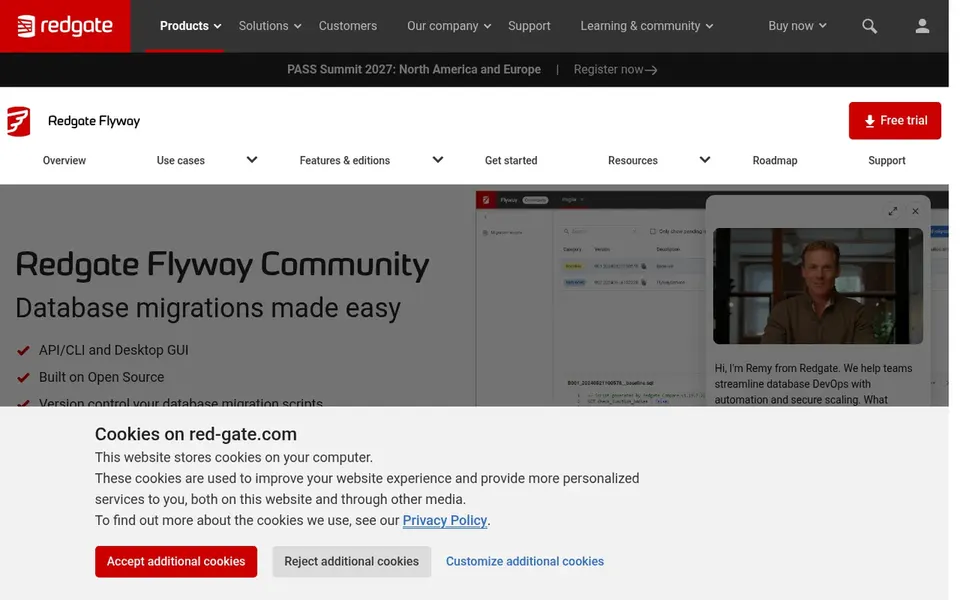
Flyway targets version-controlled schema migrations. The community edition lacks advanced governance and audit features found in commercial offerings, so teams with strict compliance needs may outgrow it. Also, whereas Flyway manages schema migrations well, it is not built for large-scale data migration.
As for the details, Flyway is a database migration tool that automates schema changes using version control. Its community edition is open source, making it accessible for teams that want a straightforward, code-based approach to migrations. Flyway shows no starting price here, so confirm the cost on the vendor site. On free options: Free trial.
Limits to weigh: Restricted governance features in community edition.
Where Liquibase fits: governed, audit-ready schema changes. The system's broad features can introduce complexity, especially for smaller teams without dedicated DevOps resources. It may also need significant configuration to completely use governance capabilities.
Limits to weigh: Needs setup for full governance.
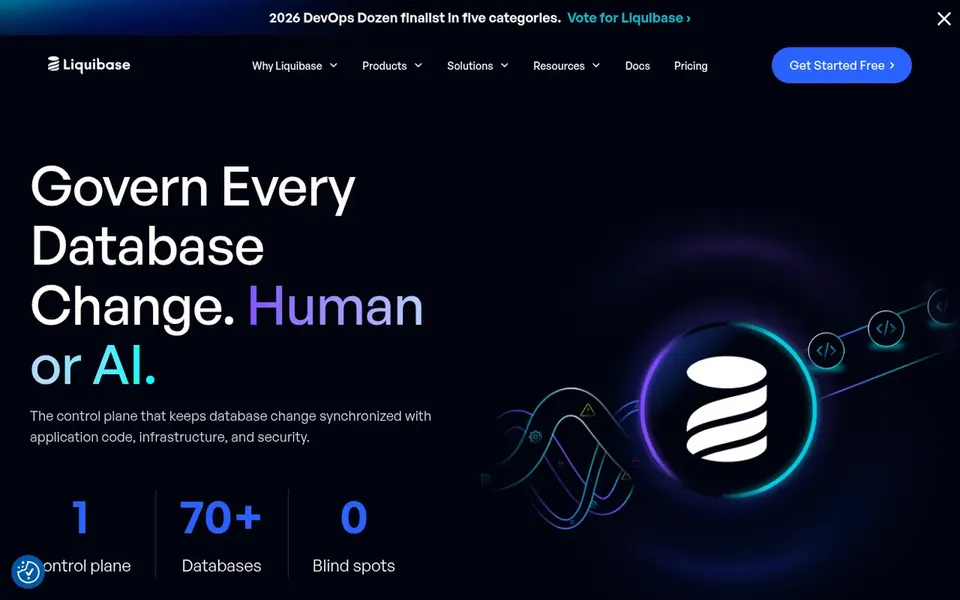
For everyday use, for more straightforward needs, Flyway's community edition might be more straightforward, whereas AWS DMS is better for data migration instead of schema change management. Also, Liquibase Secure is a database change governance product that supplies safe, automatic, and audit-ready schema change across more than 70 databases. It is fully aligned with CI/CD workflows, making it a good match for backend engineers in organizations that require to enforce standards and maintain a complete audit trail of database changes. Liquibase does not show a starting price in this comparison, so check the vendor site for current pricing. Free options: Not stated.
Qlik Replicate is built with data replication and streaming in mind. It is suited for backend engineers who require to move large volumes of data continuously or in near live, like for analytics or data warehousing, instead of for schema change management.
No starting price is listed for Qlik Replicate here; confirm pricing on the vendor site. Free access: Not stated.
Best for: Migrating SQL Server and Oracle to Azure
Azure Database Migration Service works best for migrating SQL Server and Oracle to Azure. Azure Database Migration Service is built for assessment and data migration, helping move on-premises SQL Server and Oracle databases to the cloud. It is a solid fit for backend engineers in Microsoft-centric environments who require to migrate these enterprise databases to Azure with minimal disruption.
Points against: Azure-centric.
Worth adding: the service is focused on Azure and may not be well suited to other cloud platforms. For broader or multi-cloud migrations, AWS DMS or Google Cloud DMS could be considered, whereas Flyway manages schema versioning. Azure Database Migration Service does not show a starting price in this comparison, so check the vendor site for current pricing. Free options: Free trial.
Ask each vendor, from Google Cloud Database Migration Service to Azure Database Migration Service, for a written quote; none of them publishes a starting price.
Look at the free plan from AWS Database Migration Service closely: its caps decide whether it is usable for real work.
Run a trial of Flyway and Azure Database Migration Service with real work before paying for a year; your own workflow is the best test.
Read the limits listed for Google Cloud Database Migration Service first: restricted to specific database engines.
Make sure Qlik Replicate lets you export your data in a format another tool can read.
Test the integrations you rely on with AWS Database Migration Service before committing; some connectors sit on upper tiers.
How we picked
Ainotely looked at what each vendor publishes: pricing, plan limits, feature coverage for database migration tools for backend engineers and stated drawbacks. No hands-on testing is claimed. Figures are shown as the vendors publish them. Billing terms, seat minimums and add-ons can change the real cost. Position on the page reflects fit for a typical buyer first, with price clarity and free access breaking ties. Treat it as a guide, not a ruling.
Every price and plan detail on this page comes from the vendors’ own websites. We did not run hands-on tests unless the text says so, and we do not publish star ratings or review scores. See how we score and our disclosure.
Keep your shortlist in one place
Paste prices, trial dates and notes from this guide into Ainotely, our AI note app. It files them into a topic and pulls out tasks like “cancel trial by Friday”. Free 7-day trial, no card needed.
Is Google Cloud Database Migration Service the right pick for everyone comparing database migration tools for backend engineers?
No single tool suits every team. Google Cloud Database Migration Service comes first because it fits zero-downtime MySQL and PostgreSQL migrations, while AWS Database Migration Service suits Cloud data migration and schema conversion and Flyway suits version-controlled schema migrations. Match the tool to your own size, budget and workflow before deciding.
Can I try these tools before paying?
Often, yes. AWS Database Migration Service has a free plan and Flyway and Azure Database Migration Service offer a free trial. Use your own data and a real task during the test, and check what the free tier or trial limits before you rely on it.
What is the difference between schema migration and data migration?
Tools like Flyway and Liquibase focus on schema versioning, whereas AWS DMS and Qlik Replicate are built for data movement.
Which options for database migration tools for backend engineers have a free plan?
AWS Database Migration Service is the only tool in this list with a free plan. Free plans usually cap users, projects or features, so check the limits on the vendor page. Several others offer a trial instead.
Do these tools publish their prices?
No. None of the tools, from Google Cloud Database Migration Service to Azure Database Migration Service, shows a fixed starting price here, so budget time for quotes.