Best Database Software in 2026: 8 Options Compared

- 1
 PostgreSQLopen source relational database for most appsVisit
- 2
 MySQLpopular open source database for web appsVisit
- 3
 Microsoft SQL ServerWindows and enterprise database workloadsVisit
- 4
 Oracle Databaselarge enterprise database workloadsVisit
- 5
 MongoDBflexible document data for changing appsVisit
- PostgreSQL and MySQL suit most application databases, with open source cost and community support.
- MongoDB suits flexible document data, while SQLite suits embedded app storage.
- SQL Server and Oracle suit enterprise workloads with Microsoft or large scale needs.
- Snowflake suits analytics, while Supabase suits app builders who want a fast backend.
Quick comparison
| Product | Ideal for | Price from | Free version | |
|---|---|---|---|---|
| PostgreSQL | open source relational database for most apps | Free | Free | Visit |
| MySQL | popular open source database for web apps | Free | Free | Visit |
| Microsoft SQL Server | Windows and enterprise database workloads | See website | Free trial | Visit |
| Oracle Database | large enterprise database workloads | See website | No | Visit |
| MongoDB | flexible document data for changing apps | Free | Free | Visit |
 SQLite | embedded database for apps and devices | Free | Free | Visit |
 Snowflake | cloud data warehousing and analytics | See website | Free trial | Visit |
 Supabase | open source Firebase style backend | Free | Free | Visit |
The best database software
We compared official feature pages, pricing, app store listings, privacy policies and public reviews for this list. The options below cover different budgets and needs, so read the best for line first and then the full write up for the products that match your situation.
PostgreSQL
Ideal for: open source relational database for most apps
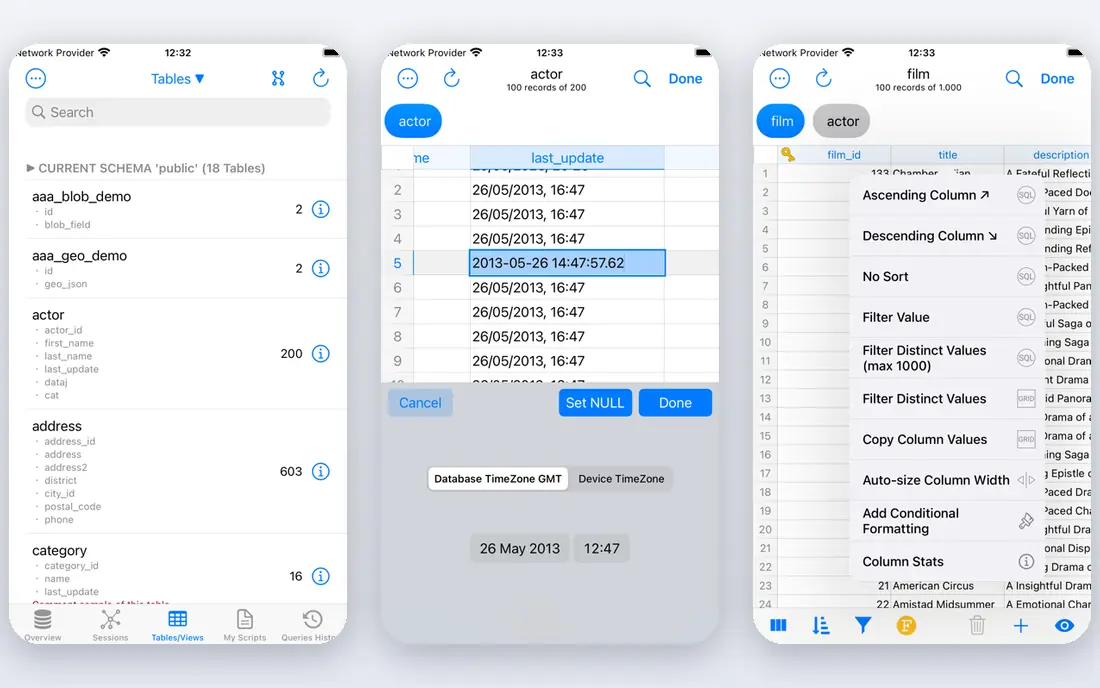
PostgreSQL fits open source relational database for most apps. Its open source reliability and extensions make it a strong default for many applications. The strengths we noted were open source relational database; strong reliability and extensions; wide community support. For many readers, that mix makes it worth a close look before deciding.
The honest catch is that teams without database skills should consider a managed PostgreSQL service. Pricing is listed as Free, with a free plan status of Free. Before you commit, try the free tier or trial with your real work, and check the limits that matter for your use. That short test will tell you more than any feature list.
- Open source relational database
- Strong reliability and extensions
- Wide community support
- Setup and tuning need technical skill
- Managed hosting costs extra
MySQL
Ideal for: popular open source database for web apps
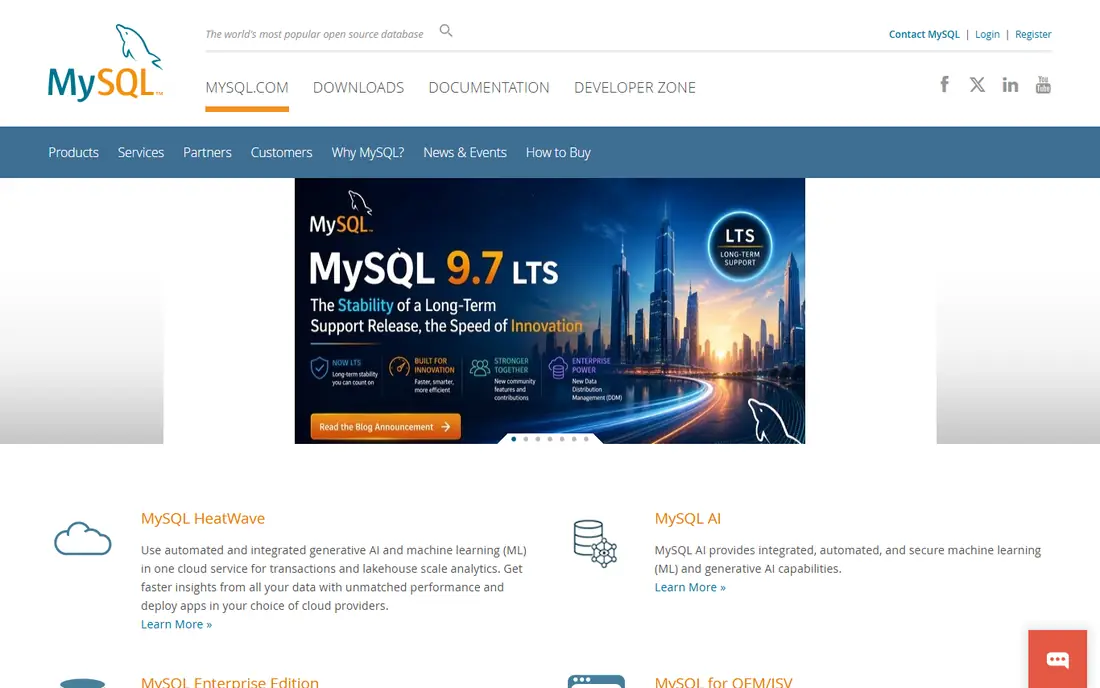
For popular open source database for web apps, MySQL is a natural first candidate. Its wide hosting support makes it easy to run for web applications. In practice, that means open source database with wide web hosting support; replication; large community. It is not perfect for everyone, but the fit is clear for this use.
On the downside, teams needing advanced enterprise features should check edition differences. The starting price is Free, and the free plan status is Free. We suggest testing it with a real task, checking support and export options, and confirming that the plan you need covers your team or household size.
- Open source database with wide web hosting support
- Replication
- Large community
- Advanced features vary by edition
- Oracle ownership concerns some open source users
Microsoft SQL Server
Ideal for: Windows and enterprise database workloads
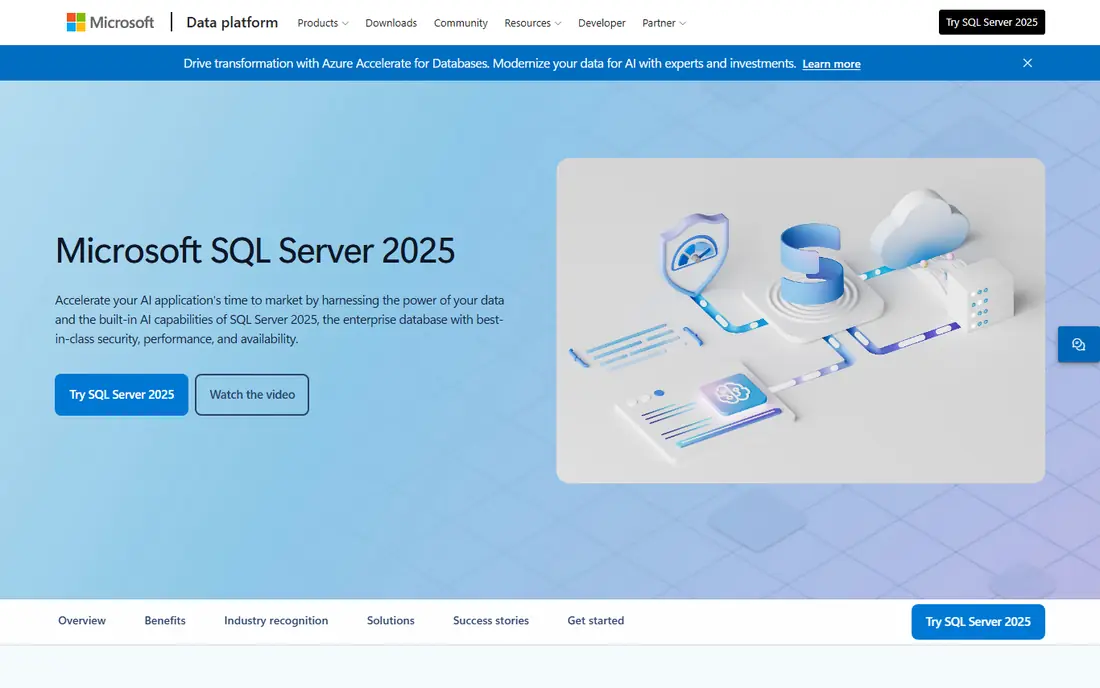
Microsoft SQL Server is aimed at Windows and enterprise database workloads, and the fit shows in daily use. Its Microsoft integration suits enterprises already running Windows and Azure. Readers who value enterprise database with strong tooling; integration with microsoft products; high availability options will see the appeal quickly.
The trade off is that open source focused teams may prefer PostgreSQL or MySQL on cost. Starting price is See website, with free plan status Free trial. A trial with your own data is the best next step, since it reveals setup time, limits and everyday friction that a sales page hides.
- Enterprise database with strong tooling
- Integration with Microsoft products
- High availability options
- Licensing costs can be high
- Windows focus is stronger than cross platform use
Oracle Database
Ideal for: large enterprise database workloads
If you need a tool for large enterprise database workloads, start with Oracle Database. Its enterprise depth suits very large workloads with strict availability needs. The result is a product that covers enterprise database for very large workloads; strong security and availability features without forcing a complex setup.
Keep in mind that smaller teams should weigh licensing cost against simpler databases. It lists a starting price of See website and a free plan status of No. Compare the total cost for your real use, including any add ons, before you settle on it.
- Enterprise database for very large workloads
- Strong security and availability features
- Licensing and complexity are high
- Smaller teams rarely need its full depth
MongoDB
Ideal for: flexible document data for changing apps
MongoDB fits flexible document data for changing apps. Its document model suits apps where data shapes change often. The strengths we noted were document database for flexible data; atlas managed cloud; scaling options. For many readers, that mix makes it worth a close look before deciding.
The honest catch is that teams with strict relational data may find a relational database a better fit. Pricing is listed as Free, with a free plan status of Free. Before you commit, try the free tier or trial with your real work, and check the limits that matter for your use. That short test will tell you more than any feature list.
- Document database for flexible data
- Atlas managed cloud
- Scaling options
- Data modelling needs care to avoid messy documents
- Costs grow with Atlas use
SQLite
Ideal for: embedded database for apps and devices
For embedded database for apps and devices, SQLite is a natural first candidate. Its tiny embedded design suits apps, devices and local storage. In practice, that means lightweight embedded database; no server needed; used in countless apps. It is not perfect for everyone, but the fit is clear for this use.
On the downside, server workloads with many concurrent writers should choose a server database. The starting price is Free, and the free plan status is Free. We suggest testing it with a real task, checking support and export options, and confirming that the plan you need covers your team or household size.
- Lightweight embedded database
- No server needed
- Used in countless apps
- It is not built for high concurrency server workloads
- Multi user write limits apply
Snowflake
Ideal for: cloud data warehousing and analytics
Snowflake is aimed at cloud data warehousing and analytics, and the fit shows in daily use. Its cloud warehouse design suits analytics on large data sets. Readers who value cloud warehouse for analytics; separation of storage and compute; sharing features will see the appeal quickly.
The trade off is that transactional app teams should choose an operational database instead. Starting price is See website, with free plan status Free trial. A trial with your own data is the best next step, since it reveals setup time, limits and everyday friction that a sales page hides.
- Cloud warehouse for analytics
- Separation of storage and compute
- Sharing features
- Costs depend on usage and need monitoring
- It is analytics focused, not transactional
Supabase
Ideal for: open source Firebase style backend
If you need a tool for open source Firebase style backend, start with Supabase. Its Postgres based backend gives app builders auth and APIs quickly. The result is a product that covers postgres backend with auth, storage and apis; generous free tier; fast setup without forcing a complex setup.
Keep in mind that enterprises needing long track records may prefer managed PostgreSQL directly. It lists a starting price of Free and a free plan status of Free. Compare the total cost for your real use, including any add ons, before you settle on it.
- Postgres backend with auth, storage and APIs
- Generous free tier
- Fast setup
- It is newer than established databases
- Advanced enterprise features are still growing
How we picked these
We compared official feature pages, pricing pages, app store listings, privacy policies and public reviews. We checked that each product exists and works today, that it truly fits the topic, and that its official homepage loads. We favoured products with clear pricing or a clear free tier, honest limits, and a distinct use case, rather than listing near duplicates.
We did not claim hands on testing that did not happen. Where pricing was quoted rather than listed, we wrote See website rather than guessing a number. Where a product had a known limit, such as a watermark on a free plan or a state limit on cover, we stated it plainly so readers can judge the trade off. Readers should also check the current plan details on the vendor site before buying, since prices and free tiers change over time.
How to choose database software
Start with the data shape. Relational data with clear links suits PostgreSQL, MySQL or SQL Server. Flexible, changing documents suit MongoDB. Analytics on large data sets suit Snowflake. Choosing the wrong shape creates work for years.
Next, check scale and operations. Consider concurrent users, data size, backups and hosting. A managed service costs more but removes much operational burden, while self hosting gives control at the cost of staff time.
Finally, test with real queries. Run your actual read and write patterns, check performance under load, and confirm backup and restore works. A database that passes a demo but fails under real load is a costly mistake.
Frequently asked questions
What is the best database software?
PostgreSQL suits many applications, MySQL suits web apps, and MongoDB suits flexible documents. The best pick depends on data shape, scale and team skills.
Should I use SQL or NoSQL?
SQL suits structured, linked data with strong consistency. NoSQL suits flexible or large scale document data. Many systems use both for different parts of an app.
Is PostgreSQL free?
Yes, PostgreSQL is open source and free to use. Managed hosting, support and enterprise tools may cost extra, but the database itself is free.
What database is best for analytics?
Snowflake suits cloud analytics on large data sets. For smaller analytics, PostgreSQL and MySQL can also handle reporting with proper design.
Do I need a managed database service?
Managed services reduce backup, patching and scaling work, at a higher price. Teams without database operations staff often benefit from managed hosting.