Best Day Trading Platforms in 2026: 8 Platforms Compared

- 1
 Thinkorswim by Charles SchwabAdvanced charts and paper tradingVisit
- 2
 Interactive BrokersLow costs for active and global tradersVisit
- 3
 Fidelity Active Trader ProStrong all-round platform for US tradersVisit
- 4
 Charles SchwabReliable platform for investors and tradersVisit
- 5
 E*TRADEPowerful tools with a clear mobile appVisit
- This is not financial advice. Day trading carries a high risk of loss, and most active traders lose money, so only trade with money you can afford to lose.
- Thinkorswim and Interactive Brokers suit serious traders who need advanced charts and tools, while Fidelity and Schwab suit broader investors.
- Commission-free stock trades are common, but options, futures, and margin costs still matter, and platform fees vary.
- Paper trading is essential before risking real money. Test a platform with virtual funds and learn its order types first.
Quick comparison
| Product | Ideal for | Price from | Free version | |
|---|---|---|---|---|
| Thinkorswim by Charles Schwab | Advanced charts and paper trading | See website | No | Visit |
| Interactive Brokers | Low costs for active and global traders | See website | No | Visit |
| Fidelity Active Trader Pro | Strong all-round platform for US traders | See website | No | Visit |
| Charles Schwab | Reliable platform for investors and traders | See website | No | Visit |
| E*TRADE | Powerful tools with a clear mobile app | See website | No | Visit |
 Webull | Low-cost trading with strong mobile tools | See website | No | Visit |
 Robinhood | Simplest app for new traders | See website | No | Visit |
 TradeStation | Advanced tools for serious traders | See website | No | Visit |
The best day trading platforms
We compared official feature pages, pricing pages, app store listings, privacy policies and public reviews to build this list, focusing on products that fit the topic closely and are still available in October 2026.
Thinkorswim by Charles Schwab
Ideal for: Advanced charts and paper trading
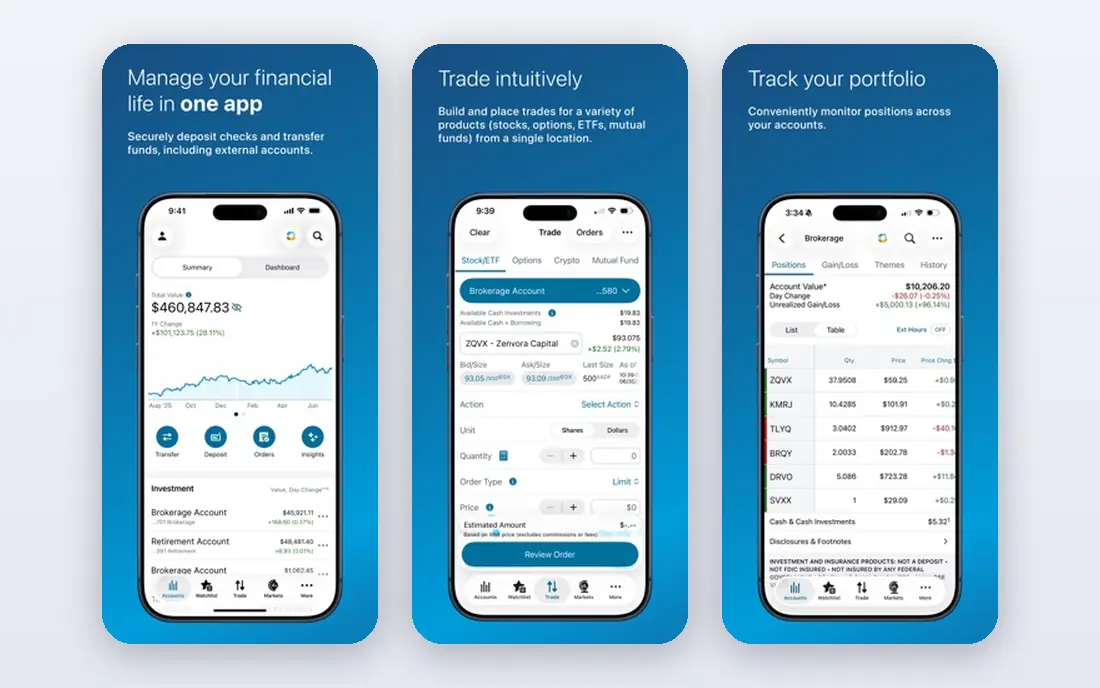
Thinkorswim is the platform many serious traders point to first. Its charts, technical studies, scanners, and paper trading give active traders room to test strategies without risking money. Options and futures tools are deep, and Schwab education material helps newer traders learn order types and risk controls.
The depth is also the barrier. A beginner can feel lost among studies, layouts, and order options, and the desktop app rewards time spent learning it. Thinkorswim suits traders who want advanced tools and are willing to study. Casual investors may prefer Schwab main app or Fidelity for simpler trading.
- Powerful charts, studies, and paper trading
- Good for options and futures traders
- Strong education tools
- Complex for beginners
- Interface can feel dense
- Account and margin rules still apply
Interactive Brokers
Ideal for: Low costs for active and global traders
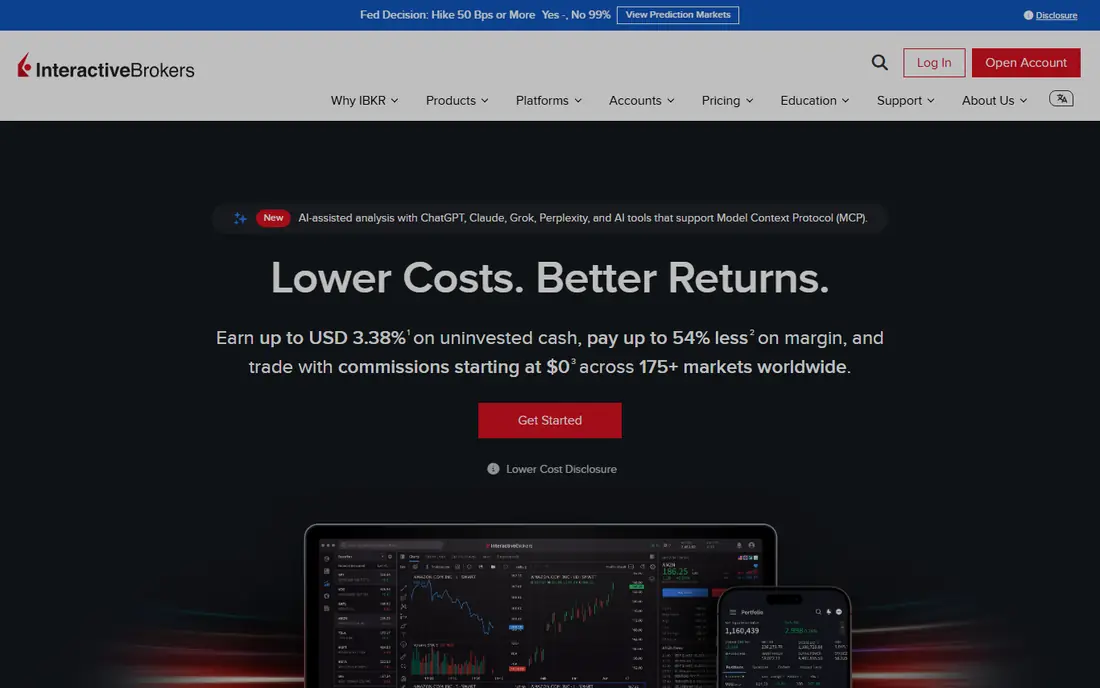
Interactive Brokers suits active traders who care about costs and market access. It offers trading in stocks, options, futures, forex, and global markets, with tiered pricing that can be very low for high-volume traders. Trader Workstation is powerful, with advanced orders, scanners, and risk tools.
The platform is not beginner friendly. Pricing has tiers, fees vary by product and market, and the interface takes time to learn. Interactive Brokers is best for experienced traders who trade often and want global access. Beginners should start with paper trading and a simpler platform first.
- Very low commissions for active traders
- Global markets and asset types
- Powerful Trader Workstation platform
- Complex platform and pricing tiers
- Account minimums and fees vary
- Steep learning curve
Fidelity Active Trader Pro
Ideal for: Strong all-round platform for US traders
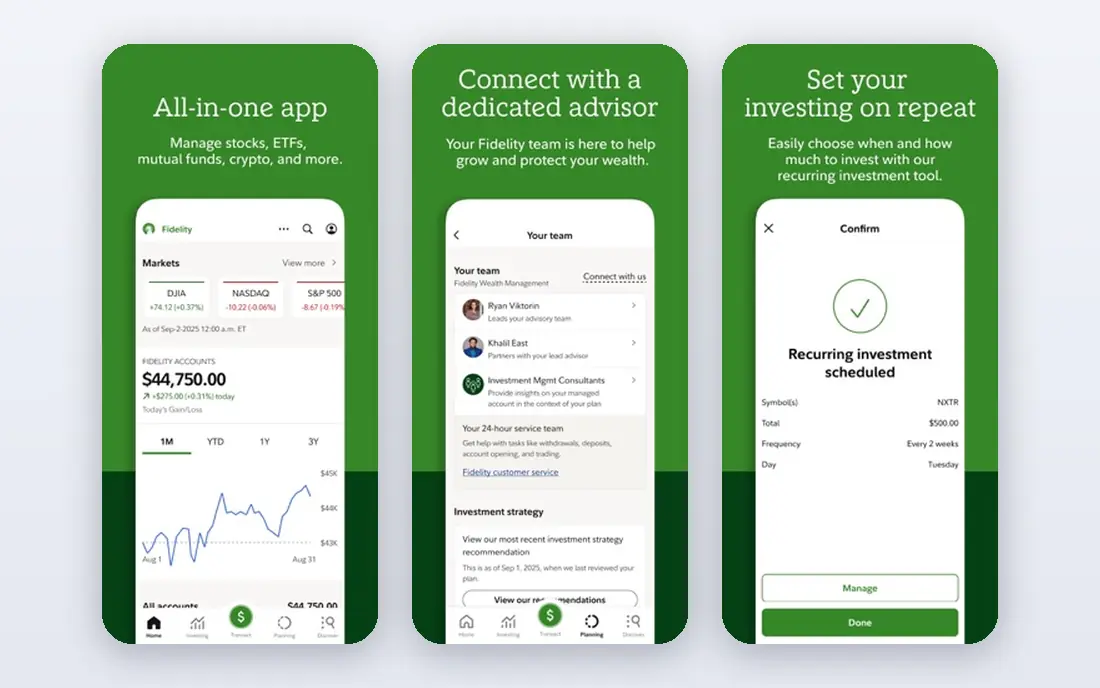
Fidelity is a strong all-round choice because it combines commission-free US stock and ETF trades with research, a solid mobile app, and Active Trader Pro for desktop traders. Customer service is well regarded, and the platform suits both long-term investors and active traders who want one account.
Active Trader Pro is less polished on Mac than on Windows, and futures and global tools are thinner than Interactive Brokers. For most US stock and options traders, those limits will not matter. Fidelity suits traders who want a reliable platform, good research, and no commission on many stock trades.
- Commission-free US stock and ETF trades
- Strong research
- Active Trader Pro desktop platform
- Desktop platform is Windows-focused
- Advanced futures tools are thinner than rivals
Charles Schwab
Ideal for: Reliable platform for investors and traders
Charles Schwab gives traders two paths in one account: a simple main app for everyday investing, and thinkorswim for advanced trading. Commission-free stock and ETF trades, research, and customer service make it a safe default for many US traders. You can start simple and move to thinkorswim as you learn.
The main app alone is not an advanced day trading platform, so serious traders will need to learn thinkorswim. Margin, options, and futures all require approval and carry extra risk. Schwab suits traders who want a trusted broker, good service, and a clear upgrade path to advanced tools.
- Commission-free stock and ETF trades
- Thinkorswim included
- Strong research and service
- Main app is simpler than thinkorswim
- Margin and options approval still required
E*TRADE
Ideal for: Powerful tools with a clear mobile app
ETRADE suits active traders who want a strong desktop platform and a usable mobile app. Power ETRADE offers charts, technical tools, and options analysis, while the main app handles everyday trades and account management. Commission-free stock and ETF trades keep costs simple for many traders.
The split between the main app and Power ETRADE can confuse new users, and global and futures access is thinner than Interactive Brokers. For US stock and options day trading, ETRADE is a solid pick. Test both apps with paper trading or small trades before committing.
- Power E*TRADE platform for active traders
- Commission-free stock and ETF trades
- Good mobile app
- Platform can feel split between two apps
- Futures and global access are limited
Webull
Ideal for: Low-cost trading with strong mobile tools
Webull appeals to mobile-first traders who want strong charts without a high cost. The app offers commission-free stock, ETF, and options trades, extended hours trading, and paper trading to practise. Charts and indicators are good for a mobile app, and the interface feels modern.
Research, banking, and mutual fund options are thinner than Fidelity or Schwab, and support can be slower at busy times. Webull suits active traders who mainly trade stocks and options on a phone and want low costs. Long-term investors who want full banking and advice may prefer a larger broker.
- Commission-free stock, ETF, and options trades
- Strong mobile charts
- Paper trading included
- Limited research and banking features
- Customer service can be slower
- No mutual fund depth
Robinhood
Ideal for: Simplest app for new traders
Robinhood is the simplest trading app to start with. The interface is clean, trades are commission-free for stocks, ETFs, and options, and new traders can place orders quickly. For a beginner who wants to learn with small amounts, that simplicity lowers the barrier to starting.
The simplicity has costs. Research and advanced charting are thinner than thinkorswim or Fidelity, and Robinhood has faced outages and regulatory scrutiny in the past. Margin trading carries high risk and should not be used casually. Robinhood suits beginners with small, careful trades, not serious day traders who need deep tools.
- Very simple app
- Commission-free stock, ETF, and options trades
- Instant access to basic tools
- Limited research and advanced tools
- Past outages and regulatory history concern some traders
- Margin risk
TradeStation
Ideal for: Advanced tools for serious traders
TradeStation suits experienced traders who want to test and automate strategies. Its desktop platform offers advanced charts, strategy testing, and custom indicators, with commission-free stock and ETF trades on some plans. Futures and options tools are also strong for active traders.
Pricing and the platform are complex, and beginners will find the learning curve steep. TradeStation is not a good first broker for casual investors. It earns its place for traders who already understand technical analysis and want a platform that can keep up with a serious strategy.
- Powerful desktop platform with strategy testing
- Commission-free stock and ETF trades on some plans
- Complex pricing and platform
- Learning curve is steep
- Best for experienced traders
How we picked these
We compared official feature pages, pricing pages, app store listings, privacy policies and public reviews for each option in this guide. We checked that each product is still offered in October 2026, that its homepage loads, and that its price or free tier could be confirmed or marked as See website when it could not. We did not claim hands-on testing. We favoured products that fit the topic closely, explain their limits clearly, and give readers a practical way to try them before paying. Where prices change often, we say so and point readers to the vendor page for the current figure.
How to choose a day trading platform
Start with paper trading, not real money. Test charts, order types, and speed on a platform for at least a few weeks, and check commissions for the products you will actually trade, including options contracts and margin interest. Also check pattern day trader rules, which require a minimum account balance for frequent trading in a margin account, and read the broker fee schedule before you fund an account.
Before you pay,try the free tier or trial first and check the exact limits that matter to you, such as device support, export options, or cancellation terms. Read the privacy policy for any app that handles personal, financial, or health data, and check whether your data can be exported or deleted. The cheapest option is not always the best value if it lacks a feature you will use every week, and the most expensive option is rarely worth it if you only need the basics.
Frequently asked questions
What is the best day trading platform for beginners?
Fidelity, Schwab, and Webull are good beginner-friendly starting points, with paper trading to practise. Thinkorswim and Interactive Brokers are better once you need advanced charts and tools, but they take longer to learn.
Is day trading risky?
Yes, day trading carries a high risk of loss, and most active traders lose money. Only trade with money you can afford to lose, use risk controls such as stop orders, avoid heavy margin use, and consider whether long-term investing suits your goals better.
Do day trading platforms charge commissions?
Many US brokers now offer commission-free stock and ETF trades, but options contracts, futures, margin interest, and data fees can still apply. Check the full fee schedule for your broker before you trade.
What is the pattern day trader rule?
In the US, a pattern day trader in a margin account must maintain at least $25,000 in account equity. If your balance falls below that level, trading may be restricted. Check your broker rules before trading frequently.
Should I use margin for day trading?
Margin amplifies both gains and losses and can lead to losses larger than your deposit. Beginners should avoid margin until they understand interest costs, margin calls, and risk controls, and even experienced traders should use it cautiously.