6 Best Deck Design Software for Contractors for 2026

- 1
 TimberTech Deck DesignerTimberTech composite deck projectsVisit
- 2
 Decks.com Deck DesignerFree plans plus design toolVisit
- 3
 CedreoSales-focused contractor designVisit
- 4
 SketchUpAdaptable 3D modelingVisit
- 5
 Simpson Strong-Tie Deck PlannerStructural planning and permitsVisit
- Number one here is TimberTech Deck Designer, a fit for TimberTech composite deck projects.
- Pricing for Cedreo and SketchUp is quote-based, which adds a sales step before you can compare cost.
- Trex Deck Designer is the one to check for designing with Trex materials.
- Before buying Cedreo, weigh this: premium with no published pricing.
Direct answer
For TimberTech composite deck projects, TimberTech Deck Designer is where this list starts. Decks.com Deck Designer fits free plans plus design tool; Cedreo fits sales-focused contractor design. The full list of 6 tools follows, with prices and free plan facts.
Quick comparison
| Product | Ideal for | Price from | Free version | |
|---|---|---|---|---|
| TimberTech Deck Designer | TimberTech composite deck projects | Free | Yes | Visit |
| Decks.com Deck Designer | Free plans plus design tool | Free | Yes | Visit |
| Cedreo | Sales-focused contractor design | See website | No | Visit |
| SketchUp | Adaptable 3D modeling | See website | Yes | Visit |
| Simpson Strong-Tie Deck Planner | Structural planning and permits | Free | Yes | Visit |
 Trex Deck Designer | Designing with Trex materials | Free | Yes | Visit |
Every option for deck design software for contractors explained
Ainotely put together this guide to deck design software for contractors for readers who want a clear shortlist without reading every vendor page. It compares 6 tools on starting price, free plans, who each one suits and where each one falls short.
TimberTech Deck Designer
Ideal for: TimberTech composite deck projects

TimberTech Deck Designer serves TimberTech composite deck projects. TimberTech's free deck designer spans custom deck shapes and sizes with choices for colors, materials, stairs, railings, and lighting, plus 3D previews.
Limits to weigh: Tied to the TimberTech product line.
For everyday use, samples can be ordered right from the tool. On top of that, contractors loyal to the brand get a refined, free design experience that feeds straight into quoting. TimberTech Deck Designer starts at: Free. TimberTech Deck Designer offers a free plan.
- Sample ordering built in
- Free tool with real project cost references
- Depth of contractor features is restricted
Decks.com Deck Designer
Ideal for: Free plans plus design tool
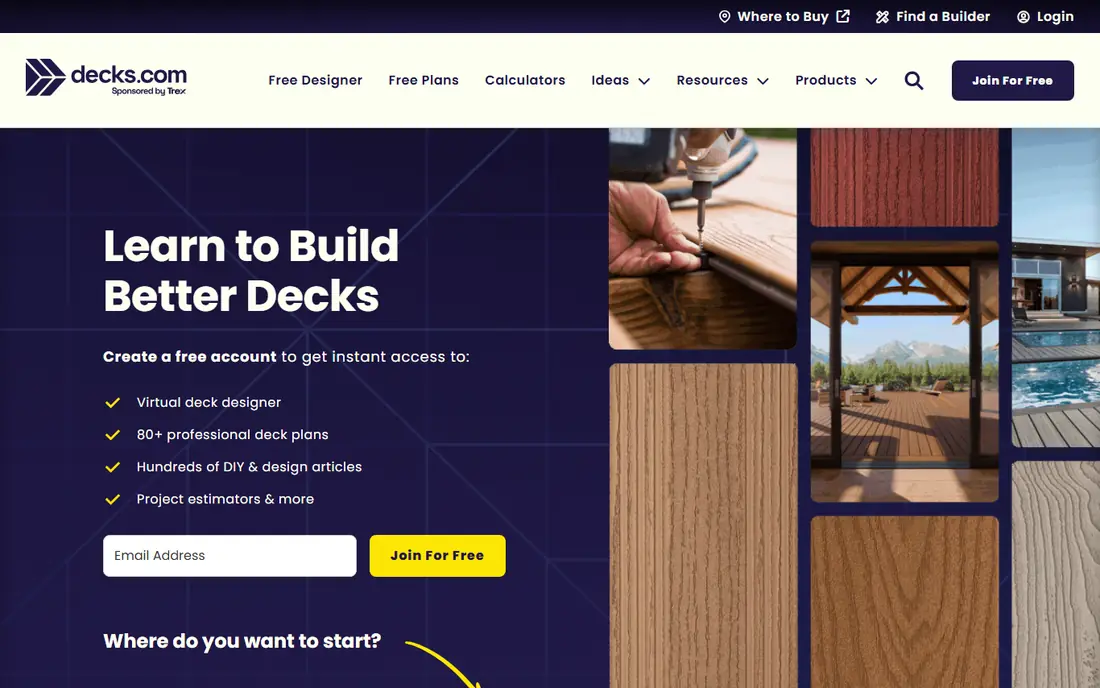
Think of Decks.com Deck Designer for free plans plus design tool. The designer uses a drag-and-drop interface with 2D and 3D views, and the generated designs come with real build guidance.
Downsides: Ad-supported ecosystem with brand partnerships.
The trade-off is a consumer-grade experience with commercial partnerships woven in, instead of a pro sales tool. On cost, Decks.com Deck Designer starts like this: Free. Decks.com Deck Designer includes a free tier.
- 80-plus professional deck plans included
- Solid DIY and how-to library
- Less refined than premium tools
Cedreo
Ideal for: Sales-focused contractor design
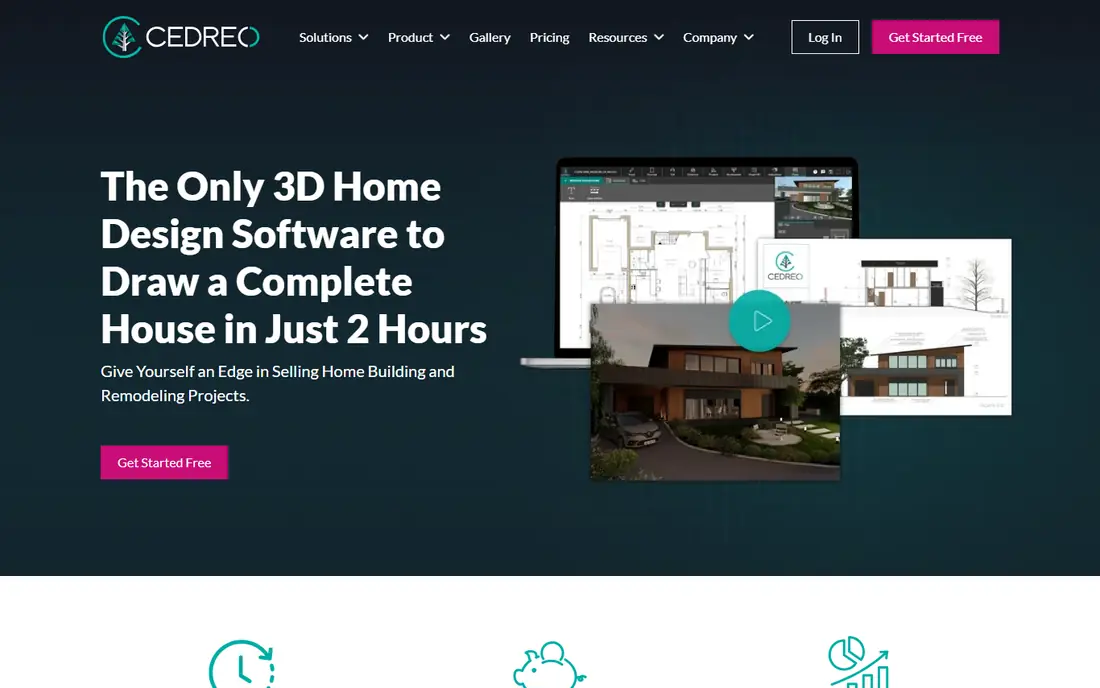
Cedreo is a good fit for sales-focused contractor design. For deck contractors, that means walking into a consultation, designing the deck live, and leaving with a signed contract.
It suits design-build businesses where the rendering closes the deal and the design fee is built into the project. This comparison lists no price for Cedreo; ask the vendor. Cedreo does not include a free plan.
Downsides: premium with no published pricing.
- Photorealistic 3D renderings in minutes
- Made for contractors, builders, remodelers
- Concentrated on sales visuals instead of construction detail
SketchUp
Ideal for: Adaptable 3D modeling
SketchUp works best for adaptable 3D modeling. For contractors comfortable with 3D, SketchUp provides unlimited design freedom at a low cost. It will not produce a materials list the way manufacturer tools do.
Where it falls short: Professional documentation needs LayOut and a premium plan.
Beyond that, the 3D Warehouse gives you millions of pre-built models and materials to jumpstart a deck design, and the Extension Warehouse layers on specialized tools for estimating, rendering, and documentation. Worth adding: the free level takes care of entry-level modeling; premium plans add desktop apps, LayOut for 2D documentation, and photoreal materials. As for the details, SketchUp's accessible 3D modeling has made it a favorite among contractors who require custom designs no template can handle. Pricing for SketchUp is not stated here, so ask the vendor for current figures. Free access exists with SketchUp.
- Easy-to-learn 3D modeling with a free level
- 600-plus extensions for specialized workflows
- General-purpose, not deck-specific
Simpson Strong-Tie Deck Planner
Ideal for: Structural planning and permits
Simpson Strong-Tie Deck Planner works best for structural planning and permits. Simpson Strong-Tie's Deck Planner Software is a free, web-based tool built around what contractors actually need: structurally sound designs. It provides 2D and 3D environments, pre-built templates, and deck-shaping tools, then suggests the right connectors and hardware for the design and produces a bill of materials handling lumber, decking, railing, and hardware.
A dealer locator lists nearby pro lumberyards in the report. It runs on desktop browsers only. For contractors who care about passing inspection the first time, it is the most practical free tool here. Price to start with Simpson Strong-Tie Deck Planner: Free. A free plan is available with Simpson Strong-Tie Deck Planner.
Watch-outs: Concentrated on structure instead of pretty visuals.
- Flags critical structural connections
- Fully free with no licenses to run
- Desktop browsers only, no mobile
Trex Deck Designer
Ideal for: Designing with Trex materials
Trex Deck Designer was built for designing with Trex materials. Trex's free Deck Design Tool lets users design decks in minutes, compare materials and colors across the Trex portfolio, and see the lead to 3D.
Where it is weaker: Aimed partly at homeowners instead of contractors.
Beyond that, the limitation is obvious: every board is Trex. Trex Deck Designer starts at: Free. You can start on Trex Deck Designer without paying.
- Built on 30 years of decking expertise
- Automatically produces materials lists and cost estimates
- Designs use Trex products only
How we compared the tools
Ainotely looked at what each vendor publishes: pricing, plan limits, feature coverage for deck design software for contractors and stated drawbacks. No hands-on testing is claimed. Where a price is missing, the vendor does not list one publicly or ties it to a quote. Always confirm before budgeting. Position on the page reflects fit for a typical buyer first, with price clarity and free access breaking ties. Treat it as a guide, not a ruling.
What to check before you buy
- Confirm the entry price on the vendor page. For Cedreo and SketchUp that means a quote rather than a fixed price.
- Check what the free option really includes: TimberTech Deck Designer, Decks.com Deck Designer, SketchUp and others offer a free plan, and usage caps differ.
- Read the limits listed for TimberTech Deck Designer first: tied to the TimberTech product line.
- Compare total cost, not headline price: for Decks.com Deck Designer, add extra seats, add-ons and any usage-based charges.
- Make sure SketchUp lets you export your data in a format another tool can read.
Frequently asked questions
How are the tools for deck design software for contractors ordered?
The order follows typical fit for deck design software for contractors, with TimberTech Deck Designer first and Trex Deck Designer last, then price clarity and free access. It is editorial judgement, not a score, so another team could rank the tools differently.
Is TimberTech Deck Designer the right pick for everyone comparing deck design software for contractors?
No single tool suits every team. TimberTech Deck Designer comes first because it fits TimberTech composite deck projects, while Decks.com Deck Designer suits free plans plus design tool and Cedreo suits sales-focused contractor design. Match the tool to your own size, budget and workflow before deciding.
Do I need permits to build a deck?
In most US jurisdictions, yes, particularly for raised or attached decks. Also, requirements vary by locality. Simpson Strong-Tie's Deck Planner produces permit submittal pages, which can simplify the approval process.
Do these tools publish their prices?
Not all of them. Cedreo and SketchUp publish no starting price, so expect a quote request for those. The rest, TimberTech Deck Designer included, show a starting price, though seats and billing terms still change the final cost.
Can I try these tools before paying?
Often, yes. TimberTech Deck Designer, Decks.com Deck Designer, SketchUp and others have a free plan. Use your own data and a real task during the test, and check what the free tier or trial limits before you rely on it.
How accurate are the cost estimates from deck design software?
TimberTech presents real project costs from your area for calibration. Always produce your own quote from the materials list instead of relying on the software's estimate alone.