Deepfake Software Buyer's Guide: 6 Tools for 2026

- Top of the list is HeyGen, which targets marketing videos with realistic AI avatars.
- Starting prices begin at $7.58 per month with Reface.
- DeepFaceLab suits high-quality face swaps on your own hardware.
- A fair warning about Colossyan: highest starting price here.
- Free plans are common here: 6 of 6 tools have one, including HeyGen, Reface, DeepSwap and Colossyan.
Direct answer
This list puts HeyGen first for marketing videos with realistic AI avatars. Reface is better for casual face swaps on mobile, and DeepSwap is better for fast online face swaps without installing software. All 6 tools are compared below on price, free plan and limits.
Quick comparison
| Product | Ideal for | Price from | Free version | |
|---|---|---|---|---|
 HeyGen | Marketing videos with realistic AI avatars | $24 a month (billed yearly) | Yes | Visit |
 Reface | Casual face swaps on mobile | $7.58 a month (billed yearly) | Yes | Visit |
 DeepSwap | Fast online face swaps without installing software | $9.99 per month | Yes | Visit |
 Colossyan | Training courses with LMS export | $59 a month (billed yearly) | Yes | Visit |
 Vidnoz | Budget AI avatar videos with an ample free level | $19.99 a month (billed yearly) | Yes | Visit |
 DeepFaceLab | High-quality face swaps on your own hardware | Free (open source) | Yes | Visit |
6 options for deepfake software in detail
Choosing deepfake software usually comes down to price, fit and limits. This Ainotely guide sets 6 tools side by side on those three points, with the facts kept short and checkable.
HeyGen
Ideal for: Marketing videos with realistic AI avatars

HeyGen targets marketing videos with realistic AI avatars. HeyGen sits at the refined end of AI avatar video.
Where it falls short: Credit consumption on re-renders can surprise new users.
More specifically, you type a script, pick an avatar, and get a presenter-led video with convincing lip sync across a huge range of languages. Worth adding: creator costs $29 a month billed monthly or $24 a month billed yearly with 600 credits, Pro is $49 a month with 1,000 credits, and Business is $149 a month plus $20 per seat. What you pay to start with HeyGen: $24 per month. Free access exists with HeyGen.
- Very realistic avatars with capable lip sync
- Ample template library
- Best avatars sit on higher levels
Reface
Ideal for: Casual face swaps on mobile
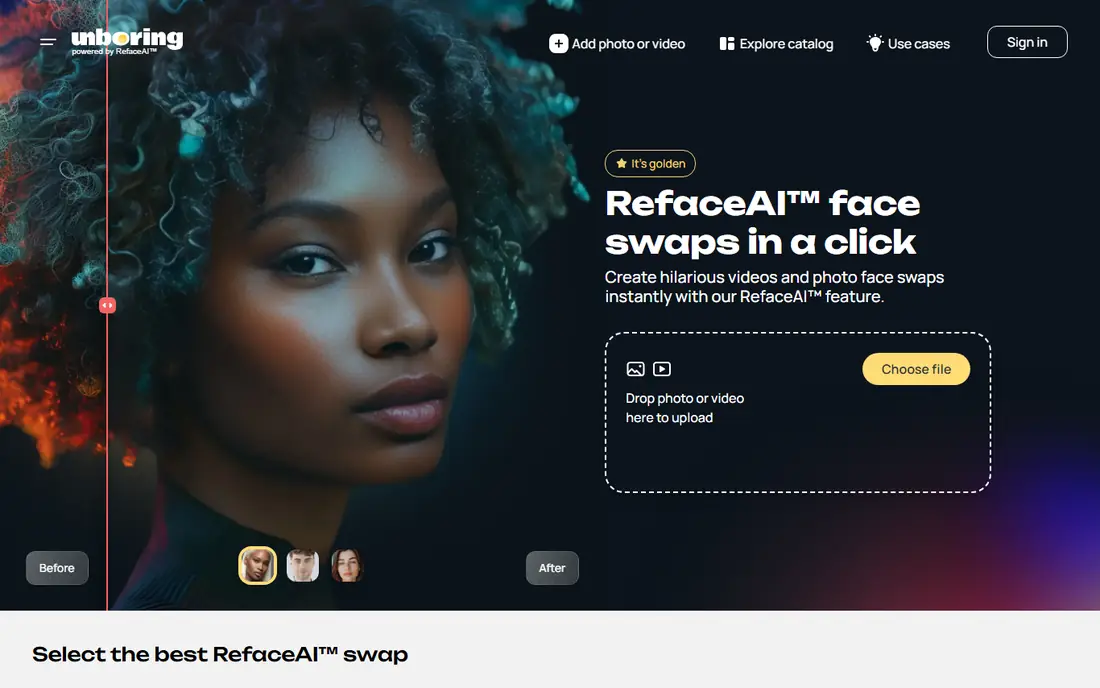
Where Reface fits: casual face swaps on mobile. As a low-cost way to test an idea or make social content, though, few tools are quicker. Professionals will outgrow it quick, since there is no timeline editing, no model training and no batch processing.
Limits to weigh: Geared toward fun instead of professional output.
Worth adding: premium plans are straightforward. Entry-level costs $7.58 a month billed yearly as $90.99, and Premium costs $9.99 a month billed yearly as $119.99, with a free level for light use. Reface cost at the entry level: $7.58 per month. Reface has a free plan.
- Extremely simple mobile workflow
- Low-cost annual pricing
- Restricted editing control
DeepSwap
Ideal for: Fast online face swaps without installing software

DeepSwap is aimed squarely at fast online face swaps without installing software. DeepSwap moves the entire face-swap process into the browser.
What to check first: Less control than desktop tools.
Heavy users will find desktop tools cheaper in the long run. You provide up the fine-tuning that makes swaps convincing on tricky footage. Entry price for DeepSwap: $9.99 per month. DeepSwap has a free plan.
- No installation or GPU needed
- Straightforward credit system
- Restricted free level at two swaps per day
Colossyan
Ideal for: Training courses with LMS export
Colossyan is built with training courses with LMS export in mind. Professional costs $89 a month billed monthly or $59 a month billed yearly, with additional editor seats at $30 to $45 a month each, and Enterprise is custom. Quizzes, branching scenarios and SCORM export come standard on premium plans.
Points against: Highest starting price here.
As for the details, you drop in a PDF, a slide deck or an URL, and its Cora assistant builds a scene-by-scene training video you can edit, make interactive and translate into over 100 languages. For everyday use, the free Starter level is unusually ample with 20 minutes per month and access to all 300 plus stock avatars. On top of that, Colossyan is purpose-built for learning and development teams instead of general marketing. The starting price for Colossyan: $59 per month. Colossyan includes a free tier.
- SCORM export on premium plans
- Full avatar library even on free level
- Per-seat costs add up for teams
Vidnoz
Ideal for: Budget AI avatar videos with an ample free level
Think of Vidnoz for budget AI avatar videos with an ample free level. For budget-conscious creators, it is the most feature-dense option per dollar.
Vidnoz packs an enormous toolkit into one account. On cost, Vidnoz starts like this: $19.99 per month. Vidnoz includes a free tier.
Limits to weigh: Support quality varies.
- Free plan refreshes 60 credits daily
- Face swap and talking photo tools included
- 720p cap and watermark on free exports
DeepFaceLab
Ideal for: High-quality face swaps on your own hardware
DeepFaceLab works best for high-quality face swaps on your own hardware. DeepFaceLab is the tool behind a large share of the face-swap videos you have seen online. For filmmakers, researchers and hobbyists who want maximum quality without a subscription, it is still the benchmark.
What to check first: Needs a solid NVIDIA GPU and numerous hours of training.
The repository is archived in read-only mode, so the code is stable but no longer actively developed. In practice, nobody charges you per video, which makes it the cheapest way to produce a large volume of swaps once your hardware is in place. The starting price for DeepFaceLab: Free. DeepFaceLab has a free plan.
- Best output quality among free tools
- Large community sharing workflows and presets
- Command-line heavy setup that intimidates beginners
Our selection method
Selection started from tools commonly considered for deepfake software, then narrowed to 6 that have clear pricing information or a clear quote process. Where a vendor does not publish a price, the entry says quote. Where a price depends on seats or billing term, the entry says so. Tools are placed by general fit for deepfake software, with price clarity and free access as tie-breakers. A different team can reasonably rank them differently.
Before you commit
- Check the vendor page for the current price: Reface starts at $7.58 per month here, and seats or billing terms can move it.
- Check what the free option really includes: HeyGen, Reface, DeepSwap and others offer a free plan, and usage caps differ.
- Before choosing HeyGen, weigh its main limit: credit consumption on re-renders can surprise new users.
- Compare total cost, not headline price: for Vidnoz, add extra seats, add-ons and any usage-based charges.
- Ask the daily users to test DeepSwap on a live task before you roll it out to everyone.
Frequently asked questions
What is the cheapest option for deepfake software in this list?
On published monthly entry prices, Reface is the lowest here at $7.58 per month. Entry price is only part of the cost, because seats, add-ons and billing terms can change the total.
Is deepfake software legal?
The software itself is legal in most places, and face swapping or AI avatars are legitimate techniques in film, marketing and training. What matters is how you use it. Creating misleading content of real people without consent can violate fraud, defamation, harassment or likeness-rights laws based on your jurisdiction. Use your own footage or licensed material and get consent in writing for commercial work.
Which options for deepfake software have a free plan?
6 of the 6 tools have a free plan, including HeyGen, Reface, DeepSwap and Colossyan. Free plans usually cap users, projects or features, so check the limits on the vendor page.
Is HeyGen the right pick for everyone comparing deepfake software?
No single tool suits every team. HeyGen comes first because it fits marketing videos with realistic AI avatars, while Reface suits casual face swaps on mobile and DeepSwap suits quick online face swaps without installing software. Match the tool to your own size, budget and workflow before deciding.
Which tool is a good match for a beginner?
The first pick on this list is HeyGen, because it suits marketing videos with realistic AI avatars. Reface is better for casual face swaps on mobile, and DeepSwap for fast online face swaps without installing software. Check price and limits against your own needs before choosing.
Can I try these options before paying?
Often, yes. HeyGen, Reface, DeepSwap and others have a free plan. Use your own data and a real task during the test, and check what the free tier or trial limits before you rely on it.