If you need Imaging-led implant diagnostics, Carestream Dental Imaging Software is the first tool to look at here. For a different need, DTX Studio Implant covers integrated implant planning workflow and DentalCAD covers adaptable CAD design for implant cases. The remaining 2 options are covered below with prices and limits.
Ainotely compared 5 Dental treatment planning software for Implant dentists. The goal is a practical shortlist: published prices, free plan facts, best-fit use cases and honest limits for every entry.
Key takeaways
The list opens with Carestream Dental Imaging Software, aimed at Imaging-led implant diagnostics.
Pricing across the list, from Carestream Dental Imaging Software to exoplan, is by quote only.
Exoplan is the one to check for CAD/CAM implant restoration planning.
None of the 5 tools, from Carestream Dental Imaging Software to exoplan, has a free plan, so budget for a subscription or use a trial.
What to know about DentalCAD first: design-centric instead of planning-centric.
Carestream Dental Imaging Software was built for Imaging-led implant diagnostics. Its focus is imaging instead of implant position design or restoration CAD, so it fits best paired with dedicated planning software.
Carestream Dental Imaging Software shows no starting price here, so confirm the cost on the vendor site. As for free access: Not stated.
The main drawbacks: Not a dedicated implant design tool.
DTX Studio Implant is aimed squarely at integrated implant planning workflow. Clinics with mixed equipment brands may find a more vendor-neutral planning tool simpler to fit into existing workflows. DTX Studio Implant is implant planning software within a connected digital dentistry suite, built around implant case workflows that bring imaging, planning and restoration steps together.
Watch-outs: Feature depth varies by configuration.
In daily use, how much the software gives relies on which modules and devices are in use. So the effective feature set varies by configuration. This comparison lists no price for DTX Studio Implant; ask the vendor. Free access: Not stated.
DentalCAD targets adaptable CAD design for implant cases. DentalCAD is exocad's CAD software for dental applications, described as advanced and complete and targeted at the OEM market.
Trade-offs to know: Steep ramp-up time for newcomers.
For implant dentistry it supports restoration design that follows implant planning, making it a solid fit for labs and clinicians who design implant-supported crowns and frameworks in house or with a partner lab. Check the vendor site for DentalCAD pricing; none is listed in this comparison. On free options: Not stated.
3Shape Implant Studio works best for guided implant surgery planning. 3Shape Implant Studio is implant planning software set inside a wider digital dentistry product that bundles intraoral scanners, lab scanners and design software.
Where it falls short: Wide ecosystem can feel complicated.
On top of that, since it sits in a large ecosystem, the ramp-up time and setup can be heavier than a single-purpose tool. Practices that only occasionally place implants, or that already depend on another imaging suite, may prefer a narrower planning product instead. This comparison lists no price for 3Shape Implant Studio; ask the vendor. Free plan details: Not stated.
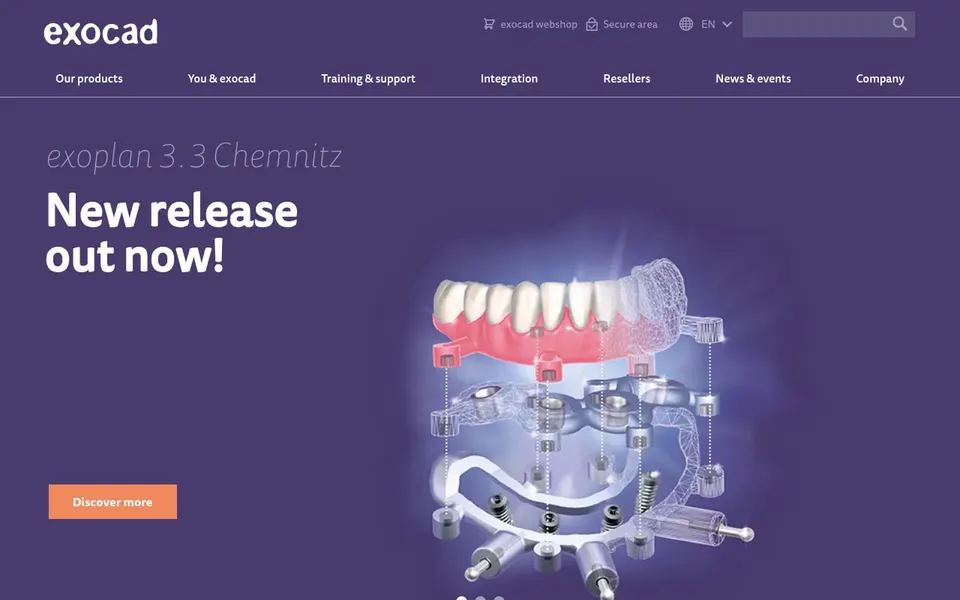
Choose exoplan for CAD/CAM implant restoration planning. exoplan is exocad's CAD/CAM software for dental applications, positioned for the OEM market and pitched at advanced, complete digital design.
Drawbacks to consider: OEM orientation may not suit solo clinics.
This comparison lists no price for exoplan; ask the vendor. Free plan details: Not stated.
Ask each vendor, from Carestream Dental Imaging Software to exoplan, for a written quote; none of them publishes a starting price.
Read the limits listed for Carestream Dental Imaging Software first: planning depth varies by module.
Look at the renewal terms for Carestream Dental Imaging Software: auto-renewal, notice periods and price changes can matter more than the first-year price.
The entry price of exoplan is only the starting point; model the full cost with seats and extras.
Confirm the exact 3Shape Implant Studio plan that includes your must-have features.
How we picked
Selection started from tools commonly considered for Dental treatment planning software for Implant dentists, then narrowed to 5 that have clear pricing information or a clear quote process. Where a vendor does not publish a price, the entry says quote. Where a price depends on seats or billing term, the entry says so. Tools are placed by general fit for Dental treatment planning software for Implant dentists, with price clarity and free access as tie-breakers. A different team can reasonably rank them differently.
Every price and plan detail on this page comes from the vendors’ own websites. We did not run hands-on tests unless the text says so, and we do not publish star ratings or review scores. See how we score and our disclosure.
Keep your shortlist in one place
Paste prices, trial dates and notes from this guide into Ainotely, our AI note app. It files them into a topic and pulls out tasks like “cancel trial by Friday”. Free 7-day trial, no card needed.
Not always, but numerous clinics pair an imaging suite for example Carestream Dental Imaging Software with a dedicated planner. Integrated suites can cut handoffs, whereas separate tools may offer deeper features in each area.
How are the tools for Dental treatment planning software for Implant dentists ordered?
Carestream Dental Imaging Software sits first and exoplan last because the order follows typical fit for Dental treatment planning software for Implant dentists, then price clarity and free access. It is a judgement call, so read each profile for fit and limits.
Is CAD/CAM design software enough for implant planning?
Typically not on its own. Products like exoplan and DentalCAD excel at designing restorations, but implant position planning and guided surgery generally come from dedicated planning software, so most teams combine both.
Do these tools publish their prices?
No. None of the tools, from Carestream Dental Imaging Software to exoplan, shows a fixed starting price here, so budget time for quotes.
Is Carestream Dental Imaging Software the right pick for everyone comparing Dental treatment planning software for Implant dentists?
No single tool suits every team. Carestream Dental Imaging Software comes first because it fits Imaging-led implant diagnostics, while DTX Studio Implant suits integrated implant planning workflow and DentalCAD suits flexible CAD design for implant cases. Match the tool to your own size, budget and workflow before deciding.
Can I try these tools before paying?
Not by default. None of the tools, from Carestream Dental Imaging Software to exoplan, lists a free plan or a free trial here, so ask each vendor for a demo before committing.