Best Design Feedback Tools in 2026: 8 Tools Compared

- Pastel and Marker.io are the simplest ways to collect pinned comments on live websites without training your clients.
- BugHerd adds task tracking to website feedback, so comments turn into work your team can close out.
- Filestage, ReviewStudio, GoProof, and Ziflow suit creative teams that proof files, videos, and campaigns with formal approvals.
- Frame.io is the strongest pick for video-led teams, thanks to frame-accurate comments and a free plan for small projects.
Quick comparison
| Product | Ideal for | Price from | Free version | |
|---|---|---|---|---|
 Pastel | Simple website annotation | See website | Free trial | Visit |
 Marker.io | Website feedback with dev context | $39 per month | Free trial | Visit |
 BugHerd | Client feedback turned into tasks | $42 per month | Free trial | Visit |
 Filestage | Structured creative approvals | $99 per month | Yes | Visit |
 ReviewStudio | Proofing many file types | See website | Free trial | Visit |
 GoProof | Adobe-led creative proofing | See website | Free trial | Visit |
 Ziflow | Enterprise review workflows | See website | Free trial | Visit |
 Frame.io | Video review and approval | Free | Yes | Visit |
The best design feedback tools
We compared official feature pages, pricing pages, and public reviews to find tools that keep feedback attached to the work itself, instead of scattered across email threads.
Pastel
Ideal for: Simple website annotation
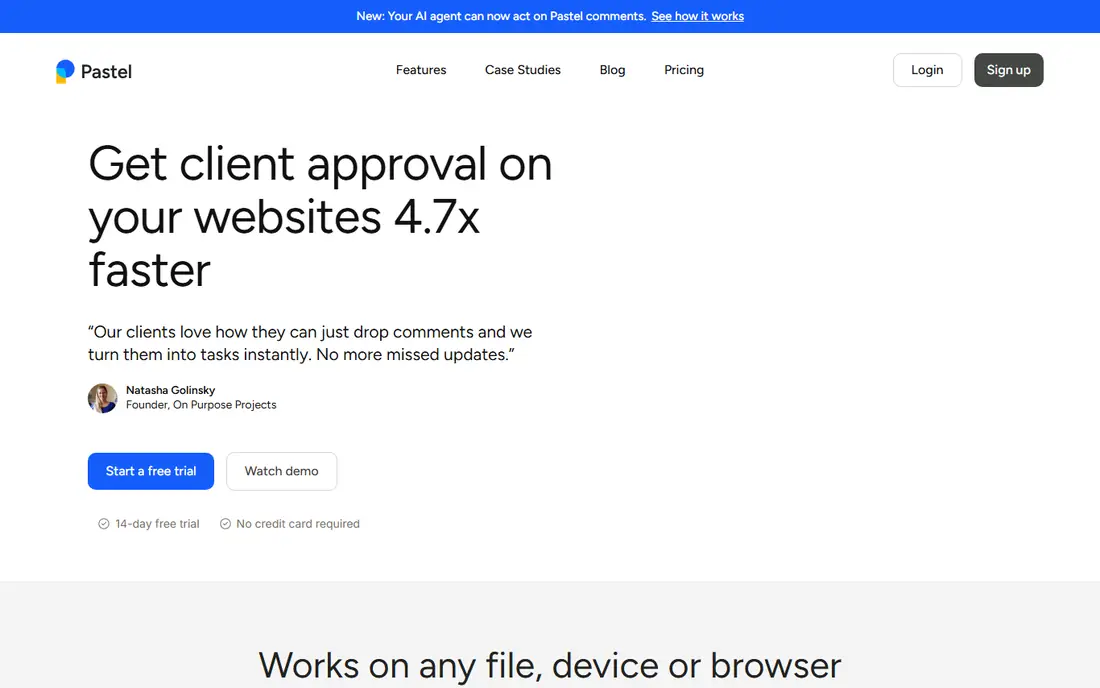
Pastel is the easiest tool in this list to hand to a client. You share a link, they click on the page or file, and their comment lands exactly where they mean it. Guests do not need an account, which removes the most common reason feedback stalls. It also handles images and PDFs, so one canvas can cover a landing page, a social post, and a deck.
The trade-off is structure. Pastel is built for collecting and resolving comments, not for running a development backlog. Teams that need deep task tracking may pair it with a project tool. For agencies and freelancers who want fast, clear client feedback, Pastel is our pick for the lowest-friction start.
- No login needed for guests
- Works on live sites, images, and PDFs
- Simple canvas sharing
- Less task management depth than dev-focused tools
- Pricing is not shown upfront
Marker.io
Ideal for: Website feedback with dev context
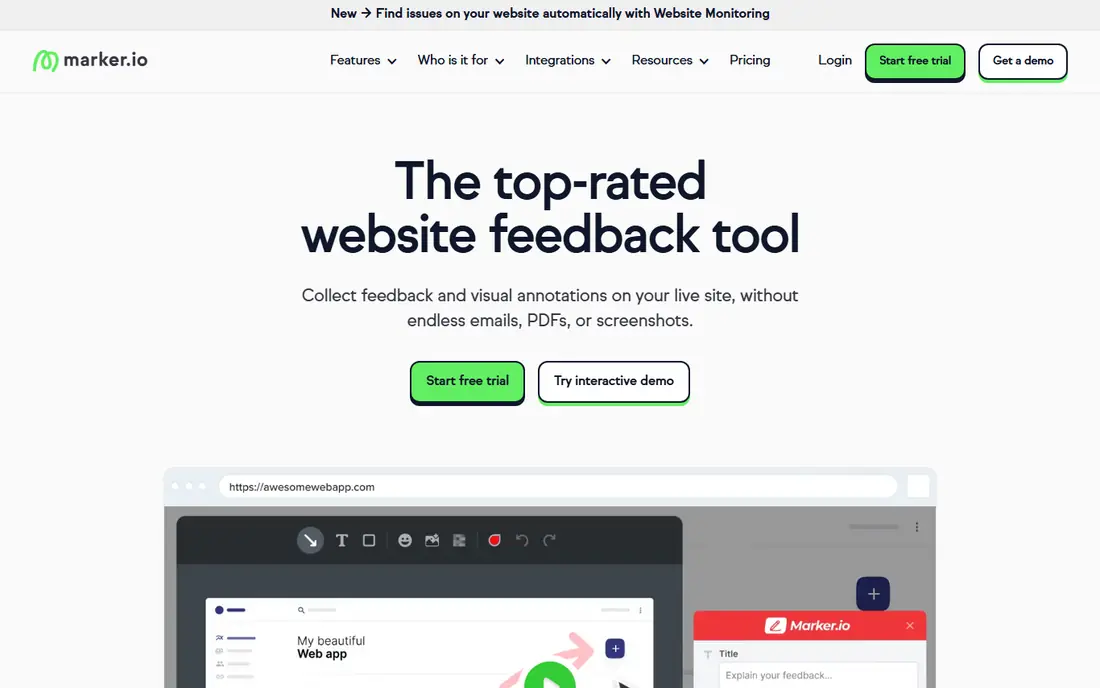
Marker.io suits teams that build and maintain websites and need feedback developers can act on. Each report includes a screenshot plus technical details such as browser and screen size, and session replay shows what a reporter did before the issue appeared. Integrations send reports to tools like Jira, Trello, ClickUp, and Asana.
Plans start at 39 dollars per month with a 15-day free trial. That price is fair for agencies juggling many sites, but it may be more than a solo designer needs. If your feedback mostly arrives on live websites and your developers want full context, Marker.io is a strong choice.
- Captures browser and device details automatically
- Session replay
- Many integrations
- No free plan beyond the trial
- Best for website work rather than file proofing
BugHerd
Ideal for: Client feedback turned into tasks
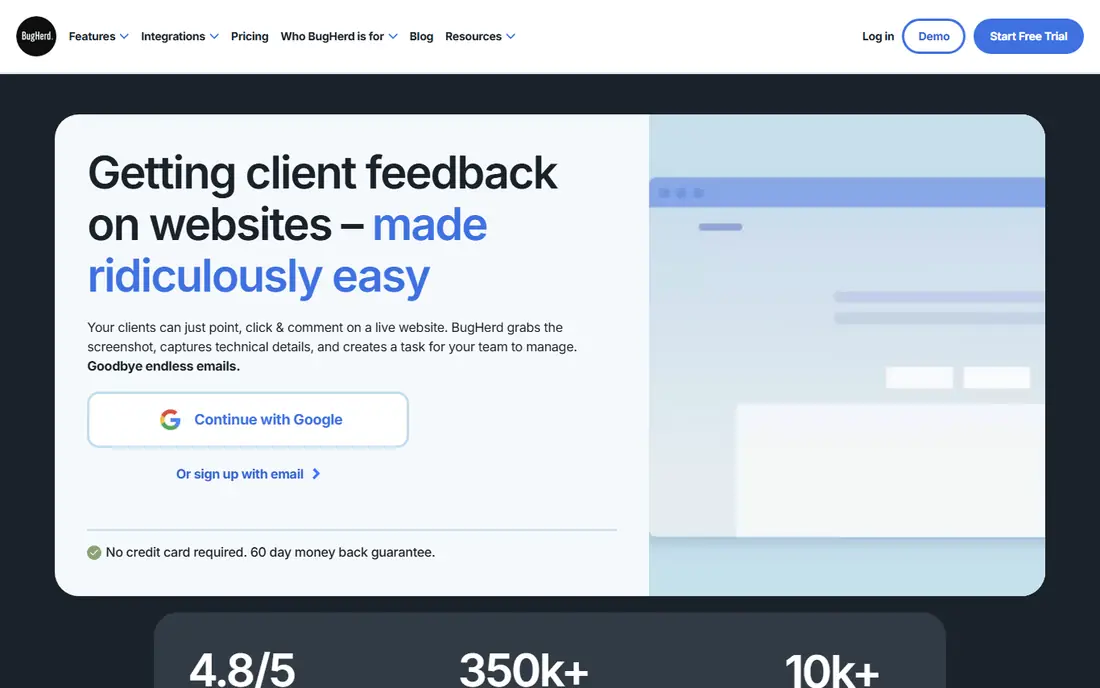
BugHerd follows the same pin-and-comment idea, then adds a kanban board so every comment becomes a trackable task. Clients highlight text to suggest edits, and each report carries a screenshot plus browser and device details. The board view helps project managers see what is open, in progress, and done without exporting comments elsewhere.
Plans start at 42 dollars per month with a 7-day free trial. It is less suited to proofing videos or print files, where dedicated creative tools do more. For web projects with non-technical clients, BugHerd keeps feedback simple and the work visible.
- Point-and-click comments
- Built-in kanban board
- Clients need no account
- Website-focused
- Limited file proofing compared with creative tools
Filestage
Ideal for: Structured creative approvals
Filestage is built for teams that run formal review rounds on creative work. Reviewers comment in context on files, versions stay organized, and approval decisions are logged, which matters in regulated work and large campaigns. Due dates and reminders keep reviewers moving, and the audit trail shows who approved each version.
Paid plans start at 99 dollars per month, and a free plan covers small teams getting started. That price puts it beyond casual use, but for marketing and creative teams that approve high volumes of work, the structure pays for itself in fewer missed changes.
- Version control and audit trail
- Review workflows
- Free plan for small teams
- Paid plans start high for freelancers
- Setup takes more time than simple annotation tools
ReviewStudio
Ideal for: Proofing many file types
ReviewStudio covers an unusually wide range of file types, from images and video to audio, documents, and 3D files. That breadth suits studios and brand teams that review mixed assets in one place. Setup takes minutes, and the 30-day full-featured trial gives a real project enough time to test it properly.
The main gap is pricing transparency, since plans are quoted rather than listed. Teams that want a broad proofing tool without enterprise complexity should still shortlist it, and the trial makes the value easy to judge.
- Wide file support including video, audio, and 3D
- 30-day trial
- Simple setup
- Pricing is not published on the homepage
- Fewer workflow automations than enterprise tools
GoProof
Ideal for: Adobe-led creative proofing
GoProof stands out for teams that live in Adobe apps. Reviewers suggest text changes inside a proof, and those amends flow back into InDesign or Illustrator files, which cuts copy-paste errors. It also proofs PDFs, images, video, audio, and websites, with automated workflows routing proofs through review stages to sign-off.
A 14-day free trial is available, while pricing is quoted. If your team already works in Creative Cloud, GoProof can save real time. Teams outside Adobe may get similar value from a simpler tool at a lower price.
- Deep Adobe Creative Cloud integration
- Approval workflows
- Website proofing
- Pricing requires a quote
- Adobe focus may be wasted on non-Adobe teams
Ziflow
Ideal for: Enterprise review workflows
Ziflow is aimed at larger creative operations that review full campaigns with many stakeholders. Markup tools handle precise comments, checklists guide consistent feedback, and automated routing sends each asset to the right reviewers at the right time. Central tracking keeps project status, feedback, and approvals in one dashboard.
That power comes with enterprise pricing and a longer setup, so small teams may find it heavy. For organizations where review volume and compliance matter, Ziflow is a solid pick, and its free trial helps buyers test the workflow before committing.
- Custom routing and automation
- Centralized tracking
- Strong permission controls
- Enterprise pricing
- More setup than small teams need
Frame.io
Ideal for: Video review and approval
Frame.io is the video review standard for many production teams. Comments attach to exact frames, so an editor knows precisely which cut a note refers to, and integrations bring those notes into Premiere Pro. Sharing and presentation tools let clients review polished work without joining a complex system.
The free plan covers small projects with two members and limited storage, while paid plans start at 15 dollars per member per month. Teams that mostly review images or documents may prefer a file-proofing tool, but for video-led work, Frame.io is our pick.
- Frame-accurate video comments
- Free plan
- Strong Adobe Premiere integration
- Video-first, so still-image proofing is less central
- Storage limits on lower tiers
How we picked these
We compared official feature pages, pricing pages, and public reviews, and we checked that every homepage loads and belongs to the product named. We favored tools that attach feedback to the work, support guests without accounts where possible, and cover the main review jobs: websites, files, video, and formal approvals. We did not claim hands-on testing, and we left prices as "See website" where the vendor does not publish a clear starting price.
What to check before you choose
Start with what you review most. Website teams need annotation on live pages, while creative teams need file and video proofing with version control. Picking a tool built for the wrong asset type is the most common mistake in this category.
Next, think about your reviewers. Clients and executives need a guest-friendly experience with no training, while internal teams may value task integrations and approval workflows more. A tool your reviewers avoid will not help, no matter how strong its feature list looks.
Finally, test with a real review round. Run one project through a trial, invite your actual reviewers, and see how fast comments come back and how cleanly they turn into fixes. That single round reveals friction that demos hide.
Before you commit to one option, spend a short trial period with your top two choices from this list. Use each one for a real task from your own work or daily routine, not just a demo, and note where you get stuck, what feels slow, and which features you actually open twice. Check the official pricing page again at that point, since free plans and paid tiers change, and confirm that the plan you need covers the users, projects, or devices you will use. Read the privacy and support pages too, especially for tools that hold personal or work data, and confirm how to export your work if you later switch. A tool that fits your routine in a two-week trial is a far better choice than a more powerful option you avoid opening, so let daily use, not a feature list alone, decide your final pick for best design feedback tools.
Frequently asked questions
What is the best design feedback tool for websites?
Pastel is the simplest option for website annotation, while Marker.io and BugHerd add developer context and task tracking. Choose Pastel for low-friction client feedback, and Marker.io or BugHerd when reports must feed a development workflow.
Is there a free design feedback tool?
Frame.io offers a free plan for small video projects, and Filestage offers a free plan for small creative teams. Most other tools here offer free trials rather than permanent free plans, so check trial length before starting a project.
How is design feedback different from project management?
Design feedback tools capture comments on the work itself, with screenshots, pins, and version context. Project tools track tasks and deadlines. The best setups connect the two, so a comment becomes a task without manual copying.
Can clients leave feedback without an account?
Yes, with several tools here. Pastel, Marker.io, and BugHerd all let guests comment via a shared link without signing up, which removes a common barrier for clients.
Which tool is best for video feedback?
Frame.io is our pick for video, thanks to frame-accurate comments and Premiere Pro integration. ReviewStudio and Ziflow also handle video well when video is one of several asset types you review.
How do I pick between the free and paid plans in this list?
Start with the free plan or trial for any best design feedback tools option that offers one, and use it for at least two weeks on real tasks. Upgrade only when you hit a clear limit, such as a missing feature, a user cap, or a storage limit, rather than paying on day one for features you may never use. Compare the paid tier against the next option in this list as well, since a different tool's free plan may already cover what the first tool charges for.