6 Strong Design Project Management Software Options in 2026

- 1
 ClickUpDesign teams that want proofing, docs and whiteboards in one cheap seatVisit
- 2
 monday.comVisual teams that run design work on boardsVisit
- 3
 MoxieSmall studios and freelancers that want projects plus invoicing in one toolVisit
- 4
 WrikeDesign teams with formal review and approval cyclesVisit
- 5
 TeamworkDesign agencies managing plenty of client projects at onceVisit
- The list opens with ClickUp, aimed at design teams that want proofing, docs and whiteboards in one cheap seat.
- Check the limits for monday.com before you commit: proofing depth is thinner than Wrike's.
- Only 5 of the 6 tools have a free plan (ClickUp, monday.com, Wrike, Teamwork, Avaza), so check the caps.
- ClickUp has the lowest monthly starting price in this list: $7/user/month.
- For small creative teams that want projects, time tracking and invoicing flat-rated, Avaza is worth a look.
Direct answer
Our first pick is ClickUp, best for design teams that want proofing, docs and whiteboards in one cheap seat. Alternatives: monday.com for visual teams that run design work on boards, and Moxie for small studios and freelancers that want projects plus invoicing in one tool. Prices, free plans and limits for all 6 tools follow.
Quick comparison
| Product | Ideal for | Price from | Free version | |
|---|---|---|---|---|
| ClickUp | Design teams that want proofing, docs and whiteboards in one cheap seat | $7/user/month (Unlimited plan, billed yearly) | Yes | Visit |
| monday.com | Visual teams that run design work on boards | $9/seat/month (Basic plan, billed yearly) | Yes | Visit |
| Moxie | Small studios and freelancers that want projects plus invoicing in one tool | $10/month (Starter plan, billed annually; $12 month-to-month) | Free trial (14 days) | Visit |
| Wrike | Design teams with formal review and approval cycles | $10/user/month (Team plan, billed annually, 2 to 15 users) | Yes | Visit |
| Teamwork | Design agencies managing plenty of client projects at once | $9.99/user/month (Basics plan, billed annually) | Yes | Visit |
 Avaza | Small creative teams that want projects, time tracking and invoicing flat-rated | $11.95/month (Startup plan) | Yes | Visit |
The 6 tools in detail
Ainotely put together this guide to design project management software for readers who want a clear shortlist without reading every vendor page. It compares 6 tools on starting price, free plans, who each one suits and where each one falls short.
ClickUp
Ideal for: Design teams that want proofing, docs and whiteboards in one cheap seat
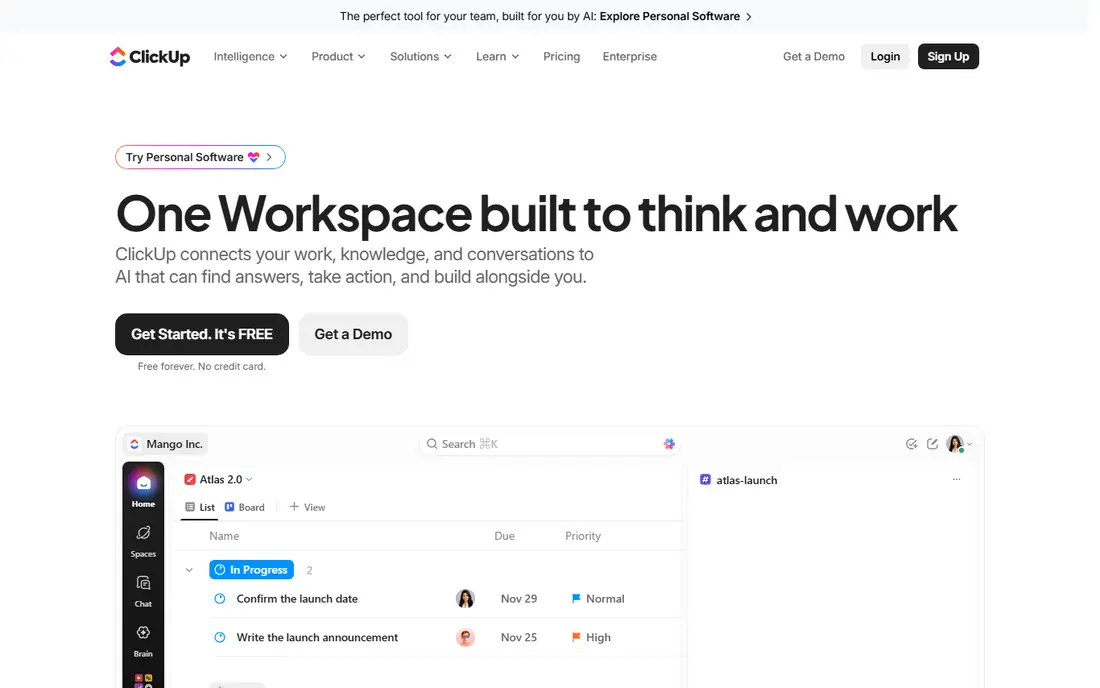
For design teams that want proofing, docs and whiteboards in one cheap seat, ClickUp is a natural candidate. ClickUp provides design teams the most features per dollar. On top of that, the cost is complexity.
Trade-offs to know: The interface can feel cluttered for designers used to minimal tools.
Where it shines: whiteboards and docs included. Performance in huge workspaces can lag. In practice, for a studio standardizing its entire operation, that consolidation replaces two or three subscriptions. In daily use, for budget-conscious studios willing to invest setup time, it is the value leader. ClickUp starts at: $7/user/month. ClickUp includes a free tier.
- Goals and time tracking in the same workspace
- Highly configurable task views
- Configuration overhead is high
monday.com
Ideal for: Visual teams that run design work on boards
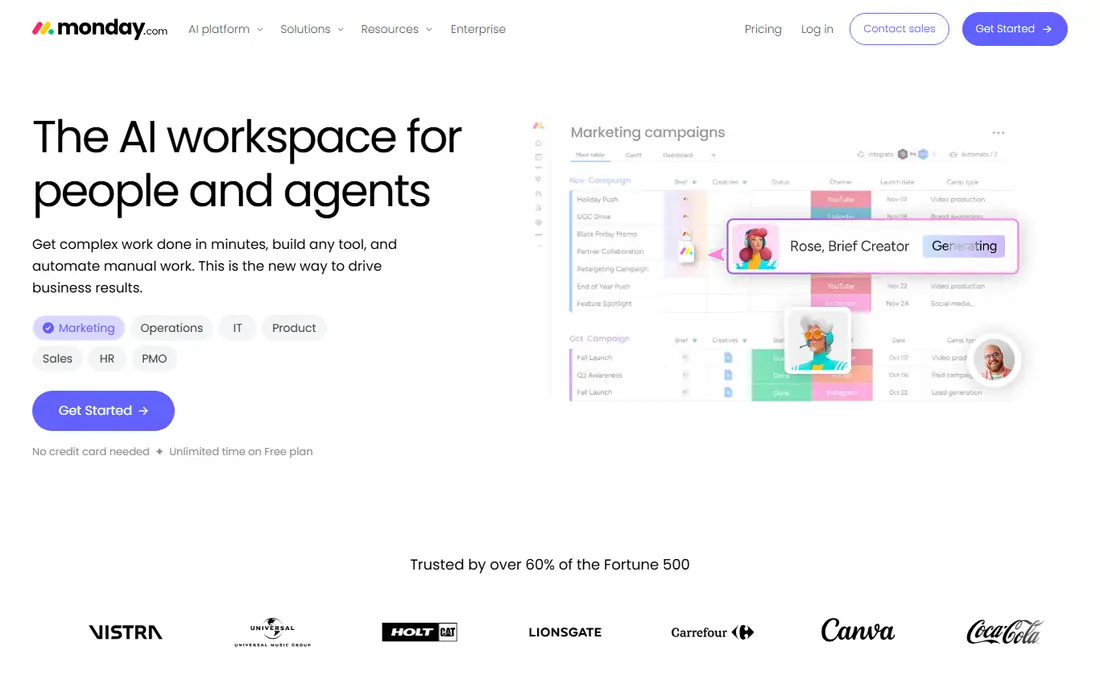
monday.com targets visual teams that run design work on boards. monday.com suits teams that think visually. Dashboards that roll up plenty of client projects sit on higher levels.
The limitation is review depth: commenting on files works, but true markup-and-approval workflows are not the focus. At $9 per seat a month, Basic is budget-friendly for small studios. On top of that, files attach to tasks with previews, so designers do not hunt through drives for the latest version. In practice, boards present every design project as cards with image thumbnails, and status columns make it obvious which projects are in concept, in review or approved. What you pay to start with monday.com: $9/seat/month. A free plan is available with monday.com.
Watch-outs: Proofing depth is thinner than Wrike's.
- File and image previews straight on tasks
- Highly visual boards that suit design workflows
- Per-seat costs add up quick for bigger studios
Moxie
Ideal for: Small studios and freelancers that want projects plus invoicing in one tool
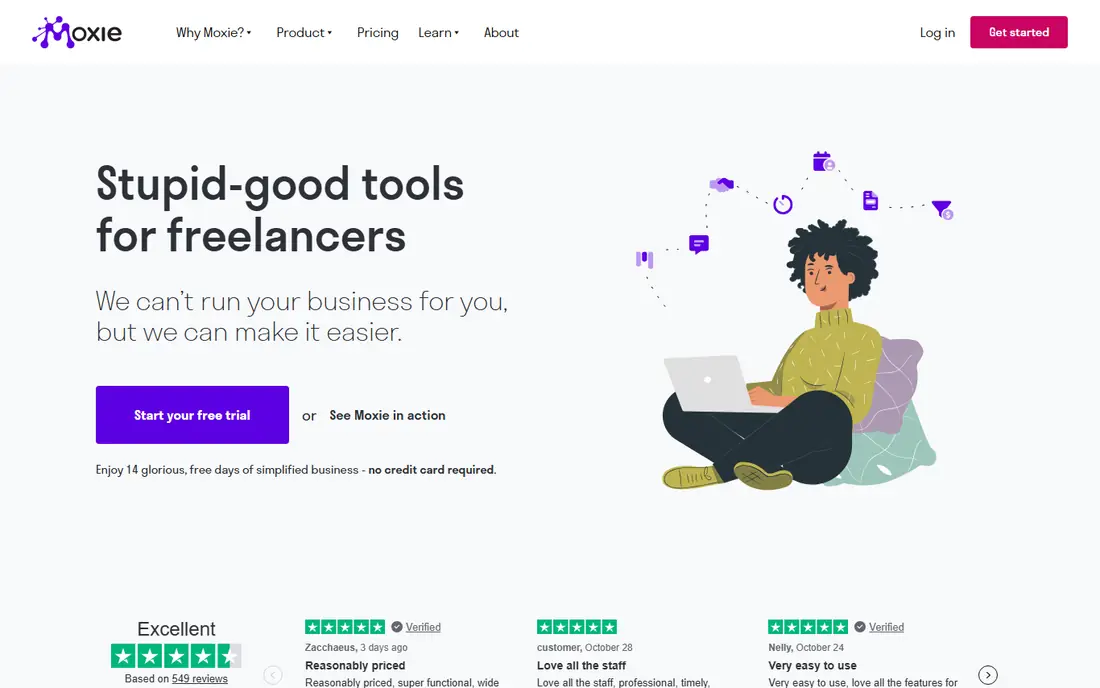
Where Moxie fits: small studios and freelancers that want projects plus invoicing in one tool. Moxie takes a different approach: rather than charging per seat, it charges $10 a month for the business and bundles the whole studio workflow. In daily use, task dependencies, Gantt charts and portfolio reporting are thinner than Wrike or monday.com.
Downsides: No permanent free plan.
But for studios under 10 people where the same person designs, tracks time and sends invoices, the flat price and unified workflow beat a per-seat PM tool plus separate invoicing. From a buyer's view, solo designers should price this against a free PM plan plus Wave's free invoicing. Moxie starts at: $10/month. Free access: Free trial (14 days).
- Merges projects
- Flat monthly price includes the entire business
- Project management depth is lighter than dedicated PM systems
Wrike
Ideal for: Design teams with formal review and approval cycles
Wrike is aimed squarely at design teams with formal review and approval cycles. Request forms turn vague client briefs into structured tasks with required fields.
Downsides: The interface takes longer to learn than more straightforward boards.
Beyond that, the price is mid-range at $10 per user a month, but the 15-user Team cap pushes expanding studios to higher levels. In daily use, the free plan includes entry-level tasks without proofing. What you pay to start with Wrike: $10/user/month. Wrike has a free plan.
- Approval workflows with clear sign-off chains
- Video and documents
- The Team plan caps at 15 users
Teamwork
Ideal for: Design agencies managing plenty of client projects at once
Teamwork targets design agencies managing plenty of client projects at once. Teamwork speaks agency. Each client project gets its own permissions, so clients see their work and nothing else.
Honest limits: Creative review features are entry-level next to Wrike.
Time tracking ties hours to projects with billable rates; and the project overview presents every engagement's health at a glance. At $9.99 per user a month, it sits mid-pack, and the 5-user free plan lets small studios run real work. In daily use, for in-house design teams, the client-service framing is less relevant, and proofing is thinner than dedicated review tools. Teamwork pricing: $9.99/user/month. You can start on Teamwork without paying.
- Portfolio-style overview across all client work
- Client-specific permissions and project privacy
- The agency framing suits client work better than in-house teams
Avaza
Ideal for: Small creative teams that want projects, time tracking and invoicing flat-rated
For small creative teams that want projects, time tracking and invoicing flat-rated, Avaza is a natural candidate. The free plan deals with entry-level projects and invoicing for the smallest teams. In daily use, Gantt charts exist but dependency management and portfolio views are entry-level, and the integration list is shorter.
What to check first: Smaller integration catalog than the big systems.
On top of that, PM depth is the compromise. In daily use, for complicated multi-project scheduling, the per-seat products above go deeper. Price to start with Avaza: $11.95/month. A free plan is available with Avaza.
- Time tracking
- Clean interface with low ramp-up time
- Advanced PM features like dependencies and portfolios are restricted
What went into this list
Ainotely looked at what each vendor publishes: pricing, plan limits, feature coverage for design project management software and stated drawbacks. No hands-on testing is claimed. Where a price is missing, the vendor does not list one publicly or ties it to a quote. Always confirm before budgeting. The sequence is a judgement call: typical use case first, then pricing transparency, then free access. Use the profiles to check fit.
Before you commit
- Prices are a starting point; ClickUp shows $7/user/month to start, so verify what your seat count would cost.
- Read the fine print on the free plans from ClickUp, monday.com, Wrike and others; seat, project and feature caps differ.
- Run a trial of Moxie with real work before paying for a year; your own workflow is the best test.
- Before choosing ClickUp, weigh its main limit: configuration overhead is high.
- Total up the real monthly cost of Moxie, including add-ons, extra users and usage-based fees.
- Look at the help docs and support options for ClickUp before you commit.
Frequently asked questions
Do these tools publish their prices?
Yes. Every tool from ClickUp to Avaza shows a starting price, though seats, add-ons and billing terms still change the final cost.
Is ClickUp the right pick for everyone comparing design project management software?
No single tool suits every team. ClickUp comes first because it fits design teams that want proofing, docs and whiteboards in one cheap seat, while monday.com suits visual teams that manage design work on boards and Moxie suits small studios and freelancers that want projects plus invoicing in one tool. Match the tool to your own size, budget and workflow before deciding.
Which tool is a good match for client approvals?
Start with ClickUp if you need design teams that want proofing, docs and whiteboards in one cheap seat. monday.com is the better match for visual teams that handle design work on boards, and Moxie for small studios and freelancers that want projects plus invoicing in one tool. The best choice depends on budget, team size and workflow.
Which options for design project management software have a free plan?
ClickUp, monday.com, Wrike, Teamwork and Avaza offer a free plan in this list. Free plans usually cap users, projects or features, so check the limits on the vendor page. One other tool offers a trial instead.
Can I try these options before paying?
Often, yes. ClickUp, monday.com, Wrike and others have a free plan and Moxie offers a free trial. Use your own data and a real task during the test, and check what the free tier or trial limits before you rely on it.