7 Best Desktop Automation Tools for 2026

- 1
 Pulover's Macro CreatorNo-code macro recordingVisit
- 2
 AutoItFree Windows scriptingVisit
- 3
 RoboTaskScheduled task automationVisit
- 4
 UiPathEnterprise RPA programsVisit
- 5
 Automation AnywhereEnterprise automation at scaleVisit
- Pulover's Macro Creator sits first on this list: no-code macro recording.
- Expect to ask for a quote from RoboTask, UiPath, Automation Anywhere and Macro Scheduler; the other tools show a starting price.
- Macro Scheduler fits IT pros automating Windows.
- Free plans exist at 3 of 7 tools (Pulover's Macro Creator, AutoIt, AutoHotkey).
Direct answer
If you need no-code macro recording, Pulover's Macro Creator is the first tool to look at here. AutoIt is the stronger choice for free Windows scripting, while RoboTask suits scheduled task automation. Details, prices and limits for the rest of the 7 tools are below.
Quick comparison
| Product | Ideal for | Price from | Free version | |
|---|---|---|---|---|
| Pulover's Macro Creator | No-code macro recording | Free | Yes | Visit |
| AutoIt | Free Windows scripting | Free | Yes | Visit |
| RoboTask | Scheduled task automation | See website | Free trial | Visit |
| UiPath | Enterprise RPA programs | See website | Free trial | Visit |
| Automation Anywhere | Enterprise automation at scale | See website | Free trial | Visit |
 AutoHotkey | Free keyboard and macro automation | Free | Yes | Visit |
 Macro Scheduler | IT pros automating Windows | See website | Free trial | Visit |
The best desktop automation tools
Choosing desktop automation tools usually comes down to price, fit and limits. This Ainotely guide sets 7 tools side by side on those three points, with the facts kept short and checkable.
Pulover's Macro Creator
Ideal for: No-code macro recording
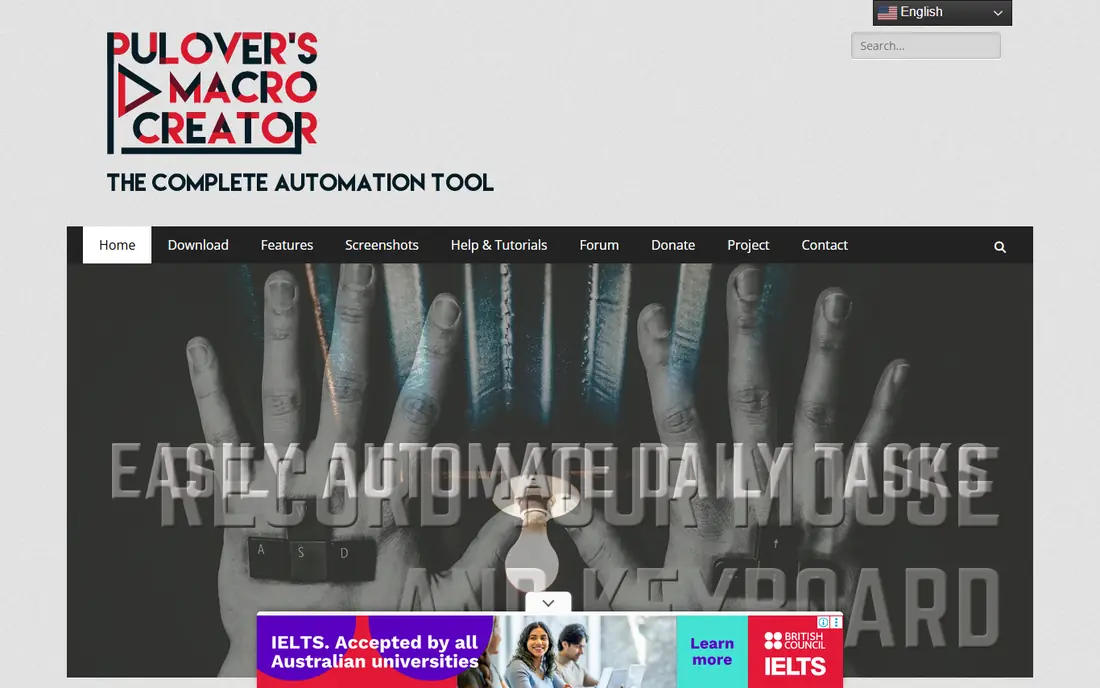
Where Pulover's Macro Creator fits: no-code macro recording. Pulover's Macro Creator is the friendliest free macro recorder for Windows. Worth adding: hit record, perform the task, and the tool captures your mouse and keyboard actions into an editable macro.
It is a community project instead of a commercial product, so updates arrive when they arrive. In daily use, for personal productivity and small business tasks, though, it removes the biggest barrier to automation, which is getting started. On cost, Pulover's Macro Creator starts like this: Free. Free access exists with Pulover's Macro Creator.
The main drawbacks: Development is community-paced.
- Free
- Visual macro recorder
- Windows only
AutoIt
Ideal for: Free Windows scripting
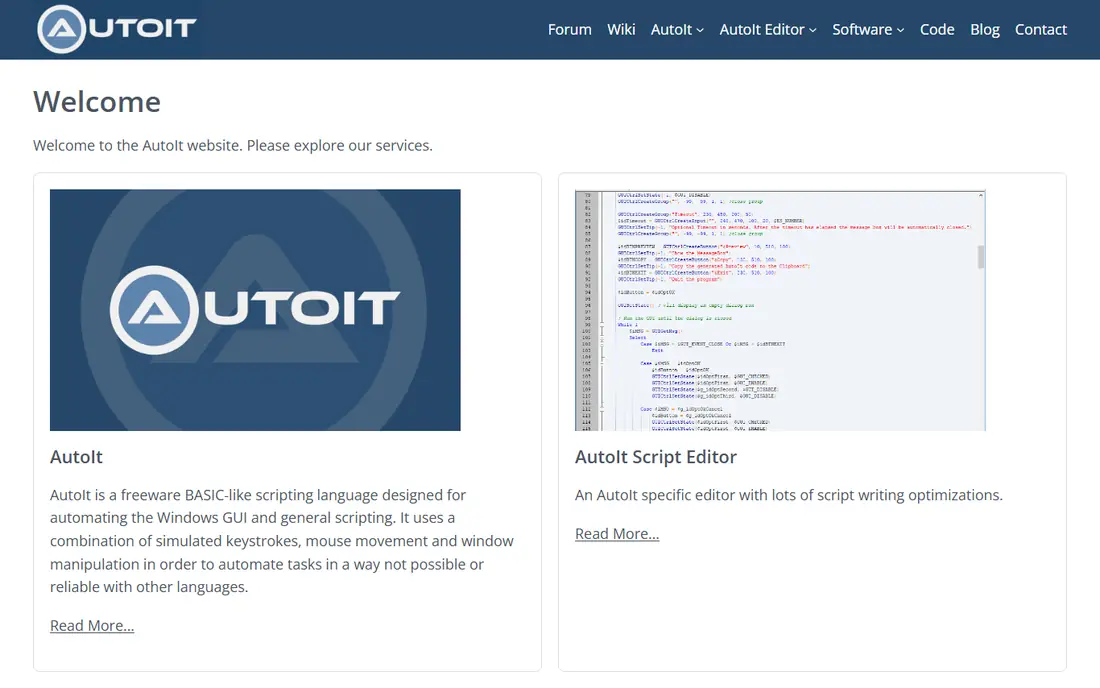
In short, AutoIt is for free Windows scripting. There is no refined visual designer on par with commercial tools, so you write code. That is fine for IT pros and power users, and the price is unbeatable.
Trade-offs to know: no visual recorder as decent as premium tools.
On top of that, AutoIt is a free scripting language for automating the Windows GUI. It has been doing the job dependably for over two decades. Beyond that, scripts can simulate keystrokes and mouse movements, manipulate windows and controls, and interact with applications that expose no API. AutoIt starts at: Free. Free access exists with AutoIt.
- Capable BASIC-like scripting language
- Fully free
- Scripting required
RoboTask
Ideal for: Scheduled task automation
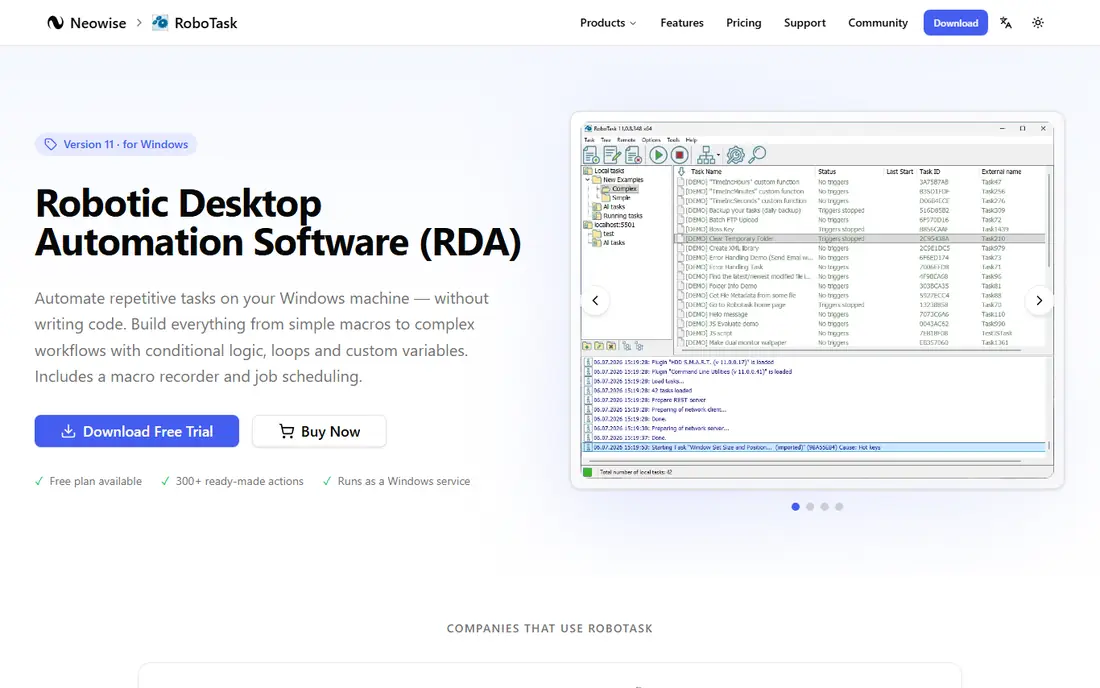
RoboTask was built for scheduled task automation. System administrators use it for the unglamorous work that keeps firms running: downloading files, processing them, sending reports, cleaning up folders, restarting services.
From a buyer's view, RoboTask is built around a straightforward idea: define tasks as sequences of actions, trigger them on a schedule or system event, and let them run. RoboTask shows no starting price here, so confirm the cost on the vendor site. Trial and free access: Free trial.
Downsides: Less suited to complicated decision logic.
- 300+ built-in actions
- Dependable scheduler
- Windows-focused
UiPath
Ideal for: Enterprise RPA programs
Think of UiPath for enterprise RPA programs. The system lets you build software robots that interact with desktop applications, web apps, and documents, using a visual designer backed by a massive library of prebuilt activities.
Limits to weigh: Enterprise pricing.
UiPath does not show a starting price in this comparison, so check the vendor site for current pricing. Free plan details: Free trial.
- Solid community and training
- Huge activity library
- Overkill for straightforward macros
Automation Anywhere
Ideal for: Enterprise automation at scale
Automation Anywhere is aimed squarely at enterprise automation at scale. Automation Anywhere is UiPath's closest competitor, with a cloud-native architecture that appeals to IT departments tired of managing RPA infrastructure.
Trade-offs to know: Enterprise pricing.
In practice, document automation is a particular strength. More specifically, bots are built in a web-based studio and managed from a central control room with scheduling, monitoring, and access controls. Pricing for Automation Anywhere is not stated here, so ask the vendor for current figures. Free options: Free trial.
- Cloud-native control room
- Solid document processing
- Ramp-up time for advanced features
AutoHotkey
Ideal for: Free keyboard and macro automation
AutoHotkey is a good fit for free keyboard and macro automation. Remap keys, expand text snippets, launch programs with hotkeys, and build full macros that drive applications, all from a light scripting language.
On top of that, whatever you want to automate, someone has probably written a starting point you can adapt. The starting price for AutoHotkey: Free. Free access exists with AutoHotkey.
Watch-outs: Windows only.
- Fully free and open source
- Tiny and quick
- Scripting language has quirks
Macro Scheduler
Ideal for: IT pros automating Windows
Macro Scheduler was built for IT pros automating Windows. Macro Scheduler has been automating Windows desktops since the late nineties, and it displays in the depth of the feature set.
But the one-time license pricing is refreshingly straightforward compared with subscription RPA products, and the tool does exactly what it promises without drama. Pricing for Macro Scheduler is not stated here, so ask the vendor for current figures. Trial and free access: Free trial.
Where it falls short: Interface displays its age.
- Macro recorder plus full scripting
- Compiled executables
- Windows only
How these tools were picked
Ainotely used vendor pricing pages and product documentation as the base, then compared plans, free access and documented limits for 7 tools. Prices and plan limits come from vendor pages and can change, so confirm them on the vendor site before you buy. We ordered the tools by general fit, then by how clearly pricing is shown, then by free access. A buyer with unusual needs may reorder them.
What to check before you buy
- Ask RoboTask, UiPath, Automation Anywhere and Macro Scheduler for a written quote, since no starting price is shown.
- Check what the free option really includes: Pulover's Macro Creator, AutoIt and AutoHotkey offer a free plan, and usage caps differ.
- Use real work to test the free trial from RoboTask, UiPath, Automation Anywhere and Macro Scheduler, rather than a demo project.
- Read the limits listed for Pulover's Macro Creator first: Windows only.
- Pick one real project and run it in AutoHotkey first; a small pilot shows fit faster than a checklist.
- Total up the real monthly cost of AutoIt, including add-ons, extra users and usage-based fees.
Frequently asked questions
Which options for desktop automation tools have a free plan?
Pulover's Macro Creator, AutoIt and AutoHotkey offer a free plan in this list. Free plans usually cap users, projects or features, so check the limits on the vendor page. Several others offer a trial instead.
Will automation break when software updates?
It can. Tools that identify controls by their properties (instead of screen coordinates) survive updates better. Budget maintenance time, particularly for automations that run unattended.
Is Pulover's Macro Creator the right pick for everyone comparing desktop automation tools?
No single tool suits every team. Pulover's Macro Creator comes first because it fits no-code macro recording, while AutoIt suits free Windows scripting and RoboTask suits scheduled task automation. Match the tool to your own size, budget and workflow before deciding.
How are the tools for desktop automation tools ordered?
The order follows typical fit for desktop automation tools, with Pulover's Macro Creator first and Macro Scheduler last, then price clarity and free access. It is editorial judgement, not a score, so another team could rank the tools differently.
Is desktop automation secure?
It can be, with care. Run unattended bots on dedicated machines with restricted permissions, and keep audit logs so you know what the bot did.
Can these tools automate web applications?
Yes, with caveats. Most deal with browser automation, but if the web app has an API, using it straight is more steady than driving the user interface. Reserve UI automation for applications with no API, which normally means older desktop software.