Digital Accessibility Platforms in 2026: A Guide to 7 Tools

- 1
 DequeDeveloper-first testing with axe toolsVisit
- 2
 Level AccessEnterprise programs at scaleVisit
- 3
 EqualWebWidget plus done-for-you remediationVisit
- 4
 SiteimproveAccessibility plus site quality checksVisit
- 5
 EvincedAI-assisted testing in the dev pipelineVisit
- Deque takes the first slot, best suited to developer-first testing with axe tools.
- A permanent free plan is missing from all 7 tools, Deque and accessiBe included; plan for a trial or a premium start.
- Before buying EqualWeb, weigh this: smaller brand presence in the US market, Quote-based pricing, Widget approach shares the same limits as competitors.
- Pricing across the list, from Deque to accessiBe, is by quote only.
Direct answer
Our first pick is Deque, best for developer-first testing with axe tools. If your case is different, Level Access suits enterprise programs at scale and EqualWeb suits widget plus done-for-you remediation. The other 4 tools in the list cover narrower or pricier cases.
Quick comparison
| Product | Ideal for | Price from | Free version | |
|---|---|---|---|---|
| Deque | Developer-first testing with axe tools | See website | Free trial | Visit |
| Level Access | Enterprise programs at scale | See website | No | Visit |
| EqualWeb | Widget plus done-for-you remediation | See website | No | Visit |
| Siteimprove | Accessibility plus site quality checks | See website | Free trial | Visit |
| Evinced | AI-assisted testing in the dev pipeline | See website | Free trial | Visit |
 AudioEye | Managed accessibility with legal support | See website | No | Visit |
 accessiBe | Quick widget deployment for SMBs | See website | No | Visit |
The 7 tools in detail
This Ainotely guide covers 7 digital accessibility platforms. Each profile lists a starting price, free plan details, strengths and drawbacks, so you can drop poor fits quickly.
Deque
Ideal for: Developer-first testing with axe tools
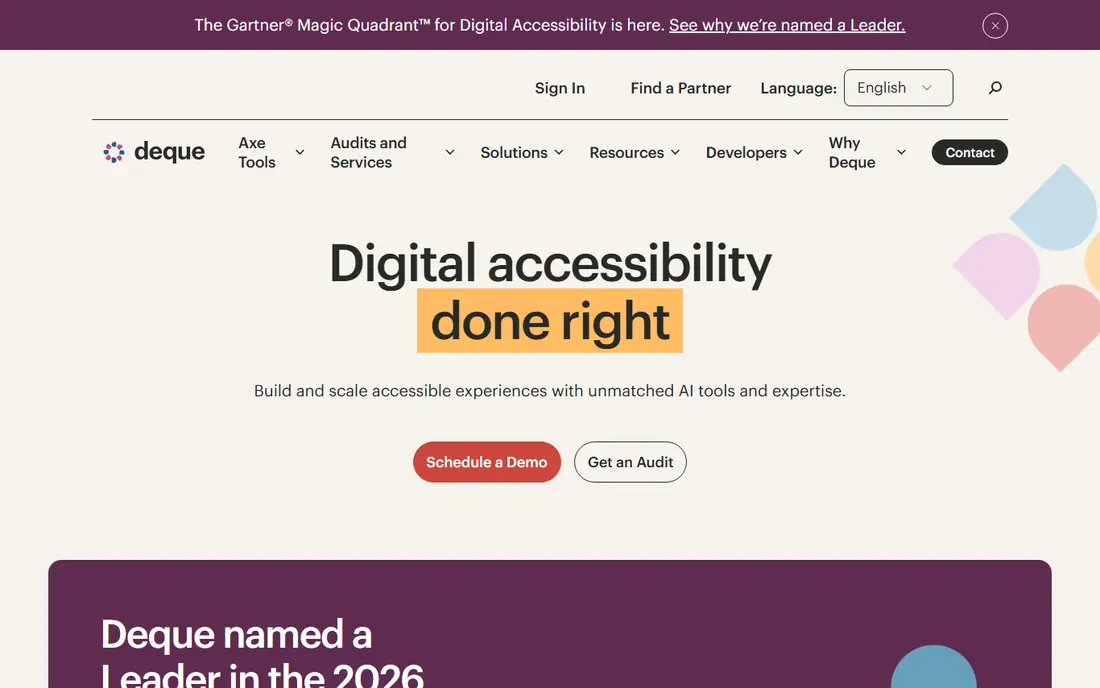
Deque is aimed squarely at developer-first testing with axe tools. Deque built axe-core, the open-source engine that powers a large share of accessibility testing on the web, including the axe DevTools browser extension numerous developers already use. That pedigree matters: when your engineers run Deque tools, they are testing with the same ruleset the industry trusts.
Where it falls short: Enterprise pricing for the full product.
From a buyer's view, the main limit is that Deque assumes you have developers to do the fixing. The commercial product layers on axe Monitor for scheduled scanning across large sites, workflow for assigning and tracking fixes, and integrations that put checks inside your build pipeline. This is the choice for organizations that want to fix accessibility at the source rather than patching it at the edge. No starting price is listed for Deque here; confirm pricing on the vendor site. Free options: Free trial.
- Plugs into CI/CD and major frameworks
- Axe-core is the industry-standard testing engine
- Needs developer involvement to get value
Level Access
Ideal for: Enterprise programs at scale
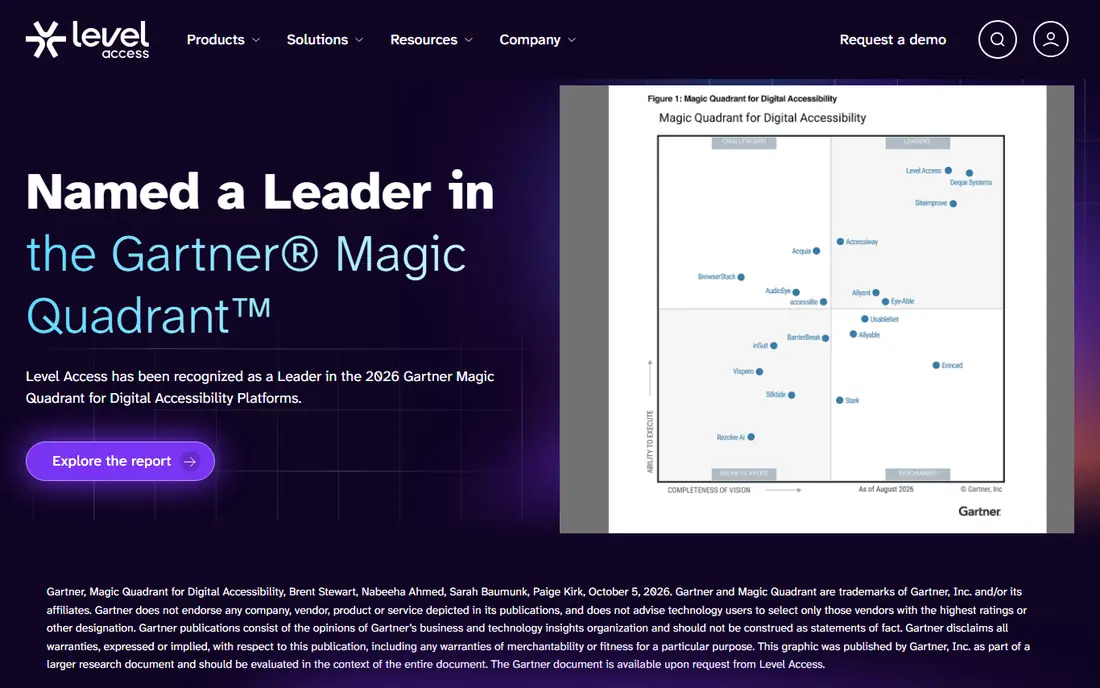
Level Access makes the most sense for enterprise programs at scale. If you are choosing for a Fortune 500 company or a university system, Level Access belongs on the shortlist.
Its product spans auditing, monitoring, and remediation workflow, but the real product is the program around it: consultants who scope the work, auditors who test with assistive tech, and training that teaches your team to build accessibly. The 2024 acquisition of UserWay gave Level Access a widget-based entry point for smaller sites, broadening a portfolio that was previously enterprise-only. Level Access does not show a starting price in this comparison, so check the vendor site for current pricing. Level Access has no permanent free option.
Strengths: Acquired UserWay to extend SMB reach. Where it is weaker: Enterprise pricing excludes small teams.
- Capable training and certification offerings
- Full system for enterprise accessibility programs
- Implementation can be heavy, Sales-led buying process
EqualWeb
Ideal for: Widget plus done-for-you remediation
EqualWeb is built with widget plus done-for-you remediation in mind. For teams without an in-house accessibility specialist, the combination of a visible user-facing tool and a back-end monitor spans both audiences. On top of that, EqualWeb follows the familiar widget model but pairs it with a monitoring console and optional practical remediation.
In practice, the company also sells remediation as a service, which closes the loop that pure widget vendors leave open: someone actually edits the code. Pricing is quote-based, tied to page count and traffic, so you will need a conversation with sales. No starting price is listed for EqualWeb here; confirm pricing on the vendor site. No free plan comes with EqualWeb.
Where it falls short: Widget approach shares the same limits as competitors. Upsides: Monitoring dashboard with issue history.
- Multi-language support
- Accessibility widget with wide customization
- Smaller brand presence in the US market, Quote-based pricing
Siteimprove
Ideal for: Accessibility plus site quality checks
Choose Siteimprove for accessibility plus site quality checks. Accessibility depth is solid for a generalist system, with checks mapped to WCAG criteria and guidance written for content editors rather than engineers.
For everyday use, for marketing and communications teams who own the website end to end, that single pane of glass is genuinely handy: one login, one backlog, one report for leadership. Universities and public sector organizations are a stronghold, which tells you the product deals with large, decentralized sites well. This comparison lists no price for Siteimprove; ask the vendor. Free access: Free trial.
Limits to weigh: Accessibility is one module among numerous.
Strengths: Accessibility alongside SEO, QA, analytics.
- Decent reporting for non-technical stakeholders
- Clear prioritization of issues by impact
- Pricing scales with the full suite
Evinced
Ideal for: AI-assisted testing in the dev pipeline
Evinced is aimed squarely at AI-assisted testing in the dev pipeline. Evinced takes the developer-integrated approach and layers on machine learning to cut the noise. In practice, the founding team comes from the accessibility testing world.
Reasons to shortlist it: Spans web and mobile apps.
The product reflects that experience in how findings are explained and grouped. More specifically, the system includes both web and mobile, which matters as accessibility requirements increasingly extend to apps. For everyday use, for teams running accessibility checks in CI/CD, fewer false alarms means the checks actually stay turned on rather than getting ignored. Traditional scanners produce long lists of findings that bundle plenty of false positives. Evinced claims its models filter those out so engineers only see real issues. This comparison lists no price for Evinced; ask the vendor. Free access: Free trial.
- AI cuts false positives in test results
- Founded by accessibility testing veterans
- Newer brand with smaller community, Developer-centric like Deque, Pricing not published
AudioEye
Ideal for: Managed accessibility with legal support
AudioEye works best for managed accessibility with legal support. The company also leans into the legal side.
Reporting is granular enough to present progress over time, a handy thing when you have to demonstrate good-faith effort. This comparison lists no price for AudioEye; ask the vendor. AudioEye has no permanent free option.
Strengths: In-depth issue tracking and reporting.
Where it is weaker: Can be pricey for very large sites.
- Works with most CMS systems
- Merges automation with certified human testers
- Some fixes still need developer time
accessiBe
Ideal for: Quick widget deployment for SMBs
accessiBe makes the most sense for quick widget deployment for SMBs. For a small business owner who just received a demand letter and needs to display action this week, that speed is the whole pitch. But as a pragmatic first step with litigation support attached, accessiBe remains one of the fastest routes from zero to monitored.
More specifically, you add a JavaScript snippet, the accessWidget appears. The company claims its AI rescans and adjusts the site every 24 hours. accessiBe became the most recognized name in the category by making accessibility feel installable. Check the vendor site for accessiBe pricing; none is listed in this comparison. accessiBe has no free tier.
Watch-outs: Annual billing with no monthly option on some levels.
- AccessFlow helps developers fix code straight
- AI-driven daily rescans of site content
- Widget-only approach draws criticism from accessibility advocates
A closer look at digital accessibility platforms
A demand letter arrives on a Tuesday morning. This is how most firms start caring about digital accessibility: not from a strategy deck, but from a legal notice. Web accessibility lawsuits kept climbing through 2025, and the pattern is consistent.
In daily use, the uncomfortable part is that fixing a site once does not keep it fixed.
How the list was put together
Pricing pages, product documentation and feature lists were the main sources, and every entry carries at least one honest drawback. Plan names, prices and limits change often. Treat the figures here as a starting point and verify them with the vendor. Position on the page reflects fit for a typical buyer first, with price clarity and free access breaking ties. Treat it as a guide, not a ruling.
Pre-purchase checklist
- Confirm the entry price with every vendor: no tool from Deque to accessiBe shows a fixed starting price.
- Take the trial from Deque, Siteimprove and Evinced and push a live task through it before you pay.
- Before choosing Deque, weigh its main limit: needs developer involvement to get value, Enterprise pricing for the full product, Less hand-holding than managed services.
- Look at which plan of Deque unlocks the features you need; entry tiers are often cut down.
- Look at the help docs and support options for AudioEye before you commit.
Frequently asked questions
Does any tool for digital accessibility platforms here have a free plan?
A permanent free plan is not offered by Deque, accessiBe or the other tools here. Deque, Siteimprove, Evinced offer a trial. Plan a short evaluation period instead.
Do these tools publish their prices?
No. None of the tools, from Deque to accessiBe, shows a fixed starting price here, so budget time for quotes.
What is the difference between WCAG and ADA compliance?
WCAG is the technical standard that describes what an accessible site looks like. In daily use, in practice, meeting WCAG 2.1 AA is the accepted way to cut ADA risk.
Is Deque the right pick for everyone comparing digital accessibility platforms?
No single tool suits every team. Deque comes first because it fits developer-first testing with axe tools, while Level Access suits enterprise programs at scale and EqualWeb suits widget plus done-for-you remediation. Match the tool to your own size, budget and workflow before deciding.
How are the tools for digital accessibility platforms ordered?
The order follows typical fit for digital accessibility platforms, with Deque first and accessiBe last, then price clarity and free access. It is editorial judgement, not a score, so another team could rank the tools differently.