Our first pick is Bynder, best for enterprise content at scale. Listed starting prices: Filecamp from $29 a month. If your case is different, Canto suits organizing and sharing assets and Filecamp suits straightforward cloud asset organization. The other 2 tools in the list cover narrower or pricier cases.
This Ainotely guide covers 5 digital asset management software for architects. Each profile lists a starting price, free plan details, strengths and drawbacks, so you can drop poor fits quickly.
Key takeaways
Bynder is the opening pick, best for enterprise content at scale.
Bynder, Brandfolder and the 3 others all need a premium plan or a trial, since no free plan is listed.
Acquia DAM comes with a trade-off: enterprise scope may be complicated.
Starting prices begin at $29 per month with Filecamp.
Brandfolder is the one to check for usable brand asset management.
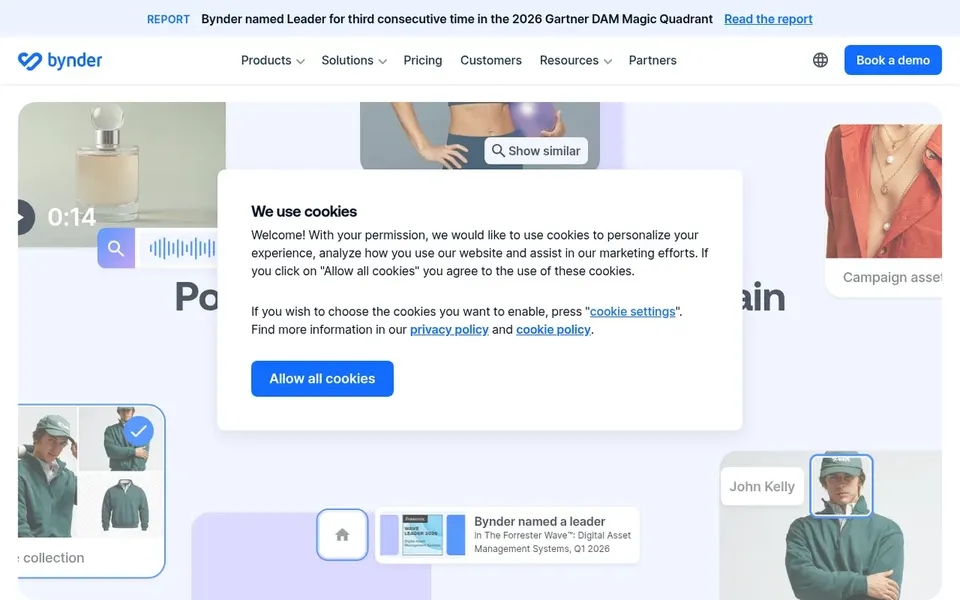
For enterprise content at scale, Bynder is a natural candidate. The enterprise orientation can mean more setup and administration than a small studio needs. Choose Bynder when scale, content distribution, and cross-team coordination are central requirements instead of occasional needs.
Bynder describes itself as an easy-to-learn enterprise DAM product for creating, managing, and distributing content at scale. It is pitched at organizations with substantial content operations and interconnected workflows. Bynder shows no starting price here, so confirm the cost on the vendor site. Free access: Not stated.
Where it falls short: Enterprise setup can take time.
Canto is aimed squarely at organizing and sharing assets. Architecture teams handling large volumes of project photography and presentation graphics may appreciate the straightforward find-and-share emphasis for daily retrieval. For everyday use, Canto is a digital asset management option that emphasizes organizing, finding, and sharing digital assets with ease.
It is positioned for organizations that require a dependable library for visual and brand content. In practice, studios with highly specialized revision-tracking needs should confirm fit during evaluation. Check the vendor site for Canto pricing; none is listed in this comparison. Free access: Free trial.
Drawbacks to consider: May need onboarding for advanced use.
Best for: Straightforward cloud asset organization
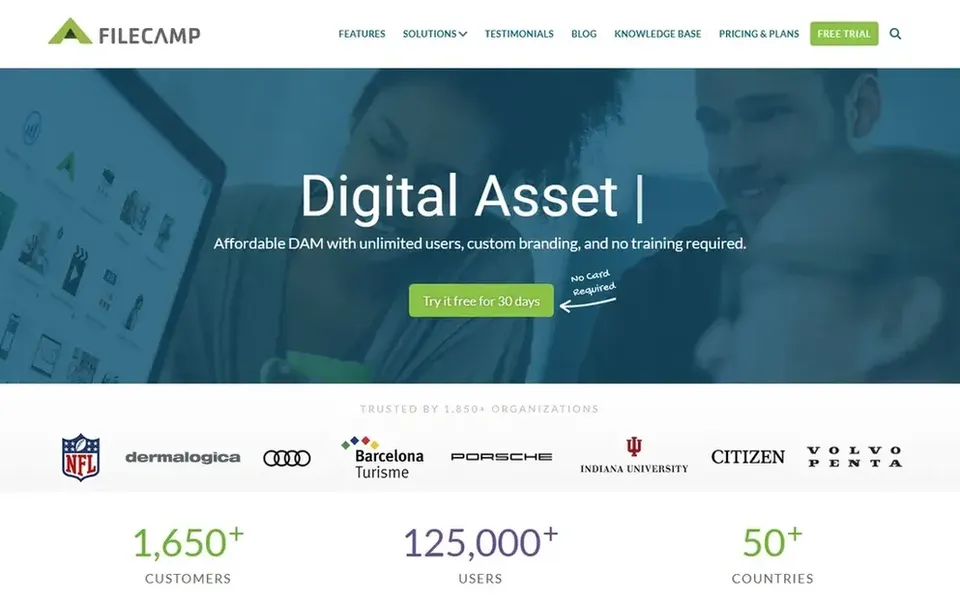
Filecamp makes the most sense for straightforward cloud asset organization. Filecamp is a cloud-based digital asset management product built around simplicity. It helps teams organize, share, and control media without the complexity or cost associated with enterprise systems.
Honest limits: Advanced automation may be restricted.
Best features of Filecamp: control media. Studios with complicated approval chains or heavy multi-system integration needs should evaluate more customizable systems. As for the details, since it positions itself against enterprise complexity, Filecamp may lack the deep workflow automation and integration breadth that very large businesses need. As for the details, for architecture studios that primarily need a tidy, accessible library for renderings, drawings, and project photos, it presents a low-friction starting point. On cost, Filecamp starts like this: $29 per month. Free options: Free trial.
Acquia DAM works best for enterprise workflow automation. Acquia DAM is presented as an enterprise digital asset management product for centralizing assets, automating workflows, and delivering on-brand content everywhere. It targets organizations that need governance and repeatable processes around content.
Choose Acquia DAM when workflow automation and consistent content delivery are explicit goals instead of incidental benefits. In practice, bigger architecture practices with formal review steps for marketing and proposal imagery may value the automation emphasis for reducing manual routing. Teams without defined content processes may struggle to justify the configuration effort. From a buyer's view, the enterprise scope can introduce complexity that small studios do not need. No starting price is listed for Acquia DAM here; confirm pricing on the vendor site. Free plan details: Free trial.
What to check first: Best fit needs clear process goals.
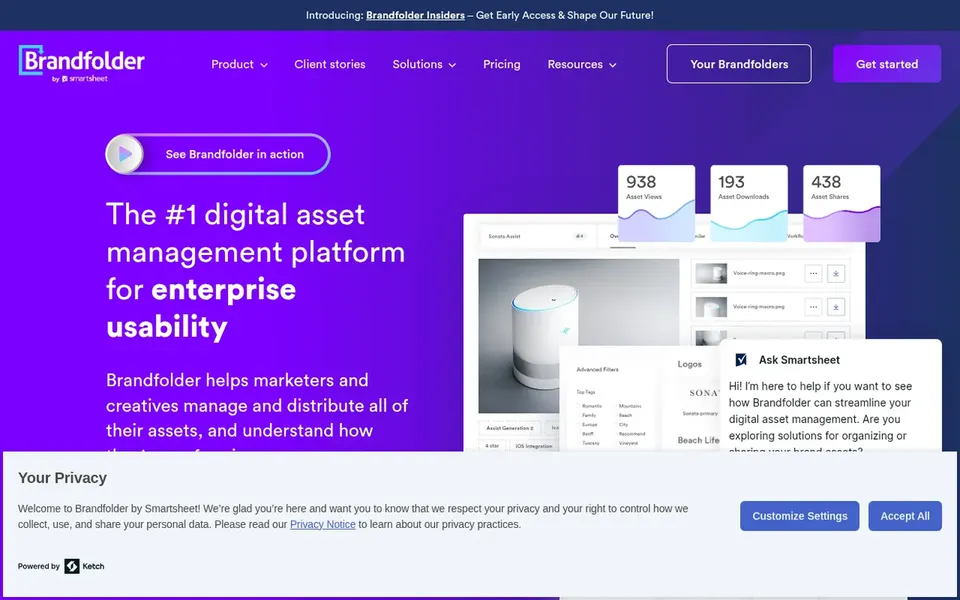
Pick Brandfolder if this describes you: usable brand asset management. It lets teams handle, distribute, and analyze digital assets from a single place, with usability as a central theme.
On top of that, businesses whose priority is deep project file versioning instead of brand consistency might prefer a more general DAM. No starting price is listed for Brandfolder here; confirm pricing on the vendor site. Free access: Not stated.
Points against: Enterprise features can add complexity.
Ask Bynder, Canto, Acquia DAM and Brandfolder for a written quote, since no starting price is shown.
Run a trial of Canto, Filecamp and Acquia DAM with real work before paying for a year; your own workflow is the best test.
Read the limits listed for Bynder first: may be heavy for small studios.
Look at the help docs and support options for Brandfolder before you commit.
Compare total cost, not headline price: for Filecamp, add extra seats, add-ons and any usage-based charges.
How we picked
Each tool was reviewed on what its vendor publishes: price, plan limits, core features and stated drawbacks. We did not run hands-on tests. Prices and plan limits come from vendor pages and can change, so confirm them on the vendor site before you buy. Order on the page follows fit for the typical buyer first, then price transparency and free access. Your own requirements should decide the final pick. Keep it in mind while reading the 5 digital asset management software for Architects profiles on this page.
Every price and plan detail on this page comes from the vendors’ own websites. We did not run hands-on tests unless the text says so, and we do not publish star ratings or review scores. See how we score and our disclosure.
Keep your shortlist in one place
Paste prices, trial dates and notes from this guide into Ainotely, our AI note app. It files them into a topic and pulls out tasks like “cancel trial by Friday”. Free 7-day trial, no card needed.
Often, yes. Canto, Filecamp and Acquia DAM offer a free trial. Use your own data and a real task during the test, and check what the free tier or trial limits before you rely on it.
Does any tool for digital asset management software for architects here have a free plan?
A permanent free plan is not offered by Bynder, Brandfolder or the other tools here. Canto, Filecamp, Acquia DAM offer a trial. Plan a short evaluation period instead.
What is the cheapest option for digital asset management software for architects in this list?
On published monthly entry prices, Filecamp is the lowest here at $29 per month. Entry price is only part of the cost, because seats, add-ons and billing terms can change the total. For the full picture, the cards above cover all 5 entries of this digital asset management software for Architects list, including price, free plan and limits.
How is DAM different from a project file server?
A file server keeps files by folder, whereas DAM brings metadata, search, previews, and controlled sharing. That makes retrieval quicker and cuts duplicate or outdated assets. DAM also supports brand governance that general file storage does not.
How are the tools for digital asset management software for architects ordered?
The order follows typical fit for digital asset management software for architects, with Bynder first and Brandfolder last, then price clarity and free access. It is editorial judgement, not a score, so another team could rank the tools differently.