Best Digital Tools in 2026: 7 Learning Tools Compared

- Digital learning tools cover classroom management, interactive lessons, online courses, language practice, and study routines in one connected toolkit.
- Google Classroom, Nearpod, and Edpuzzle suit teachers who run classes, assign work, and check understanding in real time.
- Coursera and edX suit adult learners who want university and company courses with certificates and degrees.
- Duolingo and Quizlet suit self-directed learners who want daily practice in languages or any study subject.
- Our pick for most learners is a mix: one classroom or course platform for structure, plus one practice tool for daily habit.
Quick comparison
| Product | Ideal for | Price from | Free version | |
|---|---|---|---|---|
 Google Classroom | Classroom management | See website | Free plan | Visit |
 Nearpod | Interactive lessons | See website | Free plan | Visit |
 Edpuzzle | Video lessons with questions | See website | Free plan | Visit |
 Coursera | University and career courses | See website | Free trial | Visit |
 edX | Courses, certificates, degrees | See website | Free plan | Visit |
 Duolingo | Language learning | See website | Free plan | Visit |
 Quizlet | Flashcards and study modes | See website | Free plan | Visit |
The best digital tools
Digital learning tools have moved from nice extras to the core of how many people study. Teachers run classes through them, students revise with them, and working adults reskill through them. The best tools do more than host content: they organize assignments, check understanding, adapt to the learner, and keep progress visible.
We compared official feature pages, pricing pages, and product documentation for tools used in October 2026, looking at classroom features, interactivity, course depth, practice design, progress tracking, and free access. The seven tools below cover school classrooms and adult learning, so readers can compare teacher-led tools against self-paced ones.
Google Classroom
Ideal for: Classroom management

Google Classroom is the classroom hub from Google, used by teachers to create classes, post assignments, collect work, grade, and give feedback. It connects closely with Google Docs, Drive, and Meet, so a teacher can share a document, set a due date, and return graded work without leaving the platform.
The strength is simplicity and cost: Classroom is free for schools and widely adopted, so students and teachers usually already know it. The trade-off is depth: it manages learning well but does not itself deliver rich interactive lessons, which is where Nearpod and Edpuzzle fit. For schools that want a free, reliable classroom base, Google Classroom is a leading choice.
- Free for schools and teachers
- Assignments, grading, and feedback in one place
- Deep Google Workspace links
- Interactive lesson features are thinner than Nearpod
- Reporting is basic
- Best inside Google Workspace
Nearpod
Ideal for: Interactive lessons
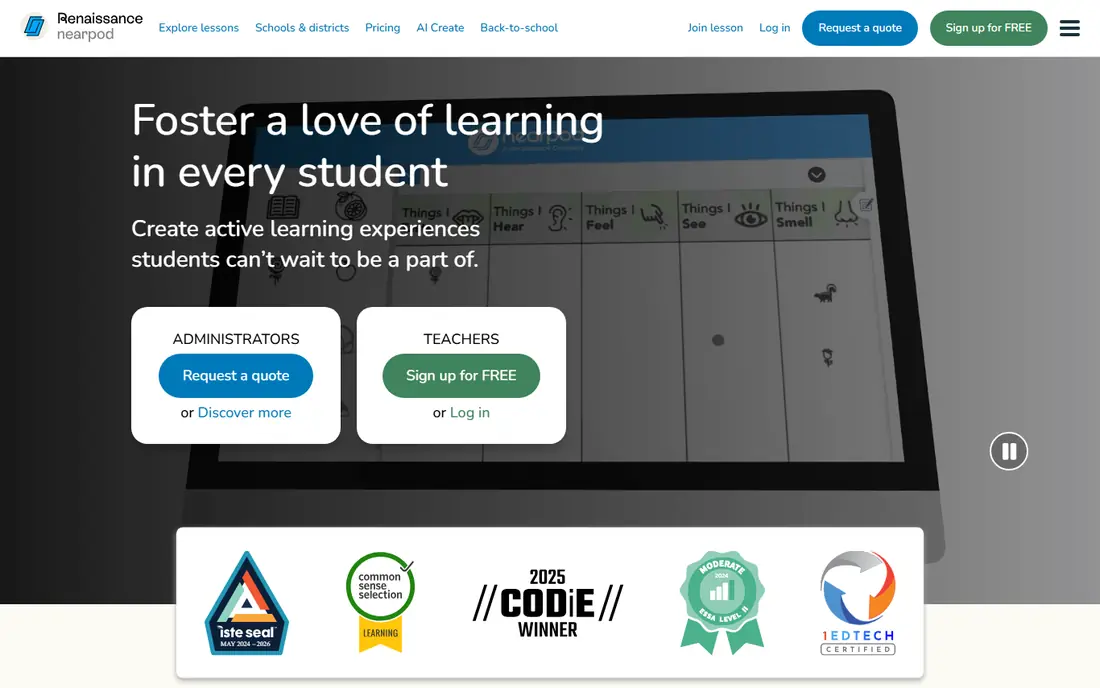
Nearpod turns lessons into interactive experiences, letting teachers add polls, quizzes, open questions, videos, and virtual field trips to slides, then see student responses in real time. Teachers can run lessons live or assign them for self-paced work, and the platform tracks participation and understanding as students go.
The draw is engagement and feedback: instead of waiting for a test, a teacher can see who understood a concept during the lesson and adjust on the spot. The trade-off is that the free plan has limits, and the richest content sits on paid tiers. For teachers who want lessons students take part in rather than watch, Nearpod is a strong pick.
- Interactive slides, polls, quizzes, and videos
- Real-time student responses
- Large lesson library
- Free plan limits apply
- Full features need paid tiers
- Best with live or guided lessons
Edpuzzle
Ideal for: Video lessons with questions
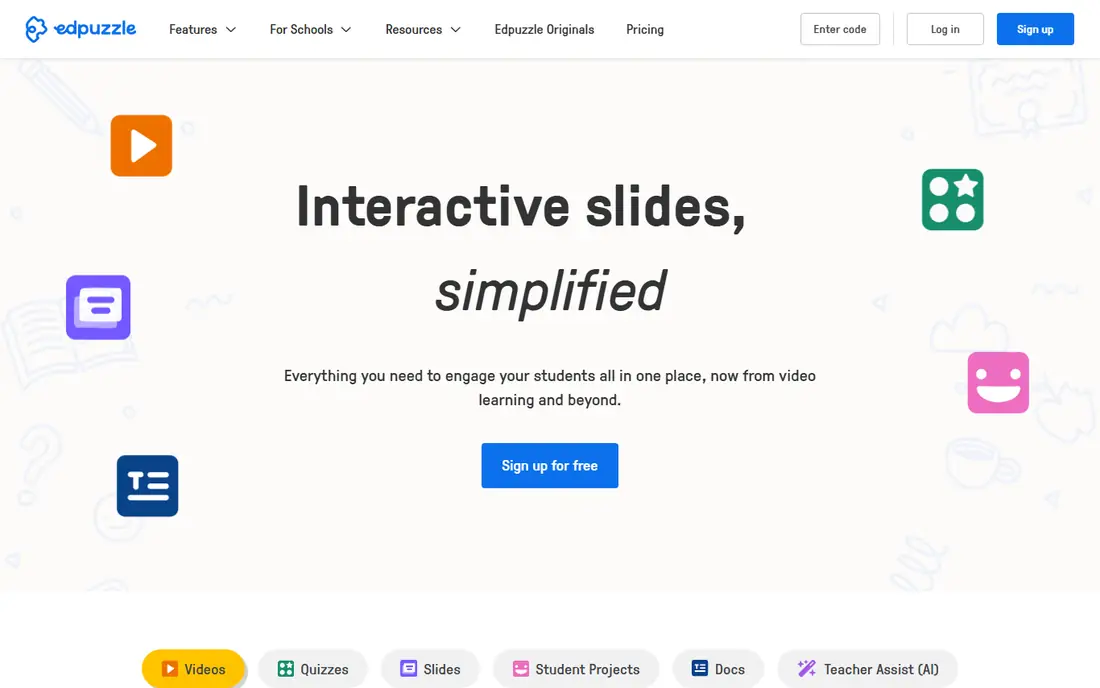
Edpuzzle lets teachers take any video and add questions, notes, and voice comments, turning passive watching into an assessed lesson. Teachers can see which students watched, where they stopped, and how they answered, which makes video homework accountable rather than hopeful.
The strength is focus: a short video plus a few well-placed questions often teaches more than a long lecture, and Edpuzzle makes that easy to build. The trade-off is scope: Edpuzzle is video-first, so it pairs best with a classroom platform such as Google Classroom rather than replacing one. For teachers who use video in class, Edpuzzle is a strong pick.
- Add questions to any video
- Tracks who watched and answered
- Free tier for teachers
- Free plan limits apply
- Video-first design
- Reporting depth needs paid tiers
Coursera
Ideal for: University and career courses
Coursera is an online learning platform offering courses, Specializations, Professional Certificates, and degrees from universities and companies such as Google and IBM. Its homepage stresses job-ready programs in fields such as data analytics, cybersecurity, UX design, and AI, plus free course previews and a 7-day free trial for Specializations and Coursera Plus.
The draw is credential value: learners can build skills with content from trusted institutions and earn certificates employers recognize. The trade-off is cost for certificates and the discipline self-paced study demands. For adults who want career-focused learning with credentials, Coursera is a leading choice.
- Courses from universities and companies
- Professional Certificates and degrees
- Free course previews
- Certificates need paid enrolment
- Prices vary by program
- Self-paced study needs discipline
edX
Ideal for: Courses, certificates, degrees
edX is an online learning platform offering courses, certificates, and degrees from leading institutions, with a homepage that cites 100 million global learners and content from Harvard, Stanford, and Cambridge. Learners can explore courses for free in many cases and pay for verified certificates or degree programs, while teams can use edX enterprise subscriptions for workforce training.
The strength is academic depth: edX suits learners who want university-level courses in subjects from AI to leadership, with flexible and fully online options. The trade-off is that certificates and degrees carry fees, and progress depends on self-motivation. For learners who want university-backed online study, edX is a strong pick.
- Courses from Harvard, Stanford, and Cambridge
- Certificates and degrees
- Large global learner base
- Certificate and degree fees apply
- Prices vary by program
- Self-paced study needs discipline
Duolingo
Ideal for: Language learning
Duolingo is a language learning app built around short, game-like lessons that teach reading, writing, listening, and speaking. Its homepage stresses free, fun, and effective learning, with bite-sized lessons, points, levels, and streaks that help learners form a daily habit, plus personalized lessons tuned by AI and language science.
The draw is habit: Duolingo makes daily practice easy, which matters more for languages than any single lesson. The trade-off is depth: advanced learners will need conversation practice and richer material beyond the app. For beginners and steady daily learners, Duolingo is a leading choice.
- Free, fun, bite-sized lessons
- Research-backed teaching methods
- Game-like motivation
- Free tier includes ads and limits
- Depth limited for advanced learners
- Speaking practice is basic
Quizlet
Ideal for: Flashcards and study modes
Quizlet is a study platform that turns notes, recorded or written, into flashcards, study guides, practice tests, and games. Its homepage stresses quick reviews, study sessions with friends, and teacher tools, noting that Quizlet is free for teachers and now integrates with Google Classroom so free activities can be assigned in seconds.
The strength is revision: flashcards and practice questions help learners test recall rather than reread notes, which builds stronger memory. The trade-off is that shared study sets vary in quality, and Quizlet suits revision better than first-time teaching. For students who want a free, flexible study tool, Quizlet is a strong pick.
- Flashcards, practice tests, and games from any notes
- Free for teachers
- Google Classroom integration
- Quality of shared sets varies
- Advanced features need paid tiers
- Best for revision rather than first teaching
How we picked these
We compared official feature pages, pricing pages, and product documentation for digital learning tools available in October 2026. We favored tools with clear classroom or learner value, free access or free trials, progress tracking, and content depth, and we covered both teacher-led and self-paced learning. Pricing is listed as "See website" where the vendor prices by tier or no starting price was shown on the homepage. We did not claim hands-on testing; this comparison rests on vendor documentation, pricing pages, and public reviews.
What to check before you pick digital learning tools
Start with who learns and how. Teachers need classroom management and live feedback, so Classroom plus Nearpod or Edpuzzle fits well, while adult learners need course depth and credentials, so Coursera or edX fits better, and self-directed learners need habit tools such as Duolingo or Quizlet.
Next, test the free tier with real material: run one lesson, one course module, or one week of practice, and check progress tracking, exports, and device support. Finally, check privacy and access, especially for school use, including student data handling, age rules, and whether the tool works on the devices learners actually own. It also helps to agree on one home base for assignments and grades, so learners are not hunting across five apps for the next task. A simple setup that everyone uses beats a long list of tools that only some people open.
Frequently asked questions
What are digital learning tools?
Digital learning tools are apps and platforms that support teaching and study online, including classroom management, interactive lessons, video lessons, online courses, language practice, and study tools such as flashcards.
Are these tools free?
Many offer free tiers or free trials. Google Classroom is free for schools, Duolingo and Quizlet have free tiers, Nearpod and Edpuzzle offer free teacher plans, and Coursera and edX let learners preview or audit many courses free, with fees for certificates.
Which tool is best for teachers?
Google Classroom suits classroom management, Nearpod suits interactive live lessons, and Edpuzzle suits video lessons with questions. Most teachers get the best result by combining Classroom with one of the other two.
Which tool is best for adult learners?
Coursera and edX suit adults who want structured courses with certificates or degrees, while Duolingo suits language learners and Quizlet suits anyone revising for exams or certifications.
Can these tools replace a teacher?
No. These tools support teaching and practice, but feedback, discussion, and guidance from a teacher or tutor remain central, especially for complex subjects and younger learners.
How do I stay motivated with self-paced learning?
Set a small daily goal, track streaks or progress, study with a friend or group where the tool allows it, and tie learning to a concrete goal such as a certificate, a trip, or a job skill.