Document Assembly Software Buyer's Guide: 5 Tools for 2026

- 1
 PathagorasSolo lawyers who live in Microsoft Word and want a one-time purchaseVisit
- 2
 GavelLaw businesses that want no-code automation with client-facing interviewsVisit
- 3
 DocassembleTechnical teams and legal aid organizations that want free, open-source assemblyVisit
- 4
 HotDocsLarge law businesses and enterprises with complicated document needsVisit
- 5
 Formstack DocumentsCompanies that want documents generated from forms and app dataVisit
- Pathagoras is the opening pick, best for solo lawyers who live in Microsoft Word and want a one-time purchase.
- Just one of the 5 tools, Docassemble, has a free plan.
- The main caution on HotDocs: enterprise sales process with quoted pricing.
- Formstack Documents fits firms that want documents generated from forms and app data.
- Formstack Documents has the lowest monthly starting price in this list: See website.
Direct answer
Pathagoras leads the list, best for solo lawyers who live in Microsoft Word and want a one-time purchase. Gavel fits law businesses that want no-code automation with client-facing interviews; Docassemble fits technical teams and legal aid organizations that want free, open-source assembly. All 5 tools are compared below on price, free plan and limits.
Quick comparison
| Product | Ideal for | Price from | Free version | |
|---|---|---|---|---|
| Pathagoras | Solo lawyers who live in Microsoft Word and want a one-time purchase | See website ($379 one-time per user reported) | No | Visit |
| Gavel | Law businesses that want no-code automation with client-facing interviews | See website (from $83/month reported) | Free trial | Visit |
| Docassemble | Technical teams and legal aid organizations that want free, open-source assembly | Free (open source, self-hosted) | Yes | Visit |
| HotDocs | Large law businesses and enterprises with complicated document needs | See website (enterprise pricing, quoted) | No | Visit |
| Formstack Documents | Companies that want documents generated from forms and app data | See website (from $29/month reported) | Free trial | Visit |
The best document assembly software
Ainotely put together this guide to document assembly software for readers who want a clear shortlist without reading every vendor page. It compares 5 tools on starting price, free plans, who each one suits and where each one falls short.
Pathagoras
Ideal for: Solo lawyers who live in Microsoft Word and want a one-time purchase
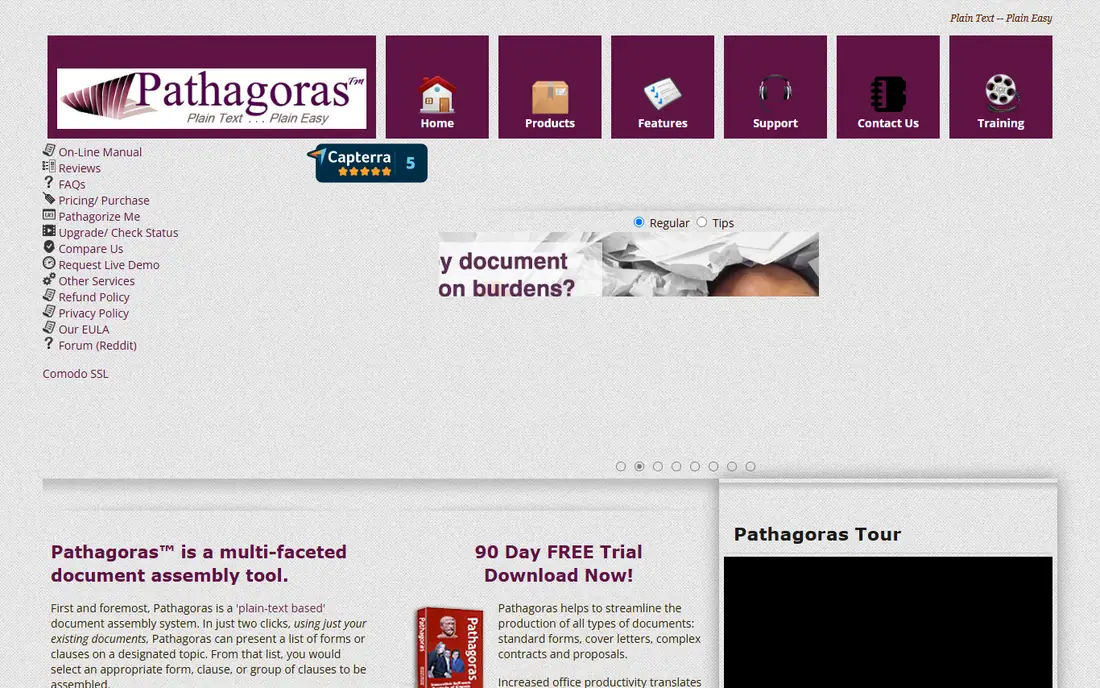
For solo lawyers who live in Microsoft Word and want a one-time purchase, Pathagoras is a natural candidate. You mark up existing documents with plain-English variables, build clause libraries, and assemble by answering questions in a sidebar.
Trade-offs to know: Dated interface.
The pricing model is the story. The trade is product: it is a Word add-in, so browser-first teams and Mac users are out of luck, and the interface presents its age. Pathagoras shows no starting price here, so confirm the cost on the vendor site. Pathagoras has no free tier.
- Works inside Word as an add-in
- One-time license with no subscription
- One-time model means paying for major upgrades
Gavel
Ideal for: Law businesses that want no-code automation with client-facing interviews

Gavel serves law businesses that want no-code automation with client-facing interviews. Gavel, formerly Documate, rebranded in 2023 to include the full legal automation workflow. Businesses also use it to productize services, turning repeat work into automatic legal products clients can buy straight.
The trade is depth for speed: Gavel gets a working automation live quick, but the most intricate HotDocs-style logic is not its game. The pitch is no-code: build a guided interview in the browser, let clients answer questions online, and get a finished document without touching Word fields. Worth adding: integrations with Clio and DocuSign fit the modern small-firm stack. No starting price is listed for Gavel here; confirm pricing on the vendor site. Free access: Free trial.
Watch-outs: Logic depth trails HotDocs.
- No-code browser builder
- Plugs into Clio and DocuSign
- Monthly cost layers on up
Docassemble
Ideal for: Technical teams and legal aid organizations that want free, open-source assembly
Choose Docassemble for technical teams and legal aid organizations that want free, open-source assembly. You define guided interviews in YAML with Python under the hood, and the system assembles Word or PDF documents from the answers. From a buyer's view, Courts, legal aid organizations and law school clinics run real public services on it, which says plenty about its reliability.
For a technical team or a nonprofit with developer time, Docassemble provides serious interview-driven assembly for the cost of hosting. The interview screens work but will not win design awards. In daily use, you need someone comfortable with YAML, Python and a server, and there is no vendor to call at midnight. For everyday use, free means self-hosted and self-supported. Starting cost for Docassemble: Free. A free plan is available with Docassemble.
Points against: Needs a developer to set up and maintain.
- Fully free to use
- Guided interviews defined in YAML with Python underneath
- Functional instead of refined interface
HotDocs
Ideal for: Large law businesses and enterprises with complicated document needs
HotDocs is designed for large law businesses and enterprises with complicated document needs. HotDocs invented this category in the late 1970s and still defines its high end. Beyond that, note the ownership change: Mitratech acquired HotDocs in June 2024, so ask about the product roadmap before committing.
Main advantages: Decades of precedent in legal and banking.
Trade-offs to know: Heavy for small teams.
Worth adding: pricing is quoted, implementation is a project, and a solo practice will find it heavy. For large firms and banks automating thousands of complicated documents, nothing else here matches the depth. HotDocs shows no starting price here, so confirm the cost on the vendor site. HotDocs has no free tier.
- On-premise and cloud deployment
- Desktop
- Enterprise sales process with quoted pricing
Formstack Documents
Ideal for: Companies that want documents generated from forms and app data
Formstack Documents serves firms that want documents generated from forms and app data. With 100-plus integrations, it suits operations teams producing invoices, proposals, contracts and reports from systems they already use.
No starting price is listed for Formstack Documents here; confirm pricing on the vendor site. Free plan details: Free trial.
What to check first: Generation-focused, with lighter interview depth.
- Merges data from forms
- CRMs and 100-plus integrations
- Now sold under Intellistack branding
How we built this list
The comparison looks at four things: starting price, free access, how well the feature set matches document assembly software, and the main limit of each tool. Where a vendor does not publish a price, the entry says quote. Where a price depends on seats or billing term, the entry says so. We ordered the tools by general fit, then by how clearly pricing is shown, then by free access. A buyer with unusual needs may reorder them.
Questions to settle before buying
- Confirm the entry price on the vendor page. For Pathagoras, Gavel, HotDocs and Formstack Documents that means a quote rather than a fixed price.
- Test the free plan from Docassemble against your real workload before relying on it.
- Take the trial from Gavel and Formstack Documents and push a live task through it before you pay.
- Before choosing Pathagoras, weigh its main limit: Word on Windows only.
- Pick one real project and run it in Docassemble first; a small pilot shows fit faster than a checklist.
- Get the contract term, renewal terms and any onboarding fees from Pathagoras in writing.
Frequently asked questions
Is open-source Docassemble really free?
The software is free and open source. You pay for hosting, setup and maintenance, which means developer time. For a legal aid organization with technical staff, the total is far below any commercial license. For a firm with no developers, the "free" tool rapidly becomes the pricey one.
Is Pathagoras the right pick for everyone comparing document assembly software?
No single tool suits every team. Pathagoras comes first because it fits solo lawyers who live in Microsoft Word and want a one-time purchase, while Gavel suits law firms that want no-code automation with client-facing interviews and Docassemble suits technical teams and legal aid organizations that want free, open-source assembly. Match the tool to your own size, budget and workflow before deciding.
How are the tools for document assembly software ordered?
Pathagoras sits first and Formstack Documents last because the order follows typical fit for document assembly software, then price clarity and free access. It is a judgement call, so read each profile for fit and limits.
What is the cheapest option for document assembly software in this list?
On published monthly entry prices, Formstack Documents is the lowest here at See website. Entry price is only part of the cost, because seats, add-ons and billing terms can change the total.
Do these tools publish their prices?
Not all of them. Pathagoras, Gavel, HotDocs and Formstack Documents publish no starting price, so expect a quote request for those. The rest, Docassemble included, show a starting price, though seats and billing terms still change the final cost.