6 Top Document Creation Software Options Compared (2026)

- 1
 Better ProposalsFreelancers, consultants, and small agencies wanting proposals quickVisit
- 2
 Formstack DocumentsOperations teams auto-generating documents from data sourcesVisit
- 3
 PandaDocSales teams with a repeatable proposal-to-signature processVisit
- 4
 ProposifyAgencies and sales teams wanting refined, on-brand proposalsVisit
- 5
 GetAcceptSales teams running collaborative deals with several stakeholdersVisit
- The list opens with Better Proposals, aimed at freelancers, consultants, and small agencies wanting proposals quick.
- Qwilr fits teams selling through modern interactive buyer experiences.
- Pricing across the list, from Better Proposals to Qwilr, is by quote only.
- Before buying PandaDoc, weigh this: per-user pricing scales steeply with team size.
- Neither Better Proposals nor Qwilr, nor any of the other 4 tools, has a permanent free plan; trials and quotes are the norm.
Direct answer
Better Proposals is the first pick on this list for freelancers, consultants, and small agencies wanting proposals quick. Look at Formstack Documents for operations teams auto-generating documents from data sources, and at PandaDoc for sales teams with a repeatable proposal-to-signature process. Details, prices and limits for the rest of the 6 tools are below.
Quick comparison
| Product | Ideal for | Price from | Free version | |
|---|---|---|---|---|
| Better Proposals | Freelancers, consultants, and small agencies wanting proposals quick | See website (per-user pricing) | Free trial (14 days) | Visit |
| Formstack Documents | Operations teams auto-generating documents from data sources | See website (platform pricing, not per-user) | Free trial (14 days) | Visit |
| PandaDoc | Sales teams with a repeatable proposal-to-signature process | See website (per-user pricing; Starter, Business, and Enterprise tiers) | Free trial (14 days) | Visit |
| Proposify | Agencies and sales teams wanting refined, on-brand proposals | See website (per-user pricing; Basic, Team, and Business tiers) | Free trial (14 days) | Visit |
| GetAccept | Sales teams running collaborative deals with several stakeholders | See website (per-user pricing) | Free trial (14 days) | Visit |
 Qwilr | Teams selling through modern interactive buyer experiences | See website (per-user pricing) | Free trial (14 days) | Visit |
The 6 tools in detail
Short on time? The summary and table above give the quick view of 6 tools for document creation software, and the profiles that follow give the detail behind each entry.
Better Proposals
Ideal for: Freelancers, consultants, and small agencies wanting proposals quick

Better Proposals targets freelancers, consultants, and small agencies wanting proposals quick. For freelancers and small agencies, that simplicity beats the feature depth of enterprise suites they will never configure. Pick a template, customize, send, track.
The ceiling is scalability. Growing sales organizations with approval workflows, role-based permissions, and governance needs will outgrow it; that is when PandaDoc or Proposify take over. No starting price is listed for Better Proposals here; confirm pricing on the vendor site. Free plan details: Free trial (14 days).
Limits to weigh: Smaller integration ecosystem than the leaders.
- Large template library with capable out-of-the-box design
- Simplified proposal workflow with minimal training
- Lacks depth for complicated approval chains and enterprise governance
Formstack Documents
Ideal for: Operations teams auto-generating documents from data sources
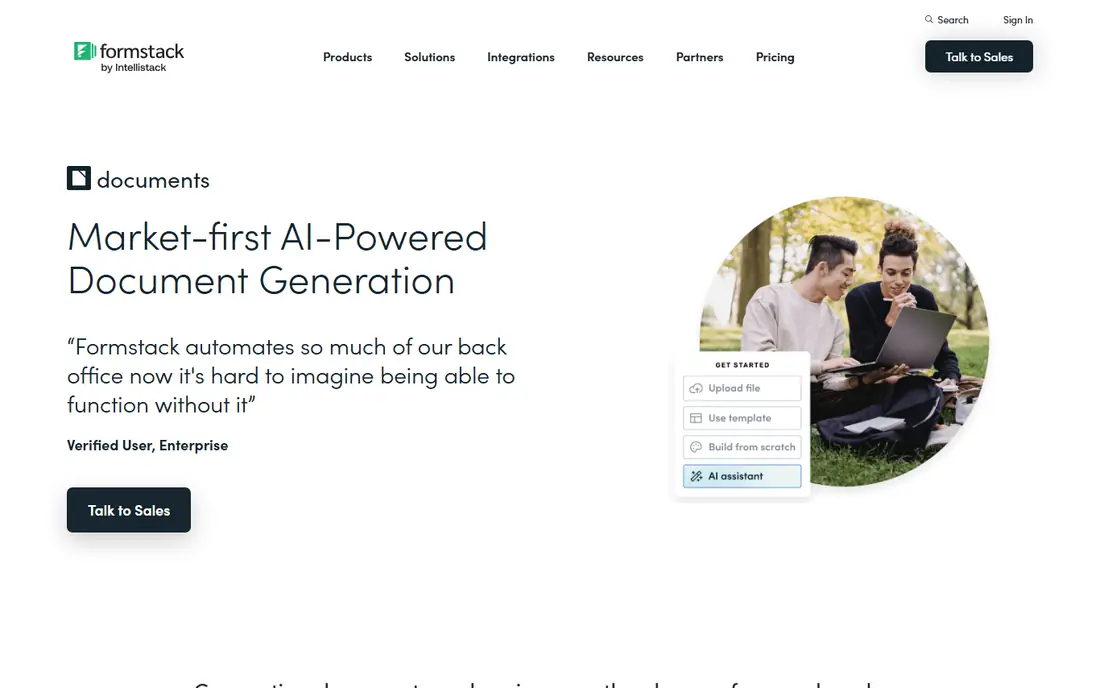
Formstack Documents is aimed squarely at operations teams auto-generating documents from data sources. Formstack Documents, formerly WebMerge, is generation, not proposals.
Strengths: Merges data from forms, CRMs.
Downsides: Product pricing runs higher than per-user proposal tools at small scale.
Worth adding: upload a Word or PDF template, map fields to your data sources, and generate documents in bulk: contracts, invoices, reports, certificates. For operations teams, this is the right class of tool. Check the vendor site for Formstack Documents pricing; none is listed in this comparison. On free options: Free trial (14 days).
- Spreadsheets into PDF, Word, Excel
- HIPAA-compliant with conditional logic
- Verify current plan details on the vendor site
PandaDoc
Ideal for: Sales teams with a repeatable proposal-to-signature process

For sales teams with a repeatable proposal-to-signature process, PandaDoc is a natural candidate. Setup is moderate, templates migrate easily, and annual billing meaningfully undercuts monthly. Salesforce integration usually needs the Business level, API access and CPQ features sit higher, and usage-based features like bulk send can add fees.
For sales teams with a repeatable process that is not complicated enough for enterprise CPQ, that breadth replaces several tools. As for the details, if your process is "proposal, negotiate, sign, collect," PandaDoc handles the entire chain. As for the details, price the level that contains your must-have integrations, not the entry level. In practice, PandaDoc is the broadest proposal system here: quoting, content locking, approval workflows, e-signature, and payment collection in one account. No starting price is listed for PandaDoc here; confirm pricing on the vendor site. Trial and free access: Free trial (14 days).
Trade-offs to know: API, CPQ.
- Recipient tracking and document analytics
- End-to-end workflow from proposals and quotes to e-signature and payments
- SSO need higher levels or extras
Proposify
Ideal for: Agencies and sales teams wanting refined, on-brand proposals
Proposify makes the most sense for agencies and sales teams wanting refined, on-brand proposals. The editor produces genuinely good-looking proposals with interactive pricing tables that clients can configure themselves, which shortens the negotiation loop.
Honest limits: Entry-level level caps document sends; API need the Business level.
What Proposify does well: Design-first editor with interactive quoting clients can adjust.
In practice, setup is fast and onboarding is light. Check the vendor site for Proposify pricing; none is listed in this comparison. Free options: Free trial (14 days).
- E-sign included from low levels
- Gentler learning curve than broader suites
- Salesforce integration, SSO
GetAccept
Ideal for: Sales teams running collaborative deals with several stakeholders
GetAccept makes the most sense for sales teams running collaborative deals with several stakeholders. GetAccept's unit is the deal room, not the document.
What to check first: narrower as a pure document tool.
For everyday use, Proposals live alongside personal video messages, live chat, and mutual action plans, with engagement analytics showing exactly how each stakeholder interacts. On top of that, if you only need document generation, more straightforward tools cost less; GetAccept earns its price on collaborative selling. GetAccept shows no starting price here, so confirm the cost on the vendor site. On free options: Free trial (14 days).
- Solid buyer-engagement tracking
- Mutual action plans for complicated deals
- Sales-room-centric
Qwilr
Ideal for: Teams selling through modern interactive buyer experiences
In short, Qwilr is for teams selling through modern interactive buyer experiences. Qwilr rethinks the proposal as a web page, not a document. Setup is simple with templates, and integrations include HubSpot, Salesforce, and Slack.
In daily use, if your buyers are modern and your deals are consultative, Qwilr's format wins attention. For teams selling to buyers who live in browsers, that experience edge is real. Interactive pages with embedded video, expandable pricing, and accept-and-sign built in produce engagement data PDFs cannot: you see which pages the buyer read and for how long. More specifically, buyers who require printable, legal-department-friendly contracts may still need a traditional document tool alongside. No starting price is listed for Qwilr here; confirm pricing on the vendor site. Trial and free access: Free trial (14 days).
What to check first: Entry pricing is high for solo users.
What users get: mobile-responsive web pages rather than static PDFs.
- Proposals as interactive
- Rich embeds including video and interactive pricing
- Weaker fit for traditional printable contract workflows
How we built this list
For each of the 6 tools we noted price, free plan or trial, fit for document creation software and the main limit, using vendor pages and documentation. Seat minimums, billing terms and add-ons can move the real cost, so the starting prices here are a guide and not a quote. Tools are placed by general fit for document creation software, with price clarity and free access as tie-breakers. A different team can reasonably rank them differently.
A buyer's checklist
- Request quotes from Better Proposals, Qwilr and the others; the list shows no fixed prices.
- Run a trial of Better Proposals, Formstack Documents, PandaDoc and others with real work before paying for a year; your own workflow is the best test.
- Before choosing Better Proposals, weigh its main limit: lacks depth for complicated approval chains and enterprise governance.
- Check how data leaves Proposify: formats, limits and whether exports are available on every plan.
- See whether GetAccept offers onboarding or training, and whether it is included in the price.
Frequently asked questions
What integrations matter most?
CRM integration (Salesforce, HubSpot) for proposal tools, so documents link to deals. Payment collection matters if you take deposits with proposals. Verify each integration is native, not a Zapier workaround, where reliability counts.
Do these tools publish their prices?
No. None of the tools, from Better Proposals to Qwilr, shows a fixed starting price here, so budget time for quotes.
Is Better Proposals the right pick for everyone comparing document creation software?
No single tool suits every team. Better Proposals comes first because it fits freelancers, consultants, and small agencies wanting proposals fast, while Formstack Documents suits operations teams auto-generating documents from data sources and PandaDoc suits sales teams with a repeatable proposal-to-signature process. Match the tool to your own size, budget and workflow before deciding.
Can I try these options before paying?
Often, yes. Better Proposals, Formstack Documents, PandaDoc and others offer a free trial. Use your own data and a real task during the test, and check what the free tier or trial limits before you rely on it.
How are the tools for document creation software ordered?
The order follows typical fit for document creation software, with Better Proposals first and Qwilr last, then price clarity and free access. It is editorial judgement, not a score, so another team could rank the tools differently.
How do we evaluate free trials?
Time the setup. And confirm which features are trial-only compared with included in the level you would buy; trials frequently display the top level.