Our first pick is OpenText Content Management, best for enterprise information governance. Listed starting prices: M-Files from €65 per seat per month. Look at NetDocuments for cloud document and email management, and at DocuWare for workflow automation and document processing. The other 3 tools in the list cover narrower or pricier cases.
Ainotely put together this guide to document management software for legal teams for readers who want a clear shortlist without reading every vendor page. It compares 6 tools on starting price, free plans, who each one suits and where each one falls short.
Key takeaways
Number one here is OpenText Content Management, a fit for enterprise information governance.
Neither OpenText Content Management nor M-Files, nor any of the other 4 tools, has a permanent free plan; trials and quotes are the norm.
A fair warning about OpenText Content Management: complicated for small businesses.
No starting price is published for OpenText Content Management, NetDocuments, DocuWare and others; expect a quote.
M-Files is the one to check for context-based AI document organization.
OpenText Content Management is built with enterprise information governance in mind. OpenText Content Management is part of a secure information management portfolio for AI-ready data across the enterprise.
Also, if the goal is a focused legal document system with fast adoption, a legal-specific or more straightforward option may be more appropriate. Organizations treating document management as part of a wider information strategy will find the enterprise scope relevant. Check the vendor site for OpenText Content Management pricing; none is listed in this comparison. Free plan details: Not stated.
NetDocuments was built for cloud document and email management. NetDocuments supplies document and email management for law businesses and legal departments, emphasizing secure, compliant, and anywhere-accessible operation.
Beyond that, practices with deeply customized on-premises systems may face migration effort. For everyday use, as a cloud-centered system, NetDocuments relies on steady internet access and thoughtful configuration to match firm-specific workflows. NetDocuments shows no starting price here, so confirm the cost on the vendor site. Trial and free access: Not stated.
Trade-offs to know: Configuration needed for workflows.
Best for: Workflow automation and document processing
DocuWare works best for workflow automation and document processing. Practices with repetitive intake or filing processes can benefit from its automation emphasis, especially where document-heavy administrative work slows case handling.
Points against: Setup for complicated workflows.
DocuWare is not marketed primarily as a legal-specific system, so matter-centric features typical in law businesses may need configuration. Teams needing native email filing tied to legal matters should compare carefully. No starting price is listed for DocuWare here; confirm pricing on the vendor site. Free plan details: Not stated.
iManage Work targets legal knowledge and email management. iManage Work is presented as an AI knowledge work system for legal and professional services. It handles and activates knowledge while connecting people and AI, which fits businesses that treat documents and email as core matter records.
Honest limits: Enterprise-focused deployment.
As for the details, businesses without dedicated IT support should weigh deployment and administration effort carefully. Also, if the priority is a straightforward shared file store instead of a legal knowledge product, a lighter collaboration tool may be a better match. Pricing for iManage Work is not stated here, so ask the vendor for current figures. Free plan details: Not stated.
Best for: Microsoft 365 collaboration and governance
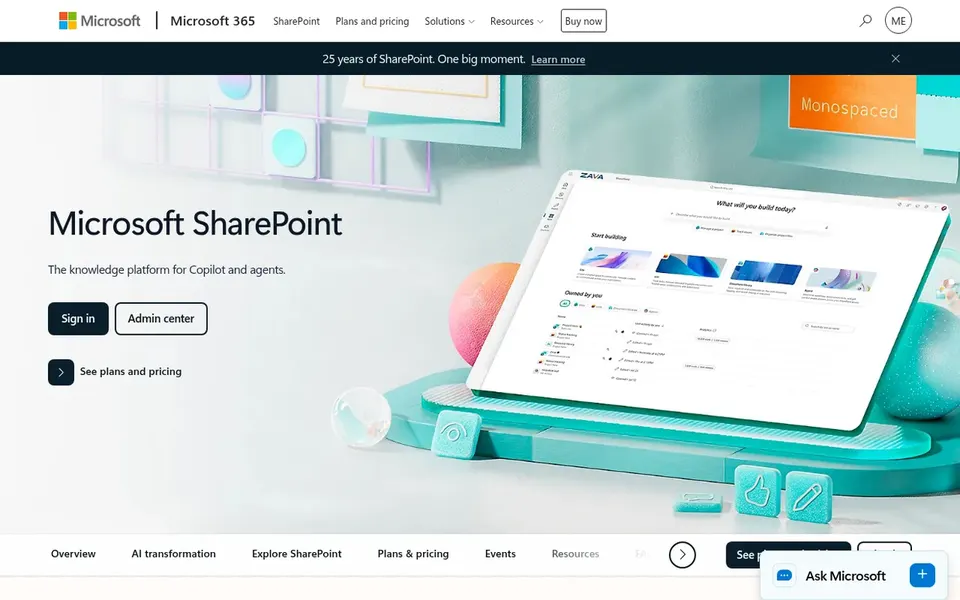
Think of SharePoint for Microsoft 365 collaboration and governance. Microsoft SharePoint gives you collaborative content management and secure file sharing across Microsoft 365. It helps teams produce, share, and govern trusted knowledge whereas supporting collaboration, communication, and automation.
Beyond that, administration can become complicated without experienced staff. SharePoint is not purpose-built for legal matter management, so businesses may have to design structures and retention rules themselves. This comparison lists no price for SharePoint; ask the vendor. Free options: Not stated.
M-Files is a good fit for context-based AI document organization. M-Files provides AI-powered document management that organizes documents in context, automates workflows, and aims to reduce risk.
Limits to weigh: Metadata design required.
M-Files depends on well-designed metadata and workflows, so initial planning matters. More specifically, businesses seeking to boost consistency across matter files and internal processes may find the context-driven approach handy. Entry price for M-Files: €65 per seat per month. As for free access: Not stated.
Get a written quote from OpenText Content Management, NetDocuments, DocuWare and others; the list shows no starting price for them.
Before choosing OpenText Content Management, weigh its main limit: complicated for small businesses.
Look at the renewal terms for DocuWare: auto-renewal, notice periods and price changes can matter more than the first-year price.
Work out what iManage Work costs with your real seat count, add-ons and usage, not just the entry price.
List the apps you already depend on and check that SharePoint supports each one on the plan you would buy.
How we picked
We compared the tools on published pricing, free plan or trial availability, feature coverage for document management software for legal teams, and the limits each vendor documents. Where a vendor does not publish a price, the entry says quote. Where a price depends on seats or billing term, the entry says so. The sequence is a judgement call: typical use case first, then pricing transparency, then free access. Use the profiles to check fit.
Every price and plan detail on this page comes from the vendors’ own websites. We did not run hands-on tests unless the text says so, and we do not publish star ratings or review scores. See how we score and our disclosure.
Keep your shortlist in one place
Paste prices, trial dates and notes from this guide into Ainotely, our AI note app. It files them into a topic and pulls out tasks like “cancel trial by Friday”. Free 7-day trial, no card needed.
What should legal teams look for in document management software?
Integration with existing productivity tools and a clear migration path also matter. Confirm that the vendor's documented features match the firm's workflows before shortlisting.
Is OpenText Content Management the right pick for everyone comparing document management software for legal teams?
No single tool suits every team. OpenText Content Management comes first because it fits enterprise information governance, while NetDocuments suits cloud document and email management and DocuWare suits workflow automation and document processing. Match the tool to your own size, budget and workflow before deciding.
Does any tool for document management software for legal teams here have a free plan?
No tool in this list, OpenText Content Management and M-Files included, has a permanent free plan. Trials and quotes are the usual route, so plan a short evaluation period.
Do these tools publish their prices?
Not all of them. OpenText Content Management, NetDocuments, DocuWare and others publish no starting price, so expect a quote request for those. The rest, M-Files included, show a starting price, though seats and billing terms still change the final cost.
Can I try these tools before paying?
Not by default. None of the tools, from OpenText Content Management to M-Files, lists a free plan or a free trial here, so ask each vendor for a demo before committing.