How to Pick Document Manager Software: 6 Tools Compared

- 1
 AlfrescoIT teams that want an open-source document management product they can customize and hostVisit
- 2
 Zoho WorkDriveBudget-conscious small teams that require team file management without enterprise pricingVisit
- 3
 Google WorkspaceTeams that live in Google Docs, Sheets, and Gmail and want document storageVisit
- 4
 Dropbox BusinessTeams that want straightforward file sync with light document management controlsVisit
- 5
 DocuWareOffices going paperless that require document scanning, indexing, and approval workflowsVisit
- Number one here is Alfresco, a fit for IT teams that want an open-source document management product they can customize and host.
- SharePoint fits Microsoft 365 teams that require document storage and collaboration built into their workspace.
- The lowest published monthly entry price here is $2.50/user/month billed annually, from Zoho WorkDrive.
- Only 2 of the 6 tools have a free plan (Alfresco, Zoho WorkDrive), so check the caps.
Direct answer
Alfresco leads the list, best for IT teams that want an open-source document management product they can customize. Alternatives: Zoho WorkDrive for budget-conscious small teams that require team file management without enterprise pricing, and Google Workspace for teams that live in Google Docs, Sheets, and Gmail and want document storage.
Quick comparison
| Product | Ideal for | Price from | Free version | |
|---|---|---|---|---|
| Alfresco | IT teams that want an open-source document management product they can customize and host | See website (quote-based for enterprise; Community Edition is free) | Yes | Visit |
| Zoho WorkDrive | Budget-conscious small teams that require team file management without enterprise pricing | $2.50/user/month billed yearly (Starter plan, $3 per month) | Yes | Visit |
| Google Workspace | Teams that live in Google Docs, Sheets, and Gmail and want document storage | $7/user/month billed annually (Business Starter, $8.40 month-to-month) | Free trial (14 days) | Visit |
| Dropbox Business | Teams that want straightforward file sync with light document management controls | $15/user/month billed yearly (Standard plan, 3+ users) | Free trial (30 days) | Visit |
| DocuWare | Offices going paperless that require document scanning, indexing, and approval workflows | See website (quote-based) | No | Visit |
 SharePoint | Microsoft 365 teams that require document storage and collaboration built into their workspace | $5/user/month (SharePoint Plan 1, standalone) | Free trial | Visit |
Tool-by-tool breakdown
Short on time? The summary and table above give the quick view of 6 tools for document manager software, and the profiles that follow give the detail behind each entry.
Alfresco
Ideal for: IT teams that want an open-source document management product they can customize and host
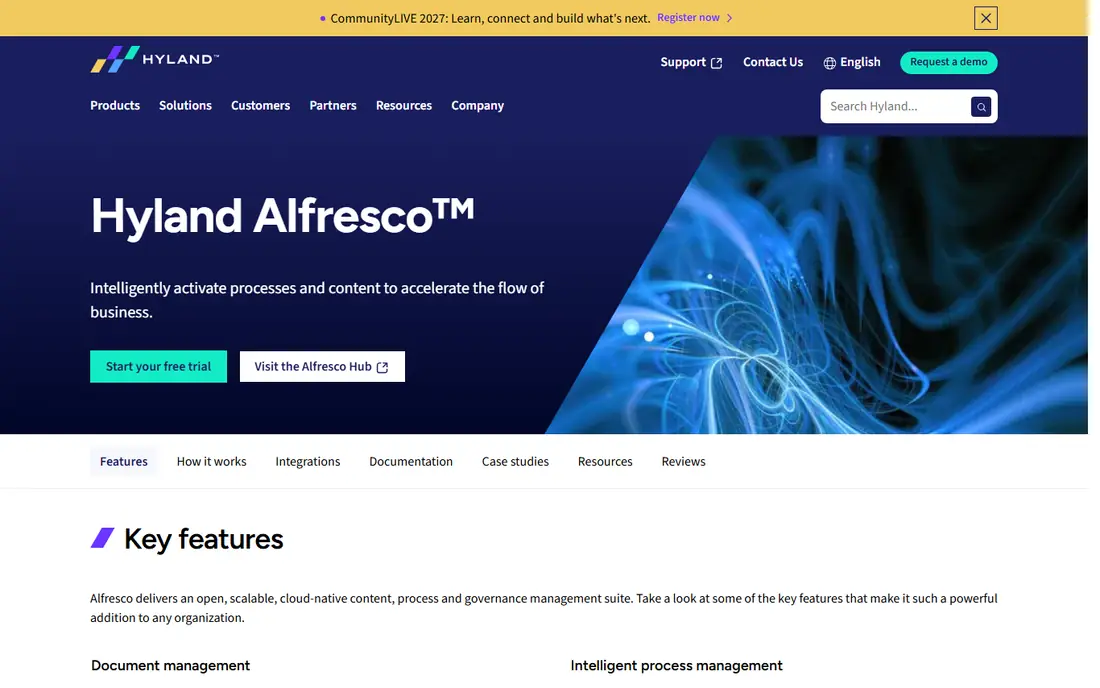
Alfresco is a good fit for IT teams that want an open-source document management system they can customize and host. Alfresco, now part of Hyland, is the open-source choice in this lineup, and that changes the economics fully. It offers document libraries, versioning, workflows, and a content services API that developers can build on.
More specifically, the main limit is that free software still costs time. For everyday use, Alfresco fits organizations that want full control over their document product and have the IT staff to exercise it. Worth adding: running Alfresco well means owning the infrastructure, upgrades, and troubleshooting, and the Community Edition does not bundle vendor support. As for the details, if you would rather pay a vendor to manage all of that, the commercial tools above are the better fit. Pricing for Alfresco is not stated here, so ask the vendor for current figures. Alfresco has a free plan.
Points against: Enterprise pricing is quote-based.
- Full control over hosting and customization
- Strong content services API
- Community Edition lacks enterprise support
Zoho WorkDrive
Ideal for: Budget-conscious small teams that require team file management without enterprise pricing
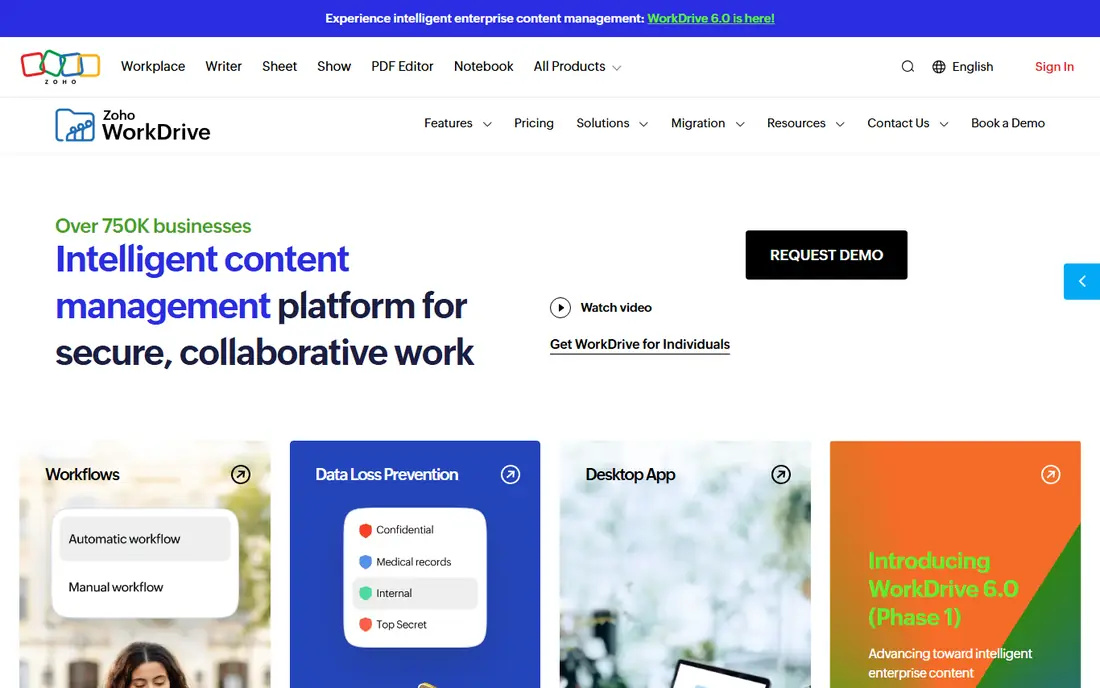
Choose Zoho WorkDrive for budget-conscious small teams that require team file management without enterprise pricing. Naturally, the lower price means fewer enterprise extras. But Zoho WorkDrive integrates well with the rest of the Zoho suite.
Drawbacks to consider: Smaller integration marketplace.
So teams already running Zoho CRM or Zoho Projects get a coherent workspace at minimal cost. Beyond that, Zoho WorkDrive is the price leader here, and the gap is significant. Also, there is even a free individual plan with 5GB for very small setups. Entry price for Zoho WorkDrive: $2.50/user/month billed annually. Free access exists with Zoho WorkDrive.
- Solid fit inside the Zoho ecosystem
- Clean team folder structure
- Fewer advanced compliance features
Google Workspace
Ideal for: Teams that live in Google Docs, Sheets, and Gmail and want document storage
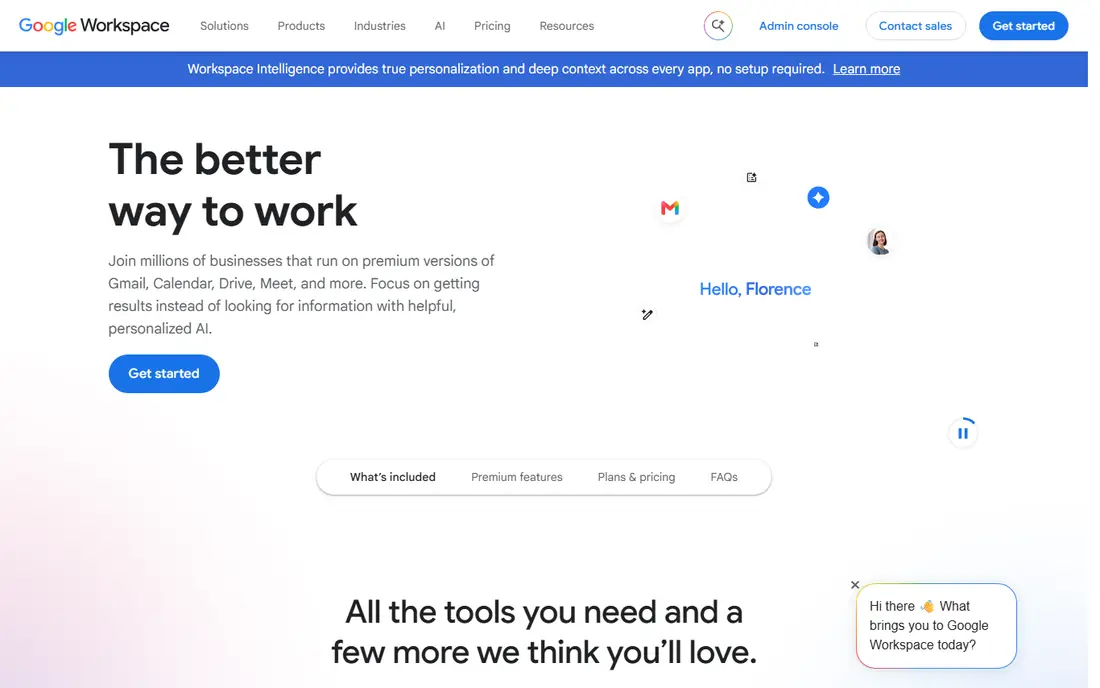
Google Workspace is designed for teams that live in Google Docs, Sheets, and Gmail and want document storage with live collaboration. If your team already writes proposals in Google Docs and tracks budgets in Google Sheets, Google Drive is your document management system in practice, and Workspace formalizes it. Business Starter begins at $7 per user a month billed yearly and layers on custom email, pooled storage.
Drawbacks to consider: Limited records-management and retention controls.
Admin controls on top of the free Google apps. Beyond that, collaboration is the headline feature: several people editing one document at the same time, with comments, suggestions. A full revision history that makes version confusion almost impossible. Worth adding: drive also organizes around folders instead of metadata, which can get messy at scale. For marketing teams, agencies, and small firms where speed of collaboration matters more than compliance paperwork, Google Workspace remains one of the most practical and budget-friendly choices. Price to start with Google Workspace: $7/user/month billed annually. As for free access: Free trial (14 days).
- Ample storage on higher levels
- Straightforward sharing and permissions
- Offline access needs setup
Dropbox Business
Ideal for: Teams that want straightforward file sync with light document management controls
Dropbox Business is designed for teams that want straightforward file sync with light document management controls. For a small office moving documents out of email attachments and personal desktops, Dropbox Business is frequently the fastest path to order.
What to check first: Not a full compliance product.
But not every business needs that weight. Starting cost for Dropbox Business: $15/user/month billed annually. As for free access: Free trial (30 days).
- Straightforward sharing and link controls
- Steady sync across devices
- Per-user pricing layers on up quick
DocuWare
Ideal for: Offices going paperless that require document scanning, indexing, and approval workflows
DocuWare is a good fit for offices going paperless that require document scanning, indexing, and approval workflows. DocuWare built its name on the paperless office, and it still displays. That makes it a favorite in accounts payable, HR onboarding, and any department still receiving paper or PDFs that require to become searchable records.
The main drawbacks: Quote-based pricing.
For everyday use, DocuWare is less about casual collaboration and more about controlled, repeatable document processes. From a buyer's view, if you largely co-edit marketing copy, look at the collaboration-first tools instead. Pricing is quote-based, which is typical in this category but means you cannot budget from the website alone. In daily use, if your team scans, approves, and archives in volume, that specialization is exactly what you want. This comparison lists no price for DocuWare; ask the vendor. There is no free plan with DocuWare.
- Structured approval workflows
- Very good document capture and OCR
- Less adaptable for ad-hoc collaboration
SharePoint
Ideal for: Microsoft 365 teams that require document storage and collaboration built into their workspace
SharePoint serves Microsoft 365 teams that require document storage and collaboration built into their workspace. The trade-off is that SharePoint rewards planning and punishes neglect. In daily use, smaller teams at times find the admin side heavier than a purpose-built document manager, and search quality relies on how well metadata was set up from the start.
Limits to weigh: Setup and structure take planning.
Still, if your team already works in Word, Excel, and Teams every day, SharePoint is the most cost-effective route to organized documents. In daily use, the standalone Plan 1 begins at $5 per user a month and includes version history, check-in and check-out, retention policies, and metadata columns. Beyond that, most Microsoft 365 subscribers already own SharePoint without realizing it. A library structure designed in an afternoon can grow messy within per year if nobody owns permissions and content types. SharePoint starts at: $5/user/month. Trial and free access: Free trial.
- Deep integration with Microsoft 365 apps
- Version history and audit trails
- Best value only inside the Microsoft ecosystem
How we chose
Ainotely looked at what each vendor publishes: pricing, plan limits, feature coverage for document manager software and stated drawbacks. No hands-on testing is claimed. Where a vendor does not publish a price, the entry says quote. Where a price depends on seats or billing term, the entry says so. The sequence is a judgement call: typical use case first, then pricing transparency, then free access. Use the profiles to check fit.
Questions to settle before buying
- Get a written quote from Alfresco and DocuWare; the list shows no starting price for them.
- Read the fine print on the free plans from Alfresco and Zoho WorkDrive; seat, project and feature caps differ.
- Use real work to test the free trial from Google Workspace, Dropbox Business and SharePoint, rather than a demo project.
- Before choosing Alfresco, weigh its main limit: community Edition lacks enterprise support.
- Add up seats, add-ons and usage charges for SharePoint before comparing it with cheaper entries.
- List the apps you already depend on and check that DocuWare supports each one on the plan you would buy.
Frequently asked questions
Is Alfresco the right pick for everyone comparing document manager software?
No single tool suits every team. Alfresco comes first because it fits IT teams that want an open-source document management platform they can customize and host, while Zoho WorkDrive suits budget-conscious small teams that need team file management without enterprise pricing and Google Workspace suits teams that live in Google Docs, Sheets, and Gmail and want document storage. Match the tool to your own size, budget and workflow before deciding.
What is the difference between a document management system and Google Drive?
Google Drive keeps and syncs files with entry-level sharing and version history. A full document management system layers on metadata-based organization, approval workflows, retention schedules, legal holds, and in-depth audit trails.
Do these tools publish their prices?
Not all of them. Alfresco and DocuWare publish no starting price, so expect a quote request for those. The rest, Zoho WorkDrive included, show a starting price, though seats and billing terms still change the final cost.
Can I try these options before paying?
Often, yes. Alfresco and Zoho WorkDrive have a free plan and Google Workspace, Dropbox Business and SharePoint offer a free trial. Use your own data and a real task during the test, and check what the free tier or trial limits before you rely on it.
How are the tools for document manager software ordered?
Alfresco sits first and SharePoint last because the order follows typical fit for document manager software, then price clarity and free access. It is a judgement call, so read each profile for fit and limits.
What is the best document manager software for small business?
Alfresco is the pick this page puts first, mainly for IT teams that want an open-source document management product they can customize and host. If your situation differs, Zoho WorkDrive suits budget-conscious small teams that require team file management without enterprise pricing, and Google Workspace suits teams that live in Google Docs, Sheets, and Gmail and want document storage. Compare price and limits before you decide.