Top 7 Document Organizer Software Options for 2026, Compared

- 1
 DocuWareDocument workflow automationVisit
- 2
 FileCenterSmall offices going paperlessVisit
- 3
 RevverAI-assisted organizationVisit
- 4
 LogicalDOCOpen-source adaptabilityVisit
- 5
 M-FilesMetadata-driven organizationVisit
- The list opens with DocuWare, aimed at document workflow automation.
- The cheapest monthly starting price in the list is $3/user/month, offered by Zoho WorkDrive.
- Just one of the 7 tools, Zoho WorkDrive, has a free plan.
- What to know about Revver first: lighter ECM integrations than giants like OpenText.
- Egnyte fits secure file sharing with governance.
Direct answer
Our first pick is DocuWare, best for document workflow automation. Look at FileCenter for small offices going paperless, and at Revver for AI-assisted organization. The other 4 tools in the list cover narrower or pricier cases.
Quick comparison
| Product | Ideal for | Price from | Free version | |
|---|---|---|---|---|
| DocuWare | Document workflow automation | See website | Free trial | Visit |
| FileCenter | Small offices going paperless | $97/user one-time | No | Visit |
| Revver | AI-assisted organization | $25/user/month | Free trial | Visit |
| LogicalDOC | Open-source adaptability | See website | No | Visit |
| M-Files | Metadata-driven organization | See website | Free trial | Visit |
 Zoho WorkDrive | Teams on Zoho or a budget | $3/user/month | Yes | Visit |
 Egnyte | Secure file sharing with governance | $22/user/month | Free trial | Visit |
Document Organizer Software, one by one
Ainotely compared 7 tools for document organizer software. The goal is a practical shortlist: published prices, free plan facts, best-fit use cases and honest limits for every entry.
DocuWare
Ideal for: Document workflow automation
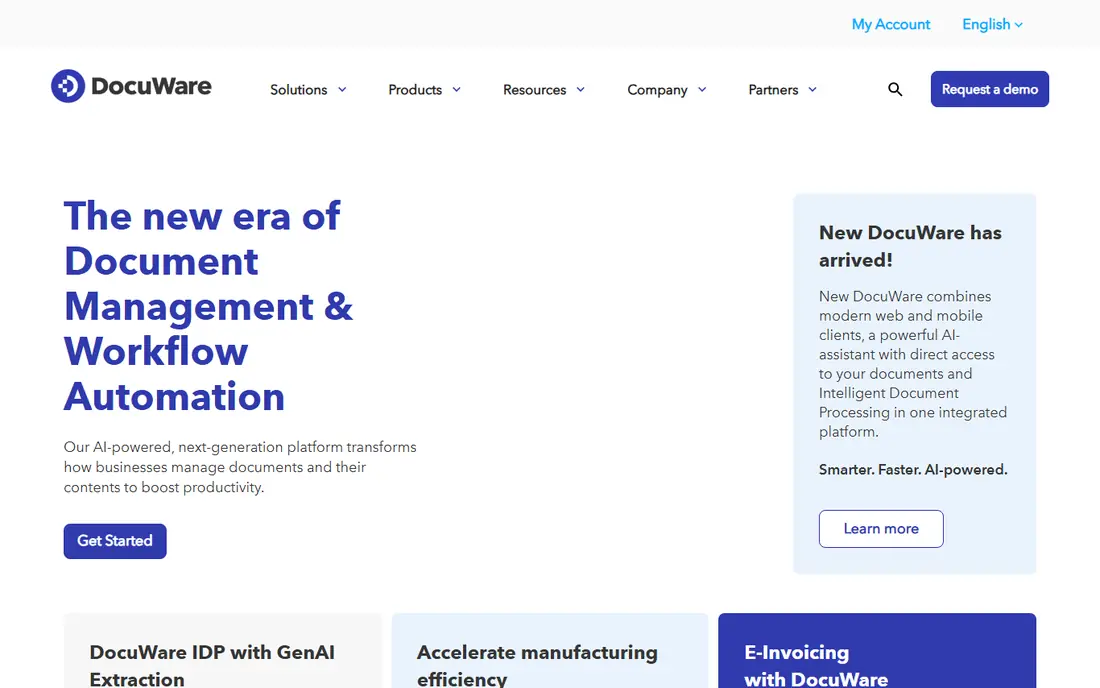
Choose DocuWare for document workflow automation. DocuWare concentrates on turning paper and PDF chaos into automatic workflows. In daily use, for finance departments processing hundreds of invoices monthly, the automation pays for itself in reduced manual entry.
Watch-outs: Consultation required for pricing.
A 30-day free trial lets you test with real documents. For everyday use, DocuWare fits organizations where document workflows (approvals, compliance, retention) matter more than straightforward storage. Pricing needs a consultation; there is no public price list. This comparison lists no price for DocuWare; ask the vendor. Free options: Free trial. Highlights: Solid invoice processing.
- AI-powered document indexing
- Approval routing
- Quote-only pricing
FileCenter
Ideal for: Small offices going paperless
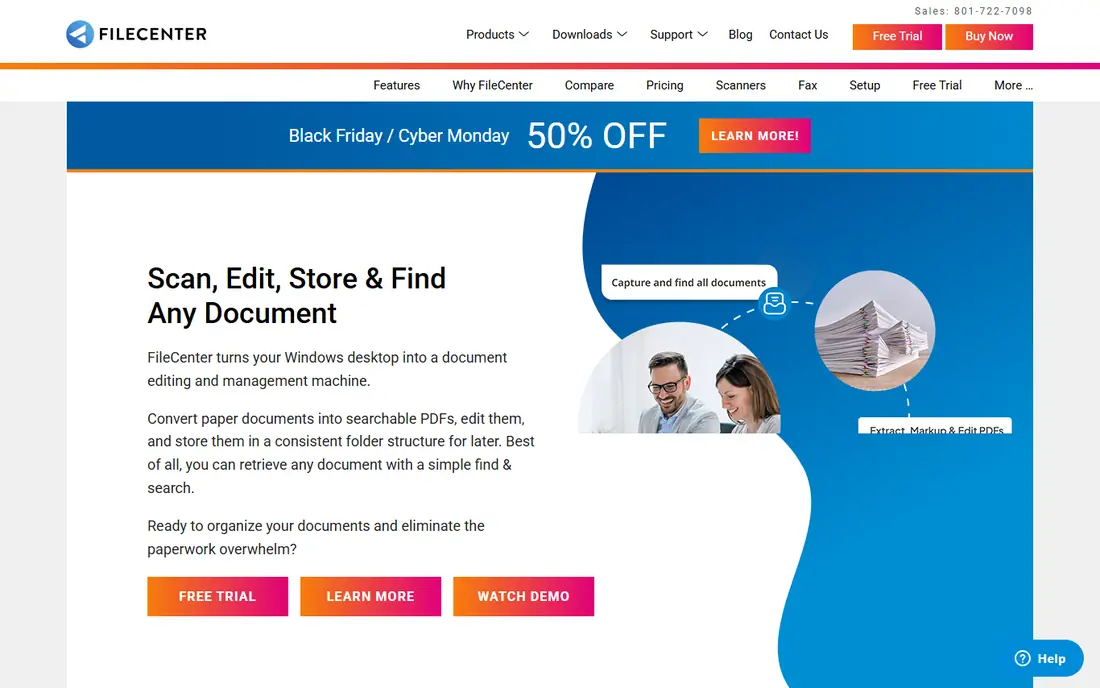
FileCenter is a good fit for small offices going paperless. FileCenter is the pragmatic pick for a small office that wants to scan, organize and find documents without a subscription.
For accounting, legal or medical offices concentrated on going paperless instead of collaborating on documents, FileCenter includes the core needs affordably. From a buyer's view, the cabinet-style layout mirrors Windows Explorer, so staff learn it in minutes. The starting price for FileCenter: $97/user one-time. No free plan comes with FileCenter.
What to check first: Windows only.
What works well: Familiar cabinet layout.
- No subscription
- One-time pricing
- Restricted workflow and collaboration features
Revver
Ideal for: AI-assisted organization
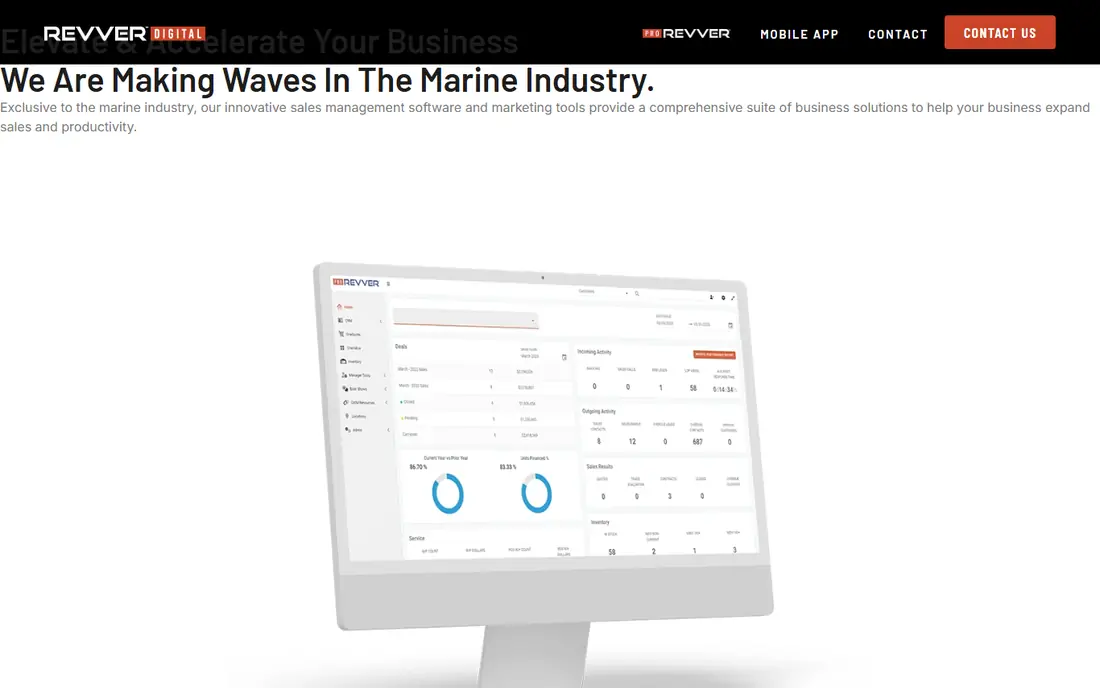
Choose Revver for AI-assisted organization. For small to mid-sized firms that want a real DMS with modern AI help, Revver is well priced. Also, the AI suite classifies documents, extracts data and suggests organization automatically.
Unlimited storage on every level removes the capacity anxiety that plagues per-gigabyte plans. For everyday use, at $25 per user a month, it undercuts enterprise competitors whereas offering more DMS depth than general file-sharing tools. From a buyer's view, Revver (formerly eFileCabinet) is a dedicated document management system with AI built in. Integration with large ECM ecosystems is lighter than OpenText or Hyland. Revver pricing: $25/user/month. Trial and free access: Free trial.
- Unlimited storage on all levels
- Dedicated DMS focus
- Lighter ECM integrations than giants like OpenText
LogicalDOC
Ideal for: Open-source adaptability
Where LogicalDOC fits: open-source adaptability. Organizations with IT staff get a capable document management system without license fees.
Watch-outs: Self-hosting needs IT skills.
Also, LogicalDOC suits technical teams and cost-sensitive organizations comfortable running their own infrastructure. Check the vendor site for LogicalDOC pricing; none is listed in this comparison. LogicalDOC has no free tier.
- Full-text search
- Open-source Community Edition
- Enterprise features are premium
M-Files
Ideal for: Metadata-driven organization
M-Files is a good fit for metadata-driven organization. M-Files throws out the folder tree.
Downsides: Ramp-up time for folder-trained teams.
Main advantages: Workflow automation. Documents get tagged with metadata (client, project, date, type) and you find them by what they are instead of where someone filed them. More specifically, the adjustment is real: teams raised on folders need training to think in metadata. M-Files shows no starting price here, so confirm the cost on the vendor site. On free options: Free trial.
- Find documents by content
- Not folder location
- Integrations can need technical help
Zoho WorkDrive
Ideal for: Teams on Zoho or a budget
Where Zoho WorkDrive fits: teams on Zoho or a budget. Zoho WorkDrive brings team file management to the Zoho ecosystem at a fraction of competitors' prices.
Where it is weaker: Smaller ecosystem than Box or Google.
More specifically, at around $3 per user a month, it is the cheapest serious choice here. Zoho WorkDrive starts at: $3/user/month. Zoho WorkDrive has a free plan.
- Very budget-friendly
- Live collaboration
- Advanced admin needs higher levels
Egnyte
Ideal for: Secure file sharing with governance
Egnyte works best for secure file sharing with governance. The 15-day free trial is short; use it well.
Trade-offs to know: Governance features need higher levels.
Also, Egnyte suits companies that require Dropbox-style ease with enterprise-grade control. More specifically, Egnyte blends cloud file sharing with serious governance. Entry price for Egnyte: $22/user/month. Free access: Free trial.
- Solid governance tools
- Hybrid cloud and on-premise
- Base plan storage capped at 100 GB
How we chose
For each of the 7 tools we noted price, free plan or trial, fit for document organizer software and the main limit, using vendor pages and documentation. Where a price is missing, the vendor does not list one publicly or ties it to a quote. Always confirm before budgeting. The ranking is editorial: typical fit first, then clear pricing, then free access. If your needs are unusual, read the profiles rather than relying on position.
Things to verify first
- Confirm the entry price on the vendor page. For DocuWare, LogicalDOC and M-Files that means a quote rather than a fixed price.
- Look at the free plan from Zoho WorkDrive closely: its caps decide whether it is usable for real work.
- Run a trial of DocuWare, Revver, M-Files and Egnyte with real work before paying for a year; your own workflow is the best test.
- Read the limits listed for DocuWare first: quote-only pricing.
- Ask Zoho WorkDrive how an export works before you move any records in; an easy exit lowers the risk.
- Confirm the exact Revver plan that includes your must-have features.
Frequently asked questions
Can these tools manage paper scanning?
FileCenter, DocuWare and Revver contain or integrate OCR and scanning workflows. For a paperless office project, confirm batch scanning, OCR accuracy and searchable PDF output during the trial.
What is the difference between document organizer software and cloud storage?
Cloud storage (Dropbox, Google Drive) keeps and syncs files. Document organizer software brings structure: metadata, version control, workflows, retention policies and compliance. If you just need files accessible everywhere, storage is enough.
How are the tools for document organizer software ordered?
The order follows typical fit for document organizer software, with DocuWare first and Egnyte last, then price clarity and free access. It is editorial judgement, not a score, so another team could rank the tools differently.
Is DocuWare the right pick for everyone comparing document organizer software?
No single tool suits every team. DocuWare comes first because it fits document workflow automation, while FileCenter suits small offices going paperless and Revver suits AI-assisted organization. Match the tool to your own size, budget and workflow before deciding.
Do these tools publish their prices?
Not all of them. DocuWare, LogicalDOC and M-Files publish no starting price, so expect a quote request for those. The rest, FileCenter included, show a starting price, though seats and billing terms still change the final cost.
What is metadata-driven document management?
Rather than filing documents in folders, you tag them with attributes like client, project and document type, then find them by searching those attributes. It scales better than folders but needs users to tag consistently.