Which Document Repository Software Fits You? 5 Tools Compared

- 1
 DocuWareDigitizing paper-heavy workflowsVisit
- 2
 EgnyteHybrid cloud and on-premises storageVisit
- 3
 LaserficheRecords management and complianceVisit
- 4
 Microsoft SharePointTeams already on Microsoft 365Visit
- 5
 BoxSecure cloud content managementVisit
- DocuWare is the opening pick, best for digitizing paper-heavy workflows.
- Box stands alone as the one tool in this list with a free plan.
- For secure cloud content management, Box is worth a look.
- For the cheapest start, look at Microsoft SharePoint: Included with Microsoft 365.
Direct answer
For digitizing paper-heavy workflows, DocuWare is where this list starts. Egnyte is better for hybrid cloud and on-premises storage, and Laserfiche is better for records management and compliance. The full list of 5 tools follows, with prices and free plan facts.
Quick comparison
| Product | Ideal for | Price from | Free version | |
|---|---|---|---|---|
| DocuWare | Digitizing paper-heavy workflows | See website | Free trial | Visit |
| Egnyte | Hybrid cloud and on-premises storage | $10 per user/month (Team) | No | Visit |
| Laserfiche | Records management and compliance | See website | Free trial | Visit |
| Microsoft SharePoint | Teams already on Microsoft 365 | Included with Microsoft 365 (from $6/user/month) | Free trial | Visit |
| Box | Secure cloud content management | $7 per user/month (Business Starter) | Yes | Visit |
Our 5 picks for document repository software
Short on time? The summary and table above give the quick view of 5 tools for document repository software, and the profiles that follow give the detail behind each entry.
DocuWare
Ideal for: Digitizing paper-heavy workflows
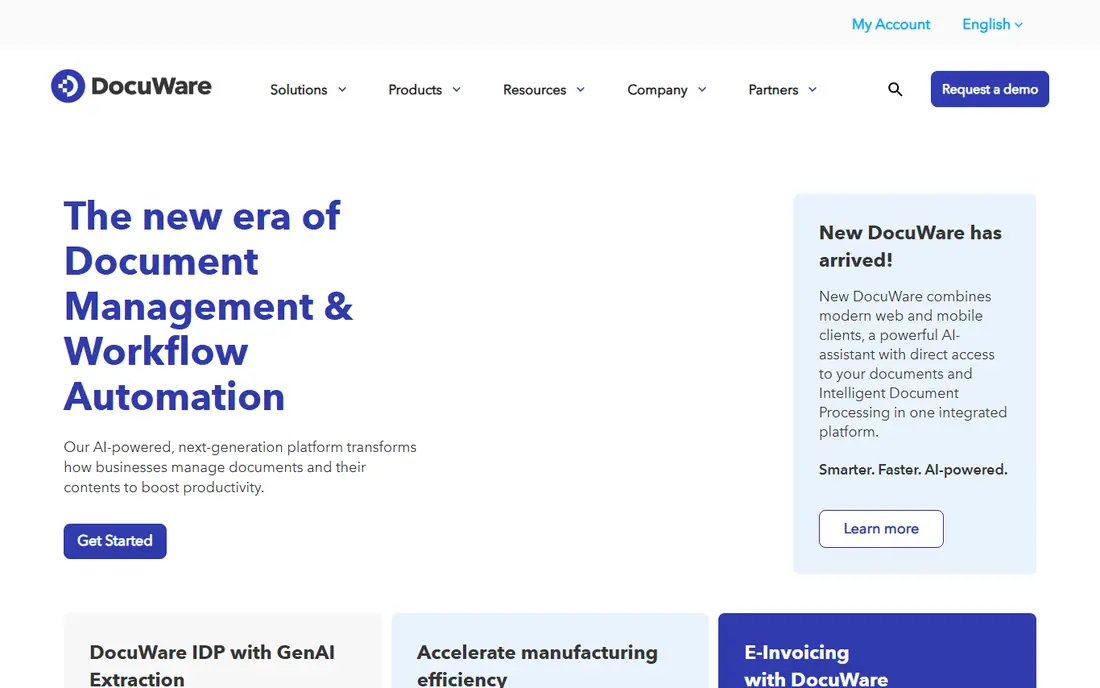
DocuWare targets digitizing paper-heavy workflows. If your goal is just cloud file storage, look elsewhere; if your goal is killing paper processes, DocuWare is designed for exactly that. Beyond that, DocuWare has spent decades on one problem: turning paper and scattered files into an organized, searchable repository.
Watch-outs: Quote-based pricing slows evaluation.
Worth adding: with over 19,000 customers, it is one of the most deployed document management systems in the mid-market. The system comes in identical cloud and on-premises versions, so IT teams with data-residency requirements have choices. The trade-off is the buying experience. DocuWare does not show a starting price in this comparison, so check the vendor site for current pricing. Free options: Free trial.
- Cloud and on-premises choices
- Purpose-built for document capture and indexing
- Interface feels enterprise-traditional
Egnyte
Ideal for: Hybrid cloud and on-premises storage

Egnyte makes the most sense for hybrid cloud and on-premises storage. Egnyte's hybrid model is genuinely distinctive: it links on-premises storage to the cloud in one interface. So a firm with terabytes of CAD files on a local NAS gets cloud backup and remote access without migrating everything.
Plans start at $10 per user a month for small teams, with business levels adding compliance and AI features. For architecture, engineering, and manufacturing businesses with heavy files and compliance needs, Egnyte is hard to beat. Edge caching keeps large files quick locally, and ransomware detection watches file behavior to freeze suspicious encryption before it spreads. Egnyte starts at: $10 per user/month. Egnyte has no permanent free option.
What to check first: No free plan.
- Solid large-file and CAD support
- Ransomware detection
- Setup needs IT involvement
Laserfiche
Ideal for: Records management and compliance

Laserfiche is designed for records management and compliance. Laserfiche is enterprise content management with records management in its DNA.
On top of that, the drag-and-drop forms builder digitizes intake without developers. Cloud plans start in the $45 to $55 per user a month range, which puts it firmly in the mid-market and up. No starting price is listed for Laserfiche here; confirm pricing on the vendor site. Trial and free access: Free trial.
Honest limits: Steep ramp-up time.
- Wide integrations including DocuSign and Salesforce
- Serious records retention and compliance tooling
- Pricing starts around $45-55 per user per month and climbs
Microsoft SharePoint
Ideal for: Teams already on Microsoft 365
For teams already on Microsoft 365, Microsoft SharePoint is a natural candidate. For most small and mid-sized US firms, SharePoint wins by default.
What to check first: Administration is a real skill.
More specifically, the strength is the ecosystem. Worth adding: the honest catch is governance. Entry price for Microsoft SharePoint: Included with Microsoft 365. Free access: Free trial.
- Granular permissions and versioning
- Bundled with Microsoft 365 subscriptions
- Search needs tuning on large libraries
Box
Ideal for: Secure cloud content management
Box is built with secure cloud content management in mind. Box positions itself as intelligent content management instead of just storage, and the compliance story backs it up. Beyond that, the free level hands individuals 10GB, which is genuinely handy for evaluation.
Worth adding: Box Relay brings no-code workflow automation for approvals and onboarding, and Box Sign spans e-signatures. For a mid-sized company standardizing on Google Workspace or a mixed app stack, Box is commonly the easiest repository to roll out. Entry price for Box: $7 per user/month. Box has a free plan.
The main drawbacks: Individual plans are expensive for the storage offered.
- 1,500+ integrations
- Clean interface users actually adopt
- Advanced governance lives on higher plans
How these tools were picked
Selection started from tools commonly considered for document repository software, then narrowed to 5 that have clear pricing information or a clear quote process. Figures are shown as the vendors publish them. Billing terms, seat minimums and add-ons can change the real cost. Order on the page follows fit for the typical buyer first, then price transparency and free access. Your own requirements should decide the final pick.
Questions to settle before buying
- Ask DocuWare and Laserfiche for a written quote, since no starting price is shown.
- Look at the free plan from Box closely: its caps decide whether it is usable for real work.
- Take the trial from DocuWare, Laserfiche and Microsoft SharePoint and push a live task through it before you pay.
- Read the limits listed for DocuWare first: quote-based pricing slows evaluation.
- Run a one or two week pilot of Egnyte with the people who will use it every day.
- Test the integrations you rely on with Laserfiche before committing; some connectors sit on upper tiers.
Frequently asked questions
What is the difference between SharePoint and a shared drive?
A shared drive is just networked folders. SharePoint layers on version history, check-in and check-out, metadata, granular permissions, retention policies, and search across all content.
Can I try these options before paying?
Often, yes. Box has a free plan and DocuWare, Laserfiche and Microsoft SharePoint offer a free trial. Use your own data and a real task during the test, and check what the free tier or trial limits before you rely on it.
How are the tools for document repository software ordered?
DocuWare sits first and Box last because the order follows typical fit for document repository software, then price clarity and free access. It is a judgement call, so read each profile for fit and limits.
Which options for document repository software have a free plan?
Box is the only tool in this list with a free plan. Free plans usually cap users, projects or features, so check the limits on the vendor page. Several others offer a trial instead.
Can document repository software replace paper filing?
Yes, and that is one of its central selling points. Tools like DocuWare and Laserfiche contain capture and indexing that scan paper documents into searchable records.
What is the cheapest option for document repository software in this list?
On published monthly entry prices, Microsoft SharePoint is the lowest here at Included with Microsoft 365. Entry price is only part of the cost, because seats, add-ons and billing terms can change the total.