Best Document Sharing Platform in 2026: 8 Tools Compared

- The list opens with ShareFile, aimed at secure client file sharing.
- Smash fits free large file transfers.
- ShareFile, Egnyte and DocSend: pricing is by quote only, so plan time for a sales conversation.
- Check the limits for Dropbox before you commit: free level is only 2GB.
- Dropbox, OneDrive, Google Drive, Box, Smash: these are the 5 tools out of 8 that offer a free plan.
Direct answer
ShareFile leads the list, best for secure client file sharing. For a different need, Egnyte covers file-heavy industries with governance needs and Dropbox covers straightforward, steady file sharing. Details, prices and limits for the rest of the 8 tools are below.
Quick comparison
| Product | Ideal for | Price from | Free version | |
|---|---|---|---|---|
 ShareFile | Secure client file sharing | See website | Free trial | Visit |
 Egnyte | File-heavy industries with governance needs | See website | Free trial | Visit |
 Dropbox | Straightforward, dependable file sharing | Free | Yes | Visit |
 OneDrive | Microsoft 365 teams | Free | Yes | Visit |
 Google Drive | Google Workspace teams | Free | Yes | Visit |
 Box | Enterprise content management | Free | Yes | Visit |
 DocSend | Sharing pitch decks with tracking | See website | Free trial | Visit |
 Smash | Free large file transfers | Free | Yes | Visit |
The full document sharing platform list
Ainotely compared 8 tools for document sharing platform. The goal is a practical shortlist: published prices, free plan facts, best-fit use cases and honest limits for every entry.
ShareFile
Ideal for: Secure client file sharing

In short, ShareFile is for secure client file sharing. ShareFile, from Citrix, targets professionals who share files with clients: accountants, lawyers, financial advisors. Security and compliance features suit regulated professions.
More specifically, general teams get better value elsewhere. Branded client portals, secure sharing and built-in e-signature include the client-service workflow. This comparison lists no price for ShareFile; ask the vendor. Free plan details: Free trial.
Limits to weigh: Best for specific industries.
- Designed for client-facing sharing
- Solid security and compliance
- Pricing by quote
Egnyte
Ideal for: File-heavy industries with governance needs

Egnyte is aimed squarely at file-heavy industries with governance needs. Egnyte serves industries where files are enormous and governance is mandatory: architecture, engineering, construction, media. Worth adding: the ecosystem is smaller than the giants'.
Limits to weigh: Complexity exceeds straightforward needs.
But for file-heavy industries with real governance requirements, Egnyte's architecture suits better than consumer tools grown enterprise. For everyday use, the system manages large files and volumes gracefully whereas supplying the permissions, auditing and compliance controls enterprises need. From a buyer's view, hybrid storage choices suit businesses with on-premises investments. It is quote-priced and more complicated than straightforward sharing needs justify. This comparison lists no price for Egnyte; ask the vendor. Trial and free access: Free trial.
- Manages huge files and volumes well
- Capable governance
- Pricing by quote
Dropbox
Ideal for: Straightforward, dependable file sharing
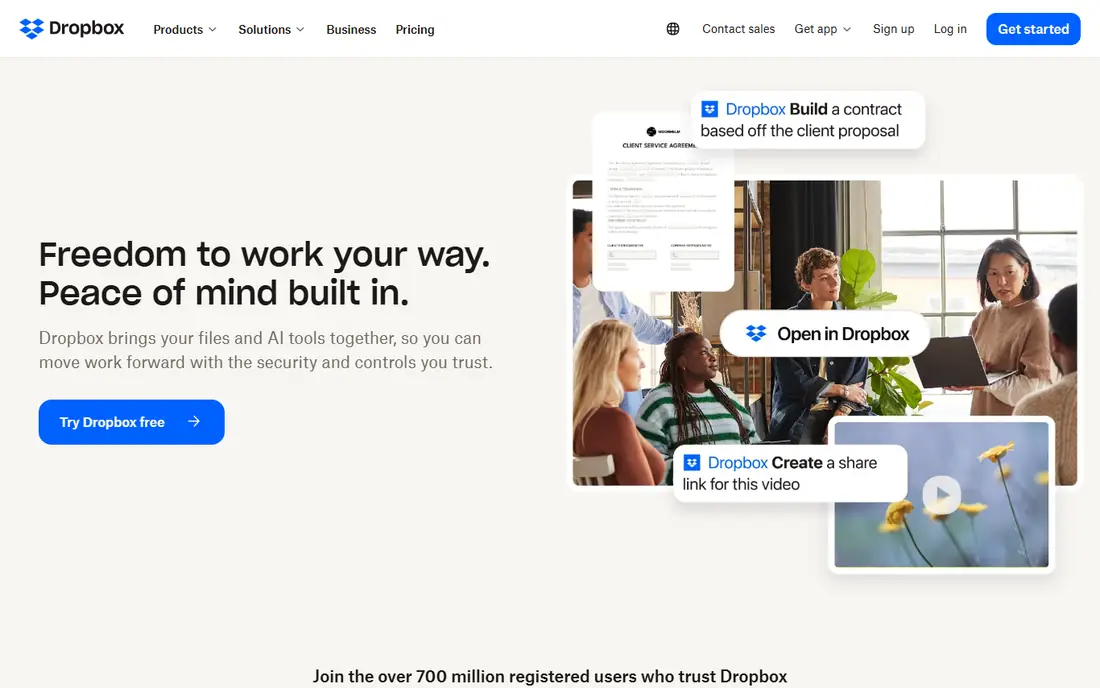
Where Dropbox fits: straightforward, dependable file sharing. Files appear on every device rapidly and dependably, shared links just work, and the interface stays straightforward.
Downsides: Collaboration features trail Google.
In daily use, creative teams, freelancers and small businesses that live in files instead of documents keep choosing it. What you pay to start with Dropbox: Free. You can start on Dropbox without paying.
- The most steady sync in the business
- Straightforward sharing anyone understands
- Free level is only 2GB
OneDrive
Ideal for: Microsoft 365 teams
Where OneDrive fits: Microsoft 365 teams. OneDrive follows the Microsoft bundling playbook: 1TB per user with Microsoft 365, deep Office integration, and SharePoint behind it for team sites.
The sharing experience confuses users more than Google's or Dropbox's, and very large synced libraries can strain the client. OneDrive cost at the entry level: Free. You can start on OneDrive without paying.
Limits to weigh: Best inside Microsoft.
- 1TB on business plans
- Included with Microsoft 365
- Sharing UX confuses some users
Google Drive
Ideal for: Google Workspace teams
Google Drive is aimed squarely at Google Workspace teams. Desktop sync has quirks with very large file sets. But for the Google ecosystem, nothing else is worth considering.
Points against: Best inside Google.
In daily use, the familiar pain is permission sprawl: years of shared links nobody remembers granting. In daily use, for organizations on Google, Drive is infrastructure, not a decision. Google Drive starts at: Free. You can start on Google Drive without paying.
- Included with Workspace
- Live Docs collaboration
- Desktop sync quirks
Box
Ideal for: Enterprise content management
Box is built with enterprise content management in mind. Business plans bundle unlimited storage, which matters for file-heavy organizations.
In practice, Box grew up serving enterprises with compliance needs. It presents in governance: granular permissions, retention policies, e-discovery support and certifications that regulated industries need. Box pricing: Free. Box includes a free tier.
Downsides: Interface feels enterprise.
- Very good admin controls
- Capable governance and compliance
- Overkill for straightforward sharing
DocSend
Ideal for: Sharing pitch decks with tracking
DocSend is built with sharing pitch decks with tracking in mind. Page-by-page analytics, link expiration, password protection and one-click NDAs make it the standard for sharing fundraising materials and sensitive documents. It is a niche tool at per-user pricing, overkill for general file sharing.
But for anyone sending documents where knowing engagement matters, investors, board members, prospects, DocSend's tracking justifies itself. For everyday use, DocSend, now part of Dropbox, answers the founder's question: who actually read the deck? No starting price is listed for DocSend here; confirm pricing on the vendor site. Free plan details: Free trial.
Downsides: Niche use case.
- Link controls and NDAs
- Fundraising staple
- Pricing per user
Smash
Ideal for: Free large file transfers
Smash is built with free large file transfers in mind. Files send just, previews look decent, and premium plans add customization and branding.
Downsides: Smaller company.
In practice, at no cost large transfers, it is the most ample choice available. Price to start with Smash: Free. Smash has a free plan.
- Ample free large transfers
- Straightforward
- Not storage
Selection criteria
Ainotely looked at what each vendor publishes: pricing, plan limits, feature coverage for document sharing platform and stated drawbacks. No hands-on testing is claimed. Seat minimums, billing terms and add-ons can move the real cost, so the starting prices here are a guide and not a quote. The order reflects how well each tool fits the most common buying scenario for document sharing platform, then price clarity, then free plan access. It is a starting point, not a verdict.
Pre-purchase checklist
- Ask ShareFile, Egnyte and DocSend for a written quote, since no starting price is shown.
- Check what the free option really includes: Dropbox, OneDrive, Google Drive and others offer a free plan, and usage caps differ.
- Take the trial from ShareFile, Egnyte and DocSend and push a live task through it before you pay.
- Before choosing ShareFile, weigh its main limit: pricing by quote.
- Ask ShareFile how an export works before you move any records in; an easy exit lowers the risk.
- Run a one or two week pilot of Google Drive with the people who will use it every day.
Frequently asked questions
How are the tools for document sharing platform ordered?
The order follows typical fit for document sharing platform, with ShareFile first and Smash last, then price clarity and free access. It is editorial judgement, not a score, so another team could rank the tools differently.
Do these tools publish their prices?
Not all of them. ShareFile, Egnyte and DocSend publish no starting price, so expect a quote request for those. The rest, Dropbox included, show a starting price, though seats and billing terms still change the final cost.
Can I track who views my shared documents?
DocSend supplies page-by-page analytics showing who viewed what and for how long, with link controls and NDA choices. Standard storage systems offer entry-level view notifications but not DocSend's depth.
Can I try these tools before paying?
Often, yes. Dropbox, OneDrive, Google Drive and others have a free plan and ShareFile, Egnyte and DocSend offer a free trial. Use your own data and a real task during the test, and check what the free tier or trial limits before you rely on it.
Is ShareFile the right pick for everyone comparing document sharing platform?
No single tool suits every team. ShareFile comes first because it fits secure client file sharing, while Egnyte suits file-heavy industries with governance needs and Dropbox suits simple, reliable file sharing. Match the tool to your own size, budget and workflow before deciding.