5 Best Document Signing Software for Business Options for 2026

- Dropbox Sign sits first on this list: straightforward signing with unlimited requests.
- Just one of the 5 tools, Dropbox Sign, has a free plan.
- PandaDoc comes with a trade-off: essentials restricted to 2 seats.
- For the industry standard for eSignature, DocuSign is worth a look.
Direct answer
Our first pick is Dropbox Sign, best for straightforward signing with unlimited requests. If your case is different, PandaDoc suits proposals that require signatures and signNow suits budget eSignature without envelope caps. Prices, free plans and limits for all 5 tools follow.
Quick comparison
| Product | Ideal for | Price from | Free version | |
|---|---|---|---|---|
 Dropbox Sign | Straightforward signing with unlimited requests | $15/month | Yes | Visit |
 PandaDoc | Proposals that require signatures | $19 per user/month | Free trial (14 days) | Visit |
 signNow | Budget eSignature without envelope caps | $8 per user/month (billed annually, official) | Free trial (7 days) | Visit |
 Signeasy | Mobile-first signing for small teams | $10/month | Free trial | Visit |
 DocuSign | The industry standard for eSignature | $30 per user/month (billed yearly) | Free trial | Visit |
Every option for document signing software for business explained
If you are comparing document signing software for business, this page covers 5 tools in one place: what each is best for, what it costs to start, whether it has a free plan, and the main limit to know about.
Dropbox Sign
Ideal for: Straightforward signing with unlimited requests
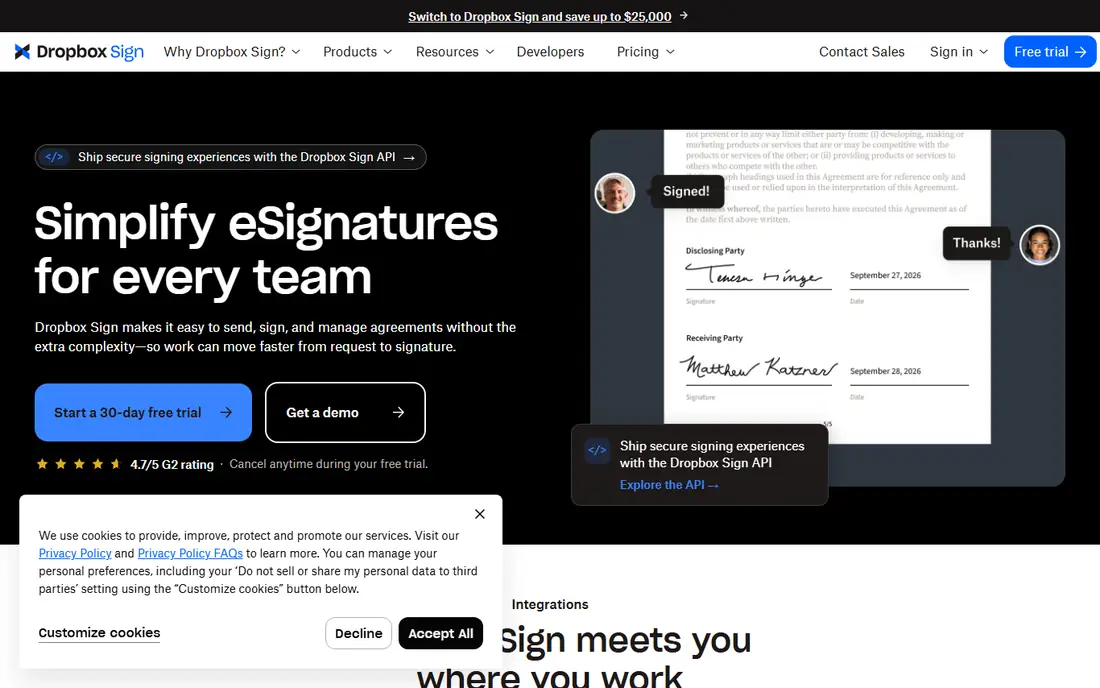
For straightforward signing with unlimited requests, Dropbox Sign is a natural candidate. The Essentials plan at a reported $15 a month handles one sender with unlimited signature requests and 5 templates. Worth adding: standard at $25 per user a month brings team features, 15 templates, and branding.
Points against: Essentials restricted to one sender and 5 templates.
Also, Dropbox Sign, formerly HelloSign, keeps things straightforward in a category that loves complexity. As for the details, API access is priced separately and is not cheap, so developers should evaluate that cost upfront. From a buyer's view, the interface is famously straightforward, which cuts training time for non-technical staff. Solo operators will not care; teams need Standard. The starting price for Dropbox Sign: $15/month. Dropbox Sign offers a free plan.
- Clean
- Unlimited signature requests on premium plans
- Advanced features need Standard or Premium
PandaDoc
Ideal for: Proposals that require signatures
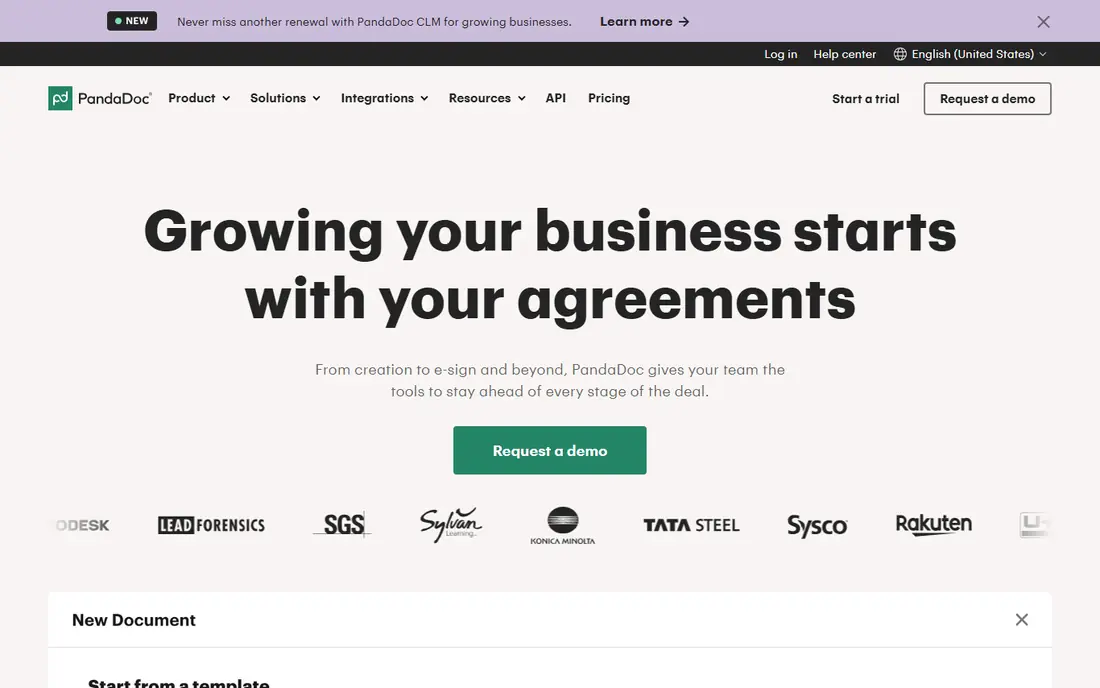
Where PandaDoc fits: proposals that require signatures. PandaDoc is not really a signing tool with documents attached. It is a document system with signing built in.
More specifically, for sales teams, the difference is concrete: rather than building a proposal in Word, exporting a PDF, and sending it for signature, the entire thing happens in one document with live tracking of when the prospect opens it. On top of that, the main limit is fit. Buy it when your documents are revenue documents. The Essentials plan at a reported $19 per user a month (2 seats max) comes with the drag-and-drop editor, templates, pricing tables, payments, and document analytics. On cost, PandaDoc starts like this: $19 per user/month. On free options: Free trial (14 days).
Trade-offs to know: Overkill if you only need plain signatures.
- Drag-and-drop document builder with pricing tables
- Payment collection inside documents
- Essentials restricted to 2 seats
signNow
Ideal for: Budget eSignature without envelope caps
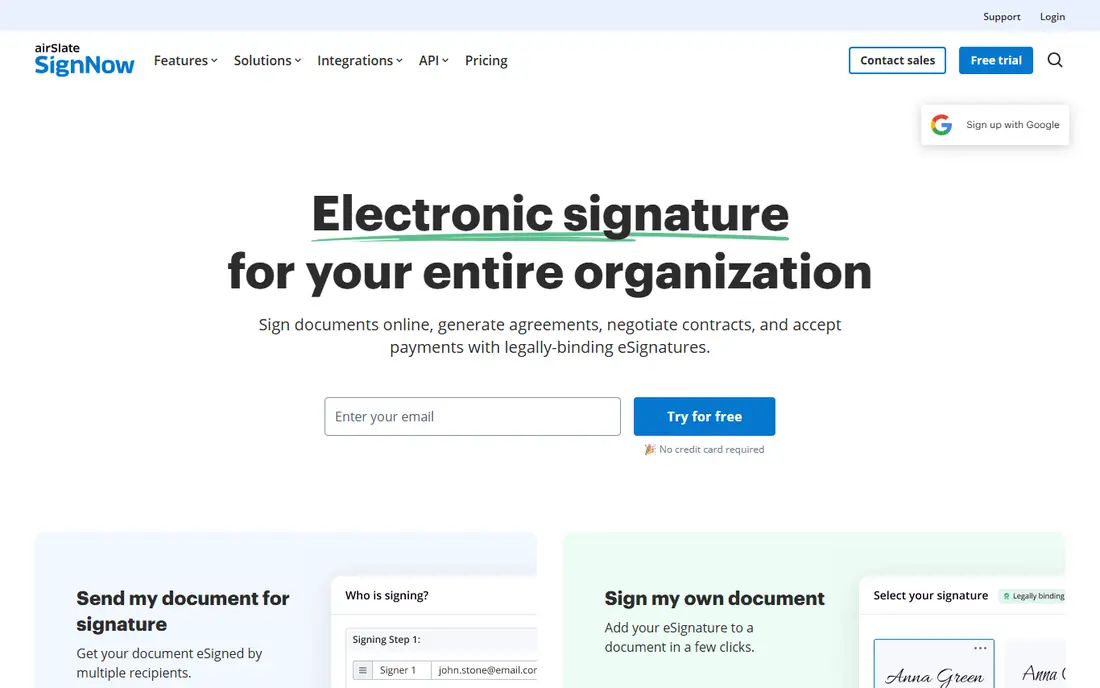
signNow is aimed squarely at budget eSignature without envelope caps. For complicated enterprise integrations, it might. More specifically, signNow is the value leader for teams that require real eSignature features without DocuSign's bill.
Downsides: No free plan.
For everyday use, the Business plan costs an official $8 per user a month on annual billing, with Business Premium at $15 and Enterprise at $30. Worth adding: the main limit is polish and ecosystem. signNow's interface and integration library are thinner than DocuSign's. Entry price for signNow: $8 per user/month. As for free access: Free trial (7 days).
- Unlimited templates and storage
- Transparent official pricing
- Interface less polished than DocuSign
Signeasy
Ideal for: Mobile-first signing for small teams
For mobile-first signing for small teams, Signeasy is a natural candidate. Signeasy built its name on mobile signing, and it displays. The main limit is ceiling.
Signeasy does not try to match DocuSign's workflow depth or PandaDoc's document building. It is a signing tool, full stop. On top of that, for teams that sign on the move and want simplicity, that focus is a feature. From a buyer's view, the focus is on getting documents signed rapidly instead of on complicated document workflows. Price to start with Signeasy: $10/month. As for free access: Free trial.
Drawbacks to consider: No free plan.
- Well suited to field teams
- Solid mobile apps for signing on the go
- Smaller feature set than DocuSign or PandaDoc
DocuSign
Ideal for: The industry standard for eSignature
For the industry standard for eSignature, DocuSign is a natural candidate. If your clients expect a DocuSign link, that expectation is the product. Plans start with Personal at $11 a month on annual billing for one user with 5 envelopes a month, Standard at a reported $30 per user a month with 100 envelopes per user a year, and Business Pro at $45 per user a month adding bulk send, web forms, and payment collection.
Where it is weaker: 100-envelope annual cap per user with overage fees.
More specifically, the envelope cap is the catch that bites expanding companies. In daily use, DocuSign is the most recognized eSignature brand in the world, which means fewer confused signers and quicker turnaround. Once you exceed 100 envelopes per user a year, overage charges apply at published pay-as-you-go rates. More specifically, if you send a handful of contracts per month, the Personal or Standard plan is fine. The starting price for DocuSign: $30 per user/month. Free access: Free trial.
- 1,000+ integrations
- Universally recognized by signers
- SSO and API access need pricey higher levels
How the list was put together
Each tool was reviewed on what its vendor publishes: price, plan limits, core features and stated drawbacks. We did not run hands-on tests. Where a vendor does not publish a price, the entry says quote. Where a price depends on seats or billing term, the entry says so. The ranking is editorial: typical fit first, then clear pricing, then free access. If your needs are unusual, read the profiles rather than relying on position.
Pre-purchase checklist
- Check the vendor page for the current price: signNow starts at $8 per user/month here, and seats or billing terms can move it.
- Test the free plan from Dropbox Sign against your real workload before relying on it.
- Use real work to test the free trial from PandaDoc, signNow, Signeasy and DocuSign, rather than a demo project.
- Before choosing Dropbox Sign, weigh its main limit: essentials restricted to one sender and 5 templates.
- Ask DocuSign which support channels and response times come with the plan you would buy.
- Price PandaDoc for your actual team size; headline prices rarely include add-ons or overage.
Frequently asked questions
Can I try these tools before paying?
Often, yes. Dropbox Sign has a free plan and PandaDoc, signNow, Signeasy and DocuSign offer a free trial. Use your own data and a real task during the test, and check what the free tier or trial limits before you rely on it.
How are the tools for document signing software for business ordered?
The order follows typical fit for document signing software for business, with Dropbox Sign first and DocuSign last, then price clarity and free access. It is editorial judgement, not a score, so another team could rank the tools differently.
DocuSign vs. signNow: which is better?
DocuSign has broader recognition and integrations; signNow costs less than a third per user for comparable core features. Also, if your clients expect DocuSign or you need its integration ecosystem, pay for it. Otherwise, signNow manages standard signing workflows well.
Can I collect payments with eSignature software?
PandaDoc and DocuSign Business Pro support payment collection inside documents. This is handy for proposals, engagement letters, and order forms where signature and deposit happen together.
Which options for document signing software for business have a free plan?
Dropbox Sign is the only tool in this list with a free plan. Free plans usually cap users, projects or features, so check the limits on the vendor page. Several others offer a trial instead.
What is the cheapest option for document signing software for business in this list?
On published monthly entry prices, signNow is the lowest here at $8 per user/month. Entry price is only part of the cost, because seats, add-ons and billing terms can change the total.